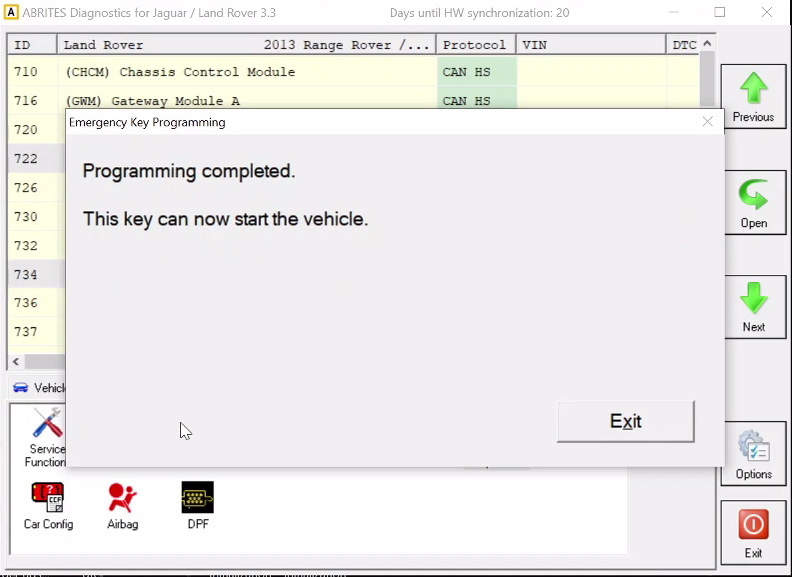
The “Key Duplicator” special function is dedicated to JLR vehicles 2018+ and allows you to program keys.
The function requires a PROTAG programmer to be connected to the PC, as well as an AVDI interface and a TA54/TA56/TA66/TA67 Abrites key for JLR. TA54/TA56/TA66/TA67 are the only keys supported by the “Key Duplicator” function.
IMPORTANT:
If the vehicle is ARMED , you will probably need to connect to the internal CAN-H and CAN-L of the vehicle using either the CB012 Abrites cable set or a Distribution box (the software will let you know if a direct connection is required).
The internal CAN-H and CAN-L are located under the front seats or inside all 4 doors.
CAN-H --> yellow/red
CAN-L --> yellow/brown(yellow/purple)
You can also disable the alarm using the “Alarm OFF” special function described in the dedicated section.
In case the vehicle is equipped with UWB , you will need to install UWB Emulator (EM015). The steps are described in the dedicated section
Procedure steps
- Open the “Key Duplicator” functionality
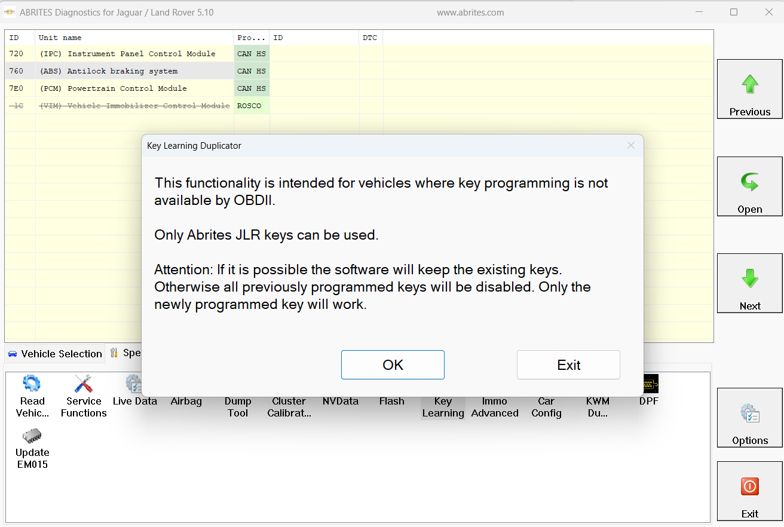
- By pressing “OK”, the software will connect to the vehicle and read the required data from it
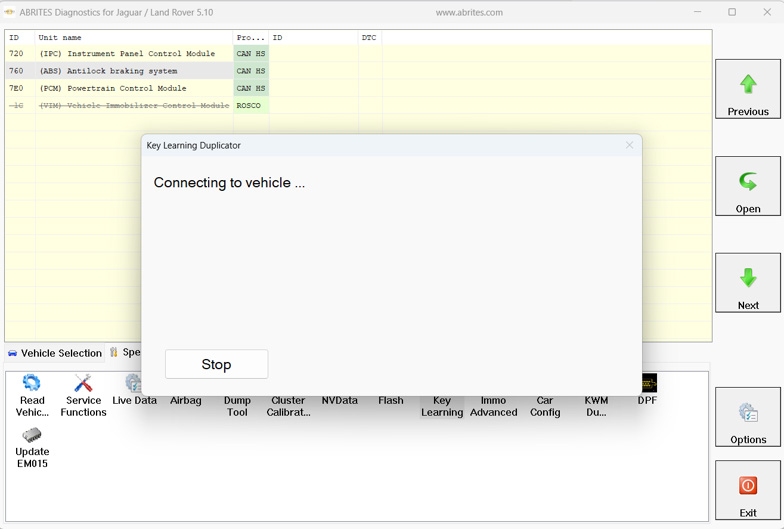
-
Connect your PROTAG programmer and place a new Abrites TA54/TA56/TA66/TA67 key
-
At this step, you must place each of the existing car keys (if available) onto your PROTAG programmer before key programming of the new keys or place a new Abrites TA54/TA56/TA57 JLR key, if it is an All Keys Lost situation.
In case you have working keys, the software will inform you if they can be saved or not.
IMPORTANT: Place the keys on top of the PROTAG programmer with the buttons facing up as shown in the photo below.
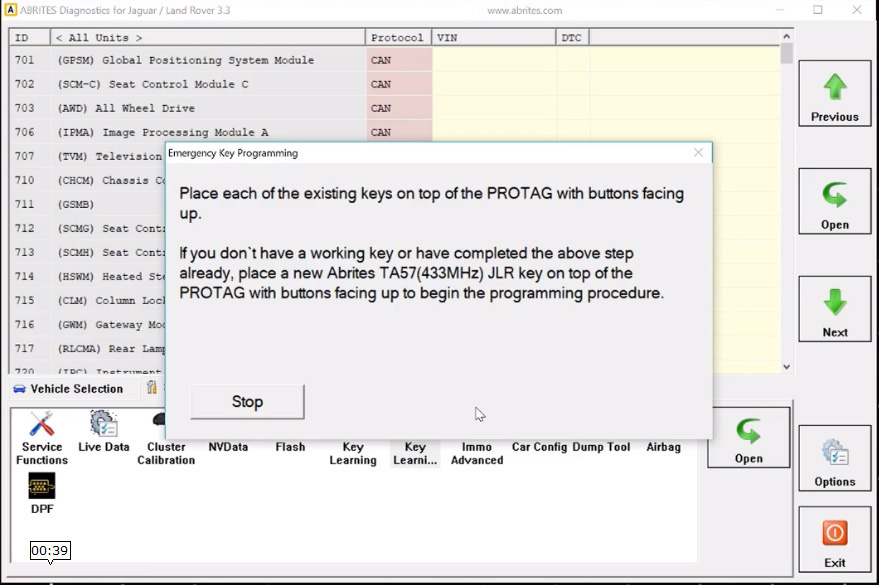
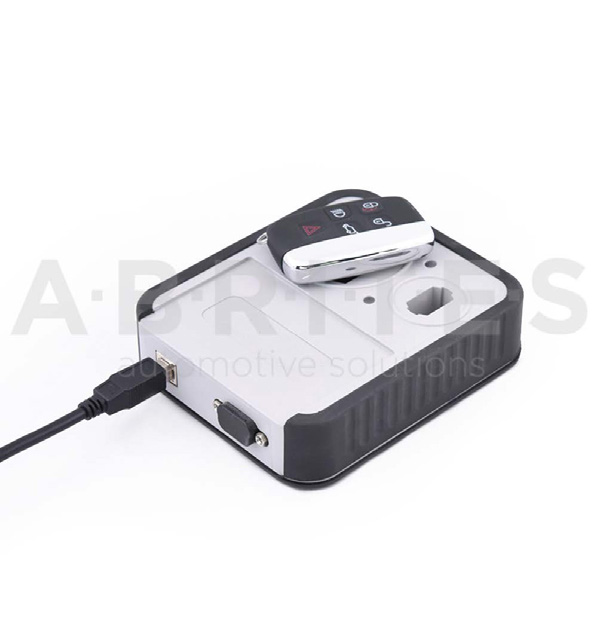
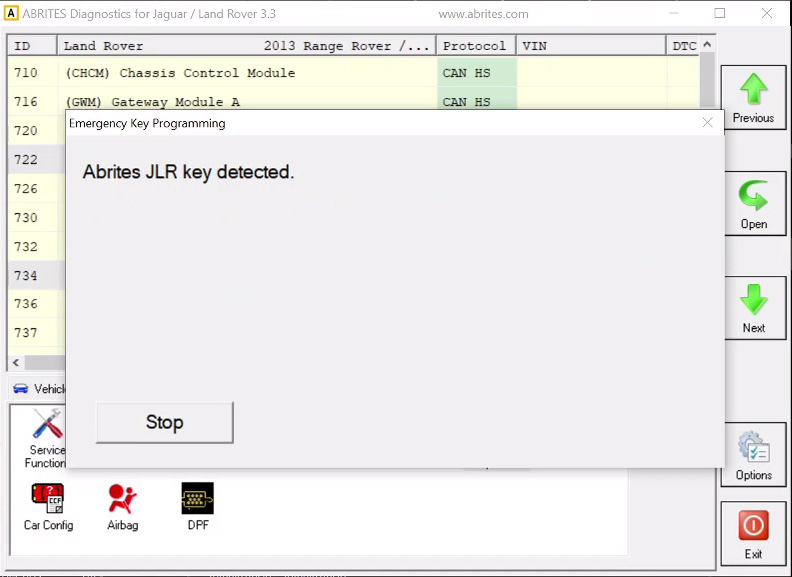
- The software will prompt you to place a new TA54/TA56/TA66/TA67 key onto the PROTAG
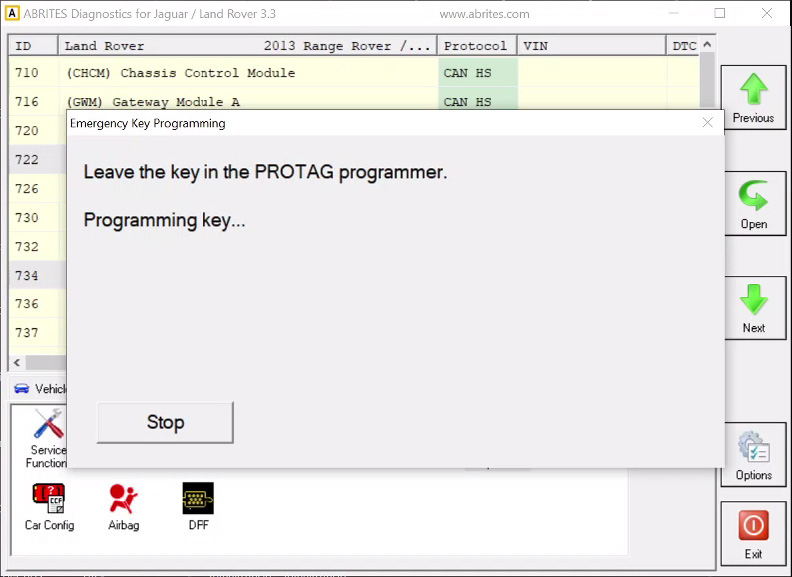
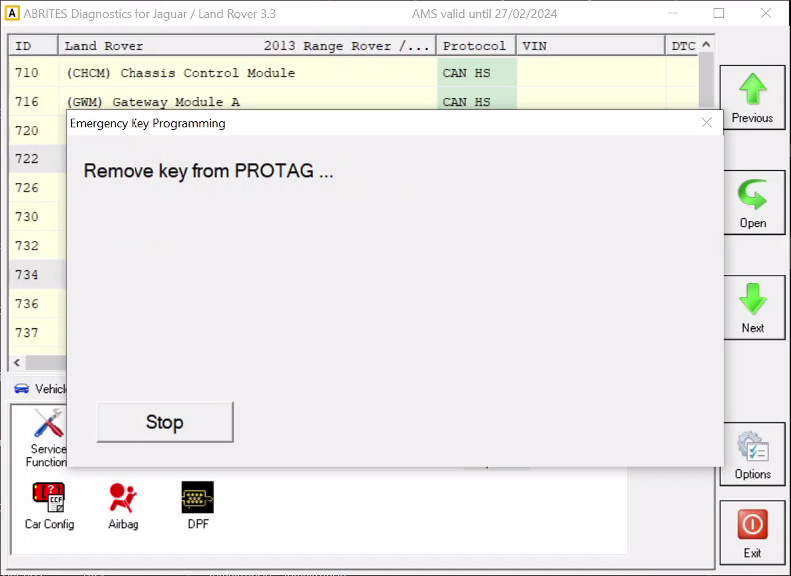
- Once ready, the software will inform you to remove the key from the PROTAG programmer and press “Stop” to finish the procedure
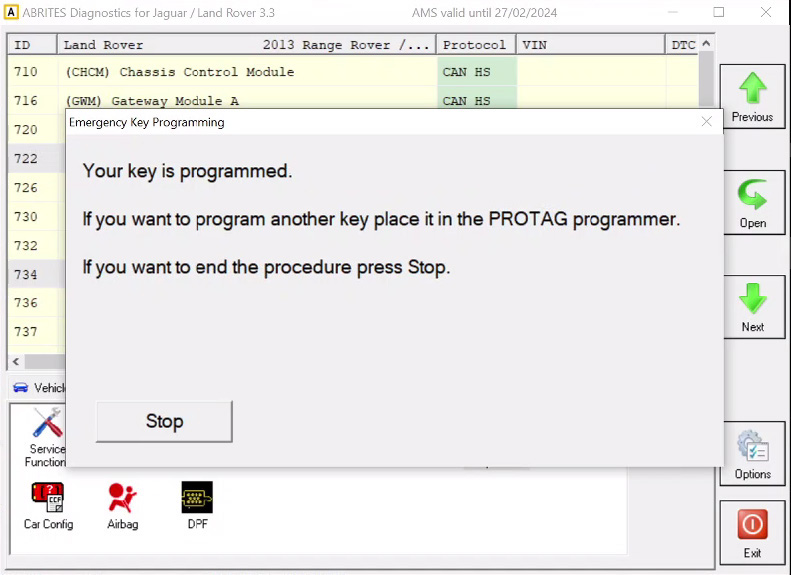
- The new TA54/TA56/TA66/TA67 key(s) is(are) successfully programmed and ready to start the car. Try to lock and unlock the doors using the remote and start the car.