This special function allows the user to perform key programming for the vehicles from the Hyundai and KIA brands. It is used with or without the PIN by VIN function (which allows the PIN code for key learning to be calculated using the VIN number of the vehicle) or using the Read PIN code function (which extracts the PIN code from the vehicle). The functions allows key programming on cars equipped both with keyless or mechanical keys.
- PIN code extraction by VIN.
Input the last 6 digits of the VIN number of the vehicle and press “CALCULATE”.
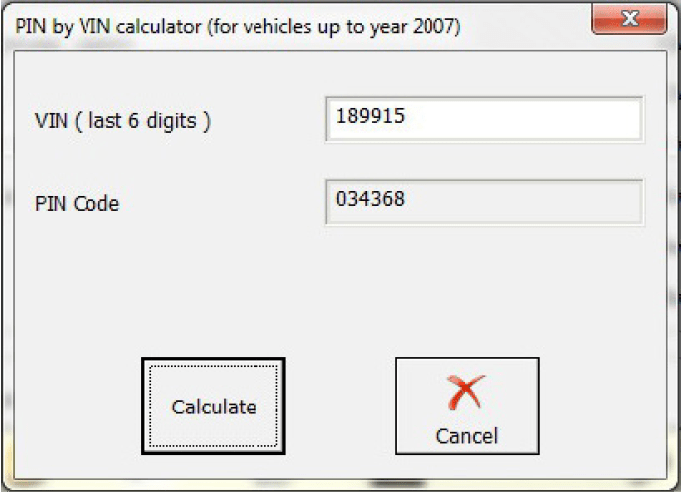
- PIN code extraction from the vehicle.
When this function is selected the user should selct the key type of the vehicle:
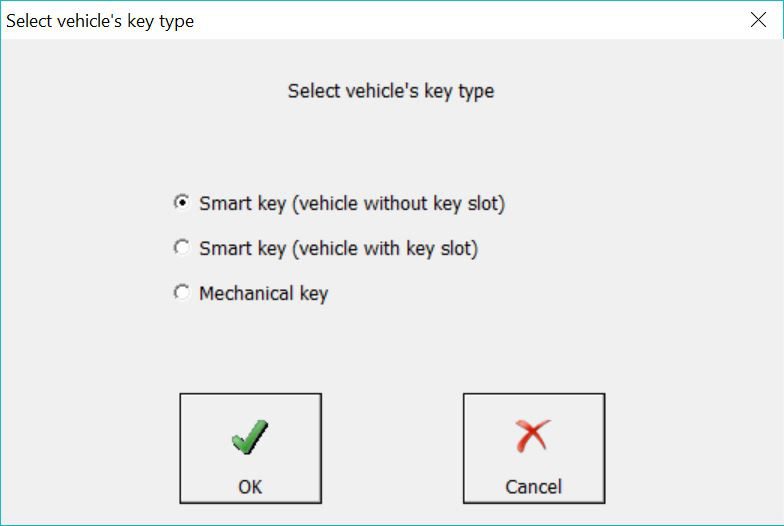
When tha Smart Key type is selected, you need to follow the software onscreen instructions:
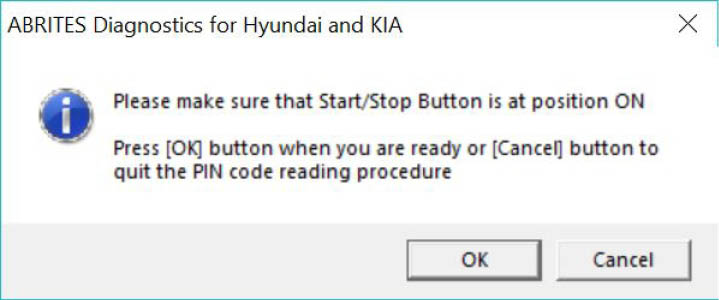
If the mechanical key type is selected, ensure that the message is read and that its content corresponds to the vehicle:
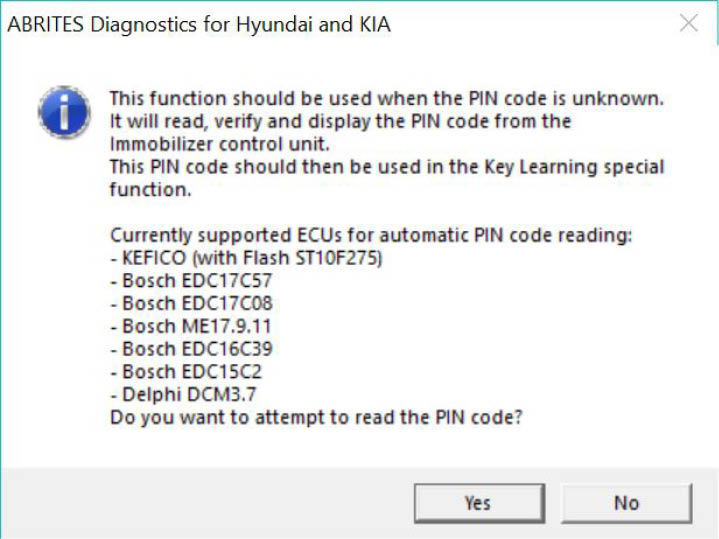
After that is done the software will calculate the PIN code and provide it to the user.
- Key learning.
Once the PIN code of the vehicle has been retrieved the user can proceed to perform key learning. When the key programming option is opened the user should see the following screen:
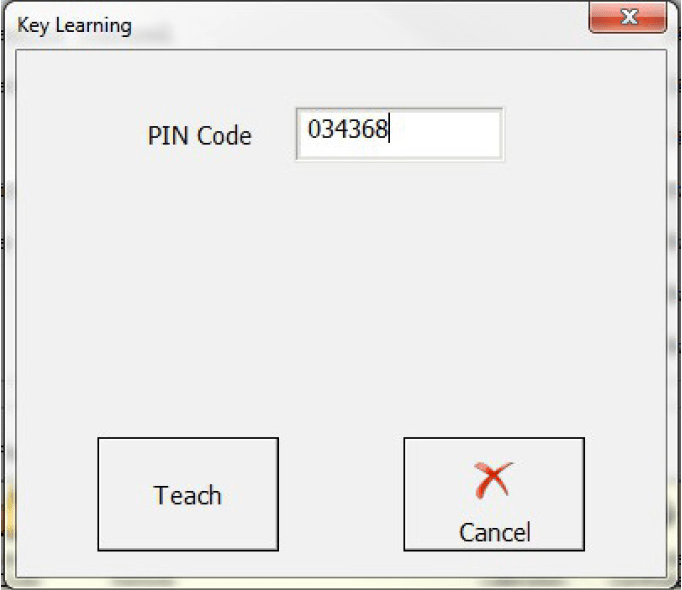
At this point the user should place the key in the ignition and press “Teach”. Once that is done the user should follow the onscreen instructions closely and read each message that comes up carefully.