You can also read the PIN and program a key if you have a working key to the car. In this scenario, you can use the TA31 extractor together with the working key to switch IGN on and obtain the PIN.
You can follow these steps to read the PIN from a working key and program a new one:
- Open your Abrites Diagnostics For Hyundai/Kia Software:
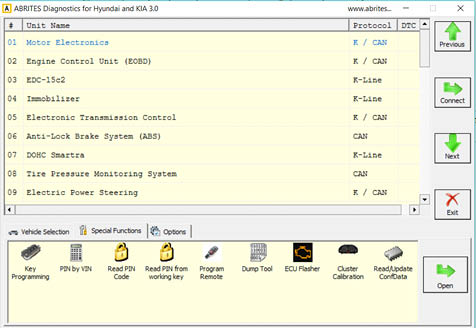
- Insert a working key TA31 into the PROTAG programmer (must be directly connected to the PC via the USB cable). If not recognized, this means the key is not supported.
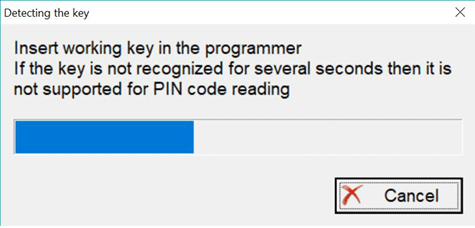
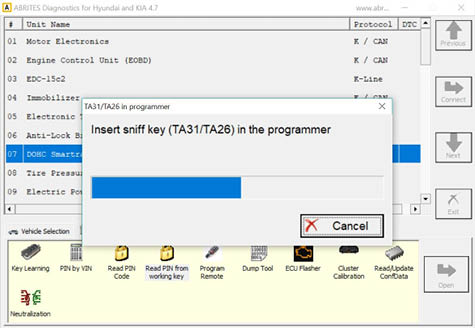
- Remove the TA31 extractor when prompted and insert the working key into the PROTAG programmer.
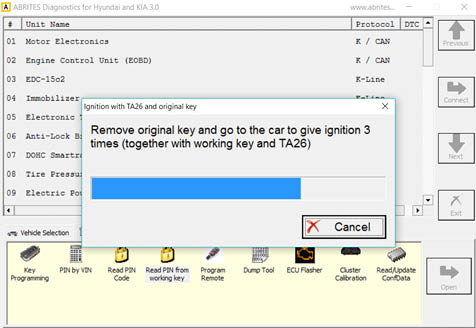
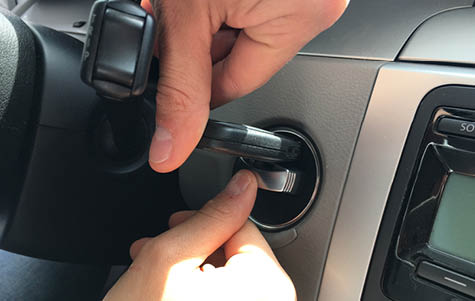
- Remove the working key and switch the IGN ON 3 times together with the working key and TA31:
- The TA31 extractor can be placed together with the working key as shown in the photo below:
- The software will prompt you to insert the TA31 extractor into the PROTAG programmer once it is ready and will display you the PIN code. This will allow you to program a spare key to the car.