The Abrites diagnostics for Hyundai/ KIA is installed together with the rest of the Abrites diagnostic software applications as a part of the Abrites diagnostic suite provided to the user via e-mail. The user can start the software by clicking on the appropriate icon from the Abrites “Quick start” menu.
Once the software is selected the user will see the following screen
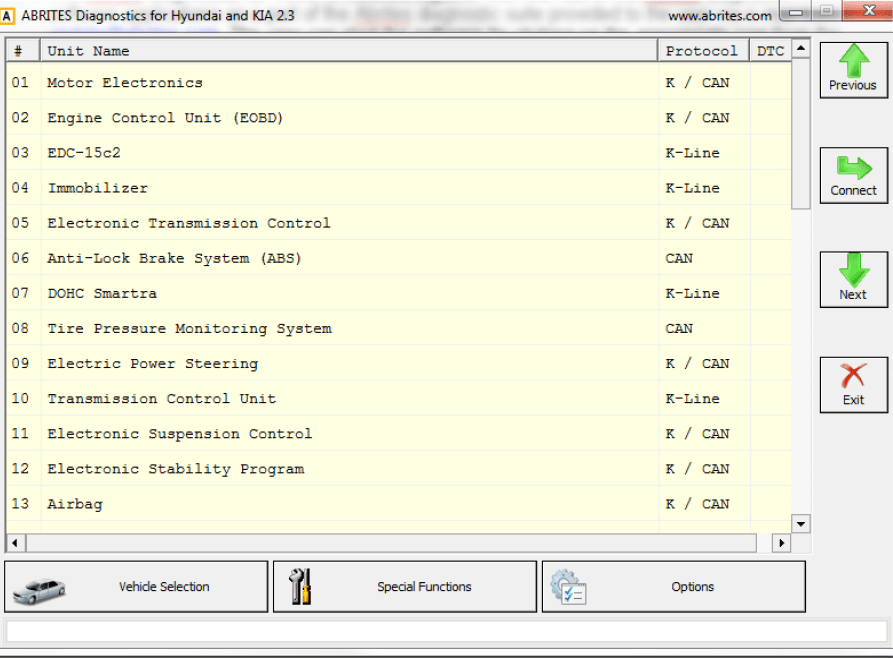
This is the main diagnostic screen of the software. It contains the navigation buttons and provides a list of all the electronic modules that may be integrated into Hyundai and Kia vehicles.