ZN076 IR Adapter
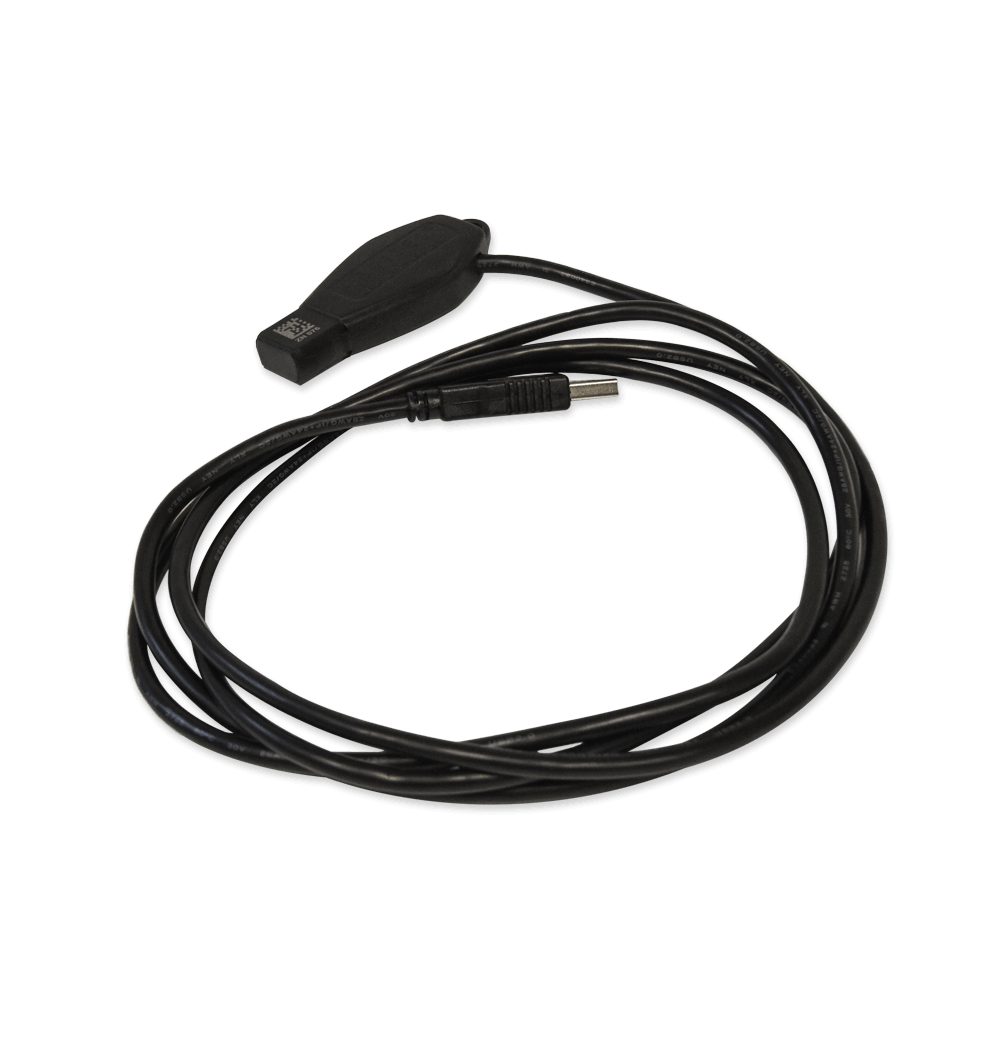
Introducing the ZN076 IR Adapter: The next generation IR adapter upgrade by Abrites. This advanced adapter replaces the ZN076 IR Adapter. The ZN076 features an infrader key adapter on one side and a USB connector on the other, directly connecting to your PC’s USB port.
Enjoy the same exceptional functionality as the ZN076, with improved performance, faster response times, and extended signal range. The IR adapters is used for reading data from Mercedes-Benz EIS/EZS through Infra Red and is designed to make the connectivity less complicated.
The DAS manager can be used to extract the EZS (EIS) password.
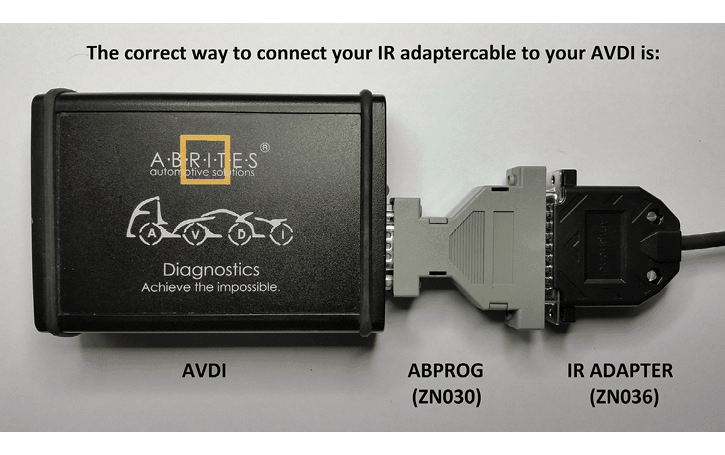
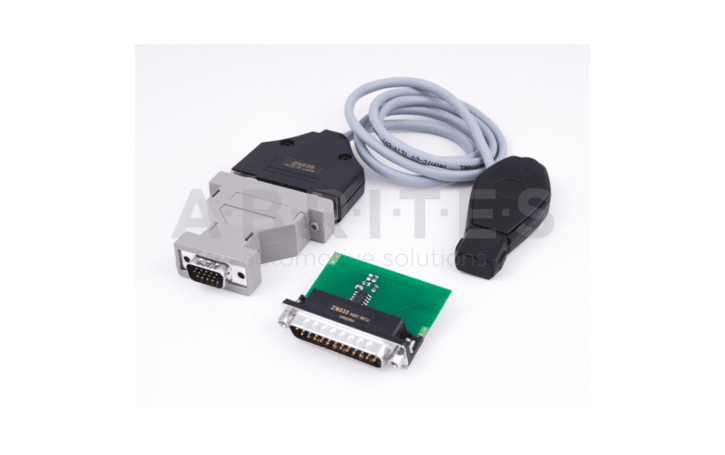
Using the ZN076 adaptor you need to connect to the ZN130 (ABPROG) to the AVDI as per the picture.
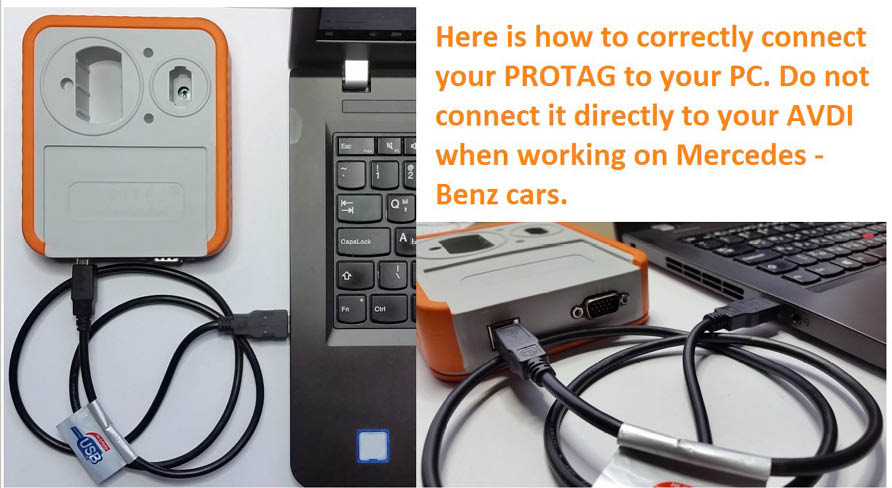
Depending on the situation you can use different methods of password extraction. If you have a working key you can use your working key with your PROTAG programmer in order to easily extract the password. When you use this method you need to put the key in the EZS and in the PROTAG in a sequence. The software will give you the needed instructions.
In the cases where you need to work on a car where all keys are lost the best way to do this is to follow the table in the appendix of the manual (DAS Manager Table 1*) in order to better understand how to go about with the different models of Mercedes – Benz vehicles.
Abrites has developed a system of cables to work together with the DAS Manager software to help you with your work with the vehicles. As easy as we have tried to make the system work it requires your attention and patience.
Go to the DAS manager special function and read the EZS
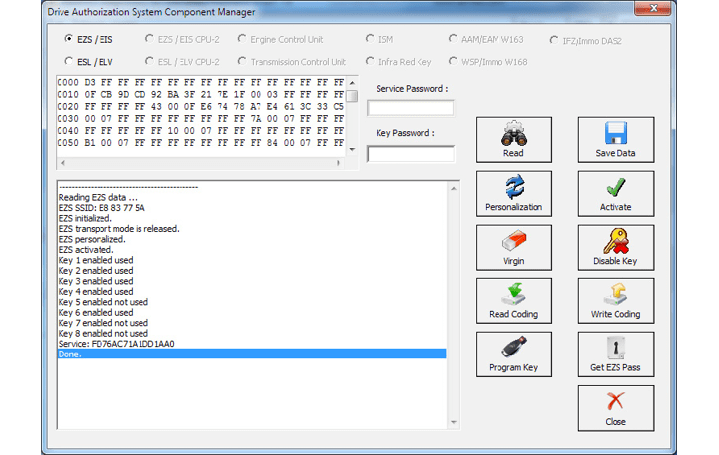
After reading the EZS you can go ahead and take the IR key out of the slot, then reinsert it and press “GET EZS Pass”.
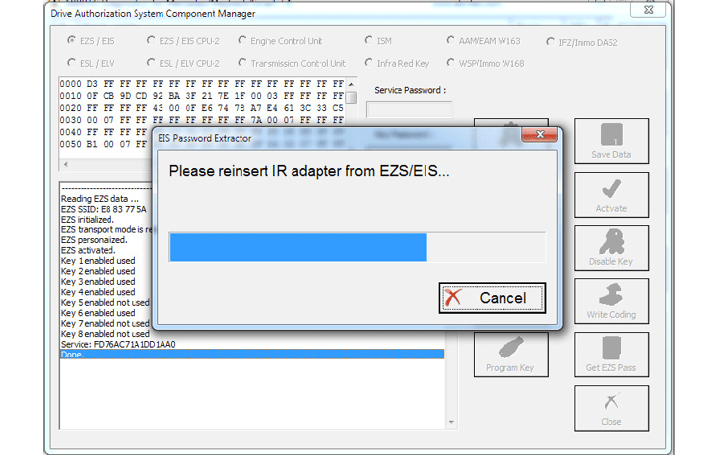
Then the procedure for reading the password will start working
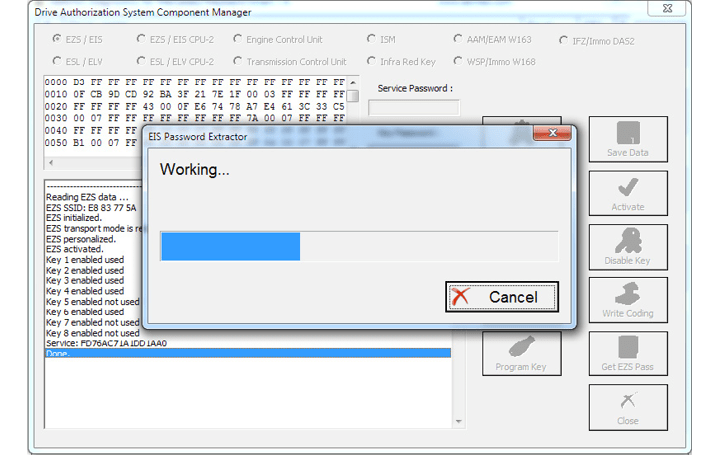
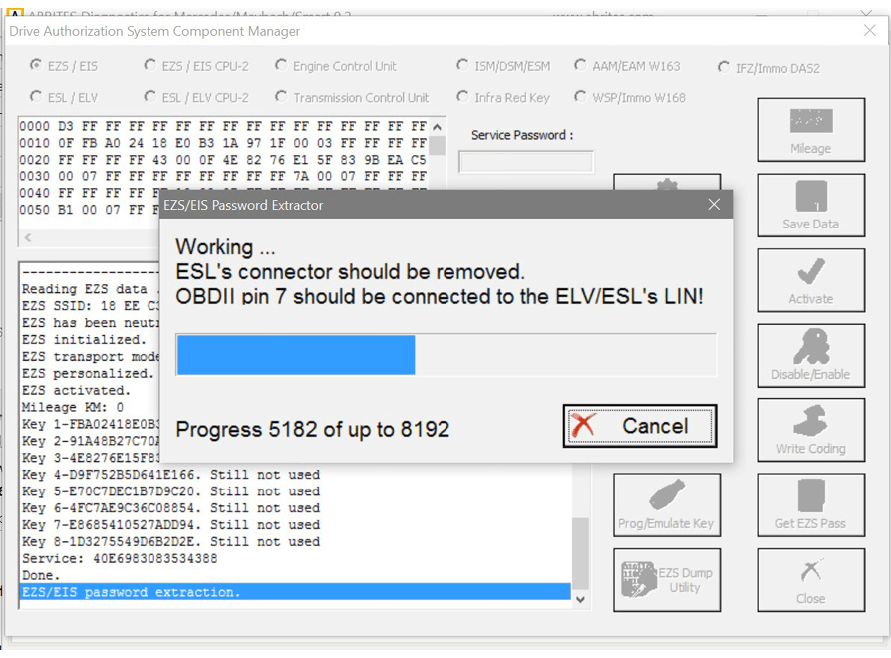
Please wait for the reading to finish:
NOTE: When doing all key lost situations we suggest that you forbid your PC to sleep as this will slow down the password extraction, have constant power to both it and the car you are working on. When ALL keys are lost the software will ask you to connect to the LIN of the EZS (connect it to PIN7 of the OBD). This is done because it speeds up the calculation. Please note that the easiest way is to disconnect the ESL’s connector and connect the LIN to it on one end and the other to PIN7 of the OBD. Note that there is a Pinout for the DB25 connector on the AVDI in the common user manual.
Attention: When reading password for W639, you may need to connect the K-Line 1 of the Distribution box to CAN HI 3 of the EZS.
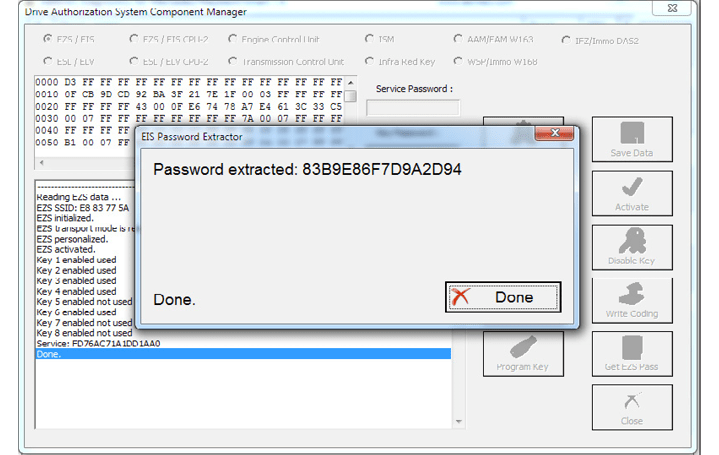
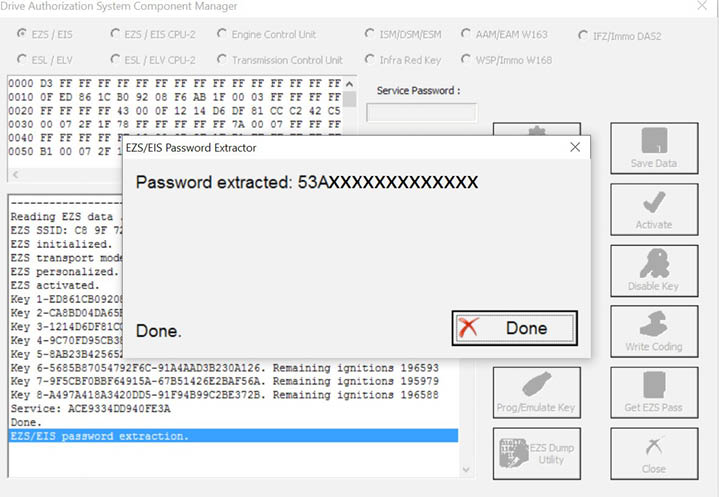
The password is now extracted and is already filled in the “Key password” field.
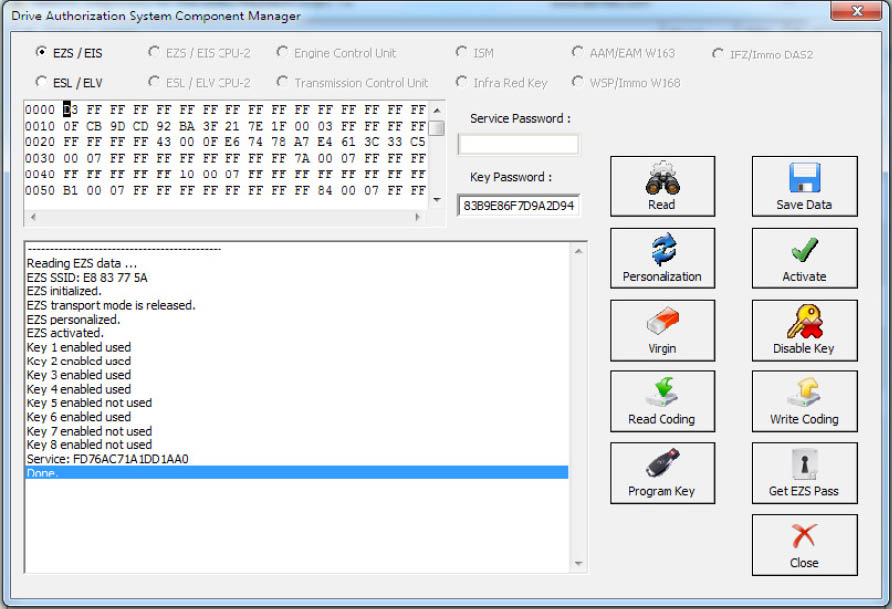
The procedure can also be performed with the ZN076 (or ZN076 attached to the AVDI via the ZN130) and your Protag programmer attached to your computer. Please note that you will need to have internet connection to the laptop computer. You can read the password from the existing key (BGA type as well).
- The first step is to read the EZS (EIS)
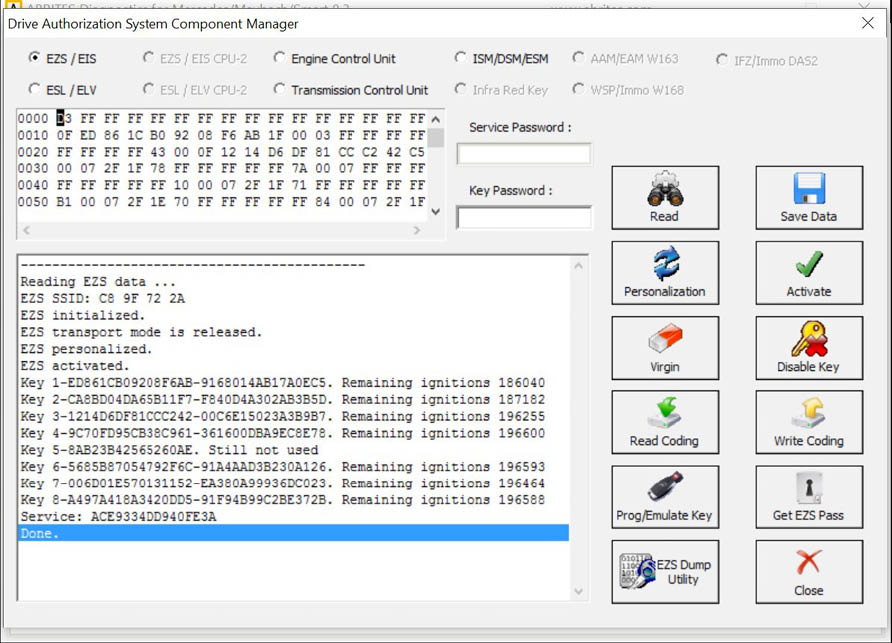
- In step two you can select a method of password extraction:
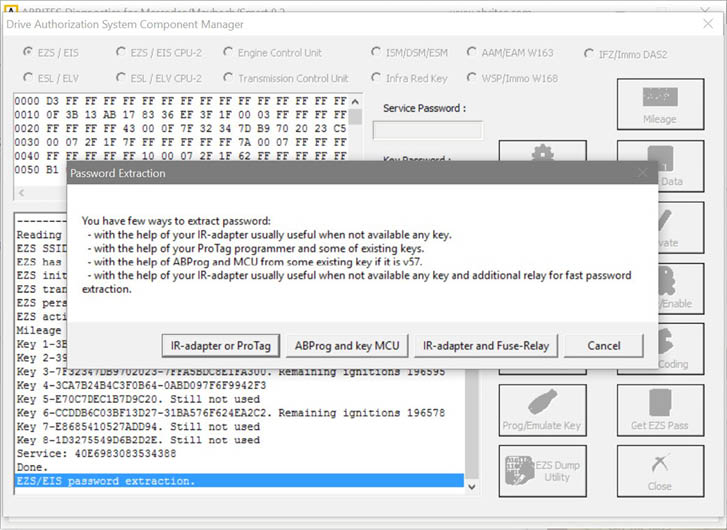
- When you select the IR adapter or Protag option the software will connect to them:
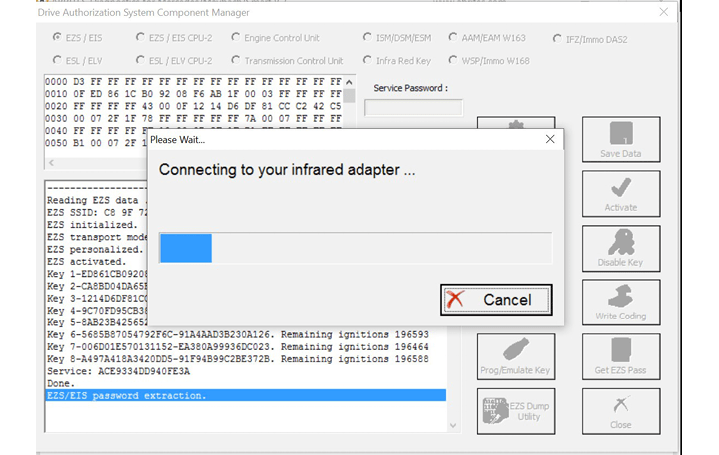
- It will then read the EZS (EIS).
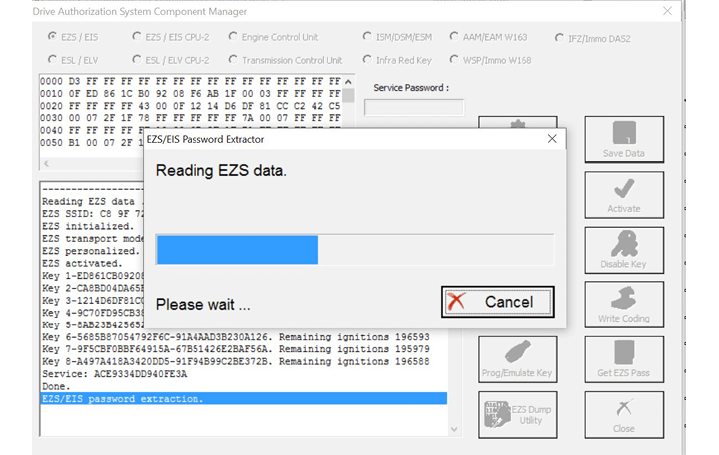
- It may ask you to take the key out of the EZS and insert it into the Protag or back in the EZS a few times. Follow the instructions closely:
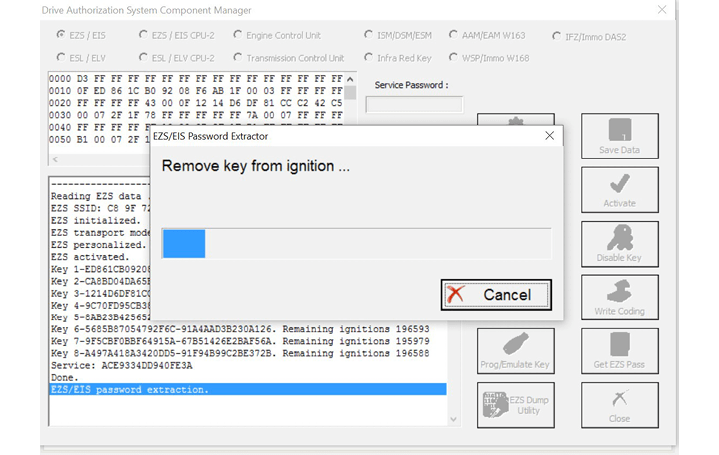
- If by now you have not attached an external power supply please make sure to do so at this point. The password extraction may take up to an hour.
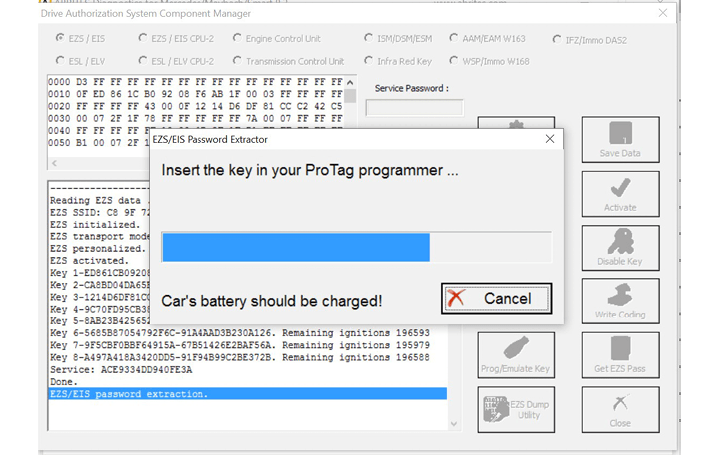
- Make sure to watch for instructions by the software.
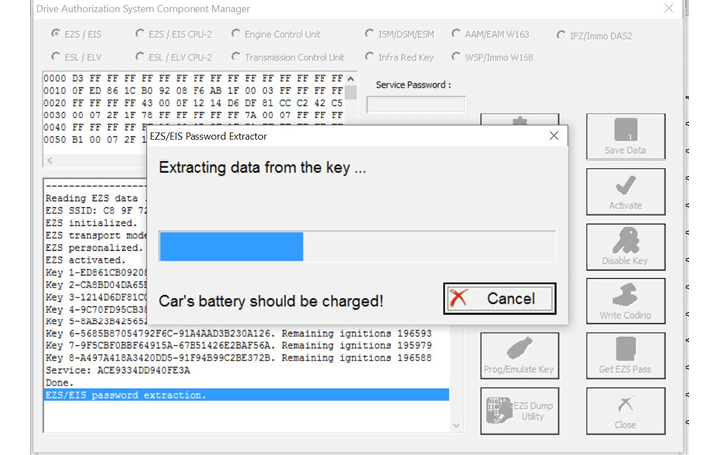
- Follow the steps it gives you:
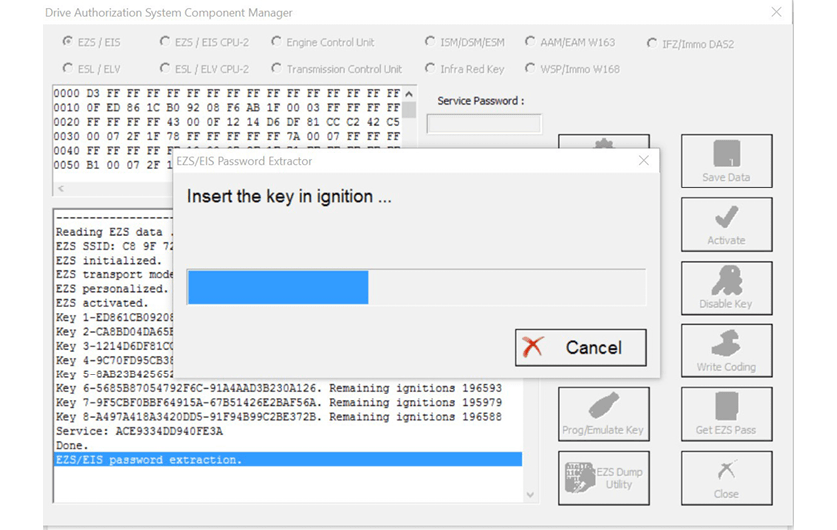
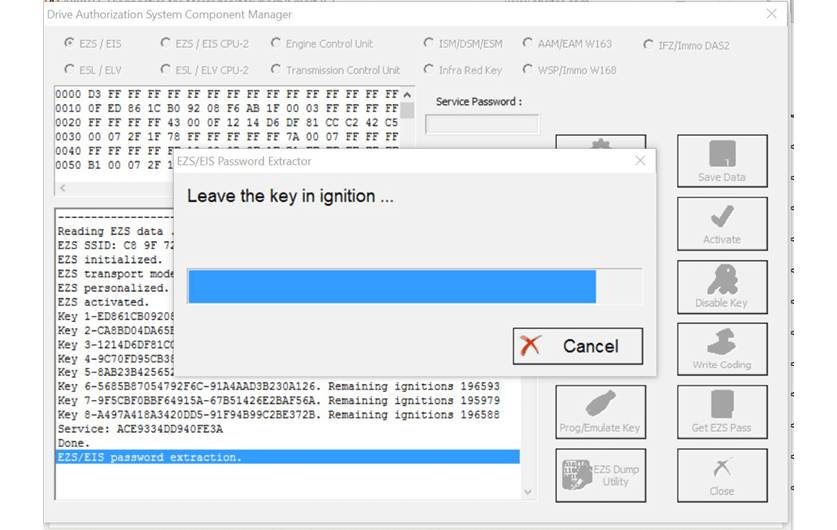
- Once the software manages to extract the password you will be able to see it, it will also be pop ulated in the password field of the DAS manager main screen.
When you select the method with the Abrites IR adapter and fuse relay you will need to connect the fuse relay to the ignition fuse. Please check the appendix for the Abrites cables we can provide in order to assist with your work . The example below is with the W204 Mercedes Cclass as it provides a clear way of understanding the way the procedure works:
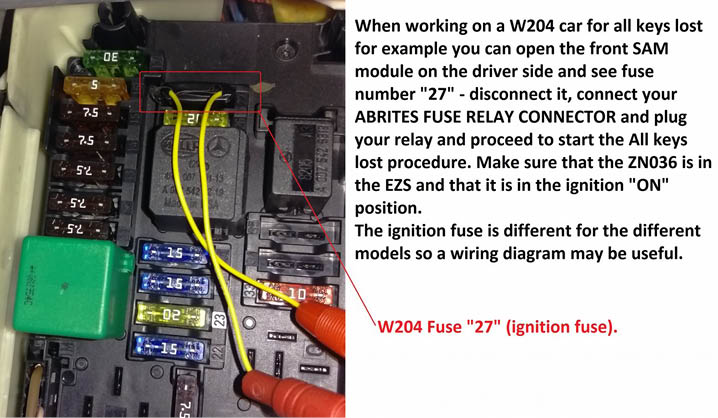
Once the Abrites fuse connector is placed you can connect the Abrites fuse relay.
The procedure of extracting the password will be up to 10 times faster than usual.
We suggest you use the ABRITES FUSE RELAY in ALL KEY LOST situations when possible because this method saves a lot of time