The Adaptation of used EZS modules goes through the same general steps. You need to select the
EZS from the selection menu in the top of the DAS manager and read it
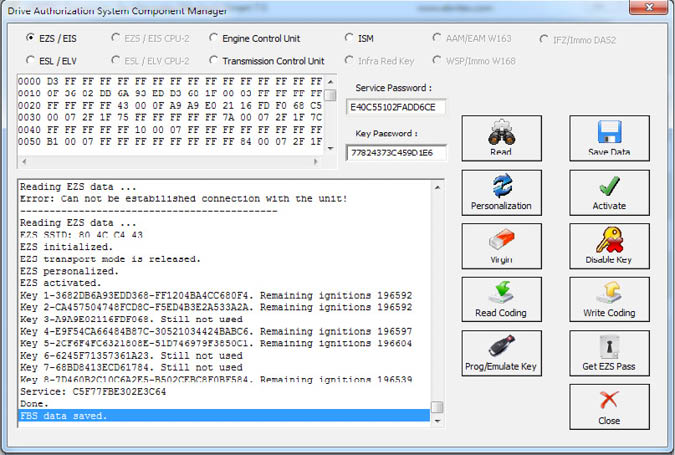
In this step we can GET the EZS password as per the methods described in 5.17.1.
Now we can proceed to make the EZS virgin. You will need an IR adapter:
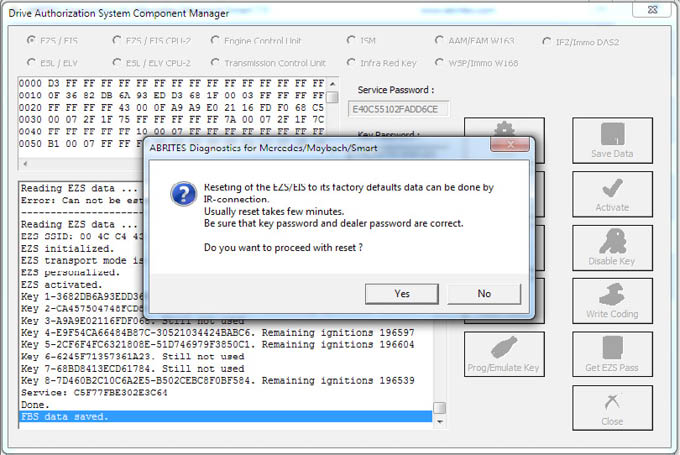
After confirming you can proceed to the next step. Do NOT forget to have your IR connector connected to the AVDI and ready to be plugged into the EZS when the software asks for it:
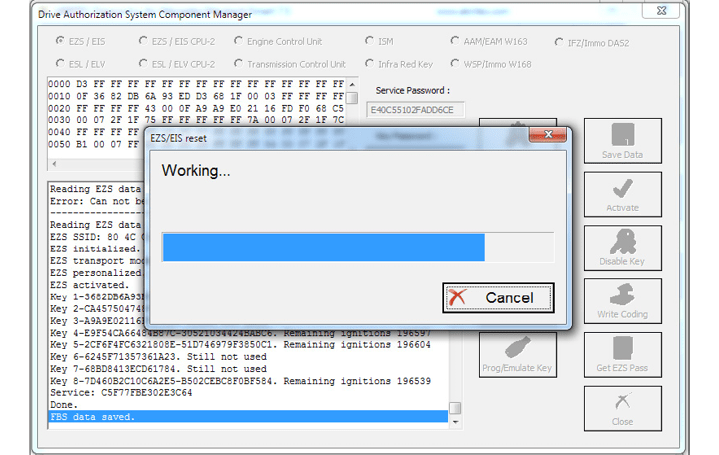
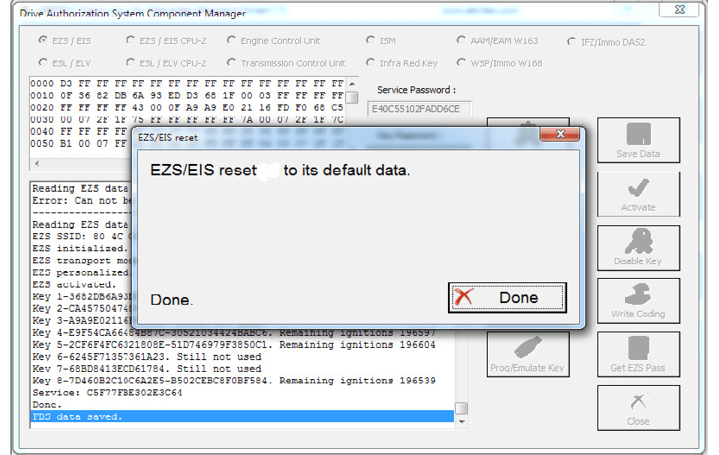
The restore to virgin state is completed.
Now we can proceed to the personalization of the EZS unit. First make sure to read the EZS and make sure that it is in a virgin state:
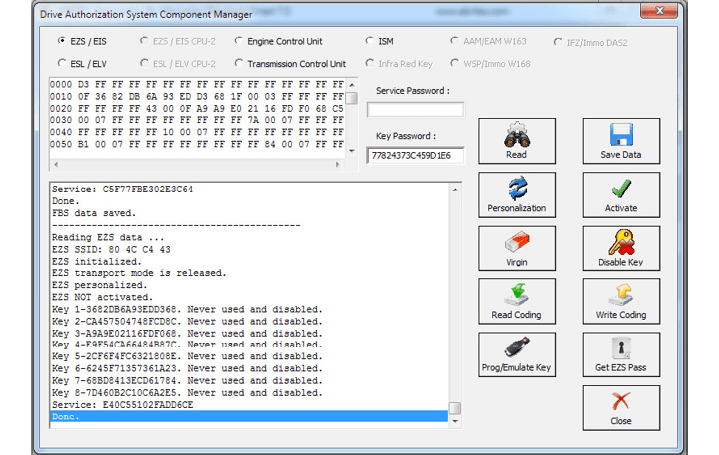
Then turn the ignition OFF and ON again. Press personalize:
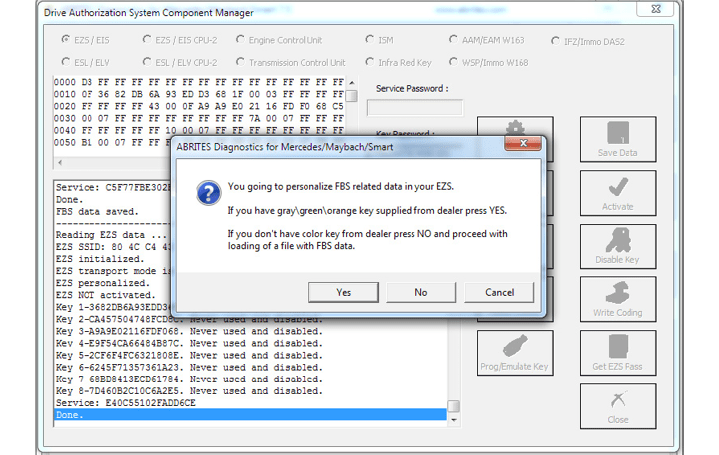
If you do not have the service key the software will allow you to load previously saved data to this EZS and use it with the new (second hand) EZS. Alternatively you can record the Abrites default data. If you choose to do that – all previous keys will be lost and new ones need to be learned. This is the FBS_Data_Abrites.bin file. It is located in the following folder: C:\Program Files (x86)\ ABRITES\Common\Mercedes in case you need to use it.
DAS manager can also calibrate the mileage counter in the EZS for the W(X)164 and W251 cars
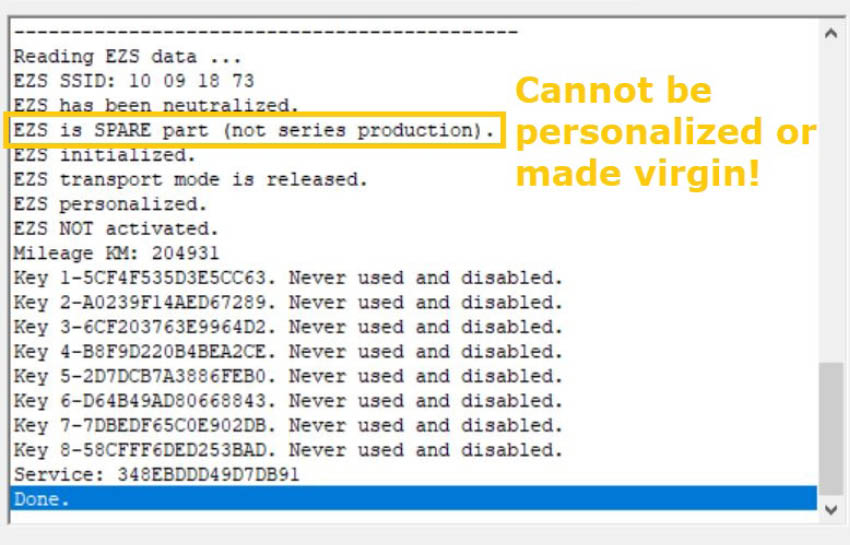
NB! If you are replacing an EZS/ EIS and you see that the EZS/ EIS is a spare part (when you read the FBS DATA it will be displayed) this means that the EZS/ EIS has been disabled from factory and cannot be pesonalized or virginized any more. This EZS/ EIS cannot be used for replacement.
Personalizing an EZS (EIS) using the FBS data from an ECU
With the help of the Abrites diagnostics for Mercedes and DAS manager you can personalize an EZS using the data from the ECU. This is very helpful when the original EZS from the car is missing or broken. In order to perform this procedure you need to have the following:
Replacement EZS (EIS)
-
Key password
-
FBS data from an ECU.
-
SSID (Engine Control Units) do not contain the SSID inside them but the SSID is vital to the operation of the EZS. For this reason you need to have an SSID.
The steps you need to take are the following:
-
Read the key password.
-
Read the FBS data from the ECU
-
Make the EZS virgin
-
personalize the EZS with the data from the ECU.
-
Write the Key password
-
Write the SSID
-
In some cases you will be required to program the keys back to the car but this is not a problem because you already have the key password.
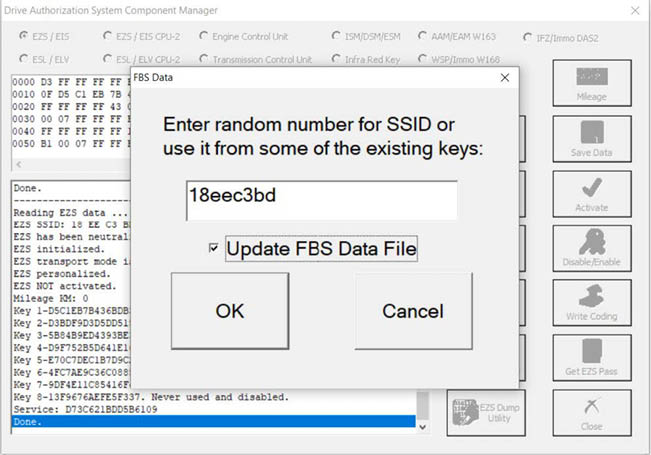
When you personalize the EZS you input the password in the field and select the “Update FBS Data file” radio button:
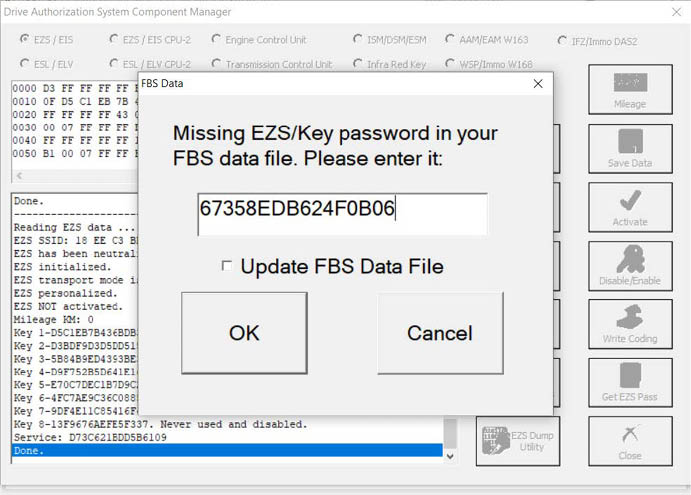
In this window you will see that the EZS is already personalized with the SSID:
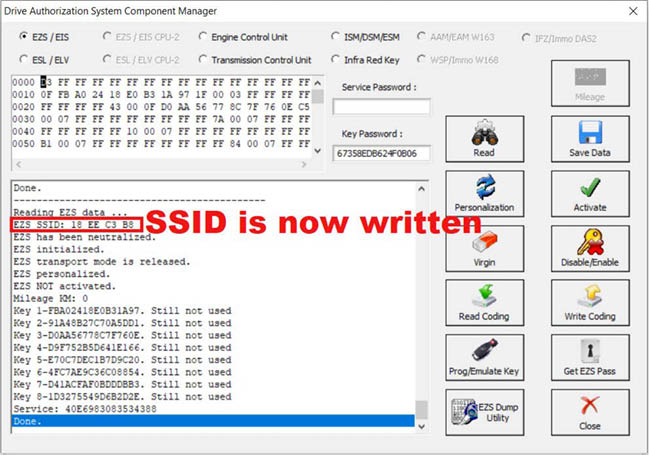
At this point the procedure is finished and the EZS is personalized with the data from the ECU. The car starts and is back on the road.