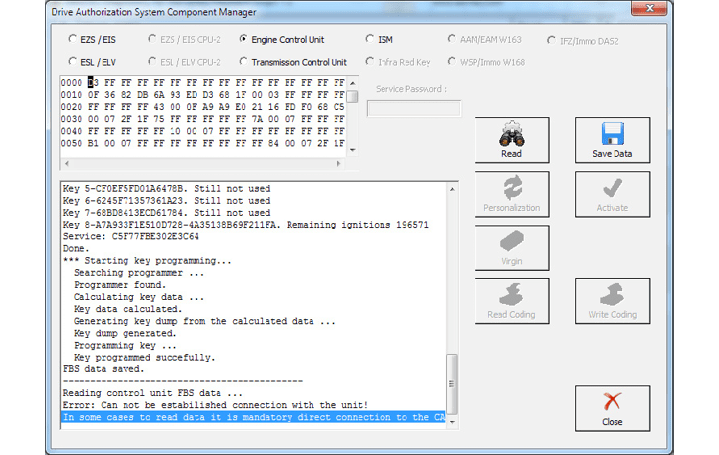
After connecting to the internal CAN we can retry the reading process. The following will appear:
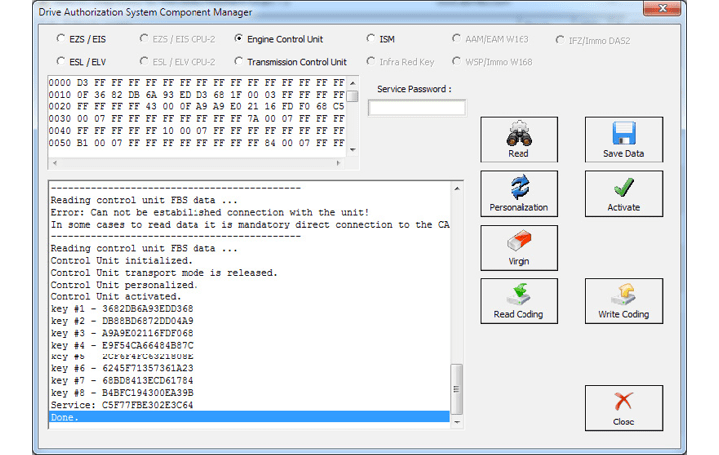
This means that the reading is done. After this you can read the existing coding of the unit and save it (this is not an obligatory step):
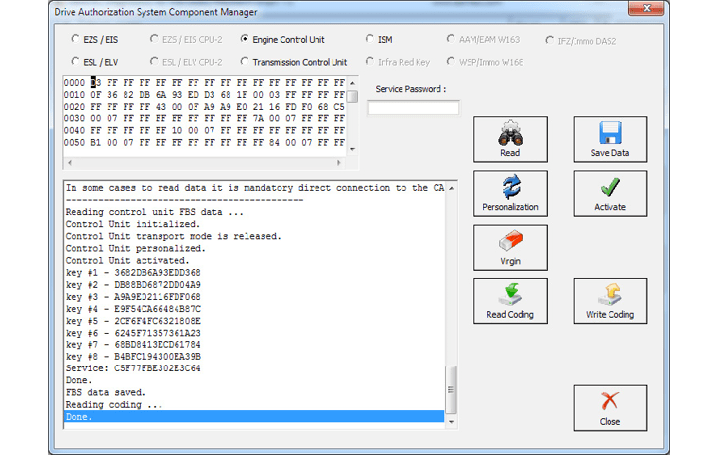
When the coding is saved you can make the ECU virgin. For this operation you will require internet connection:
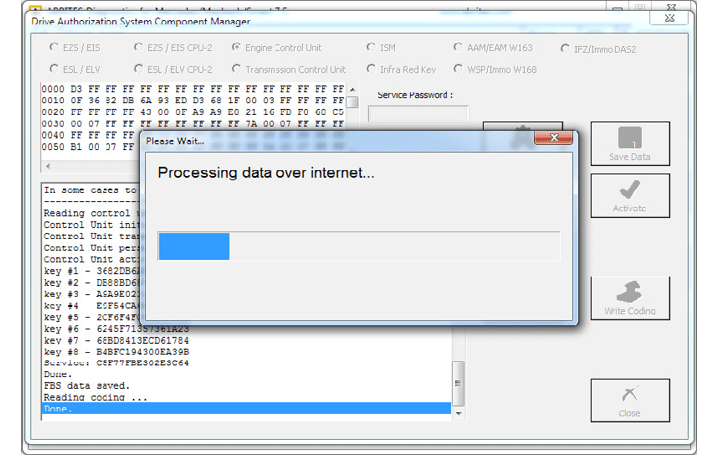
The virginization process is complete:
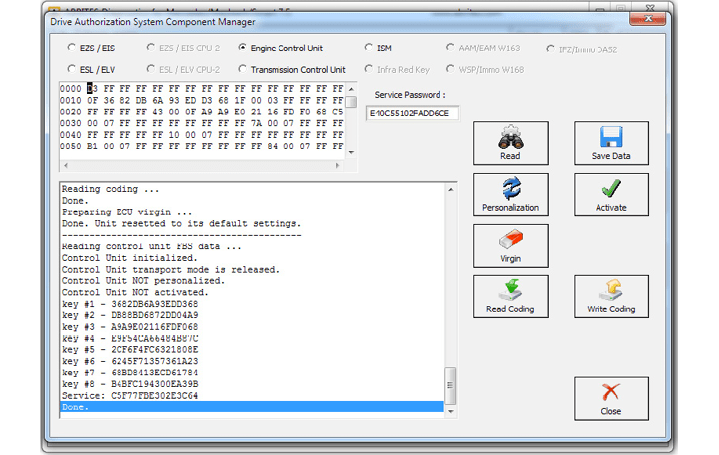
You can now proceed towards personalization of the unit. Please make sure to turn the ignition OFF and ON again. Personalize gets the data from the EZS and writes it to the ECU:
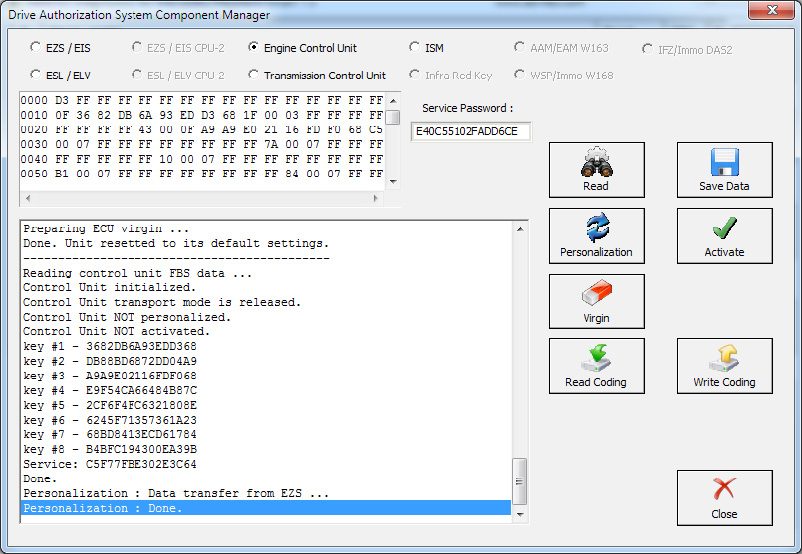
After this step you may need to turn the ignition OFF and ON again. Then you can activate the unit:
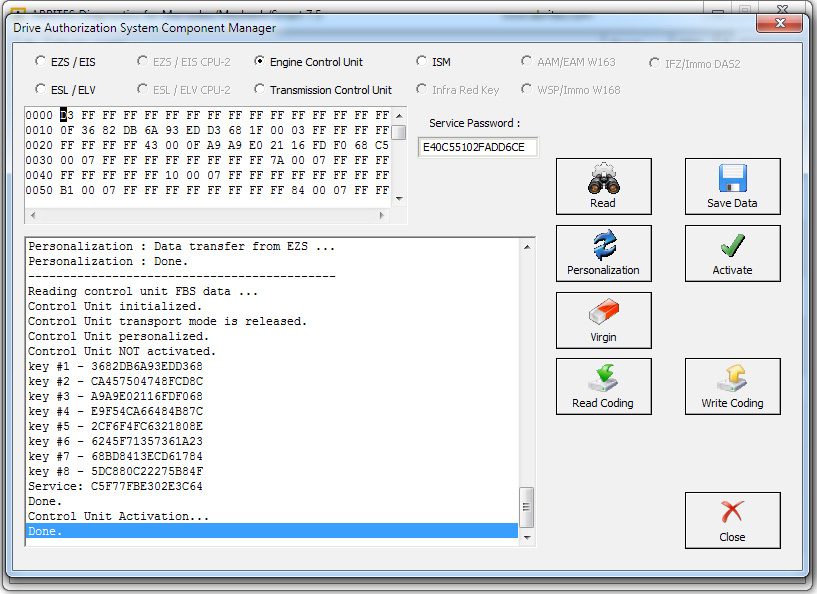
As you can see from the software’s information window every step it takes is recorded and displayed so that you can see what step is done.
The software also tells you what steps you have to proceed with.
When a used ECU needs to be installed in the vehicle you can connect the ECU to the car and perform the following steps in order to adapt it to the car so that it replaces a broken unit:
- Read the used ECU (as in the above case the ECU may need to be read by internal CAN)
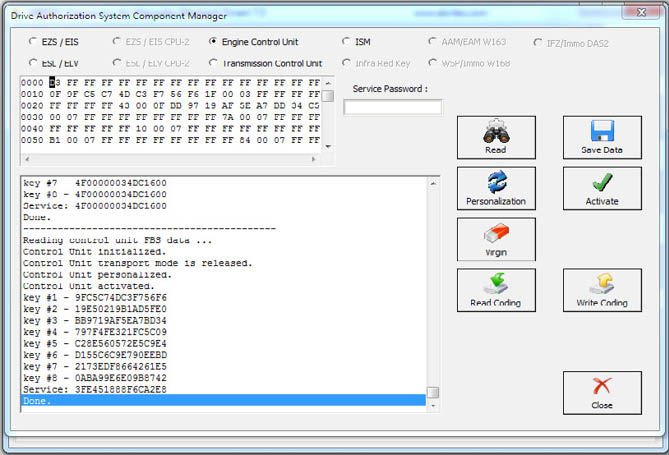
- The used ECU is in a virgin state. You can turn the ignition OFF and ON again. Then press personalization:
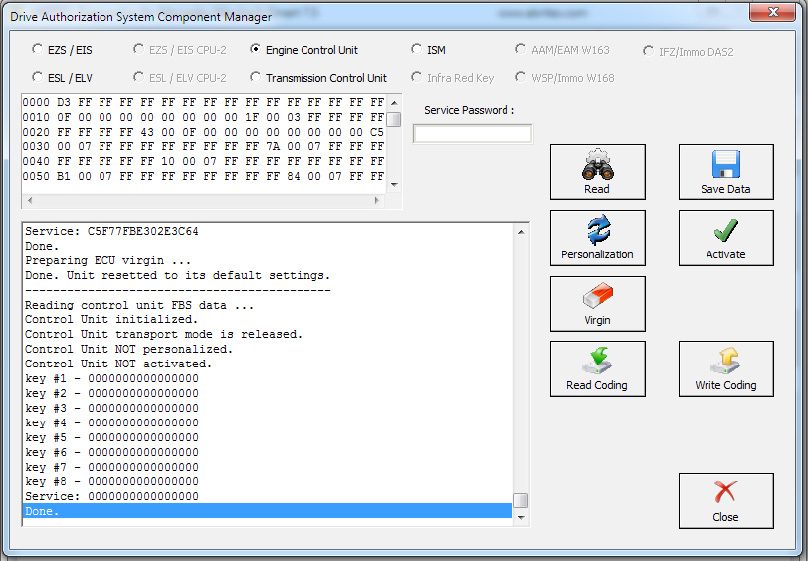
- The unit is personalized and ready to be activated. Press “Activate”:
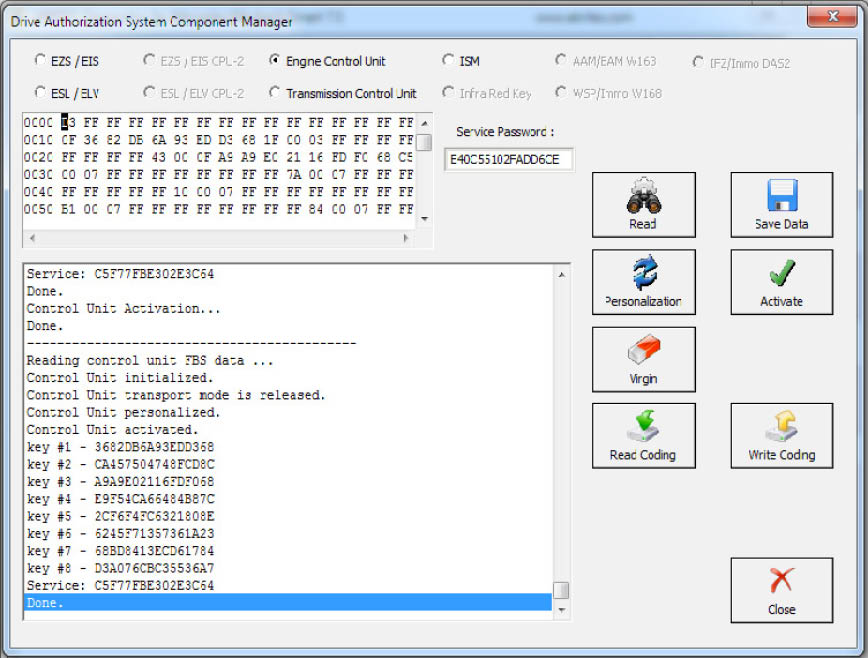
- The activated ECU is ready to work in the vehicle.
NOTE: Please make sure to always turn the ignition OFF and ON again before Personalization of an Engine Control Unit.