Go to the Apple App Store or Google Play Store
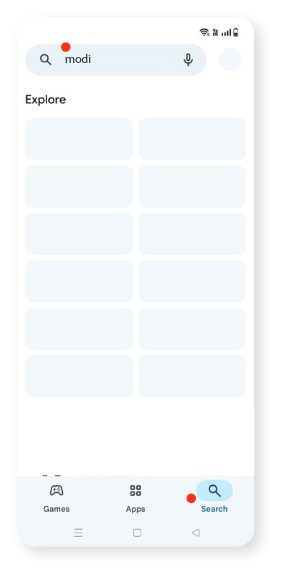
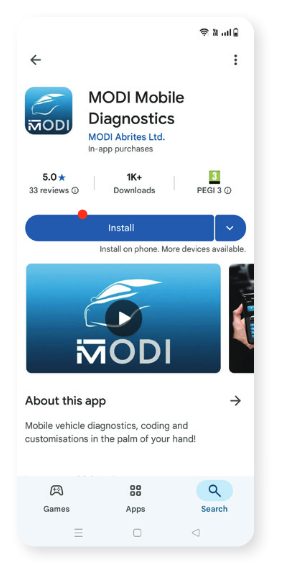
Search for and download MODI Mobile Diagnostics
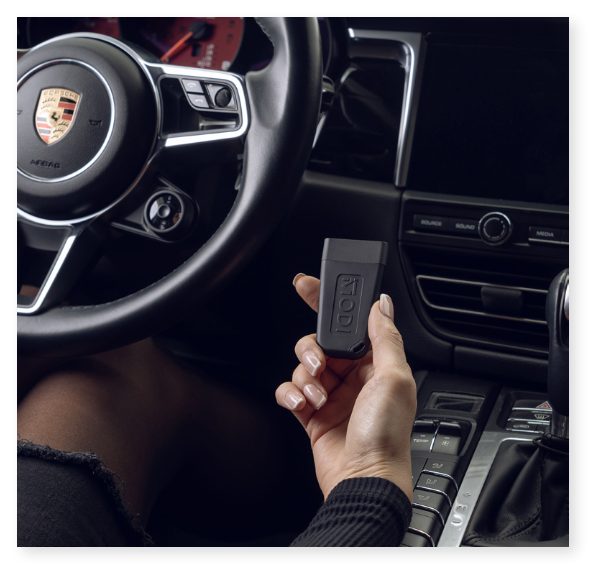
Connect the MODI Device
Plug the MODI device into your vehicle’s OBDII port.
- The OBDII port is typically located under the dashboard, near the driver’s seat, near the glovebox, or around the area near the footwell
Launch the MODI App
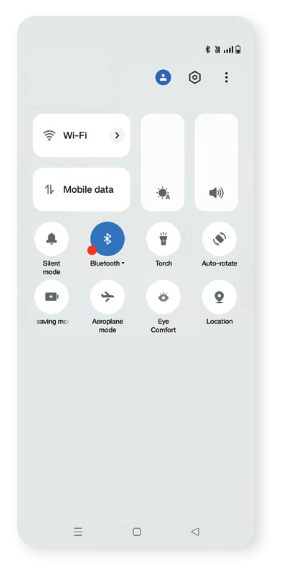
- Enable the Bluetooth on your mobile device
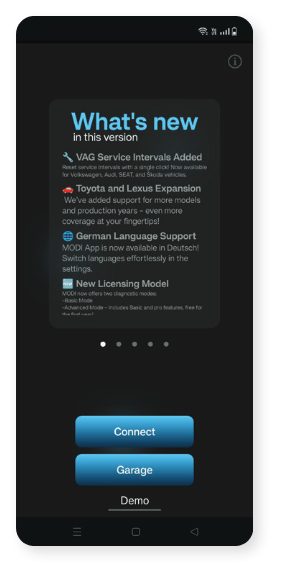
- Open the MODI Mobile Diagnostics App on your mobile device
*Apple and the Apple logo are trademarks of Apple Inc. , registered in the U.S. and other countries. Google, Android, Google Play, and the Google Play logo are trademarks of Google LLC.
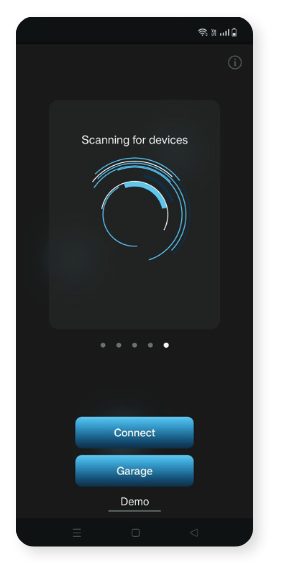
Connect the Device
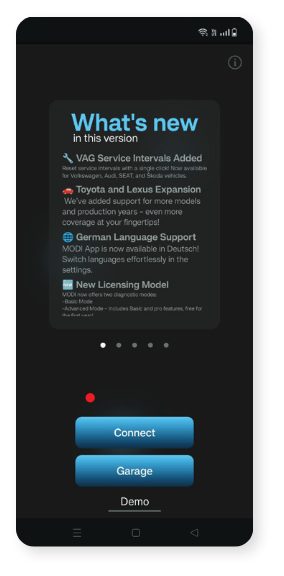
- Tap on Connect within the app to pair it with the MODI device
Run the Diagnostics
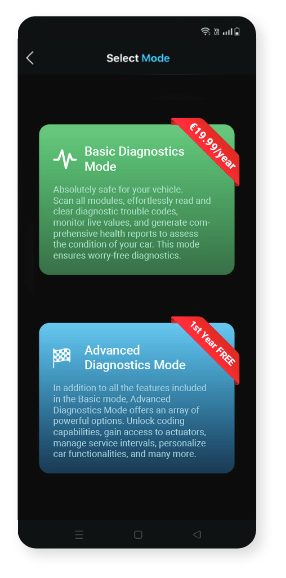
- You can choose between two diagnostic mode’s - Basic and Advanced
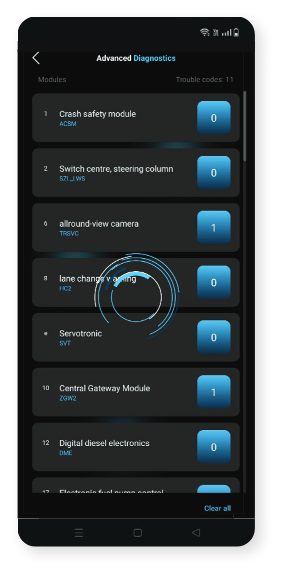
Once Connected
- Follow the on-screen prompts to run diagnostics or any additional functions as needed
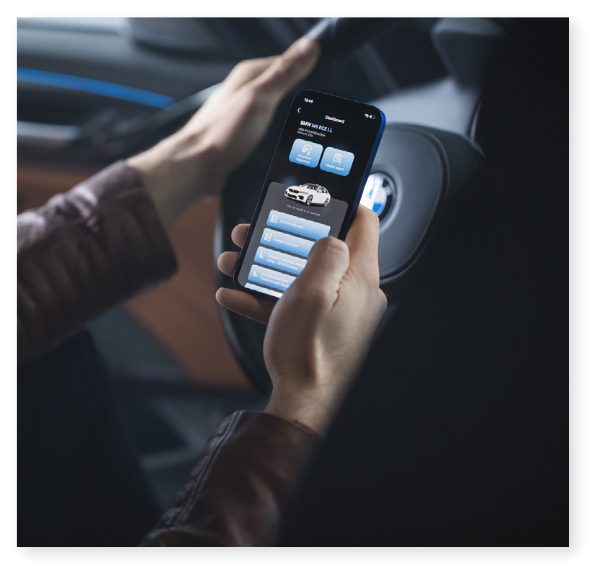
Please read the full User Manual
*Apple and the Apple logo are trademarks of Apple Inc. , registered in the U.S. and other countries. Google, Android, Google Play, and the Google Play logo are trademarks of Google LLC.