The “ABRITES diagnostics for Nissan/Infinity” provides the options for detailed module identification, reading and clearing of diagnostic trouble codes (DTC), monitor live data,, actuator tests for Nissan/Infinity vehicles. Diagnostics is performed via the OBD-II connector.
There is an option to read and clear all DTCs or individually clearing them when entering the appropriate electronic module.
The “Standard diagnostic functions” of the software include three separate diagnostic protocols (K-line, CAN and UDS). This provides all the versatility that you may need from a tool. Using these three protocols allows you to work on almost all the cars produced by Nissan/Infiniti due to the fact that the manufacturer often combines various modules using different communication protocols in one vehicle.
The Abrites Vehicle Diagnostics for Nissan/Infiniti is a very strong diagnostic tool, aimed at professionals looking for a multipurpose divece that fulfills all their needs in one place.
All Abrites diagnostic software applications provide an unmatched, dealer level diagnostics, previously available to the OEM services only.
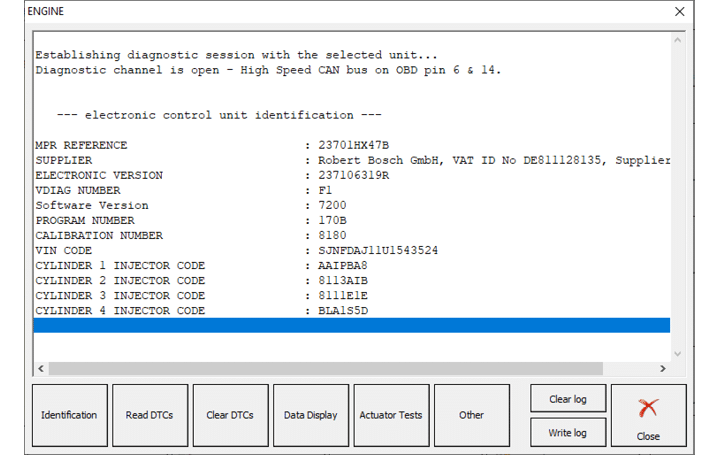
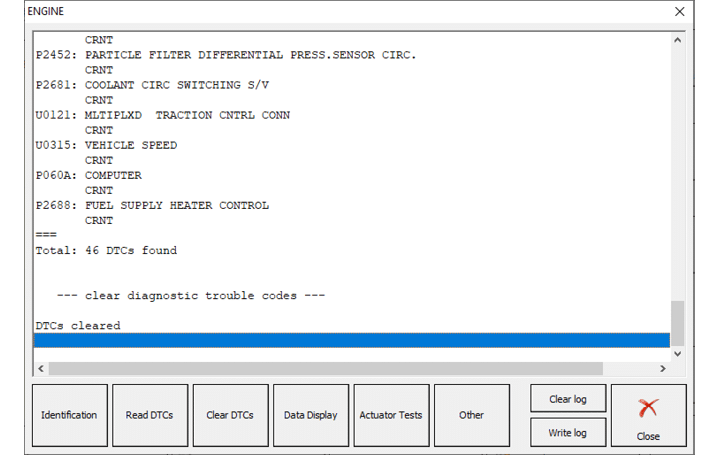
In order to perform module identification you need to select and double-click the module from the main diagnostic screen and a new screen with the available options appear. The first option will be the identification on the selected electronic module. You can choose the “Read DTCs” option to see all the diagnostic trouble codes for the module and you can press the “Clear DTCs” button to remove the temporary or resolved trouble codes. This procedure applies to the selected module. In case you would like to clear all the DTCs from the vehicle’s modules, press the “Clear All DTCs” button from the main screen .
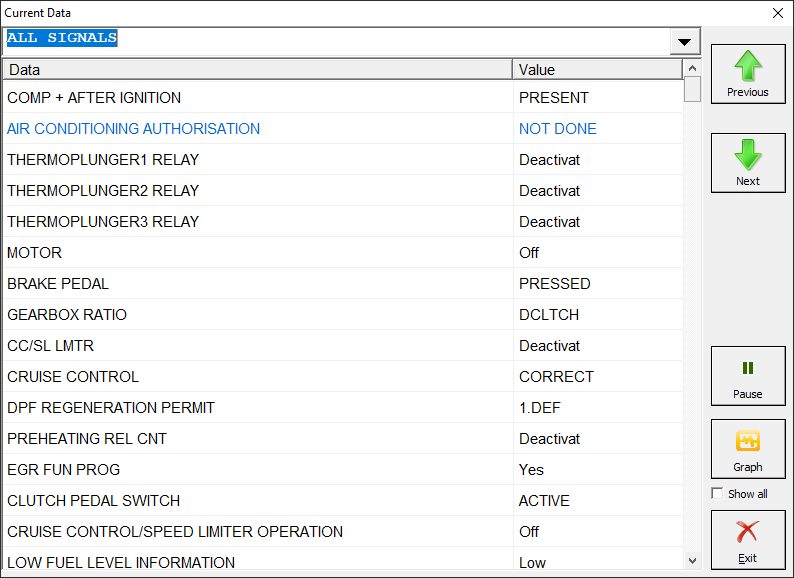
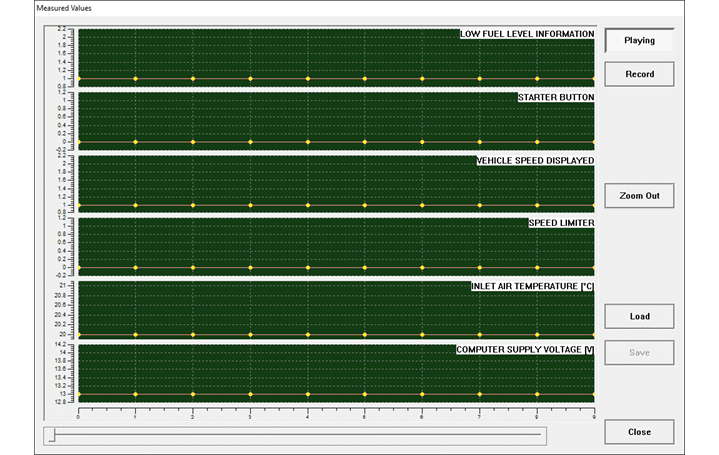
When an electronic control module is selected you can also monitor live data values. This allows you to perform detailed diagnostics and analyze the behavior of the vehicle in real time. The values can be viewed in a list form, as well as a graph. If you would like to see the details about the vehicle in a graph you can select the graph button on the right of the screen:
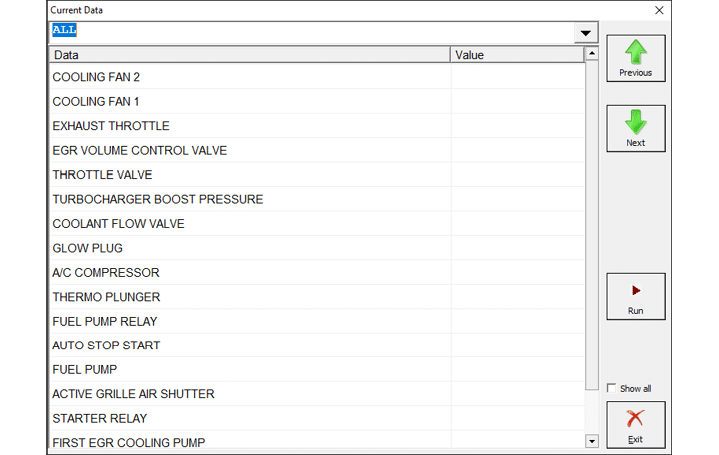
Actuator testing is very important when a fault within the vehicle needs to be found, the option can also be used when enabling or disabling features on the vehicle. From the list of items that is displayed when selecting the “Actuator Tests” button you can select the appropriate actuator and perform the test needed. motor is being tested.