After the code is read you can open the key learning screen you will have the PIN in the field
Key Learning is an instrument for programming transponder keys to immobiliser. The complete list of su ported vehicles can be seen on the picture below and in the Abrites website and webstore, under the dedicated license.
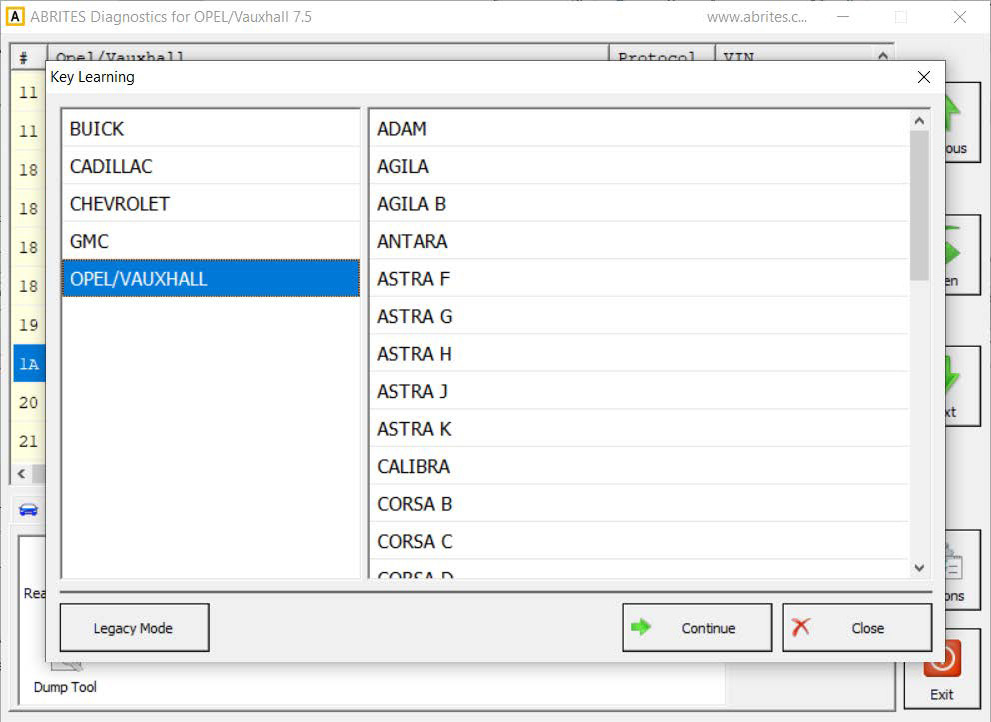
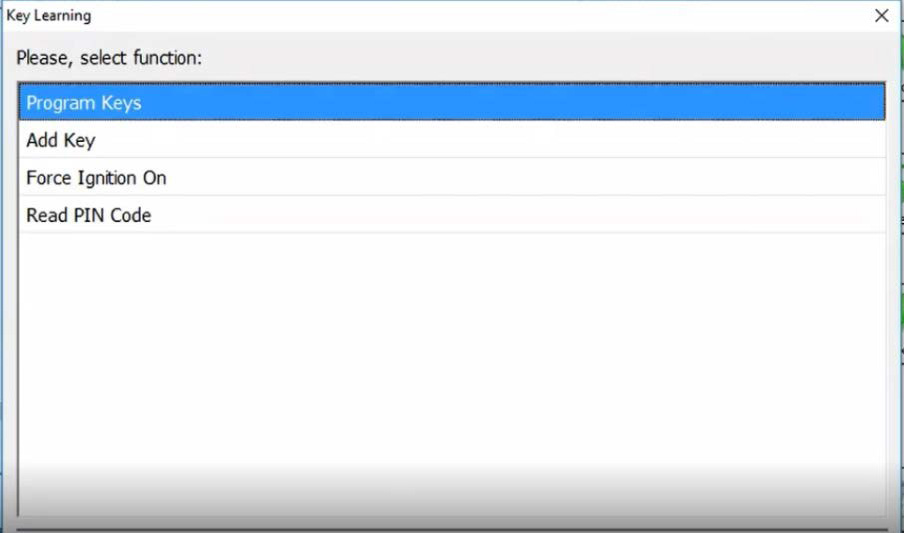
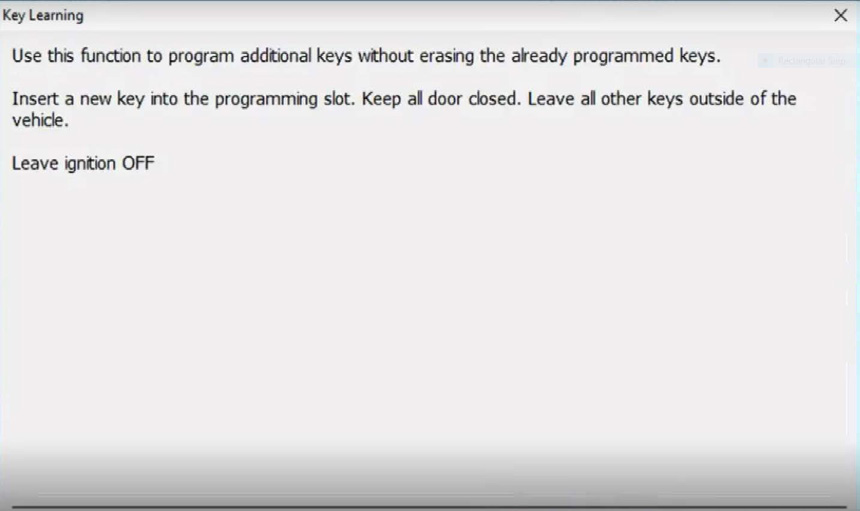
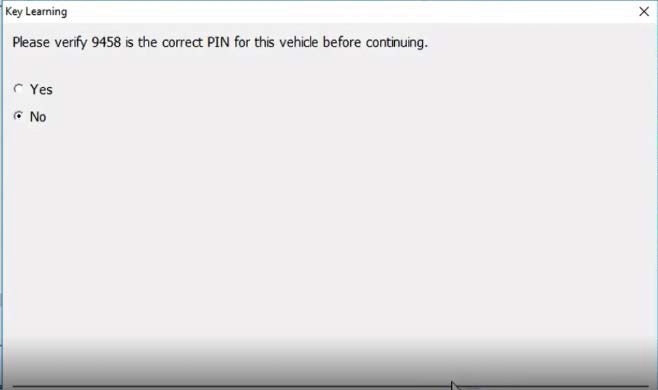
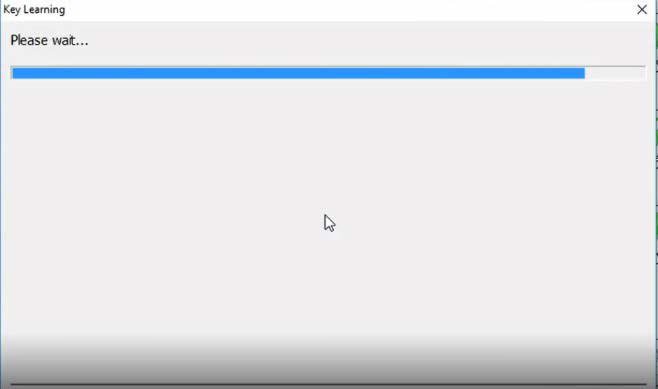
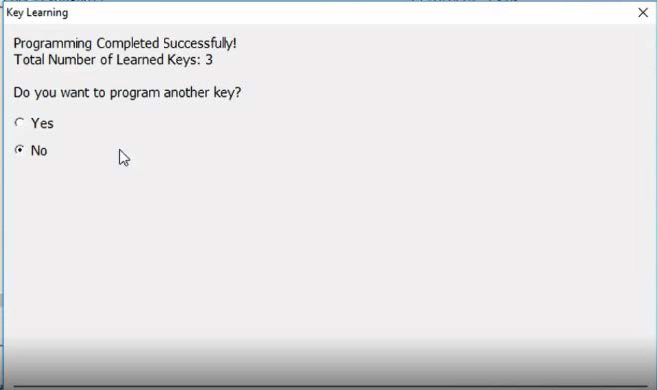
After the model has been chosen, you will see the options - you can program keys, add key, force ignition on, and read PIN code. Using the add key option would let you program additional keys, without erasing the already programmed keys. The software works as a guided function and provides the steps that need to be taken. The software would apply the PIN code that has already been read, and would ask for verification. At the end, the software would ask if you want to program another key, if not, the procedure is completed and key was programmed successfully.
3.2.1 Legacy Mode
Legacy mode serves as the older version of the key learning special function, and it has all the capabilities for older vehicles.
Using this tool you can:
- Erase all transponder keys
- Program transponder-key
- View mechanical key number
- Program mechanical key number
From this window keys can be learned to the vehicle via on board diagnostics (OBD).
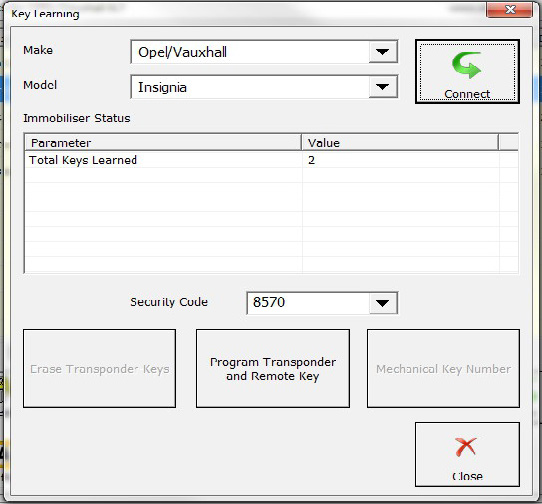
With the button Erase Transponder-Keys you can erase all transponder keys. This function is useful, for example when a car-key is lost or it’s stolen. When you erase all keys, you can reprogram only those keys which are available.
Important: Erasing transponder-keys will not erase the programmed remote controls for the car. With the button Program Transponder and Remote Key, you can learn a transponder key to the immobiliser. With this function you can program only new keys or repr gram already programmed keys (keys which were erased but belong to the same car). Only one key can be programmed at once. If you want to program two or more keys, please repeat the procedure accordingly.
3.2.1.1. Mechanical key number
To view mechanical key number click on the button Mechanical Key Number. For Astra H, Corsa D, Vectra C/Signum and Zafira B a valid security code shall be entered first. For all other models the security code is not required.
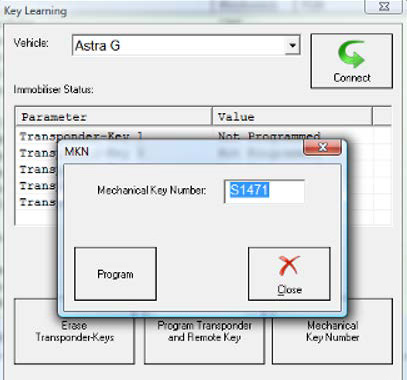
If you want to program a new mechanical key number, enter it in the edit box and click on the Program button. If the security code is required, you will see a warning message asking you to enter it first.
3.2.2 Programming keys for Vivaro and Movano
In contrast to the other Opel models, for Movano and Vivaro all transponderkeys are programmed at once. That’s why when you select Movano or Vivaro the only enabled button is “Program transponder-key”. When you click on the button the software will ask you how many keys you want to program. Then you should follow the instructions provided by the software when to enter the next key and when to remove it. At the end of the procedure all previously programmed keys will be deleted and only the currently programmed keys will be available.
NOTE: ABRITES software for OPEL/Vauxhall doesn’t require entering a security code for key programming of Vivaro or Movano. It’s automatically extracted and entered by the software.