When this function is opened, the following dialog appears:
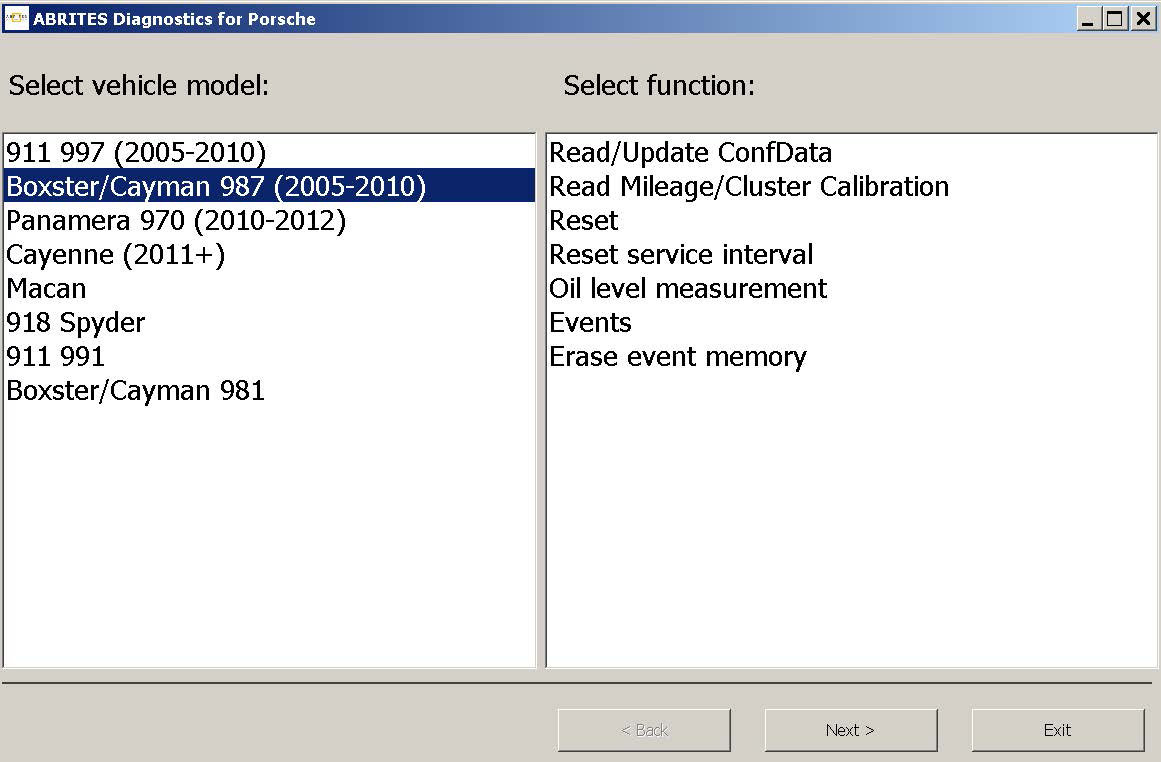
The user can select vehicle model from the “Select vehicle model” list.
The user can select certain function available for the selected vehicle model from the “Select function” list.
The following vehicle models can be selected for special function “Instrument cluster CAN”:
911 997 (2005-2010)
Boxster 987 (2005-2010)
Panamera (2010-2012)
Cayenne (2011+)
Macan
918 Spyder
911 991
Boxster/Cayman 981
3.4.1.1. 911 997, Boxster 987 and Cayman
For vehicle models 911 997, Boxster 987 and Cayman the available functions are
-
Read/Write ConfData
-
Read mileage value
-
Reset cluster
-
Reset service interval
-
Oil level measurement
-
Events
-
Erase event memory
3.4.1.1.1 “Reset service interval”
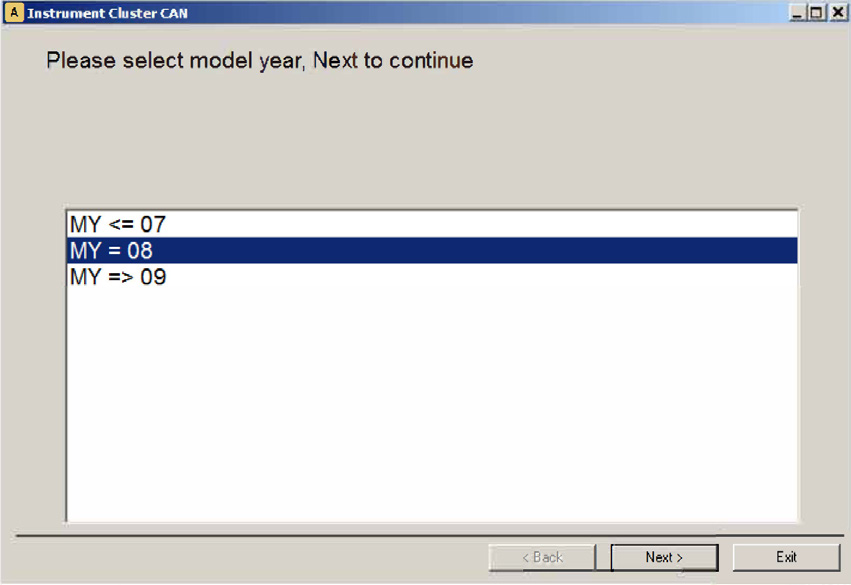
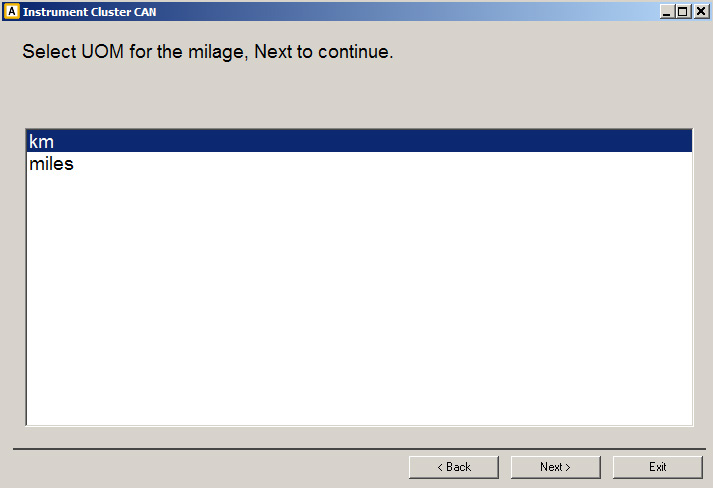
When “Reset service interval” is selected, by pressing button “Next” the “Abrites Diagnostics for Porsche” connects to the instrument cluster and guides the user to select some specifics of the vehicle model after which resets the service interval.
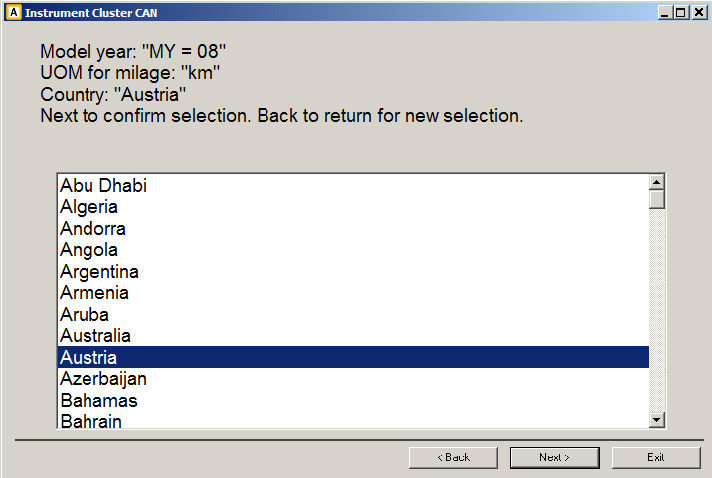
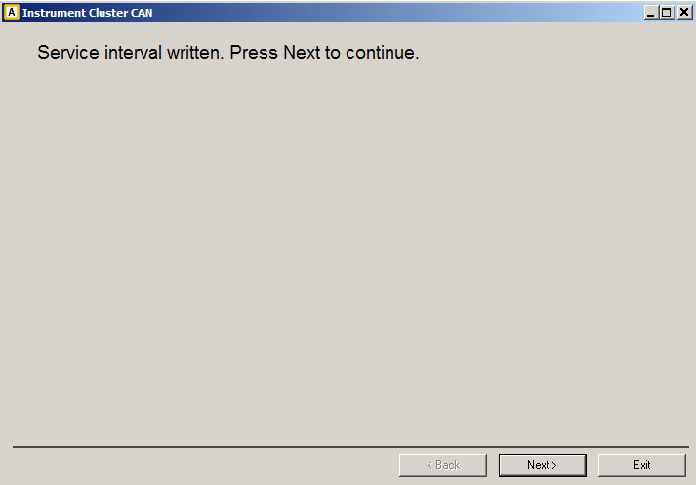
3.4.1.1.2 “Oil level measurement”
When function “Oil level measurement” is selected, by pressing button “Open” the “Abrites Diagnostics for Porsche” connects to the instrument cluster and after some specifics are clarified gives information about the oil level.
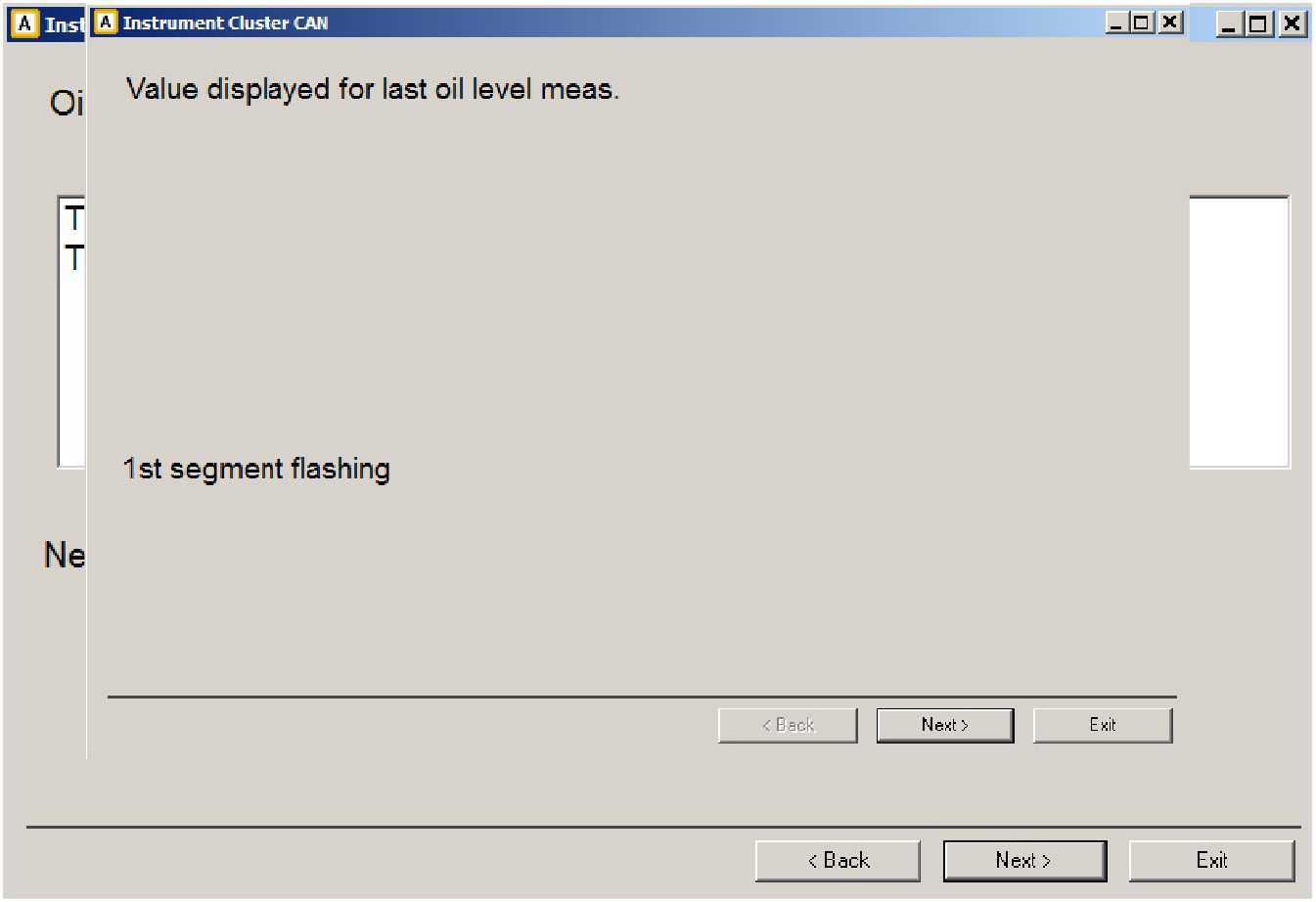
3.4.1.1.3 “Read/Write ConfData, Read mileage value, Reset cluster “
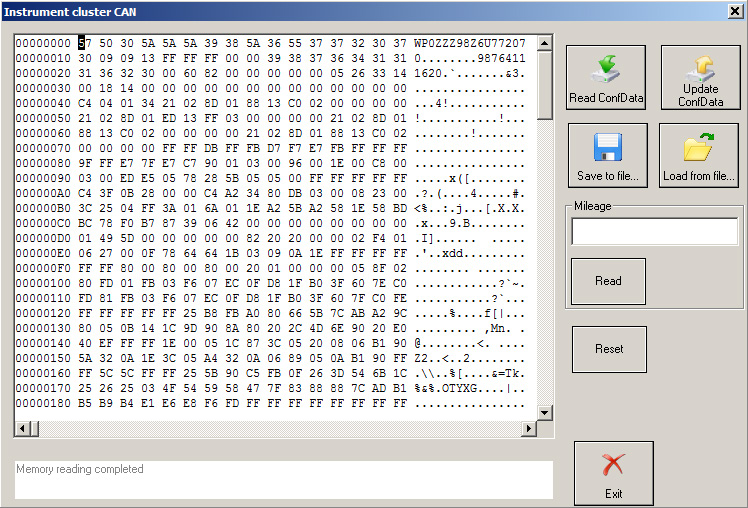
If functions “Read/Write ConfData, Read mileage value, Reset cluster “ is selected when pressing button “Open”, the “Abrites Diagnostics for Porsche” opens diagnostic session to the instrument cluster and the following dialog appears:
-
Button “Read ConfData” reads cluster’s configuration data.
-
Button “Write ConfData” updates cluster’s configuration data with the loaded into the hexadecimal window data.
-
Press button “Load from file...” to load a binary file’s data into the hexadecimal display.
-
Press button “Save to file...” to save the content of the hexadecimal display to binary file.
-
Button “Read” into the mileage section reads current mileage value.
-
Button “Reset” performs diagnostic reset of the instrument cluster.
3.4.1.1.4 “Events” , “Erase event memory”
If functions “Events” or “Erase event memory” is selected when pressing button “Open”, the “Abrites Diagnostics for Porsche” opens diagnostic session to the instrument cluster and the reads the event memory and display it. If “Erase event memory” is selected also a button “Erase” is available. The following dialog appears:
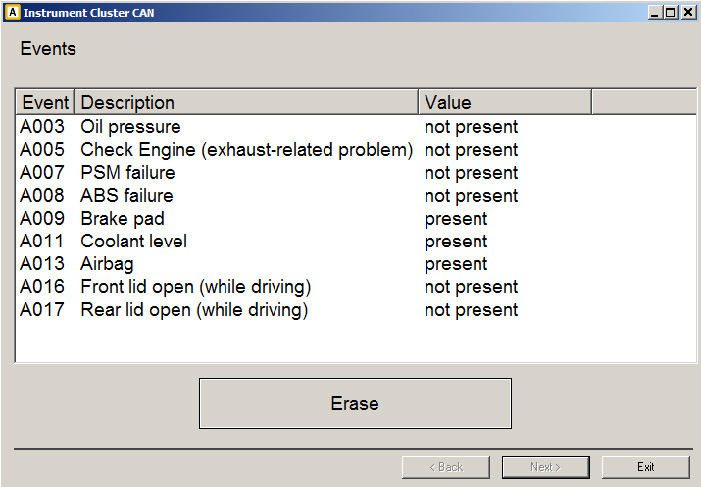
Use button “Erase” to erase the event memory.
3.4.1.2 Panamera (2010-2012) and Cayenne (2011+)
For vehicle model Panamera (2010-2012) and Cayenne (2011+) the available functions are
-
“Reset service interval (Oil Change)”
-
“Reset service interval (Interim Service)”
-
“Reset service interval (Main and Interim Service)”
-
“Write maintenance interval”
-
“Change maintenance interval”
For vehicle model Macan,918 Spyder, 911 991, Boxster/Cayman 918 the available functions are
-
“Reset service interval (Oil Change)”
-
“Reset service interval (Interim Service)”
-
“Reset service interval (Main and Interim Service)”
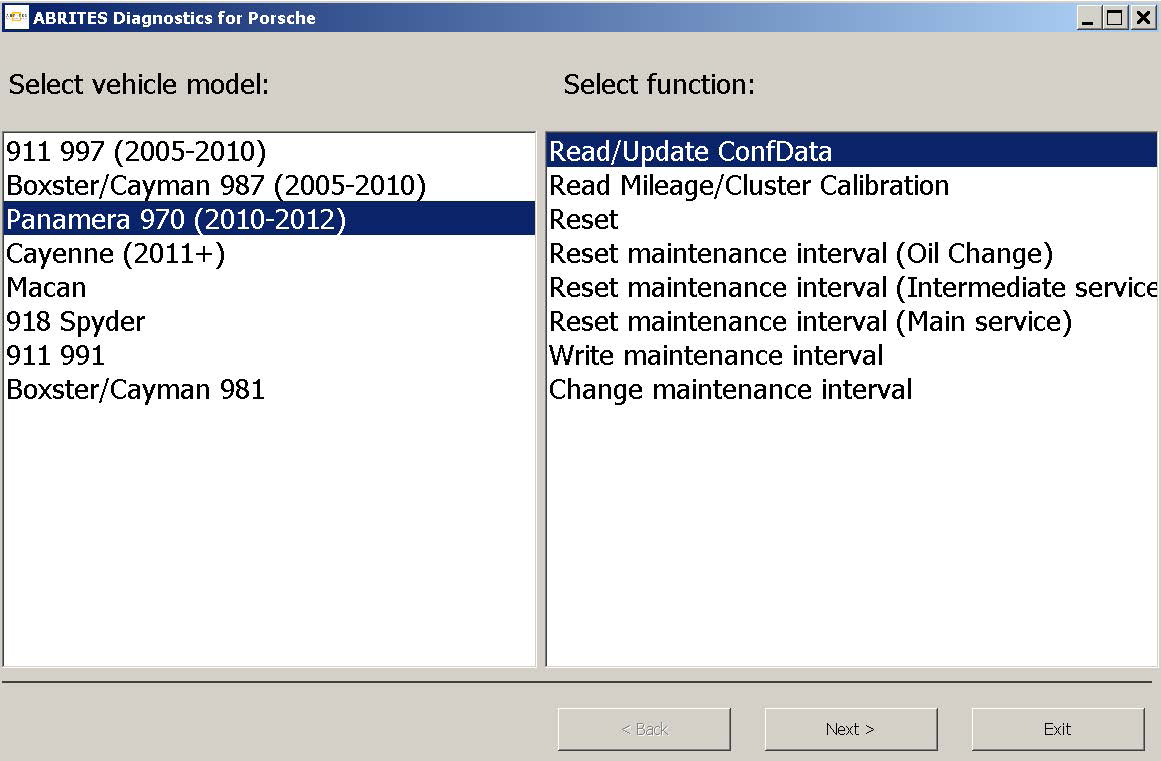
The wizard will guide you through the steps related to these functions.
3.4.1.2.1 “Reset service interval”
If “Reset service interval (Oil Change)”, “Reset service interval (Interim Service)” or “Reset service interval
(Main and Interim Service)” is selected
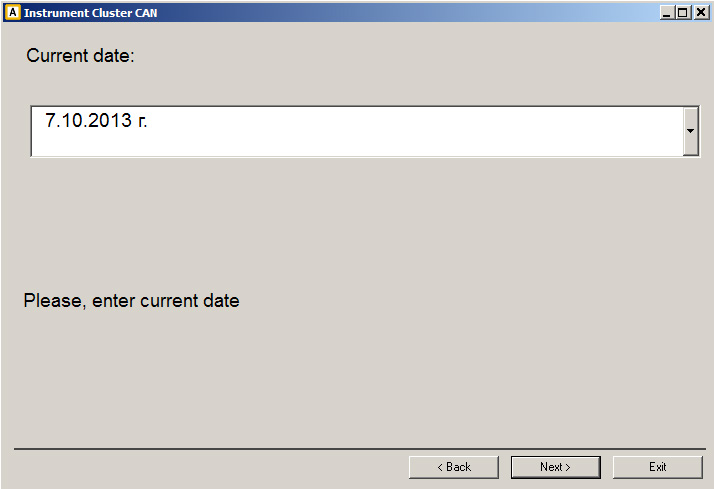
By pressing “Next” service interval is reset.
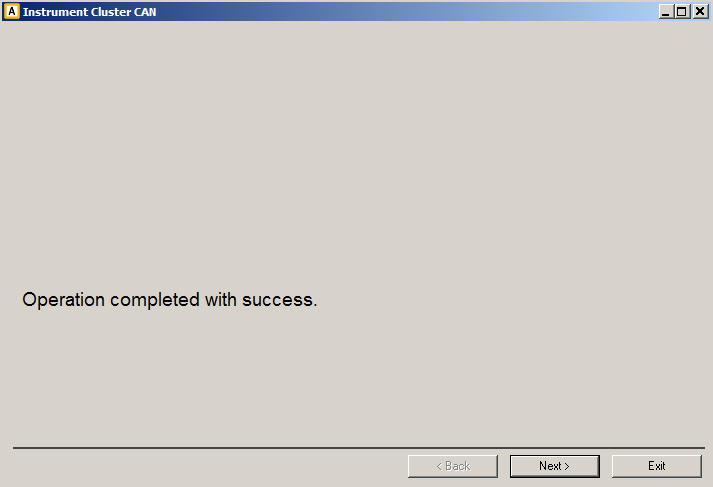
3.4.1.2.2 “Write maintenance interval”
If “Write maintenance interval” is selected:
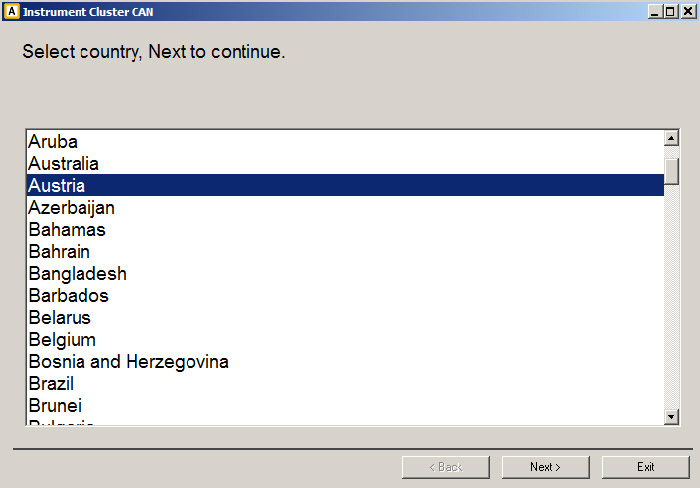
First window requires the user to select the country where vehicle is maintained.
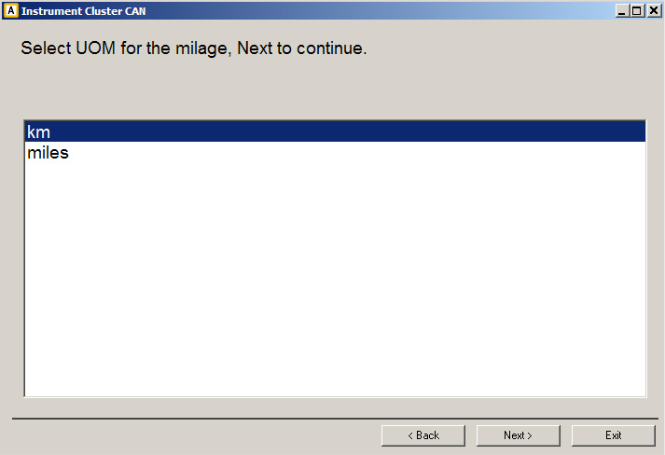
Next window requires the user to select the unit of measurement (UOM) for the mileage value.
Next window displays the current values of “mileage” and “date” of last “main”, “intermediate” and “oil change” service performed.
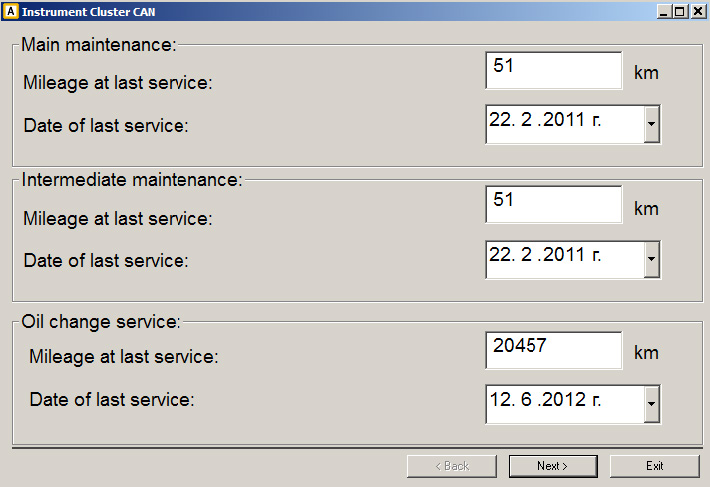
User can modify these values as desired.
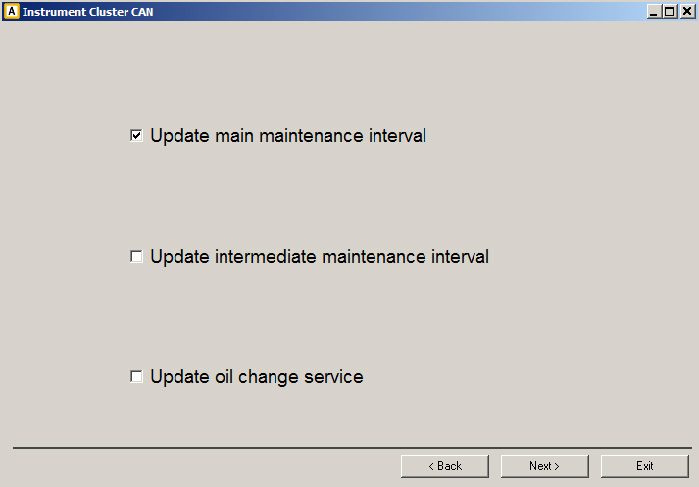
Next window require the user to select the type of service for which the “Abrites diagnostics for Porsche” to write new mileage and date values into instrument cluster.
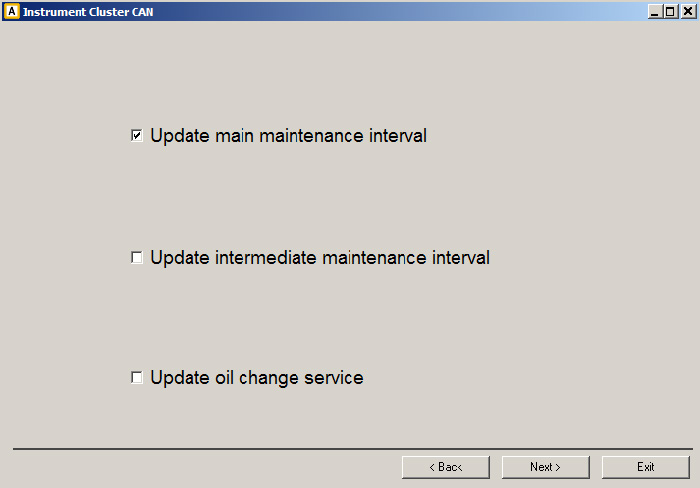
By pressing “Next” selected maintenance interval values are written into instrument cluster.
3.4.1.2.3 “Change maintenance interval”
If “Change maintenance interval” is selected:
First window displays the current set values of mileage and days between “main”, “intermediate” and “oil change” service performed.
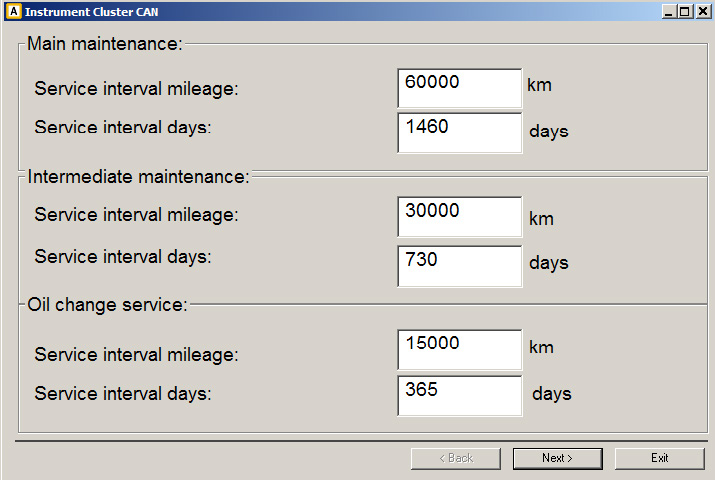
User can modify these values as desired.
Next window require the user to select the type of service for which the “Abrites diagnostics for Porsche” to write new mileage and date values into instrument cluster.
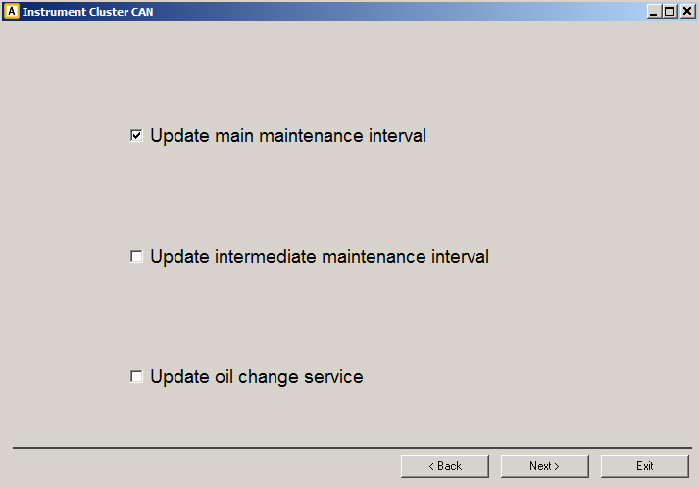
By pressing “Next” selected maintenance interval values are written into instrument cluster.