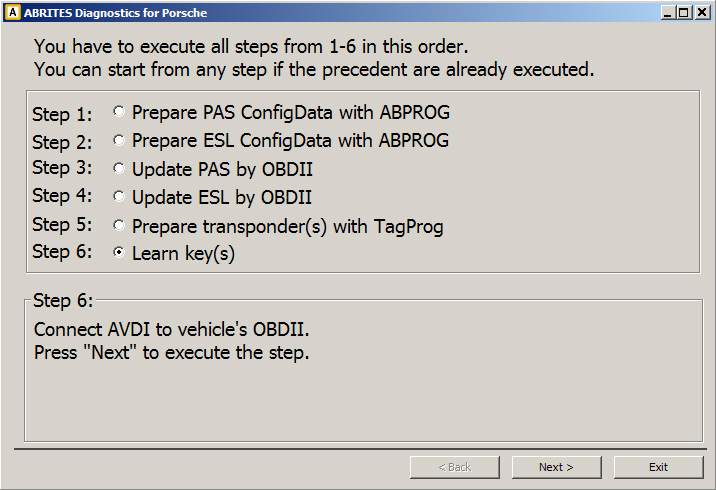
You can learn keys to vehicle model 991 997, Boxster/Cayman 987 with no need to provide as input “teach enable code”, “transponder password”, “transponder secret key” using function “All keys lost”.
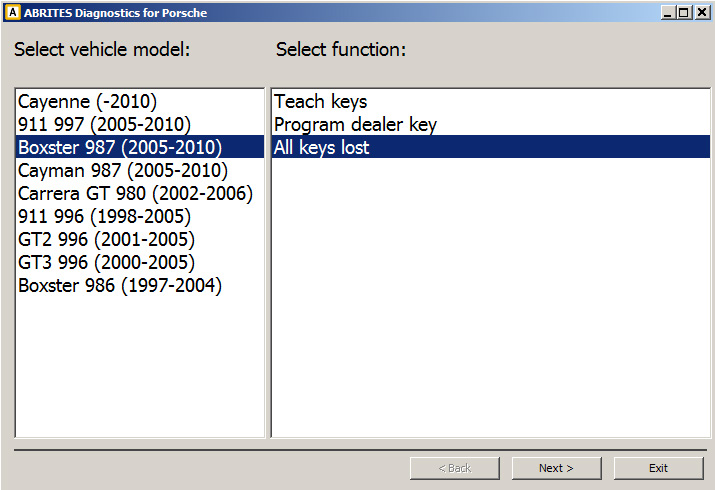
Please pay attention that after you execute this function all old/existing keys will no longer work. For to use this function you need Tag programmer and ABPROG.
During the procedure you have to first disconnect from vehicle PAS module and ESL modules, desolder PAS module 24c08 ConfigData chip and ESL module 24c04 ConfigData chip, then solder them back and connect both modules to vehicle (see Appendix 5.2 Removing ESL Porsche 911 997, Boxster/Cayman 987). The procedure consists of six steps. These steps have to be executed in the given order (1 to 6). You can start from any step if the precedent are already executed (i.e. when you open the function in the Porsche commander you don’t have to start from scratch if you have already successfully performed some of the steps before).
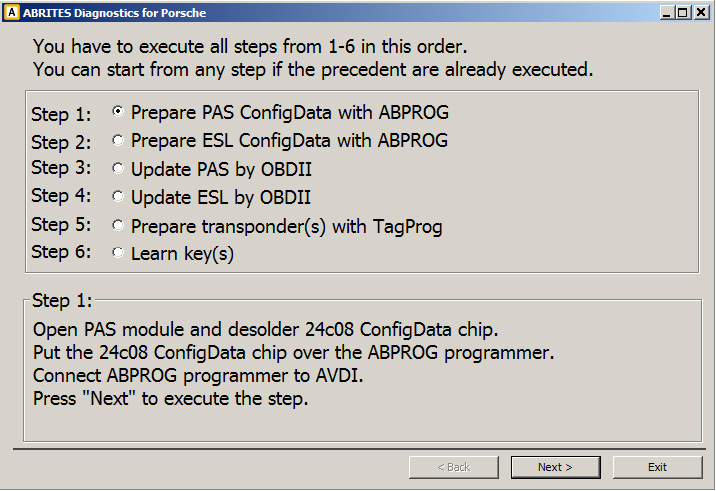
Step 1
-
Disconnect PAS module from vehicle, open it and desolder the 24c08 ConfigData chip.
-
Connect ABPROG to AVDI.
-
Connect the 24c08 chip to ABPROG.
-
Press “Next” to execute the step.
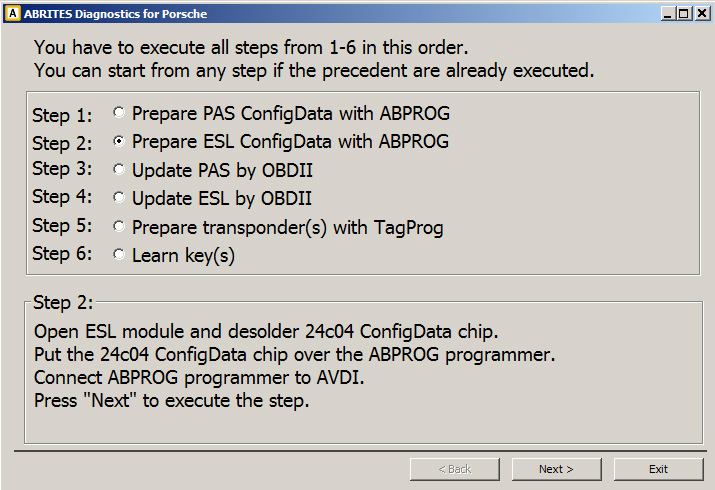
Step 2
-
Disconnect ESL module from vehicle, open it and desolder the 24c04 ConfigData chip.
-
Connect ABPROG to AVDI.
-
Connect the 24c04 chip to ABPROG.
-
Press “Next” to execute the step.
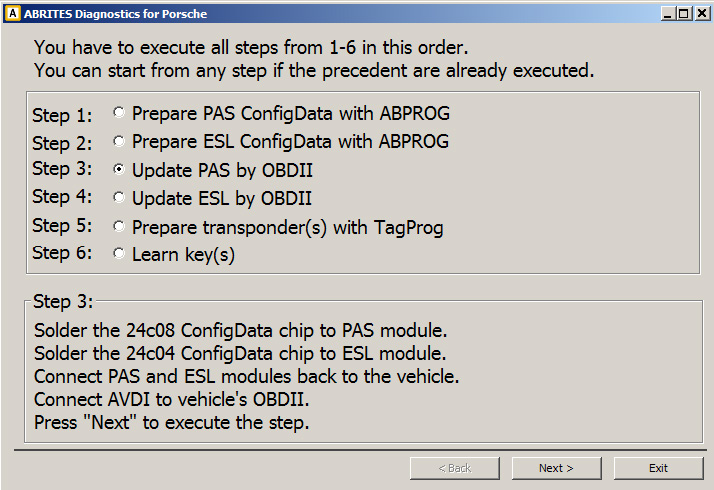
Step 3
-
Solder 24c08 chip to PAS module, close it and connect the module back to the vehicle.
-
Solder 24c04 chip to ESL module, close it and connect the module back to the vehicle.
-
Connect AVDI to vehicle’s OBDII
-
Press “Next” to execute the step.
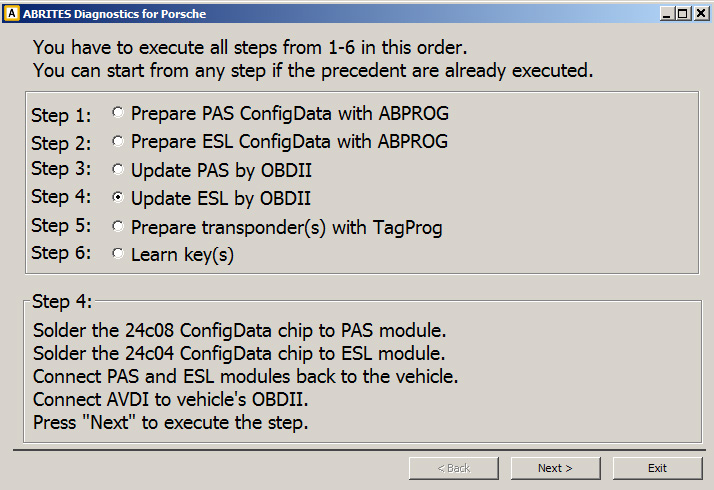
Step 4
-
Make sure Step 3 is executed.
-
Press “Next” to execute the step.
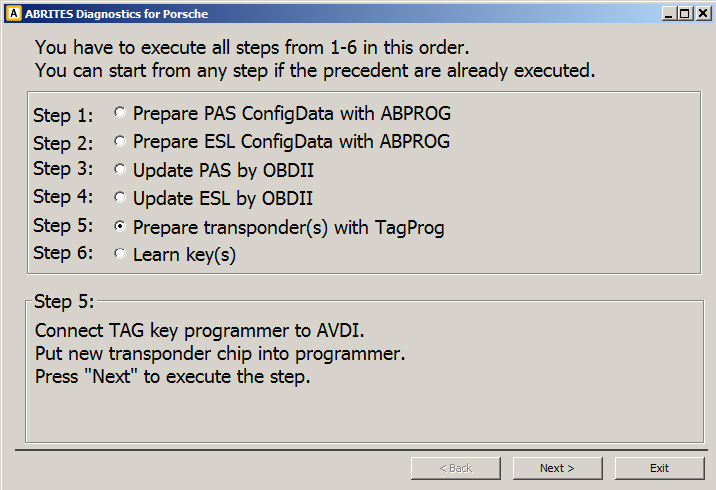
Step 5
-
Connect Tag programmer to AVDI.
-
Put new transponder chip to Tag programmer.
-
Press “Next” to execute the step.
Step 6
-
Connect AVDI to vehicle’s OBDII
-
Press “Next” to execute the step.
-
Follow the instructions.