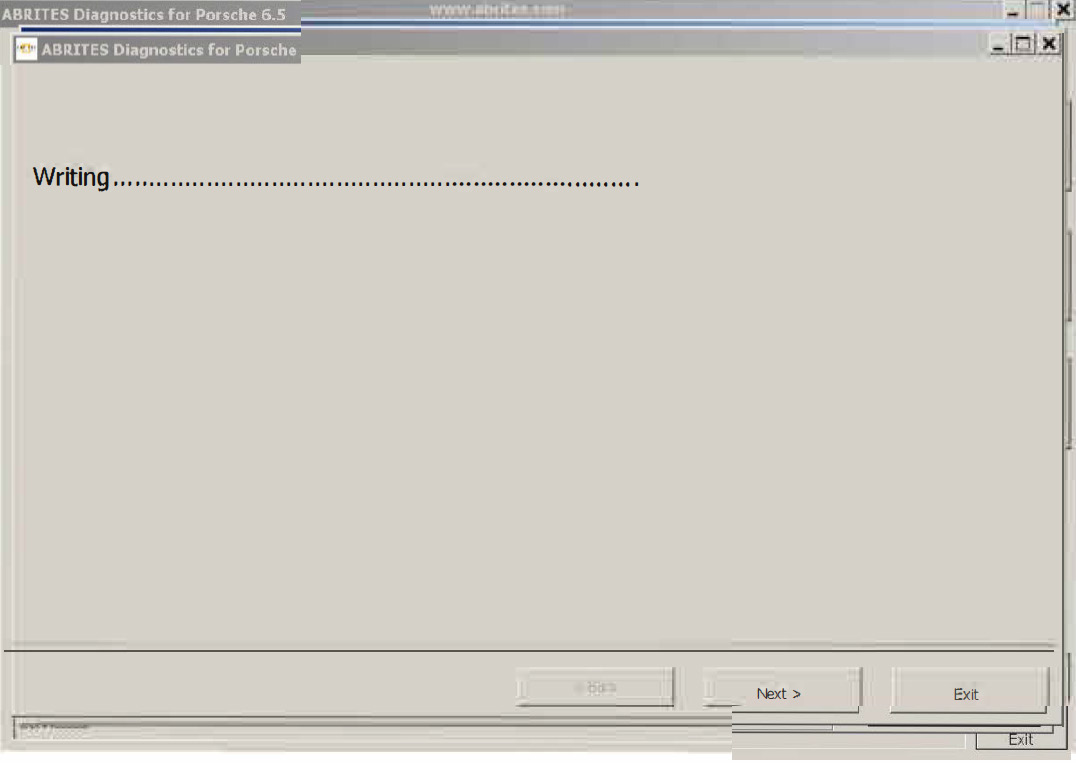
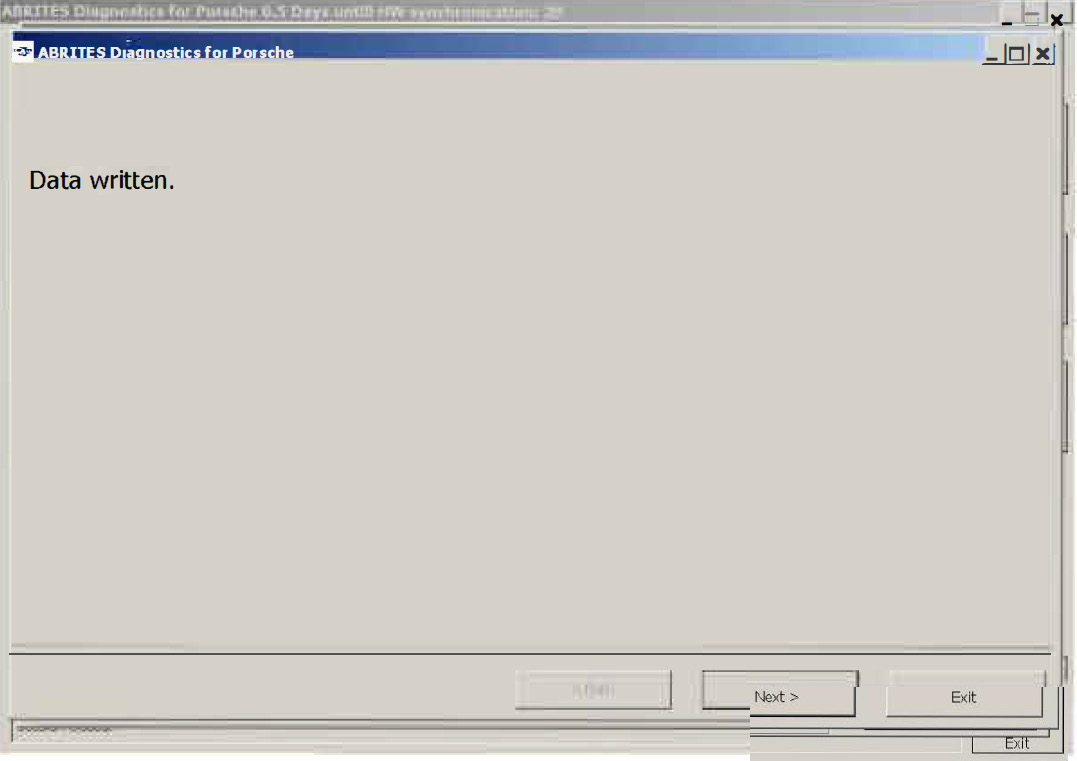
When double-clicking on the desired device in the main “ABRITES Diagnostics for Porsche” window, you connect to the device to proceed standard diagnostic requests. The following dialog is opened (example with Instrument cluster Porsche Boxster (987)):
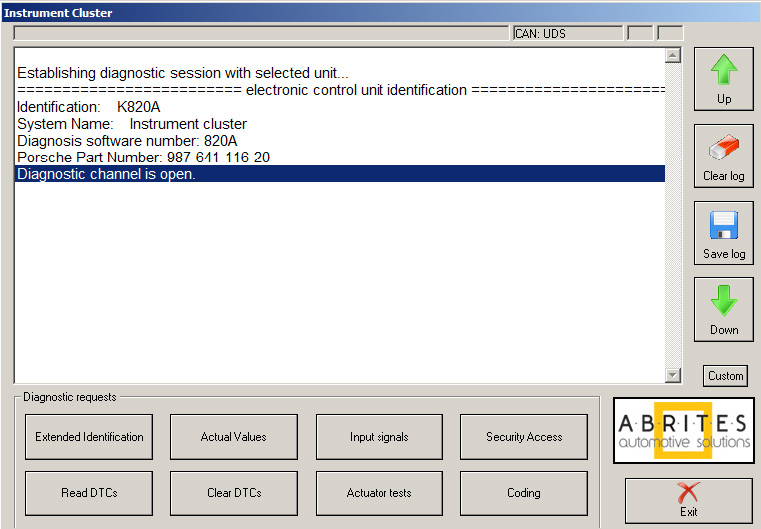
This dialog provides you the possibility to execute the following diagnostic functions
3.3.1 Extended Identification
“Extended Identification” will provide you the device identification and VIN number if present.
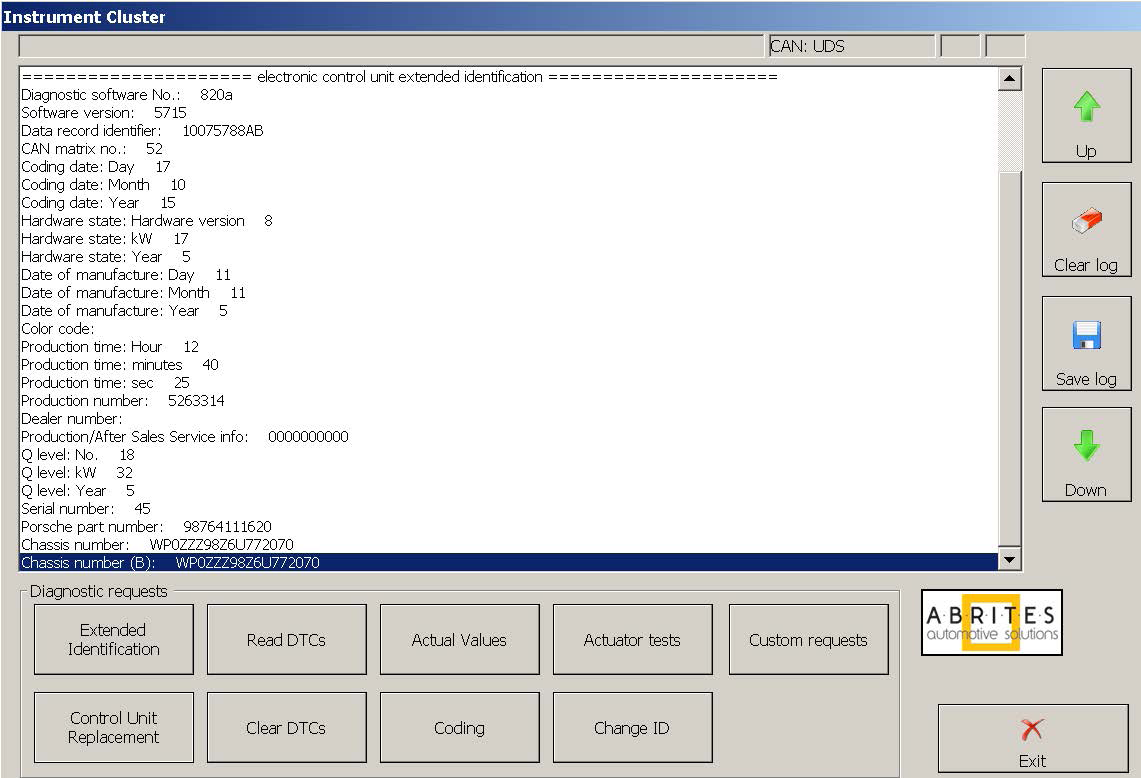
3.3.2 Actual values
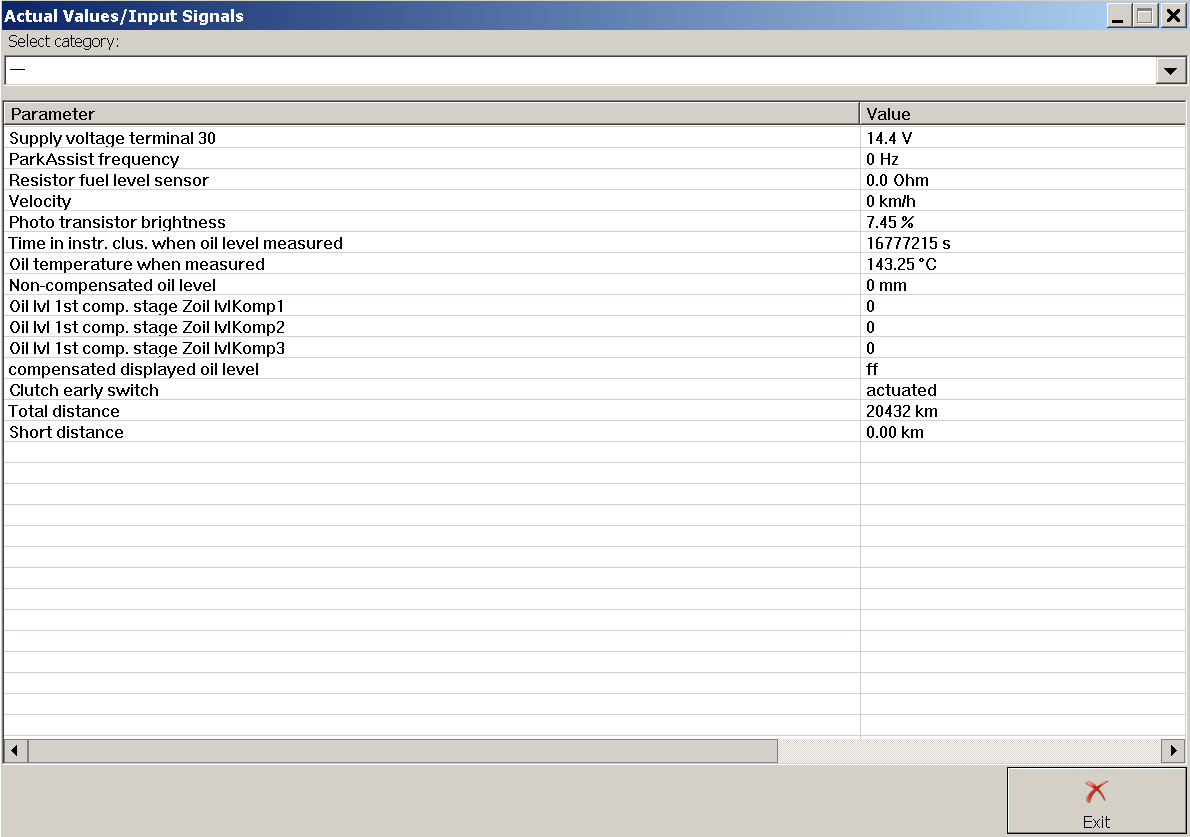
This dialog will provide you information for the actual values of some of the main characteristics of the corresponding electronic control module.
Here is an example for the actual values read for the Instrument Cluster of Boxster 987 (2005 – 2010).
3.3.5 Change ID
This function allows you to change the Vehicle Identification Number value of the selected unit. When you press button “Change ID” the following window appears:
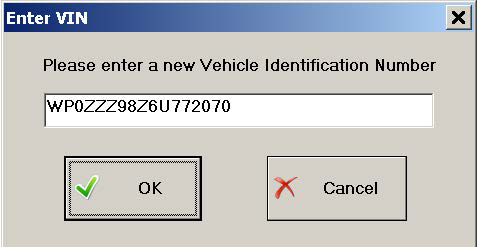
In the field is displayed VIN number read from Gateway unit (if connected to vehicle, otherwise the field will remain empty).
You can set there any VIN number you like.
Press “OK” to change VIN number of the selected unit.
Press “Cancel” to leave it unchanged.
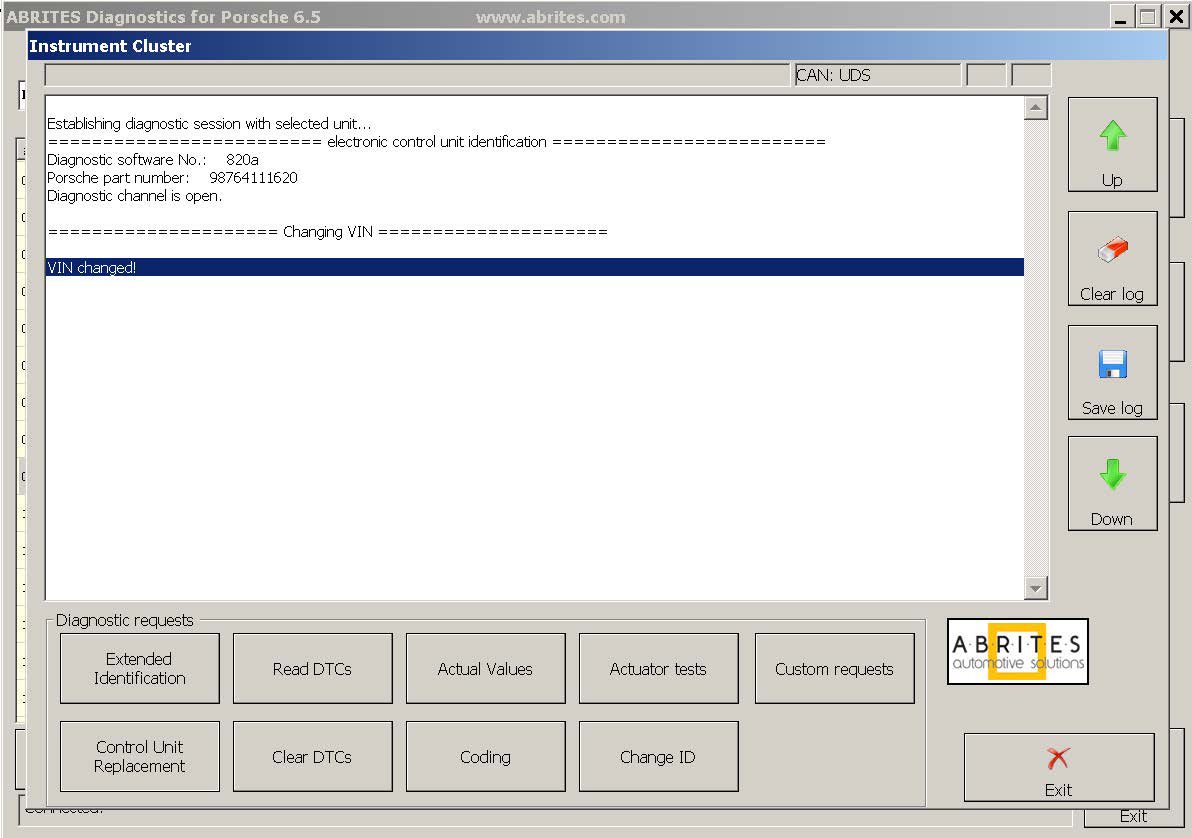
If “OK” is pressed the result will be displayed in the main window:
3.3.6 Read Diagnostic Trouble Codes
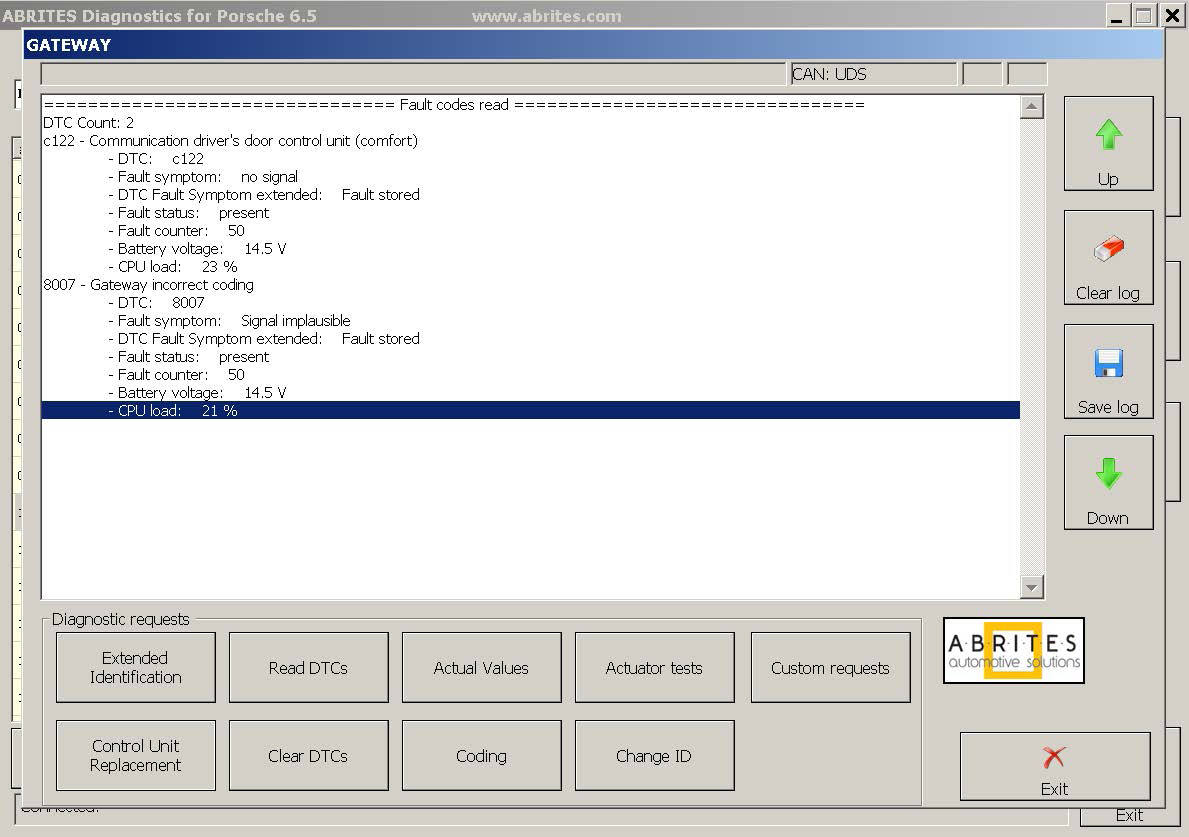
“Read DTCs” read the diagnostic trouble codes currently stored into the device
The total number of DTCs being set is also reported.
3.3.7 Clear Diagnostic Trouble Codes
“Clear DTCs” button will clear all stored DTCs inside of the unit.
3.3.8 Control Unit Replacement
This function allows you to read unit’s configuration data and then write it into another unit so that the new unit can be easily installed into the vehicle.
When button “Control Unit Replacement” is pressed the following window appears:
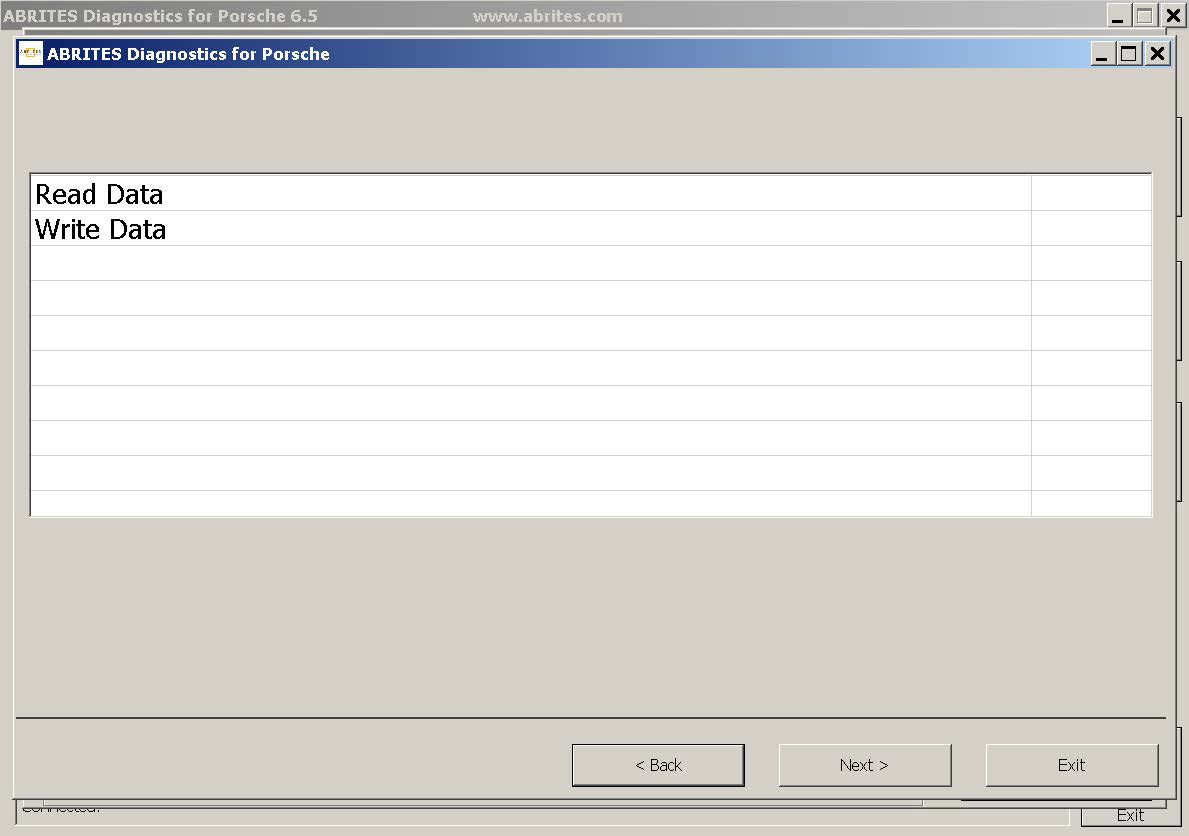
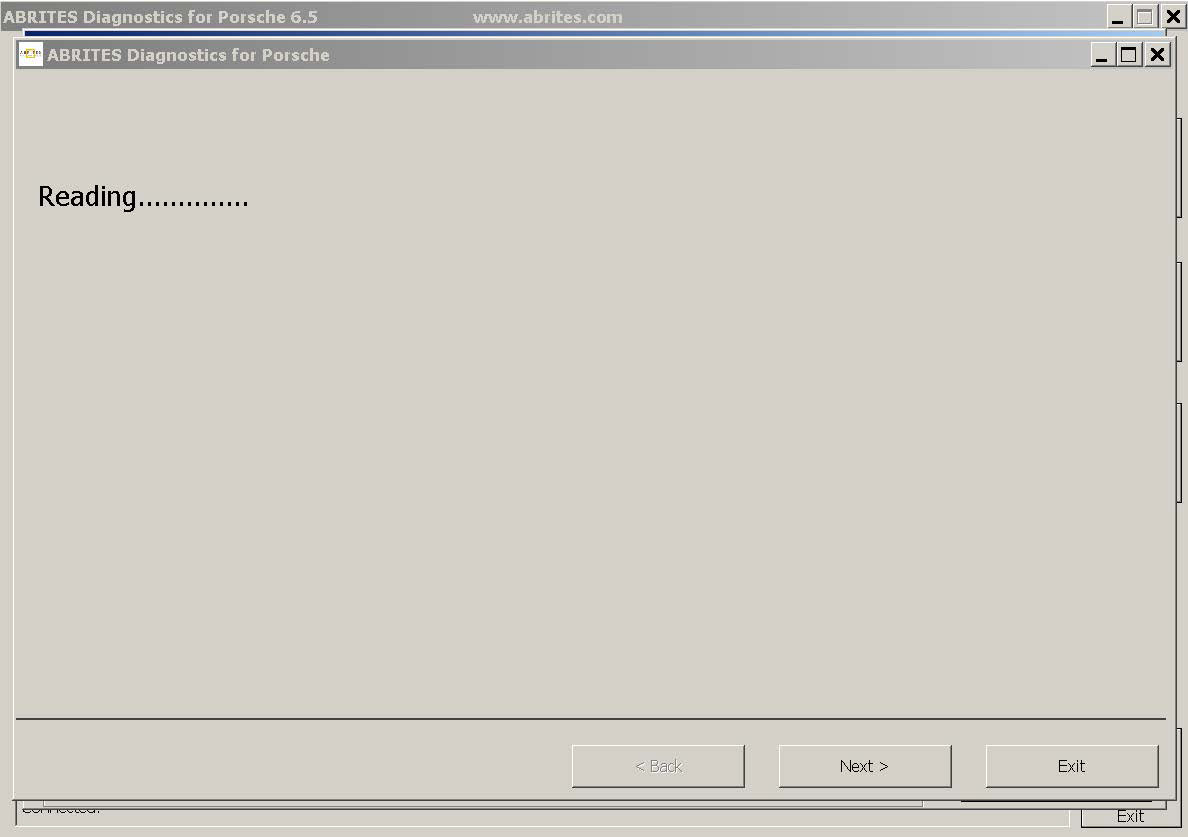
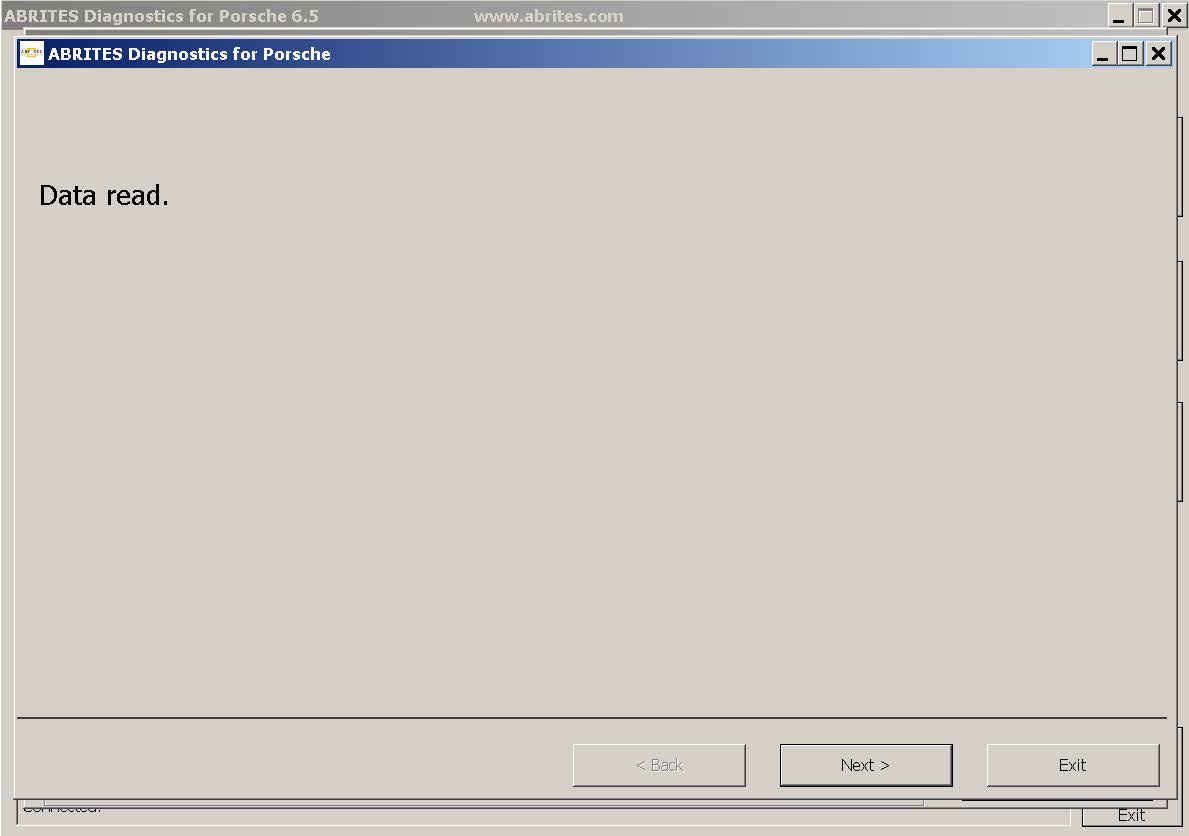
When you choose “Read data” and press “Next” the software will read the configuration data of the unit to which diagnostic session is established currently and save it to file into the log files directory.
When you choose “Write data” and press “Next” the software will read the configuration data from the saved file into the log files directory and writes it to the unit to which diagnostic session is established.