Once you have read the information about the keys in the vehicle you can enter the key programming wizard. The instructions you see are easy to follow and very clear.
Press and hold the start button until the yellow string fills the circle to begin the process. Then press “Next” in the bottom right.
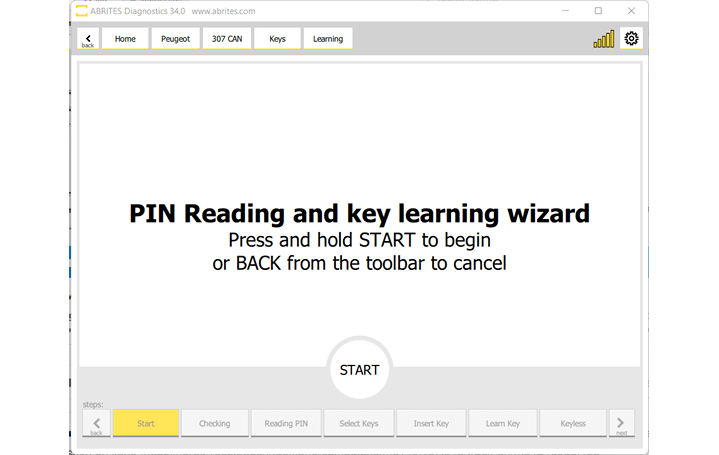
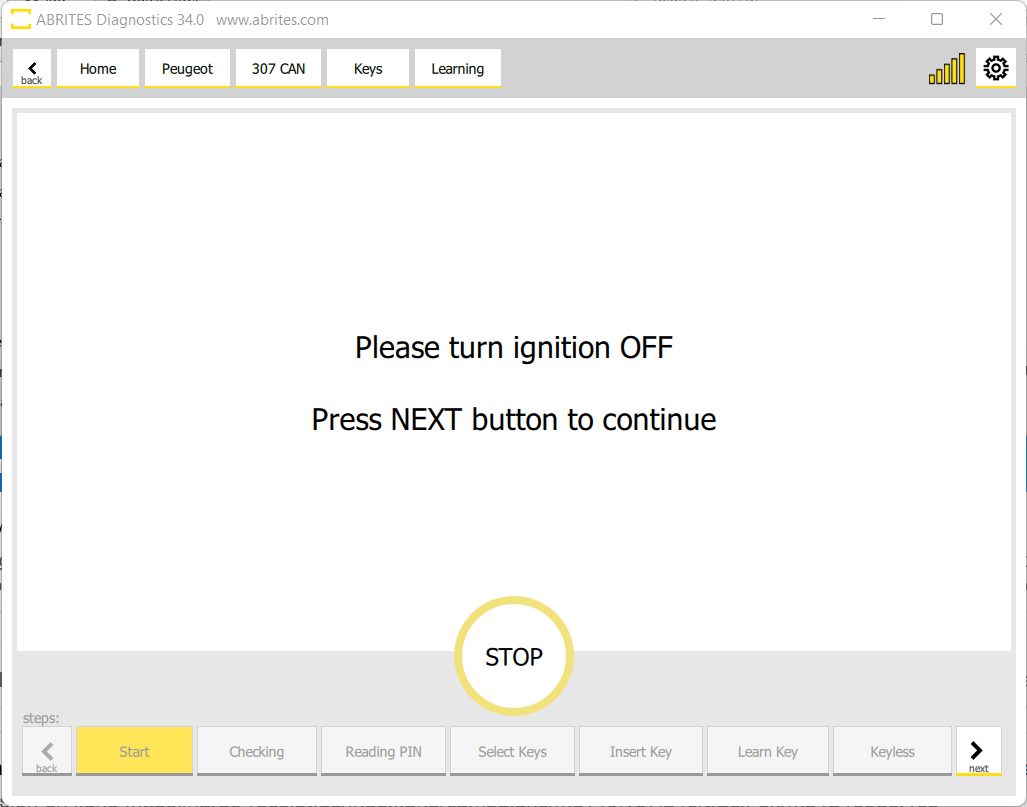
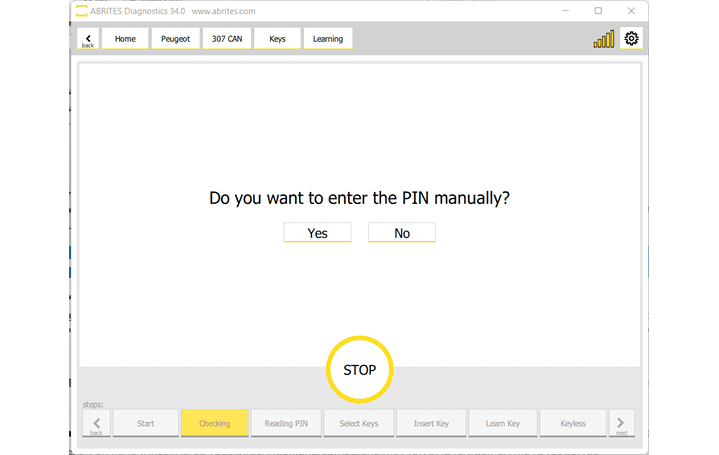
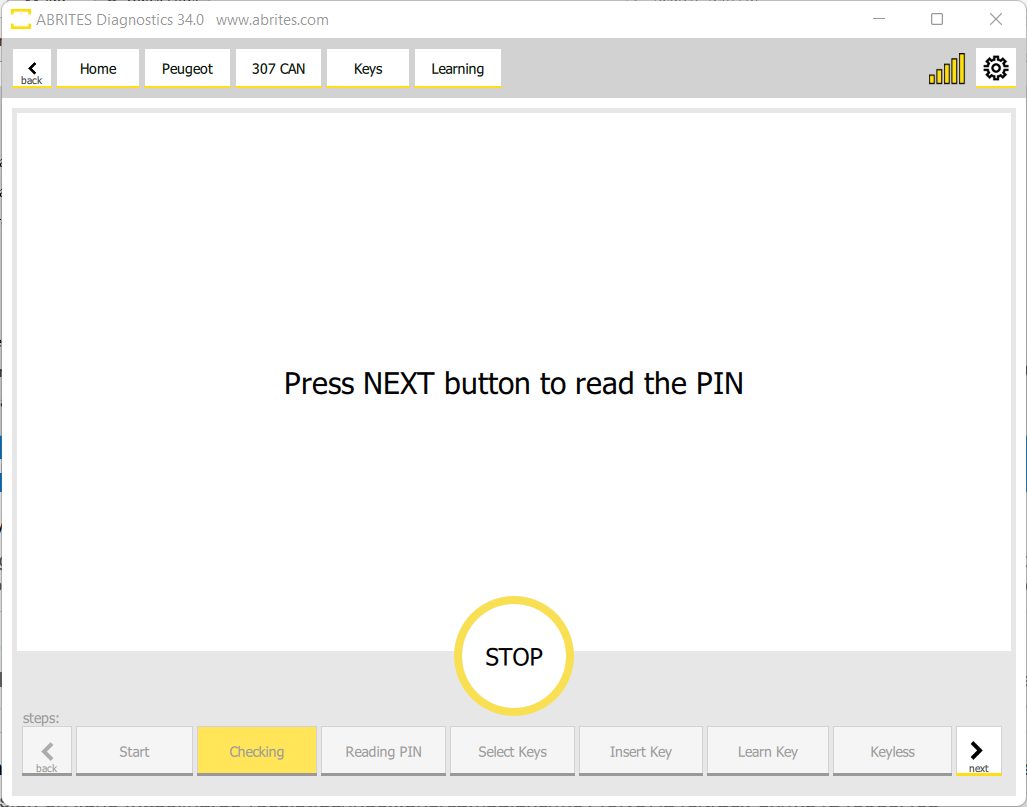
At this point you will see that the Abrites diagnostics for Peugeot/ Citroen (PSA) will start reading the PIN CODE of the vehicle. There are two ways in which the software would do this – either from the ECU or from the BSI. BSI reading is always the preferred method. During the reading of the PIN code from the BSI we have re-programming which may take up to 10 or so minutes. We strongly suggest that you have an external power supply connected to the vehicle’s battery in programming mode (Abrites BSU001 is suggested) because the process of programming is extremely energy consuming as the BSI activates lights, wipers, heater, A/C… and this will drain the power of the battery in a matter of minutes.
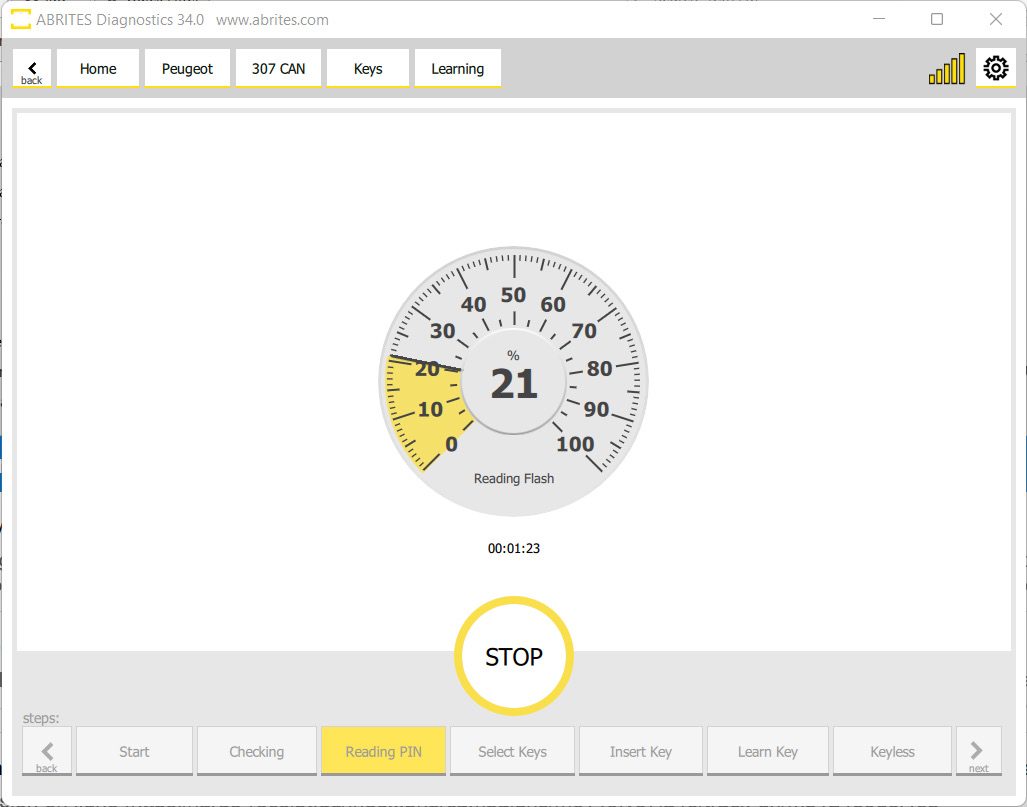
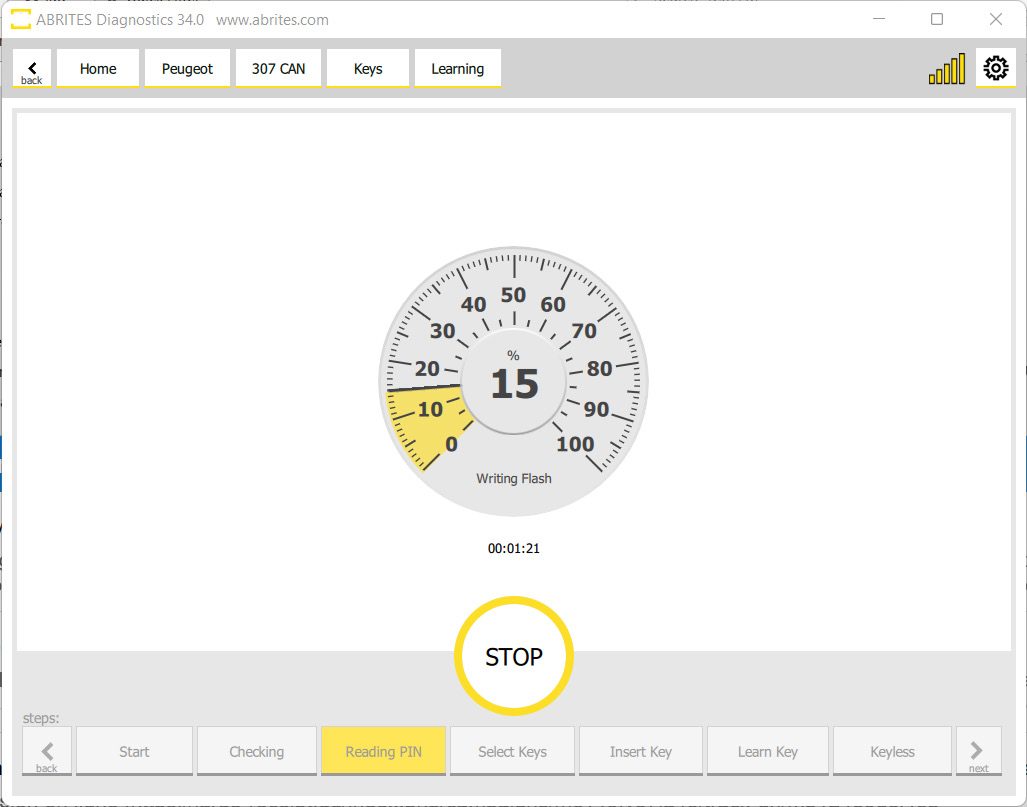
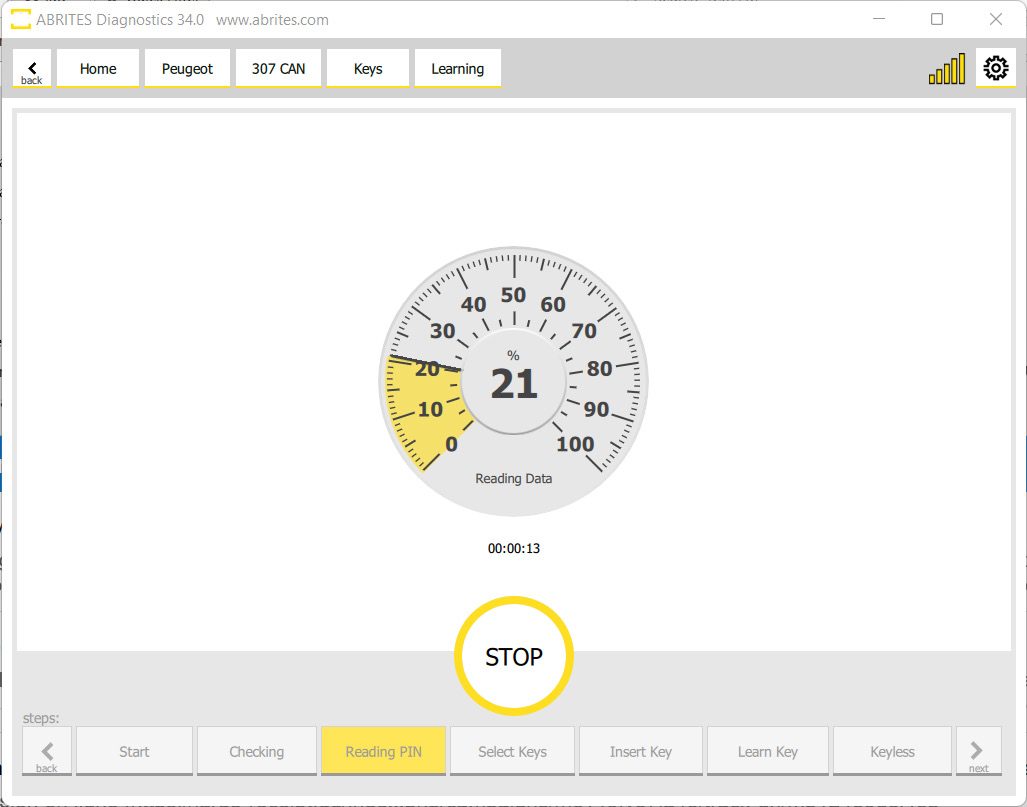
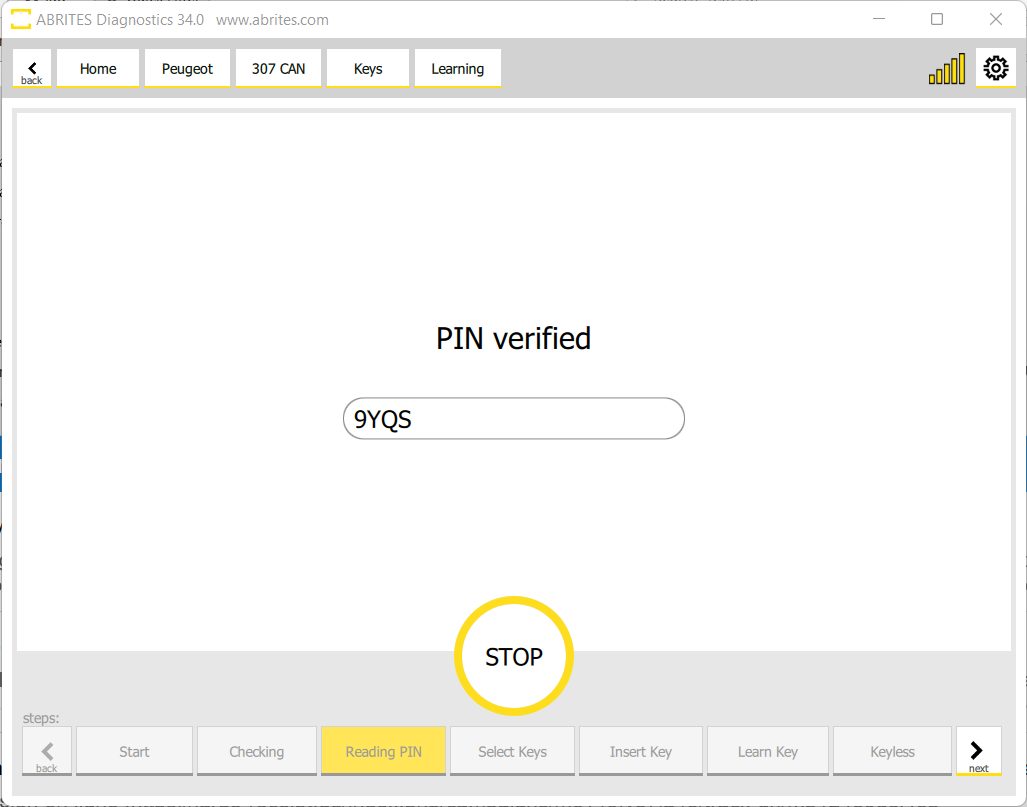
After the procedure for reprogramming the BSI is completed you will see the pin code.
The PIN is now read and ready to select the amount of keys you need to program. Use the slider to choose how many keys you would like to program.
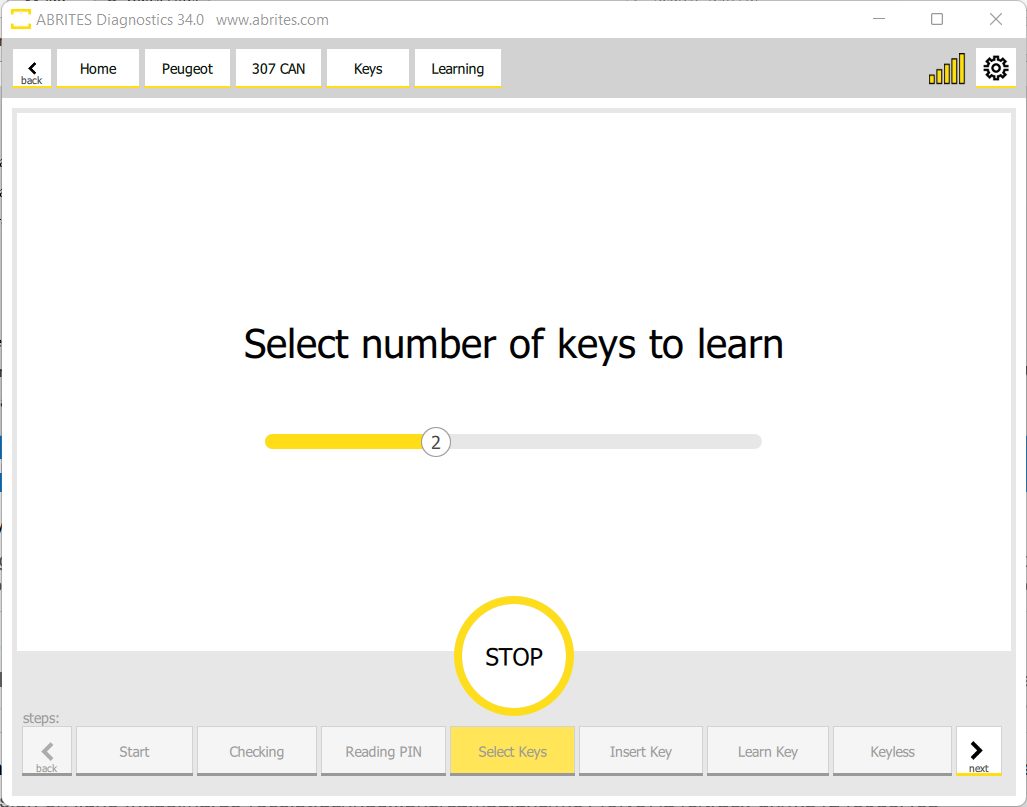
The Software will now allow you some time to prepare the key in your hand so that you are ready
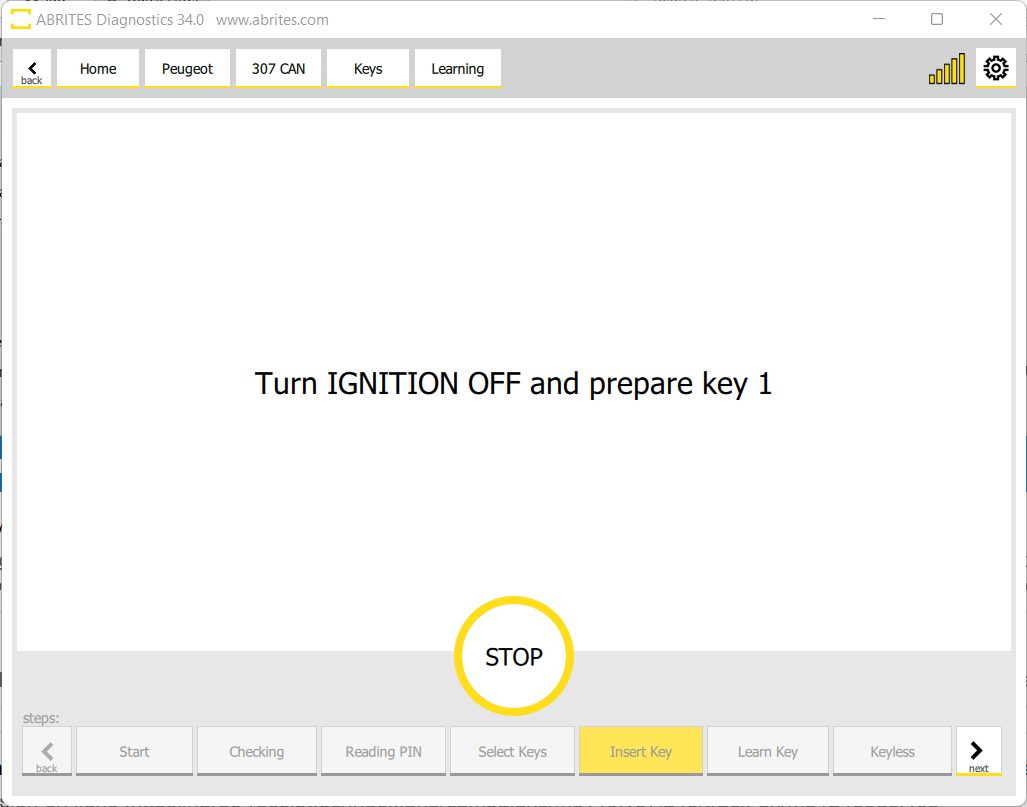
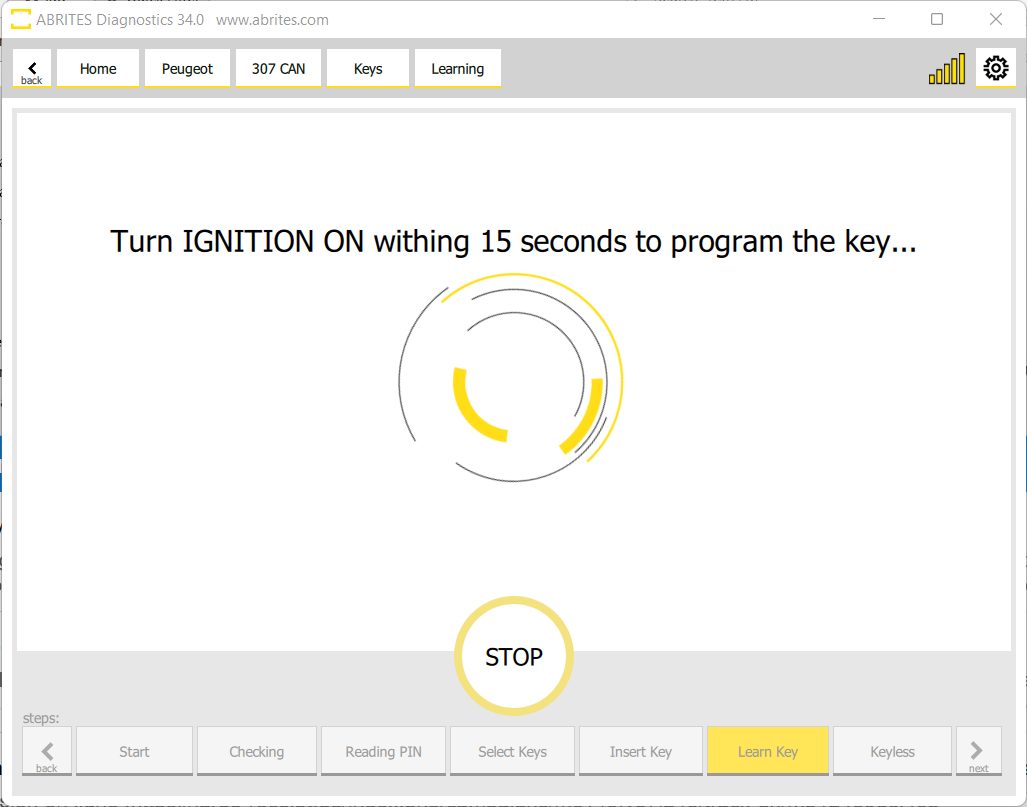
Now you will see that you have to turn the ignition ON with the prepared key.
If the car is keyless you will see that the software will prompt you to touch the start stop button with the key.
This procedure often is time bound so you will have a limited amount of time to complete the procedure with each key you want to program. The instructions prepare you before each step which requires your input.
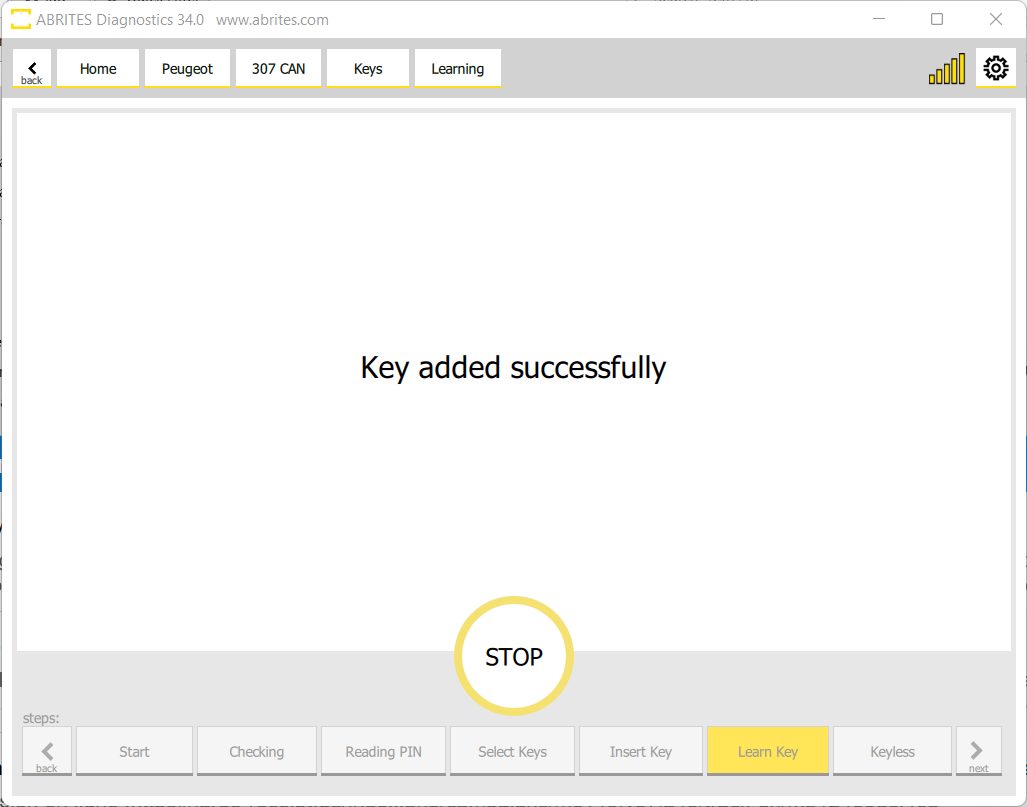
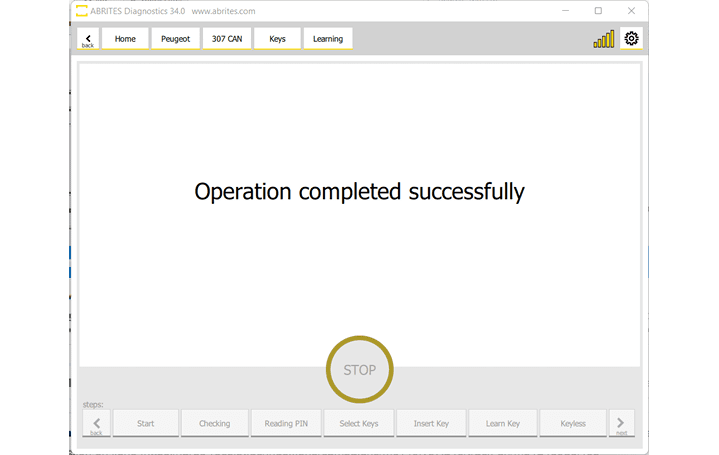
Important troubleshooting steps you need to be aware of should the procedure for PIN code reading happens to fail.
The two main causes of failure are interruption of the internet connection or voltage drop. Please make sure you have a strong internet connection and power supply. Please note that while using our phones as Hotspot devices for Internet, we have had interruptions by incoming calls which is one of the risks. A steady connection and power supply will all but eliminate the risk.
In case something happens to the BSI during key programming and there is no connection with it anymore, we have provided you with a backup. In the LOG folder installed on your computer under C:\Users\Your User Name\Documents\ABRITES software for ID 17XXXX\PSA you will have a backup of the flash of the BSI.
Even when you have no diagnostic connection to the vehicle because of the of the BSI, you still have access to the “Programming” menu. In it you can go, select the BSI, write its flash and the BSI will be restored to its original state. Here is an example of what the file looks like. It is date and time coded and easy to determine if you have multiple files in your backup.
This is an example of a backup file