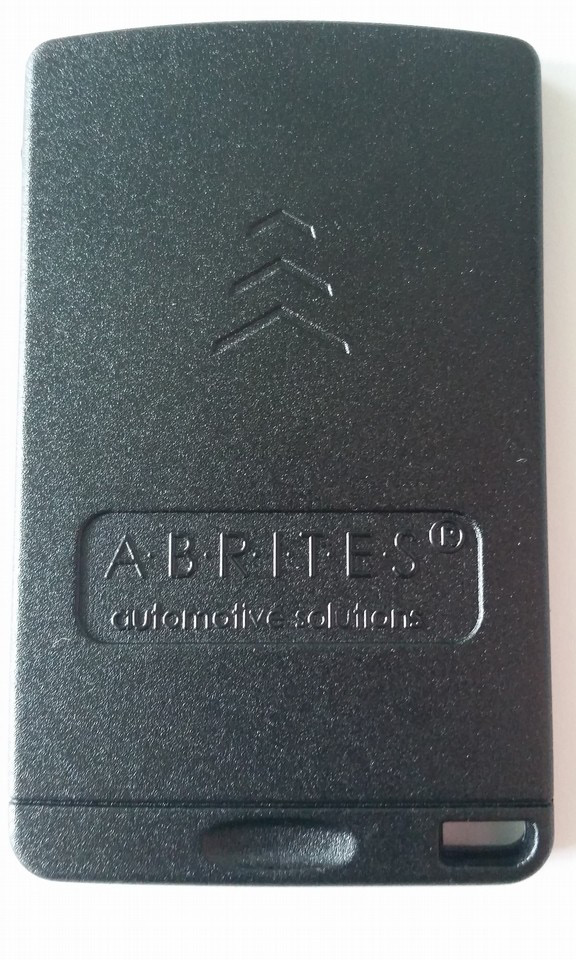
Vehicles like the Clio IV can use the key cards, produced by Abrites ltd. These cards come prepared for the user and look like this:
It is used together with the Abrites PROTAG programmer and can be purchased from abrites.com or our dealer network.
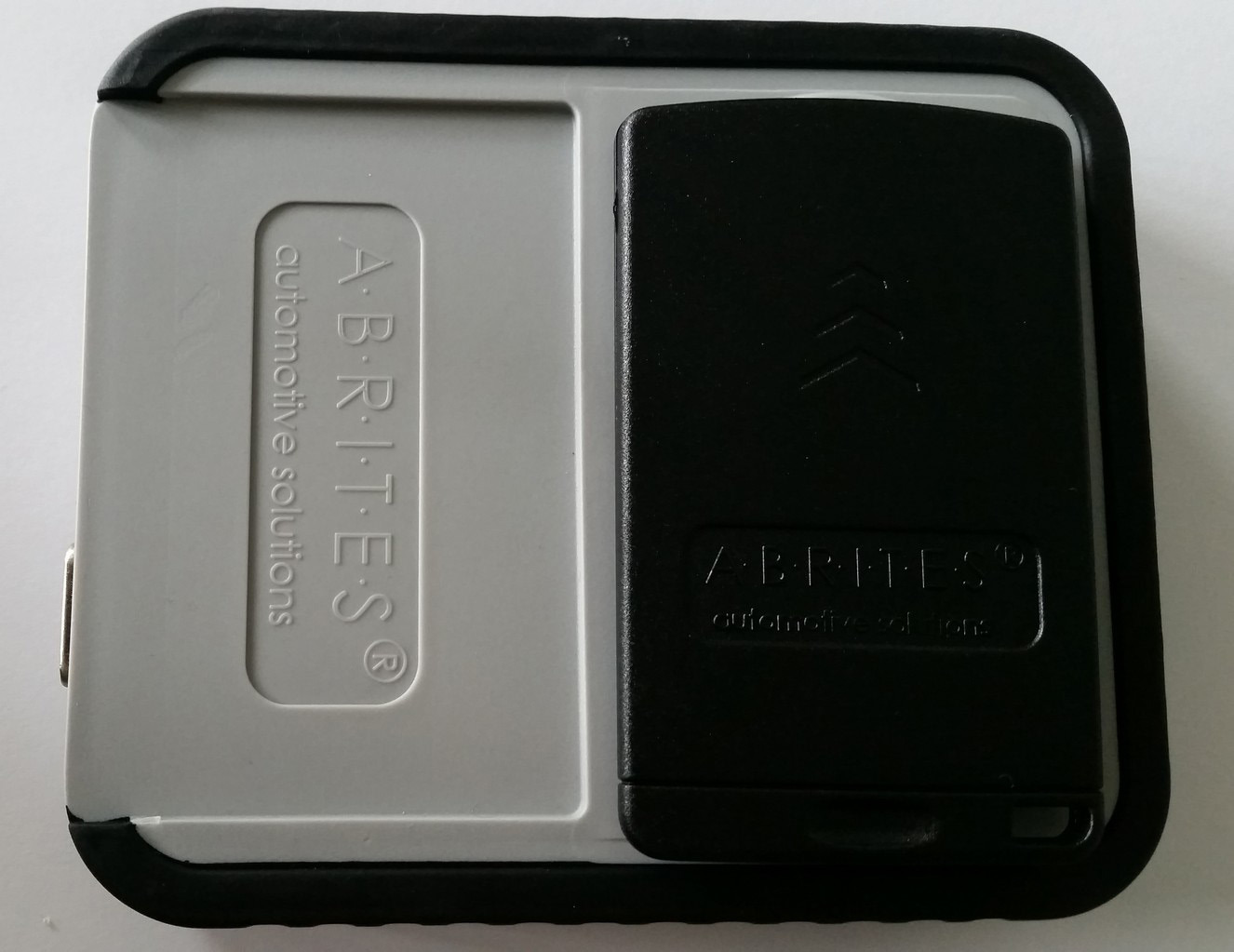
The correct position of the card over the PROTAG programmer is shown below:
The procedure for “Abrites key” cards requires connection to the internet.The car will be autodeted:
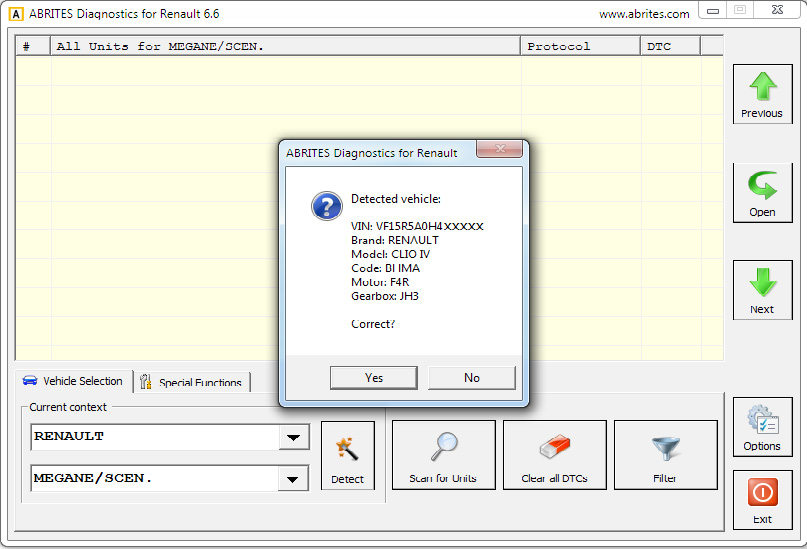
The Abrites diagnostics for Renault/Dacia will ask you to confirm whether orr not the vehicle is correctly autodetected. You can confirm.
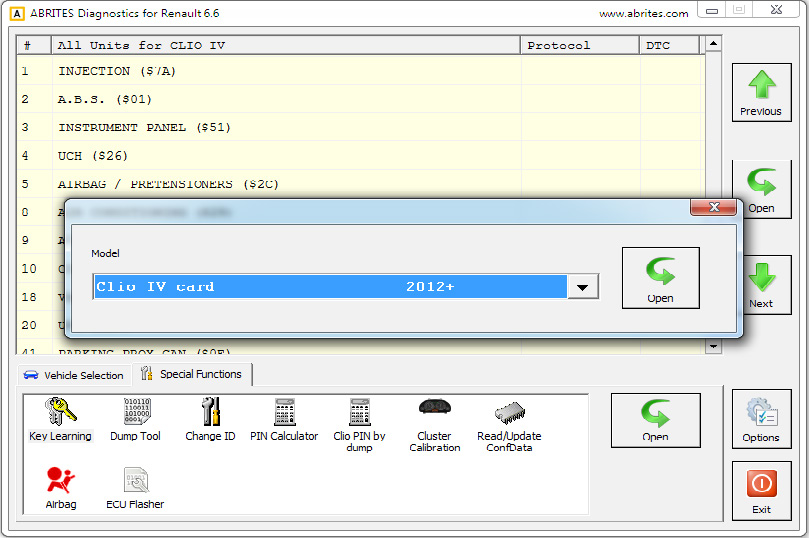
Press start and the software will ask you to input the number of keys to be programmed
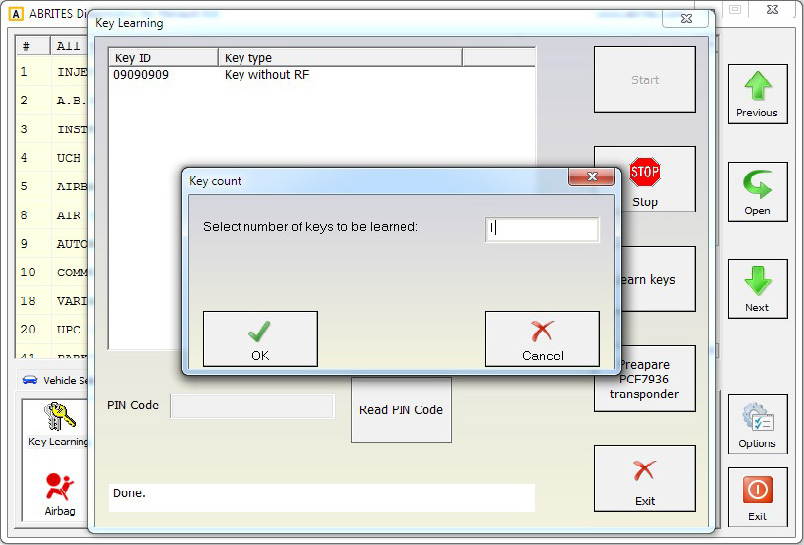
In this case we will be programming 1 key-card.
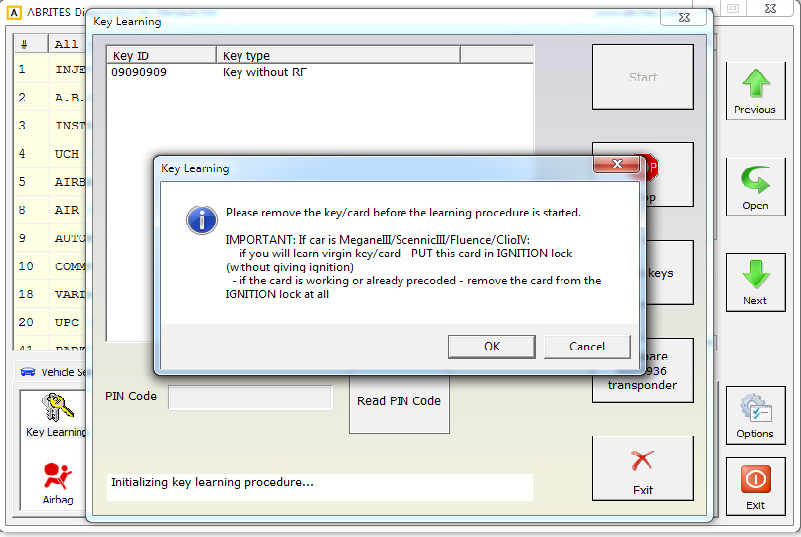
After following the instructions the Configuration data and PIN are being read
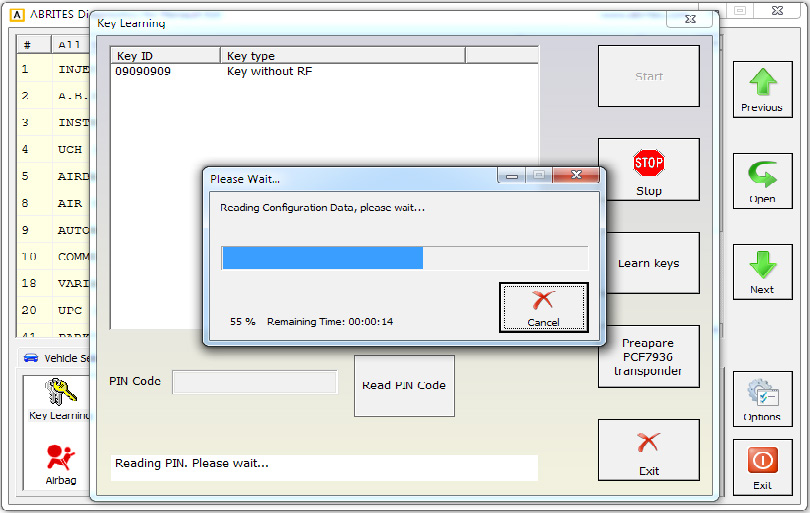
At this point the software will ask you if you are using and Abrites key. Please confirm.
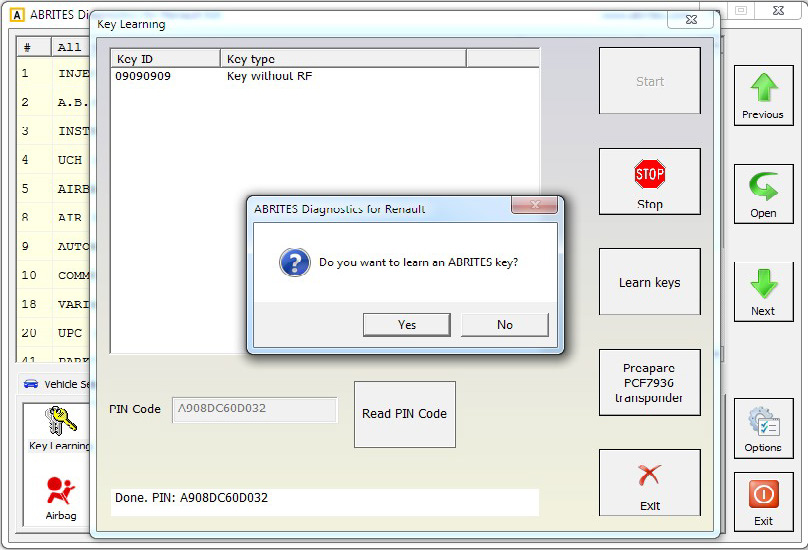
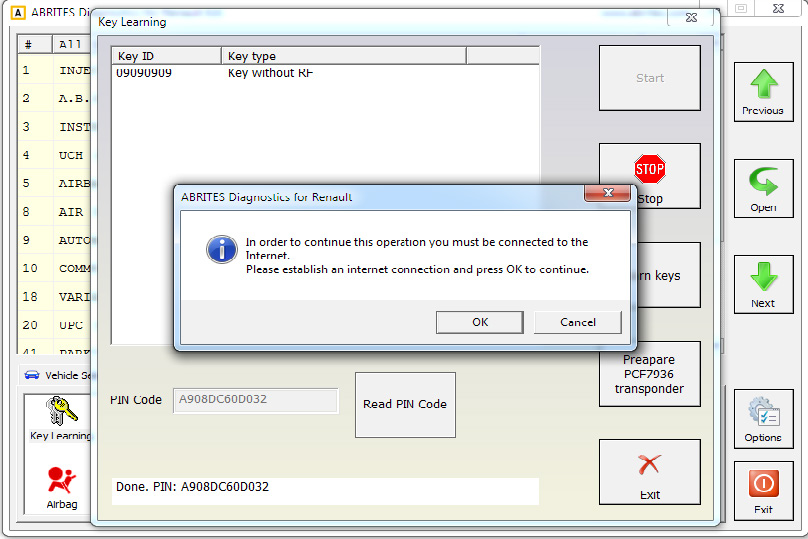
At this point you will be reminded to check the internet connection.
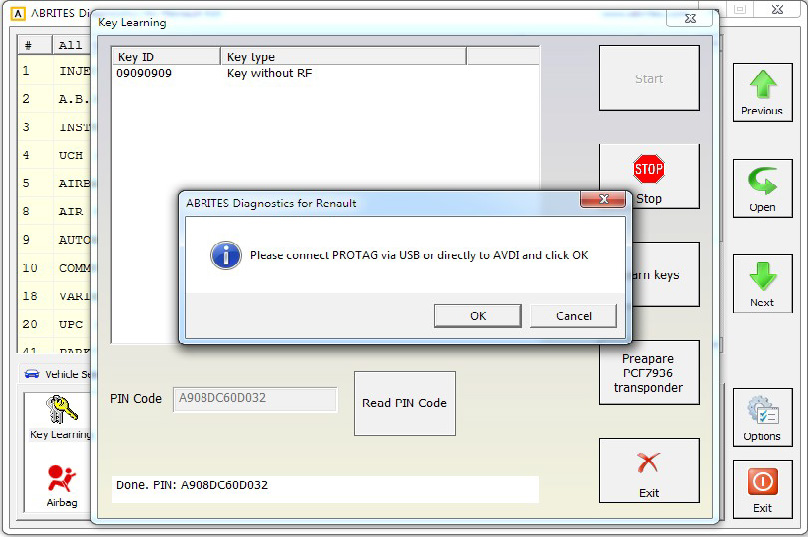
Then connect the PROTAG programmer
Then place the Abrites card over the Protag programmer as per the photo above and click “OK”
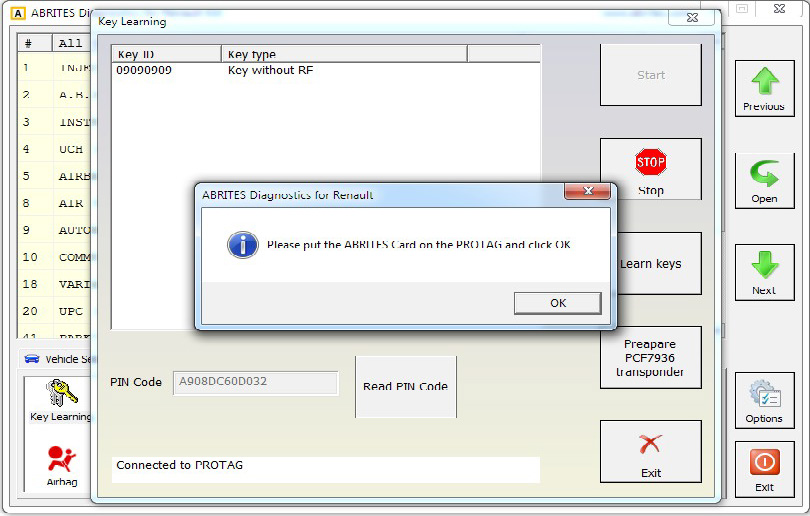
The Abrites card will be prepared:
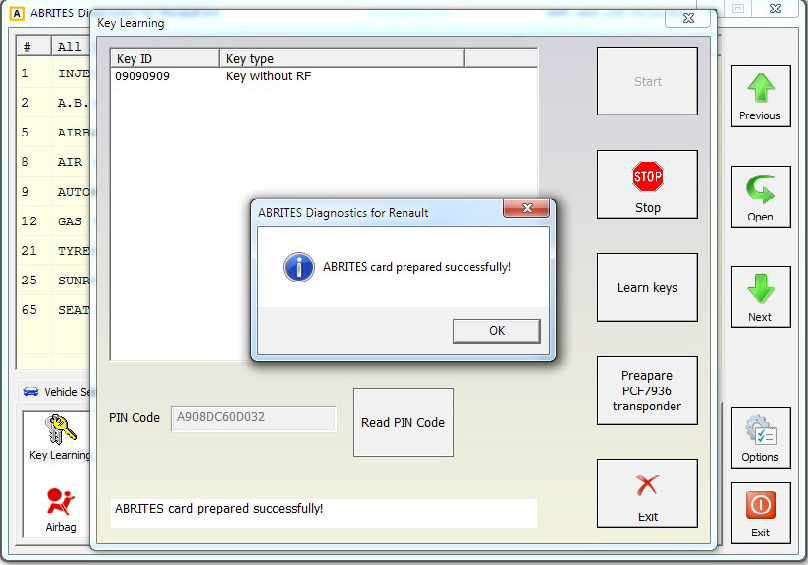
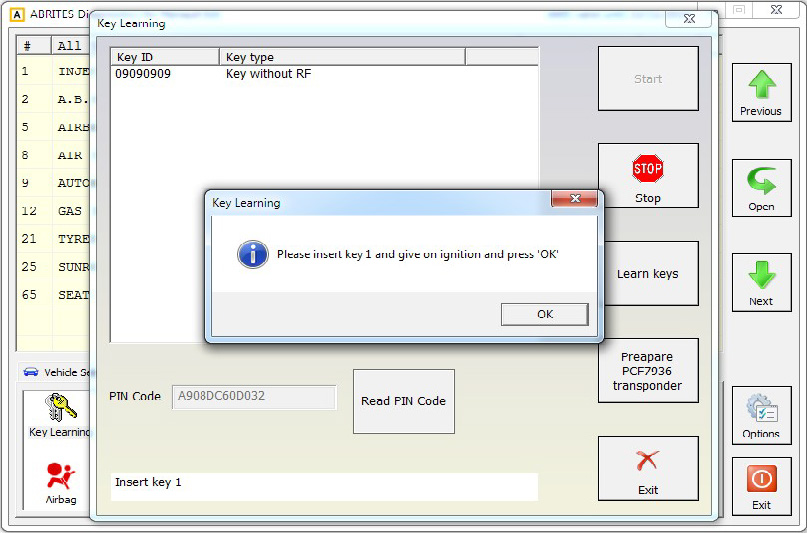
Continue by putting the card in the ignition and press OK
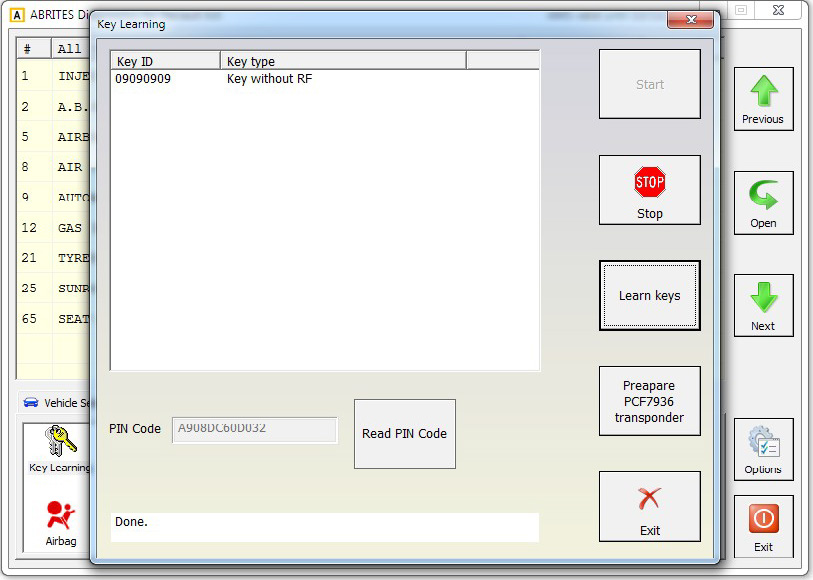
The software will then confirm by saying “Done” in the bottom left corner:
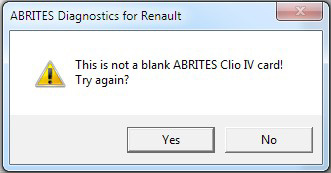
Please note that in case you have not used an Abrites card during the process the software will note this immediately.