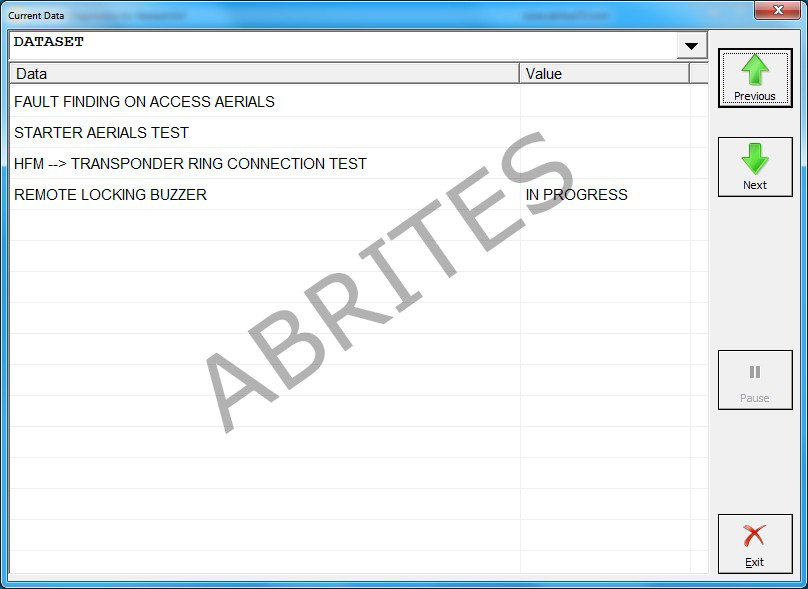
The Abrites diagnostics for Renault/Dacia provides a multitude of options in terms of standard diagnostics. It can assist the user to read and clear diagnostic trouble codes (DTC), perform identification on the electronic control modules installed in the vehicles produced by Renault and Dacia, show the actual values of the vehicles in real time in a list form as well as a graph and also perform actuator testing in order to determine the cause of issues within the vehicles.
3.1 Module Identification
Once the software identifies the vehicle make and model the user will see the list of modules installed in the particular vehicle. When they choose a module and click on it the following screen will be displayed:
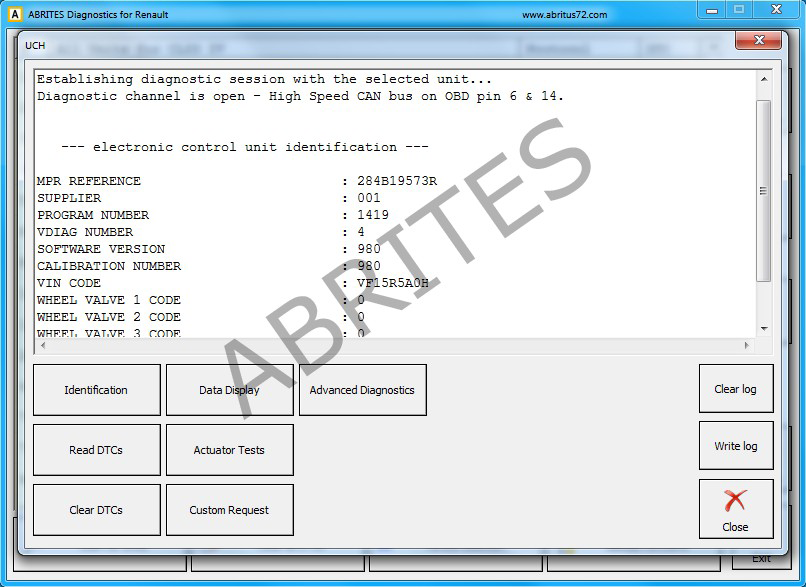
Using the “Identification” button the user will have all the available information for the module. This includes part number, supplier, programming number, VIN, as well as many other details. This will help in the cases where a replacement unit is needed.
3.2 Reading and clearing Diagnostic Trouble Codes (DTC)
Diagnostic Trouble Codes are one of the first signs of issues with a vehicle. Abrites diagnostics for Renault/Dacia provides reading and clearing of these codes as well as full information about the codes themselves. Once the module that is diagnosed is found (after scanning for trouble codes from the main screen the DTCs are displayed in a list next to the electronic modules) the user can enter the module and select the “Read DTCs” button.
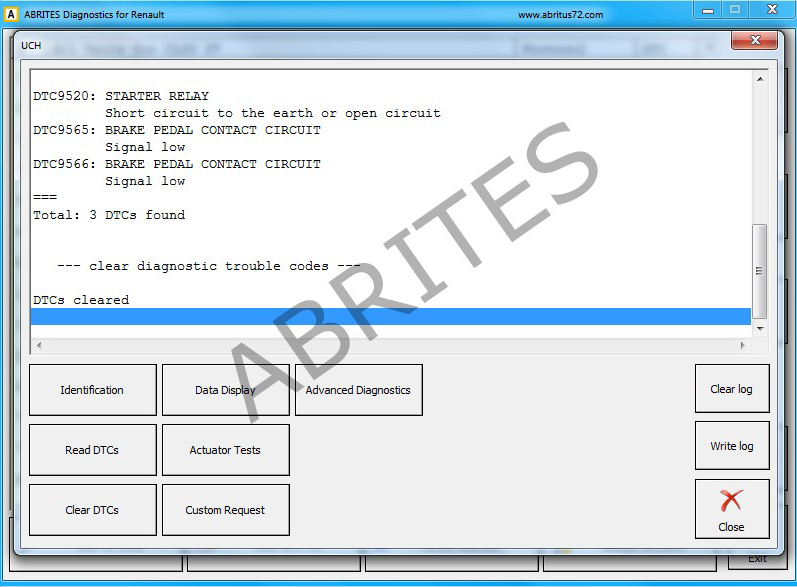
A description of the trouble code is provided. It contains the descrpition of the DTC (one or more), the car’s code for it as well as the total amount of the discovered trouble codes. Once the user is done with the analysis of the present codes and the repair of the fault itself they can proceed to clicking the “Clear DTCs” button which will remove the code from the electronic unit’s memory.
3.3 Actual Values
Actual values are an inseparable part of the detailed diagnostics of a vehicle. They are used to monitor and observe the details of operation of the vehicles’s components in real time and can allow the user to make adjustments to the vehicle and immediately see their effect. The actual values can be viewed using the “Data display button”. They can be monitored as a list or in graph form:
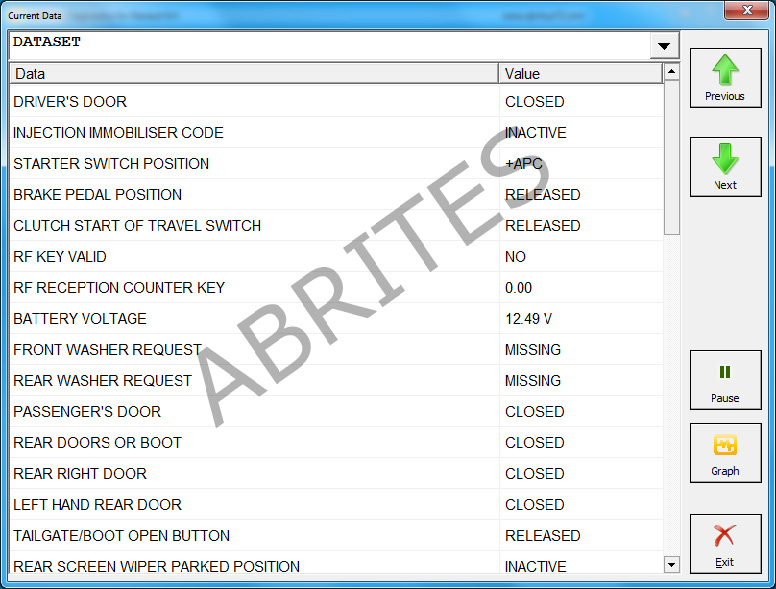
In the list view the options are stacked and their status value is displayed on the right hand side of the screen.
Using this view many separate sources can be viewed simultaneously. The user can choose to freeze the live data reading in order to observe and analyze them at a particular point.
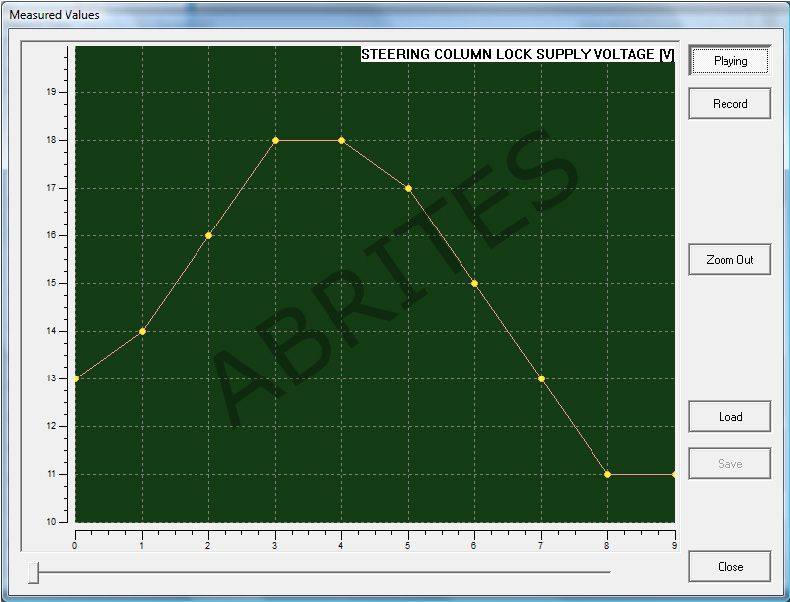
The live values can also be displayed in a graph.This graph can be opened by selecting the “Graph” button. It can be recorded, saved and played for further analysis. The user can zoom the graph for aditional details or to see it in a larger scale so that the vehicle’s behaviour can be thoroughly analyzed:
3.4 Actuator Tests
When looking for the soursce of a fault in a vehicle it is very important to be able to test separate components within a system in order to determine the exact part of a system that is faulty. This is applicable particularly in the cases where the system is more complex which is very common in modern vehicles.
Some vehicles have many actuators that enable and disable one or more functionalities of the vehicle’s operation as well. These may be used to determine a cause of a fault but also to apply changes to a vehicle.