Once your AVDI interface is ready for work you can connect the PROTAG programmer to the PC through one of the available USB ports of your PC.
3.3 Starting of the software
When the programmer is ready and connected to the PC you can start some of the applications from your installation package. Each of these applications will notify you that the PROTAG programmer is found and will use PROTAG programmer when it is needed.
If you are using TAG Key Tool application will appear following screen:
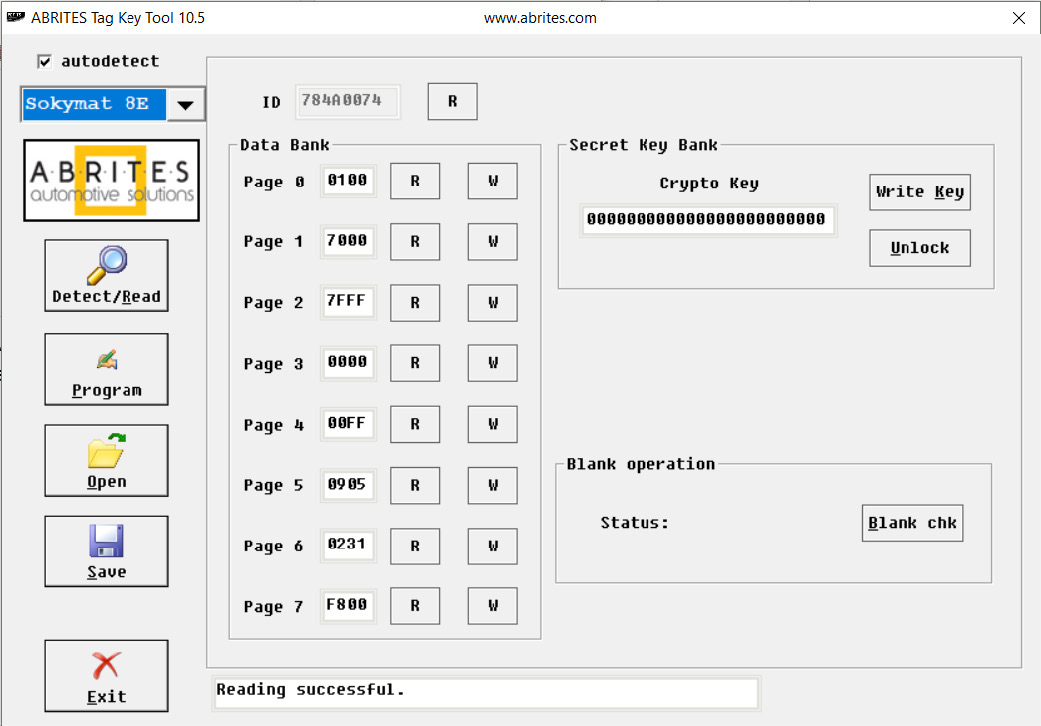
From the drop down list you can select some of needed transponders types or utilities which you needed.
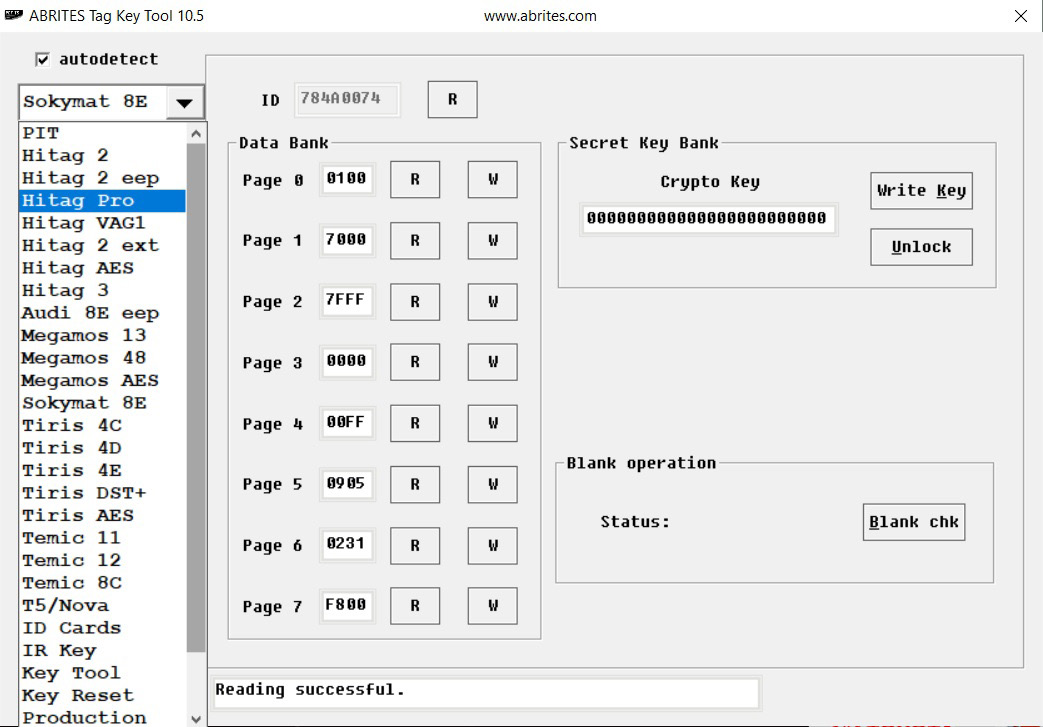
You have also the ability to access additional EEPROM memory of the keys, to prepare a key ready for starting of the vehicle using ‘Key Tool’, to prepare transponders ready for programming by diagnostic equipment – ‘Production’ and also you can prepare a ‘cloning’ of a key using function ‘Key Cloner’.