We suppose that your AVDI interface is configured and fully working. You can receive an optional separate installation file of your “Abrites Tag KeyTool” software for your AVDI and PROTAG programmer. The software is a windows executable file named ‘SetupTagKeyTool_VVxxxx.exe’ where VVxxxx is your interface identification number.
3.1 Software installation steps
Please start the executable file below to initiate the installation procedure and follow the onscreen instructions.
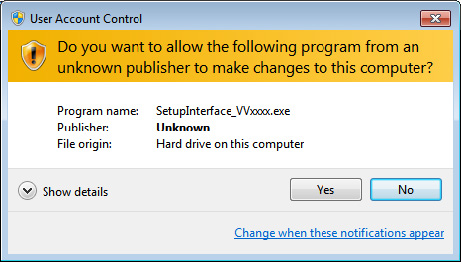
Depending of your operation system and settings you can be asked to confirm starting of installation procedure.
Press the “Next” button to proceed with the installation.
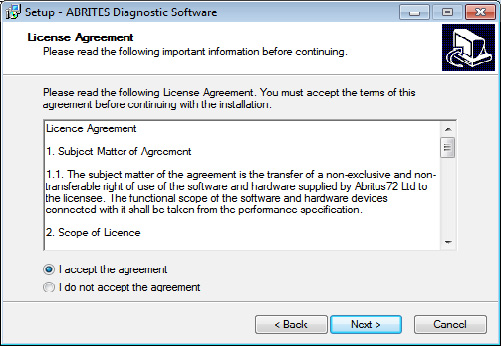
Read the license agreement and select “I accept the agreement” if you accepting all. Then press the “next” button.
If you not agree press cancel to interrupt installation procedure.
Press the “Next” button to proceed with the installation.
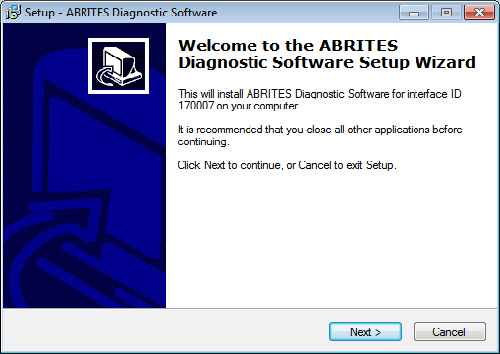
Press the “Next” button to proceed with the installation.
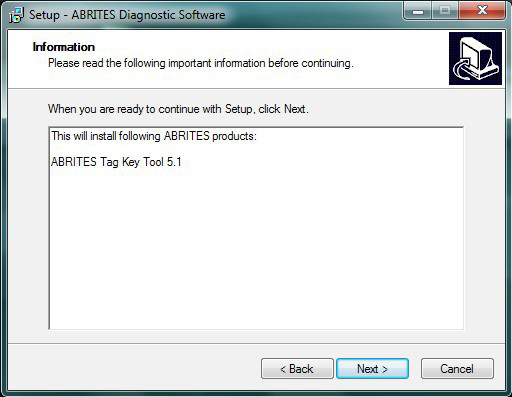
Press the “Next” button to proceed.
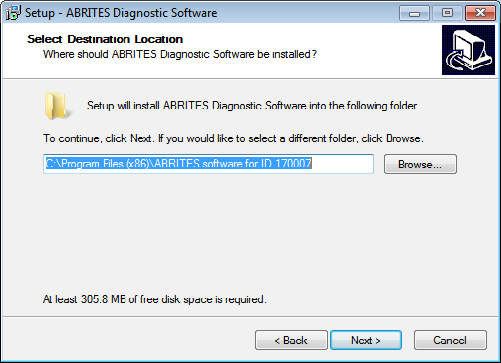
If you do not want desktop icons uncheck the checkbox about creation of icons.
Press “Next” button to proceed.
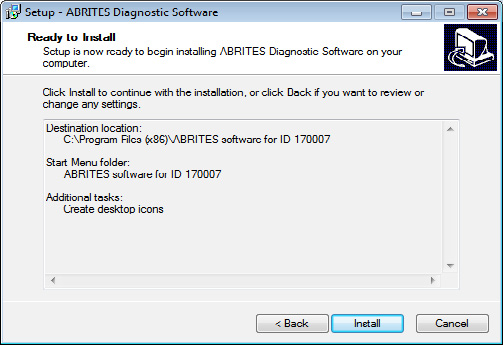
Press “Install” and wait until installation complete.
Be sure that the checkbox about the installation of the interface’s USB drivers is set especially if you are installing for the first time. Press “Finish”.
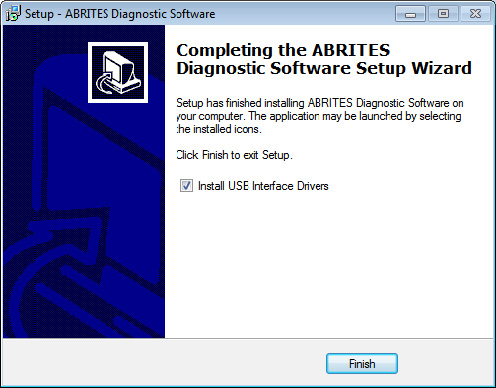
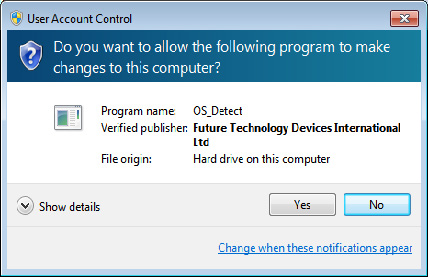
Depending on the setting of your operation system you can be asked to confirm installation of USB drivers.
Press “Yes”.
Wait until the installation of USB driver finishes.