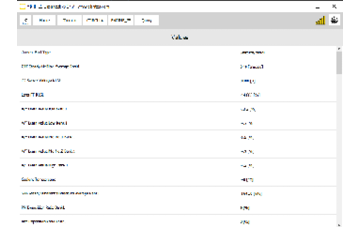
The software gives you the option to monitor live values for diagnostic purposes.
Step‑by‑step procedure
1. Open the module
From the main screen, open the module you want to work with.
2. Select Live Values
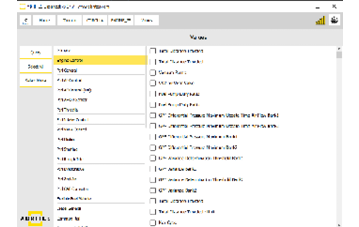
Select the "Live Values" button on the left side.
3. Choose what to monitor
A list of options appears; select the values you want to monitor.
Important notes
- Live values are read from the module you opened, so pick the module that owns the sensor you are interested in.
- Monitoring several values at once slows the refresh rate; select only what you need.
- Keep the vehicle on a stable supply — voltage-dependent readings drift on a weak battery.
Related
- General Diagnostics – read/clear DTCs – fault codes for the same module.
- Special Functions – the full list of special functions offered by the software, and the licensing that applies to them.