Once started, the software goes through all available protocols and identifies all available modules in the vehicle you are working on.
What each module offers
Entering a module shows all the available options for it:
| Option | Purpose |
|---|---|
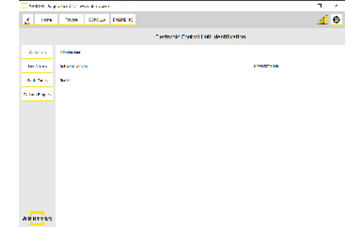
| Identification | Part numbers and module details |
| Live / measured values | Real-time data — see Live Values Monitoring |
| Actuator testing | Driving outputs to confirm operation |
| Clearing DTCs | Erasing stored fault codes |
Step‑by‑step procedure
1. Enter the module
From the scan results, enter the module you want to work with.
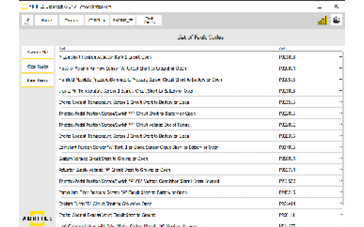
2. Open Fault Codes
Open the "Fault Codes" menu on the left side.
3. Inspect and record
You can get details about each DTC, and save the scan report to a file.
4. Clear
Clear the DTCs by pressing the "Clear Faults" button.
Important notes
- Save the scan report before clearing faults — once cleared, the evidence is gone.
- A fault that returns immediately after clearing indicates a live condition, not a stored history.
- Some immobiliser-related codes, such as B279986, point to a specific procedure rather than a wiring fault. See ECU Synchronization.