Step‑by‑step procedure
1. Start the Abrites Quick Start application
Start the Abrites Quick Start application and select Toyota.
2. Open the Toyota Online software
On the 2nd page of the Toyota option, select the button for the Online software.
3. Select the brand
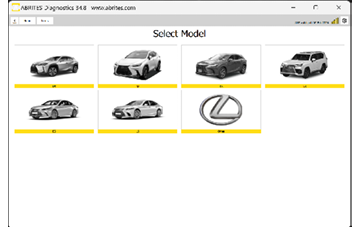
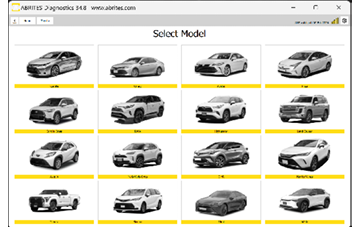
When the Abrites Diagnostics for Toyota/Lexus/Scion Online application is started, the main screen appears, where you select the brand you need — Toyota or Lexus.

4. Select the model
If Toyota is selected, you then choose the model you are working on.
If Lexus is selected, the Lexus models appear for selection instead.
Important notes
- The brand and model selection determines which special functions and licences apply, so select the exact model you are working on.
- Make sure the AVDI is connected and the software reports an online connection before starting any procedure.
Next steps
- Using the Abrites Diagnostic for Toyota Online – general diagnostics and live values.
- Special Functions – key learning, airbag, mileage and ID Code Box.