As described you can establish a diagnostic session with most electronic control units in the vehicle. When the diagnostic session is established the basic diagnostic screen will appear.
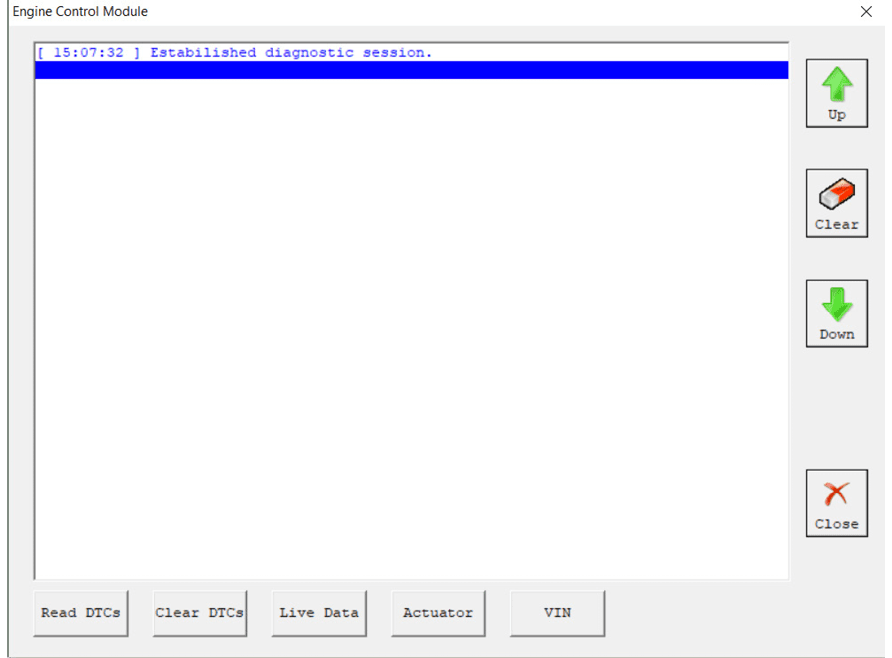
If for some reason the diagnostic session can not be established you will be notified.
In the basic diagnostic screen you have a choice to read registered DTCs, clear them, display live data or to perform other actions from the “Special” button.
-
To read all DTCs press the button “Read DTCs” - all DTCs with their status – current, history or pending will be displayed.
-
Each DTCs is described with its number (Uxxxx, Bxxxx or Cxxxx) and with a detailed description
-
To clear stored DTCs in the electronic control unit press button “Clear DTCs”.
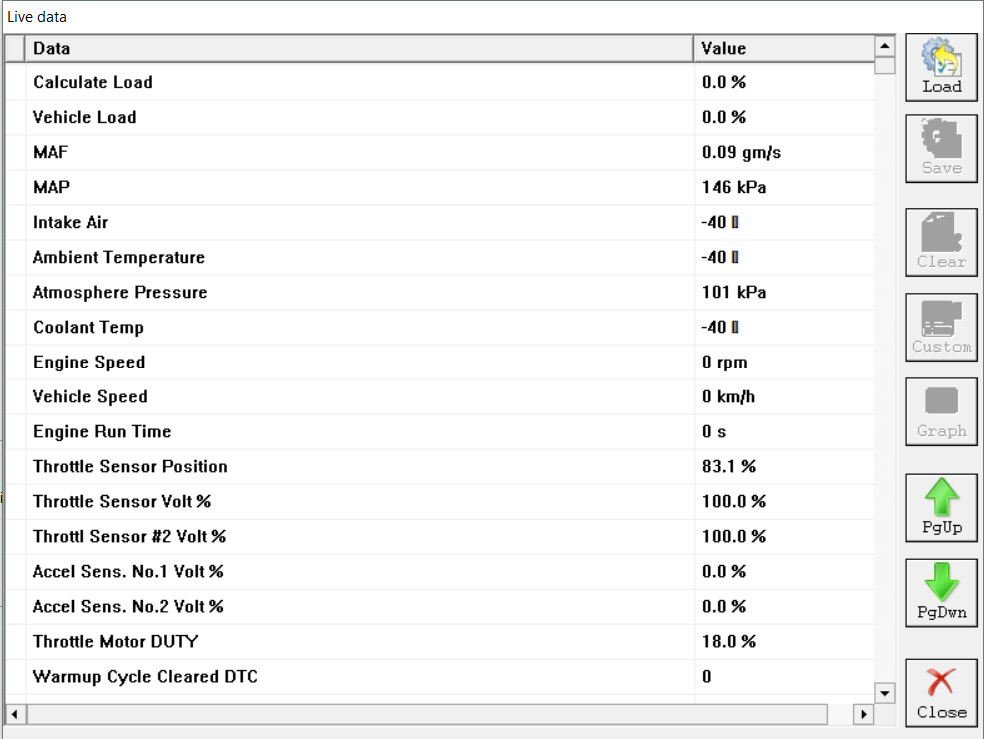
Live data or so named measured values is data sampled by the electronic control units giving us a detailed view of the current status of the corresponding unit.
Simply press the “Live Data” button and everything available from the current unit will be displayed A list with the units where live data is available is present in appendix A.
Your diagnostic tool can provide you with a wide range of additional special diagnostic procedures available by pressing the button “Special”.
In the appendix “B” a list of currently available special functions depends selected unit is present.
By selecting the tab placed on the main screen of your Abrites Diagnostics for
Toyota/Lexus/Scion you will have an option to select the exact model of your vehicle or group of electronic control units. These options are useful to you because they will reduce the amount of displayed electronic control units on the screen. Additionally this amount can be reduced by clarification of control unit purpose group – power train, transmission, body and infotainment.
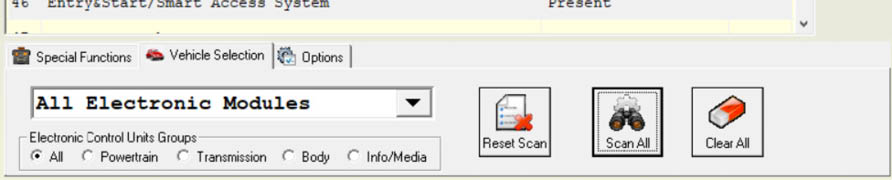
Once the set of displayed units is defined you can perform the following actions for the units on the list:
- Check availability and DTCs for all units from the list (SCAN) – press button

- Clear all DTCs in the list – press button

- Reset SCAN data in the list – press button
