- Can’t connect to module(s) that should be synchronized with the immobilizer.
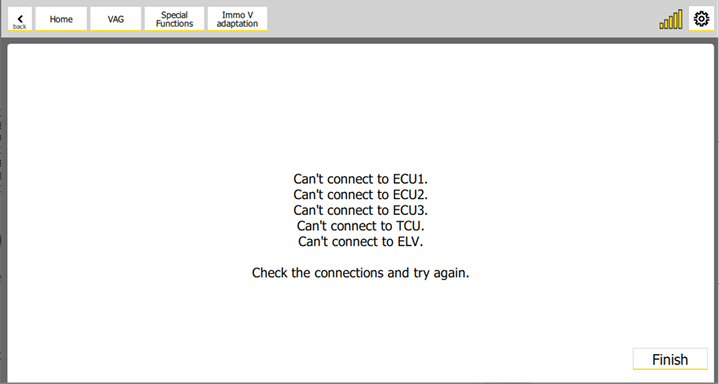
Double check the connection with the modules. They should appear as a result of “Scan all” function.
- “Current key is not precoded to the car. Put the WORKING key in the Protag”
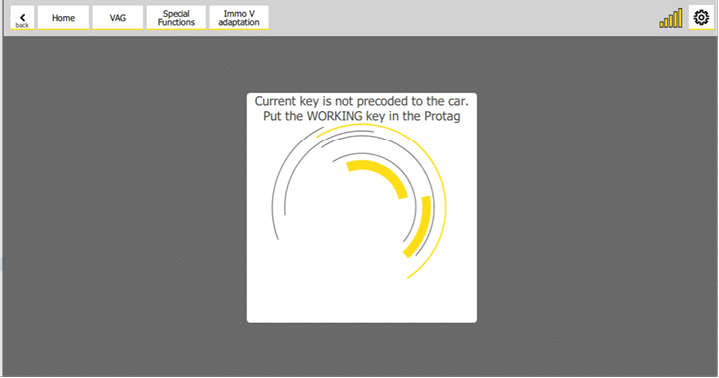
This message can appear when PROTAG is trying to read a working key (step 6 of the procedure).
Possible reasons for this message are
-
The CS (Component Security) of the original module is not correct. Please double check the CS of the original module.
-
The key is not a working key. Please put a working key in the PROTAG device.
- MAC of some of the checked “Modules to synchronize” (step 3 of the procedure) are not synchronized with the immobilizer.
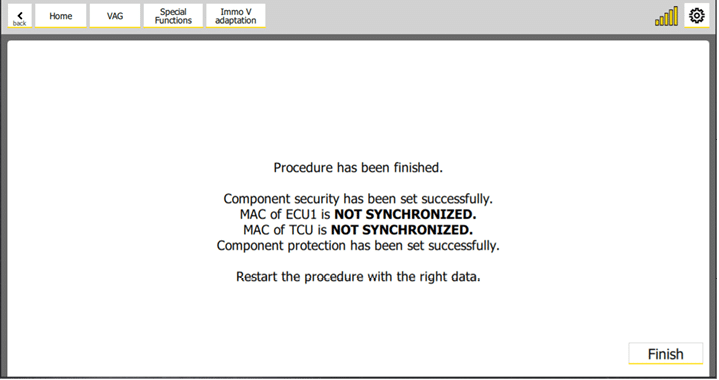
This usually appears when CS of the original ECU (step 6.1 of the procedure) is not correct. Please double check the CS of the ECU.
Other reason might be that some module are already in sleep mode, so you’ve to wake up them and repeat the procedure.
- “Failed to set component protection.”
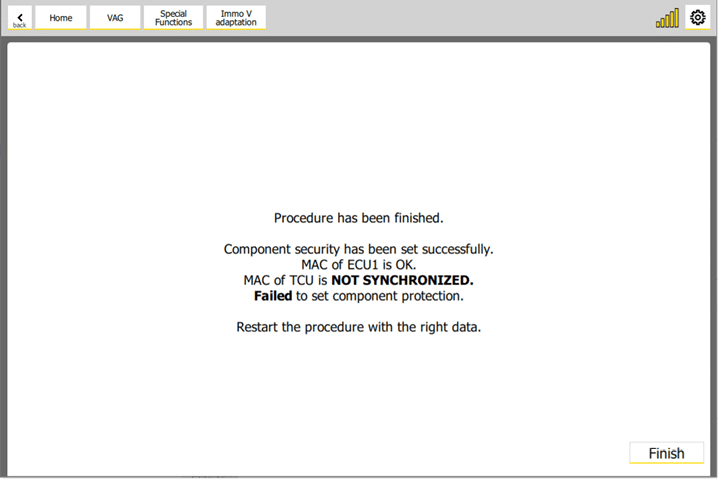
This message usually appears when the CP (Component Protection) of the original module (step 3 of the procedure) is not correct. Please double check the CP (Component Protection) of the original module.
- “Failed to set the component security!”
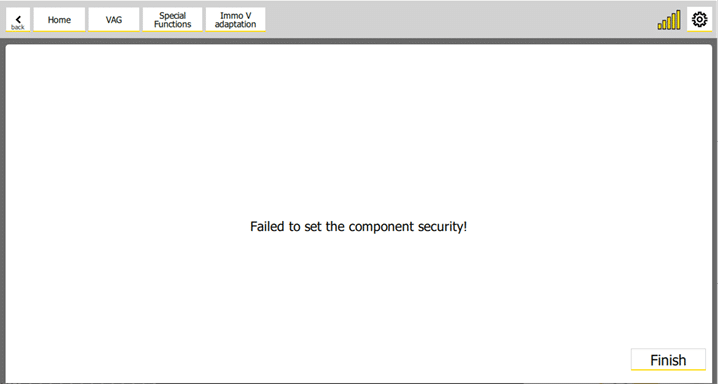
Double check the CS (Component Protection) of the replacement module (step 3 of the procedure). It usually happens when the CS of the replacement module is not correct.
- It is possible that by some reason the key-learning procedure is not completed successfully – e.g. because the key was not placed on the reader coil, or the is a mechanical problem with the reader coil) – in such case you’ve to repeat the key-learning procedure.