-
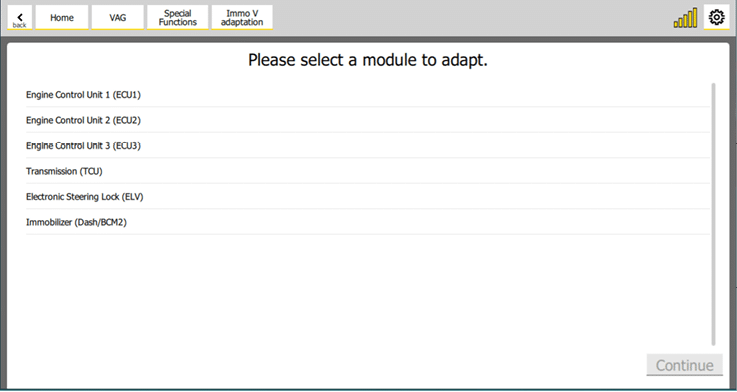
Navigate to “Immo V adaptation” special function.
-
Select “Immobilizer (Dash/BCM2)” option.
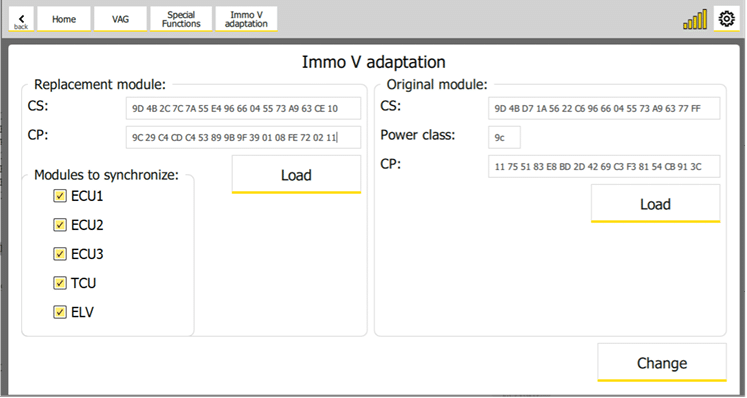
- Set the following data:
-
CS (Component Security) of the replacement module
-
CP (Component Protection) of the replacement module
-
CS (Component Security) of the original module
-
Power Class of the original module
-
CP (Component Protection) of the original module
-
Check the modules that are available in the car. Typically there is always a ECU1. TCU is available for automatic transmissions cars, and ELV is available if the car is keyless (typically for MQB, but for BCM2 cars – later BCM2 cars don’t have ELV even cars are keyless). ECU2 is available for some high performance cars (like S8 for example, while ECUs is typically available in the e-cars (like Audi E-Tron or E-Golf). It’s important to check all available modules to synchronize with the immobilizer for successful adaptation. If this synchronization is not made, the respective module won’t work.
-
When you are ready click on “Change” button.
-
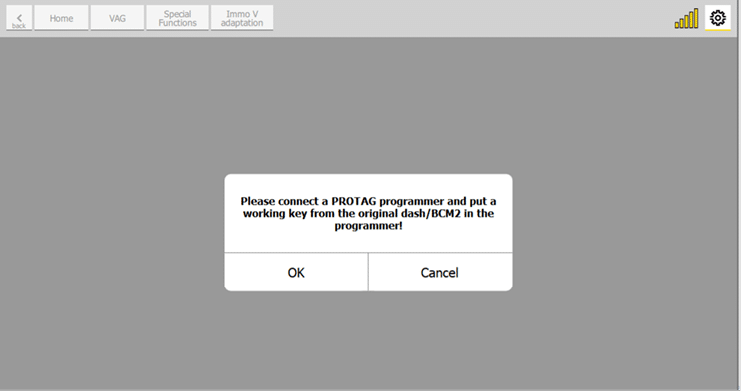
You must connect a PROTAG programmer and put a working key in it. Click “OK” when you are ready.
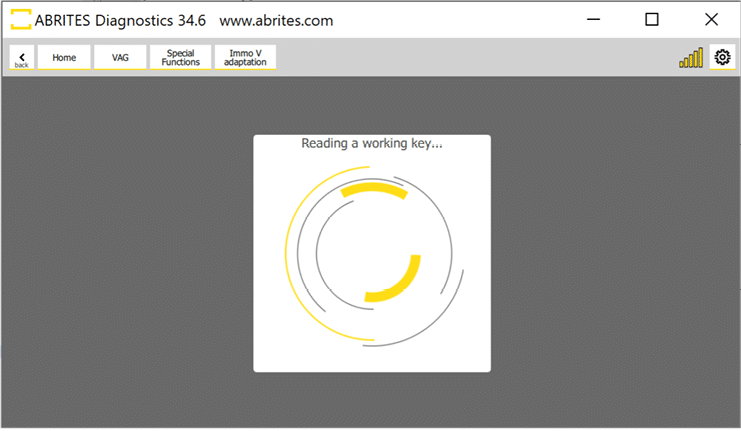
- It will start to read the key.
6.1 If the car is A4/A5/Q5 (8K0 platform), then it will appear the following screen
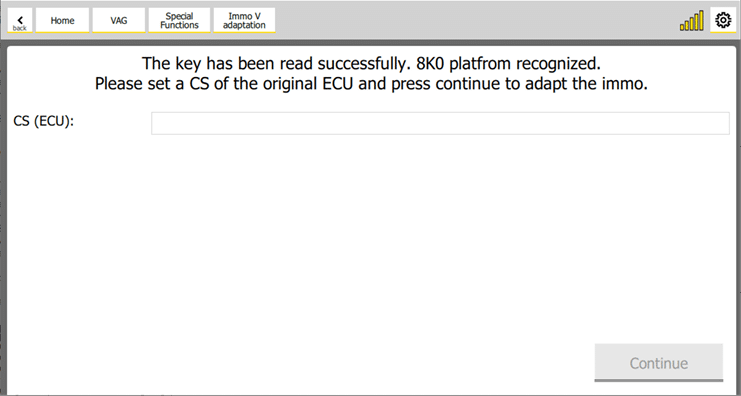
Please set the CS (Component Security) of the original ECU and click on “Continue” button.
- Adaptation will start.
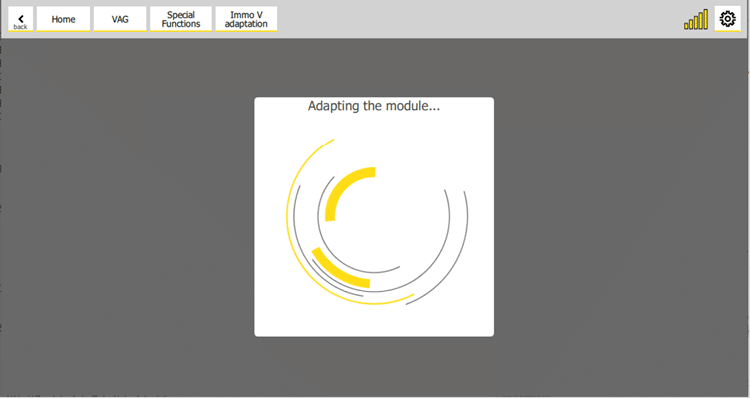
- If the adaptation is successful, then a similar screen will appear:
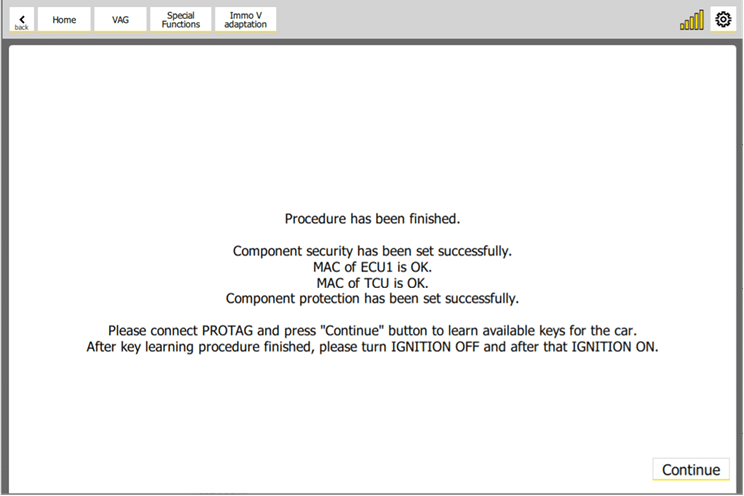
IMPORTANT: When you’ve message that the “Component security” or “Component protection” are set successfully, the new values are accepted. So if you want by some reason the repeat the procedure (e.g. to repeat the MAC synchronization or the Key-Learning), now the replacement module CS (respectively CP) is like in the original module. You have to learn a key with the new dash or BCM2.
If the module is BCM2, then connect a PROTAG device and put the key in the PROTAG device.
If the module is MQB dash, then put the key in the ignition lock (no keyless) or hold the key to the reader coil (keyless).
- Click on “Continue” button to learn a key. The following screen will appear:
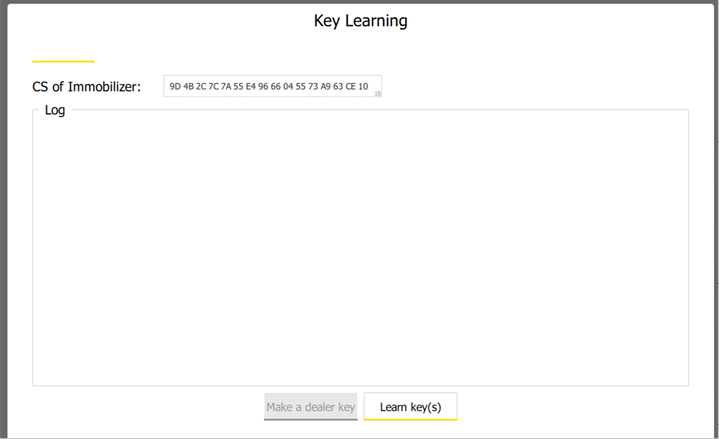
Click on “Learn key(s)” button to learn a key.
- After the key learning procedure is finished, turn the ignition off and after that turn the ignition on.