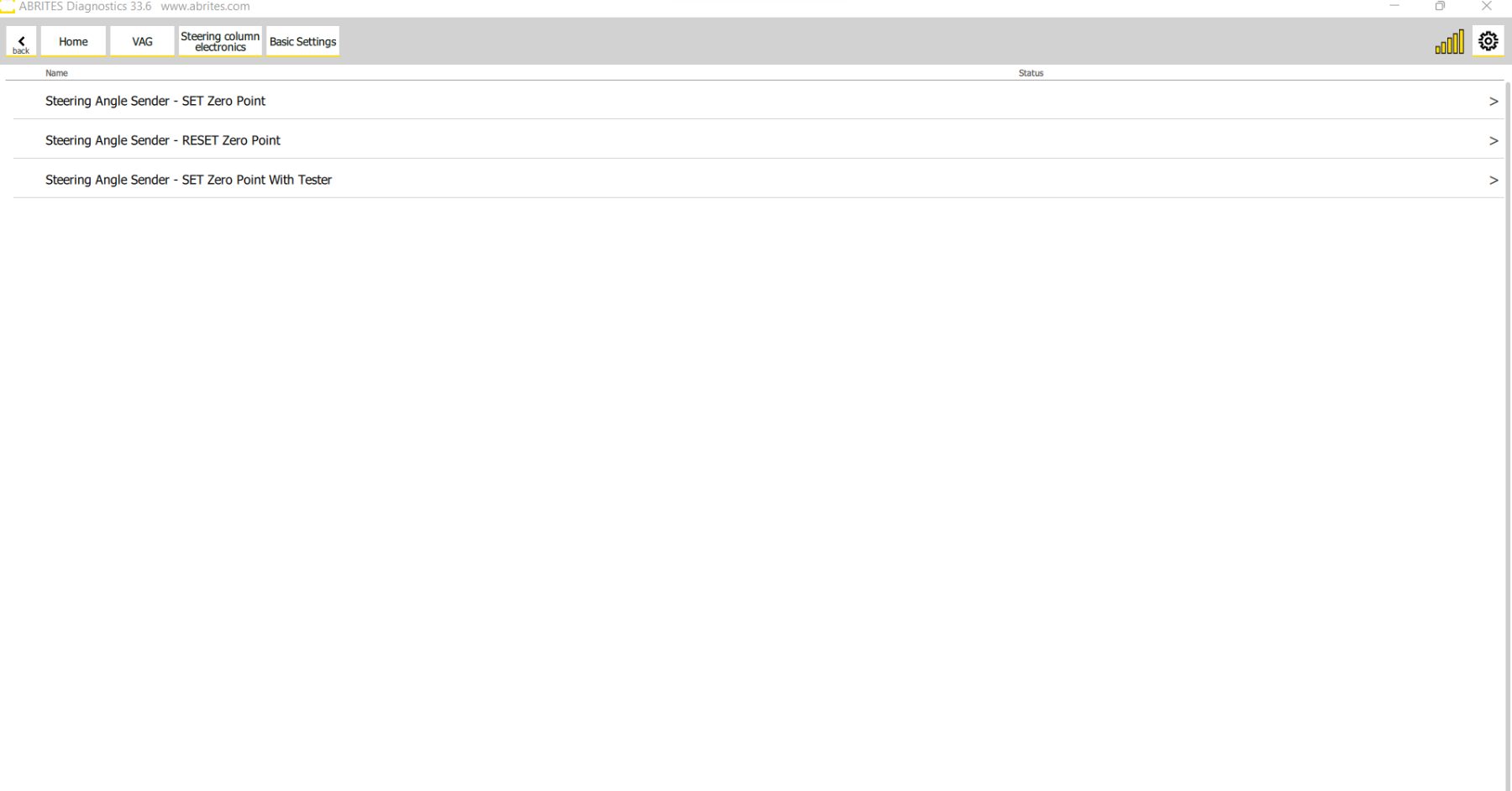
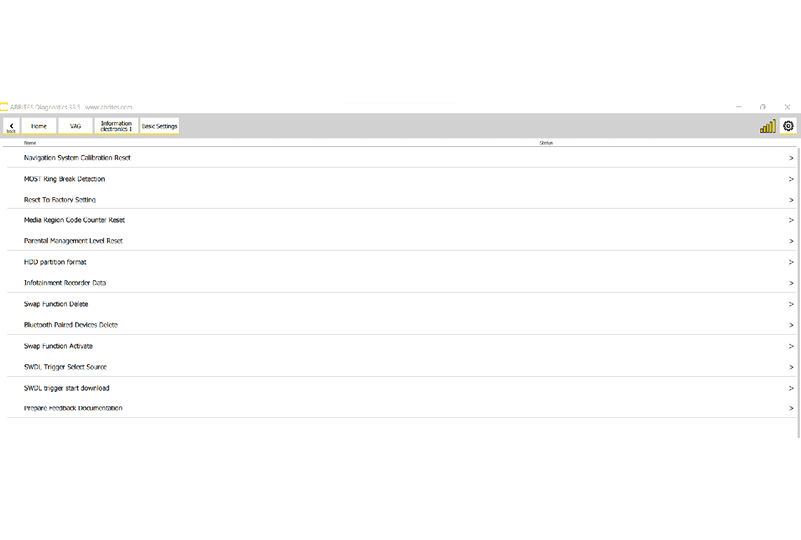
In order to enter the basic settings features you need to enter the module of interest from the main diagnostic menu, from there you will be able to see the basic settings button. Once you press it you will see all the basic settings available for the module in question.
This option is designed to return the settings to the factory preset settings for the specific vehicle.
The basic setting include features which are mostly used by service repair shops to setup a new module or re-calibrate an existing module, these functions are used for calibration of electronic components and setting them in such way to operate in the vehicle.
Example: Dirty throttle body has been cleaned and needs to be returned to its factory settings because it is no longer full of dirt.
For example basic settings are used for throttle body setup after cleaning, clutch calibration in DSG vehicles, even infotainment systems where you can renew the HDD and setup a multitude of other features and functionality within the car or steering angle position sensor calibration.
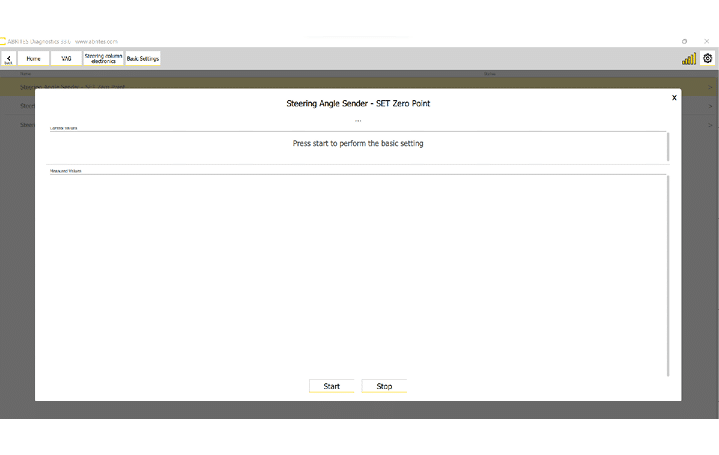
Here is an example where we are setting the values of the steering angle position sensor to zero: