Like in the standard mode, the software tries to autodetect the vehicle model, but the customer has the ability to select the model also manually. If the vehicle model is not autodetected a respective message will appear and user have to select it manually.
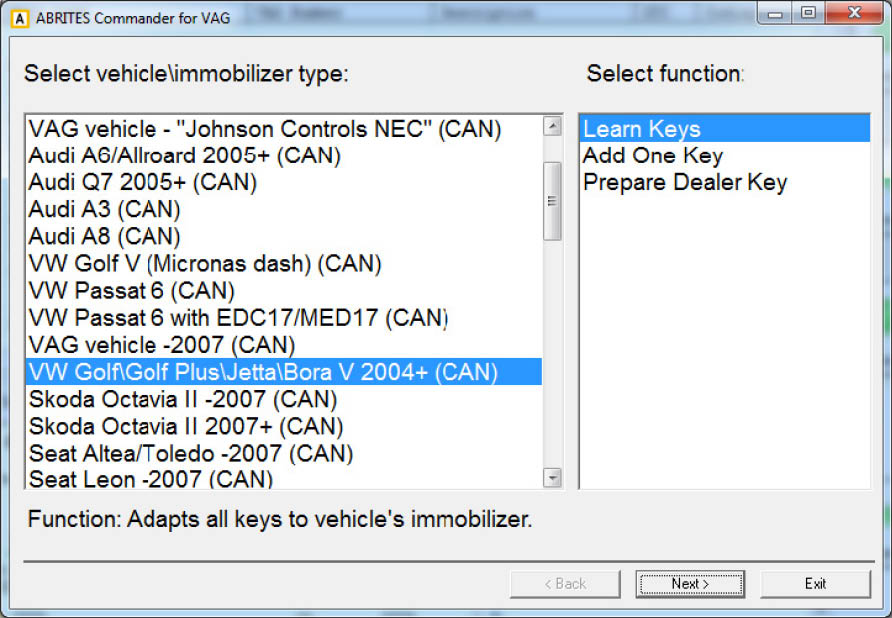
NOTE: Depending on the vehicle type there are 1 or more functions available. A hint for their meaning is displayed in the bottom of the dialog. Here is a more detailed description of the functions.
-
Learn keys – this means that all available keys will be learned. Any already working keys that are not available will stop to work after this function.
-
Add One Key – this function will add one key to existing key count. This means that also the key which are not available at the moment will continue to work.
-
Prepare dealer key – for the vehicles types which accept only pre-coded key it is mandatory first to prepare the so-called “dealer key” before proceed with the “Learn keys”