This function is dedicated to reading/writing of the EEPROM and flash memories of the EDC17/MED17 engine control units. Here not only VAG engine control units can be read, but also engine control units from other manufacturers (such as BMW, Opel, etc.).
You need to
-
Connect the boot pin of the engine control unit to ground
-
Connect the CAN-H of the ECU to PIN6 of the AVDI OBDII Connector
-
Connect the CAN-L of the ECU to PIN14 of the AVDI OBDII Connector
-
Connect the ignition of the ECU to PIN7 of the AVDI OBDII Connector
-
Connect the power supply (12V and Ground) of the ECU to a power supply source
-
Check which microcontroller in used in the ECU (the Infineon TriCore type)
-
Connect a 510Ohm resistance between power supply (12V) and PIN7 of the AVDI OBDII Connector
Connection diagrams can be found in the appendix
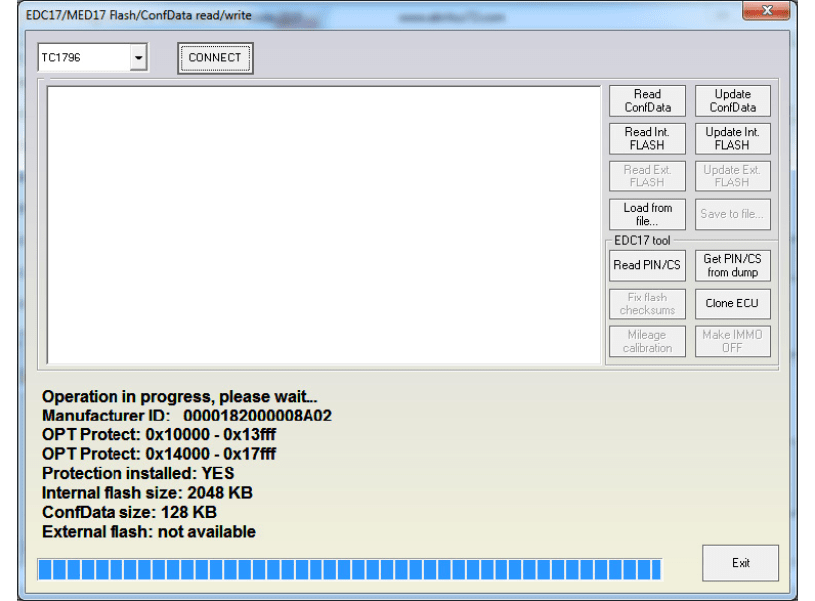
Then you should select the appropriate microcontroller and connect to it. Once connected the user has information about the flash/EEPROM size and protection, and has the ability to:
-
Read/write EEPROM (Dflash)
-
Read/write Flash (Pflash)
-
Get PIN/CS/MAC for the engine control unit
-
Make immobilizer bypass of the in the EEPROM (applicable for the ECUs till 2012)
-
Make immobilizer bypass of the in the Flash (applicable for all ECUs)
-
Fix the checksums in the flashing
-
Clone the PIN/CS of and ECU (immo data section only of the EEPROM dumps is changed)
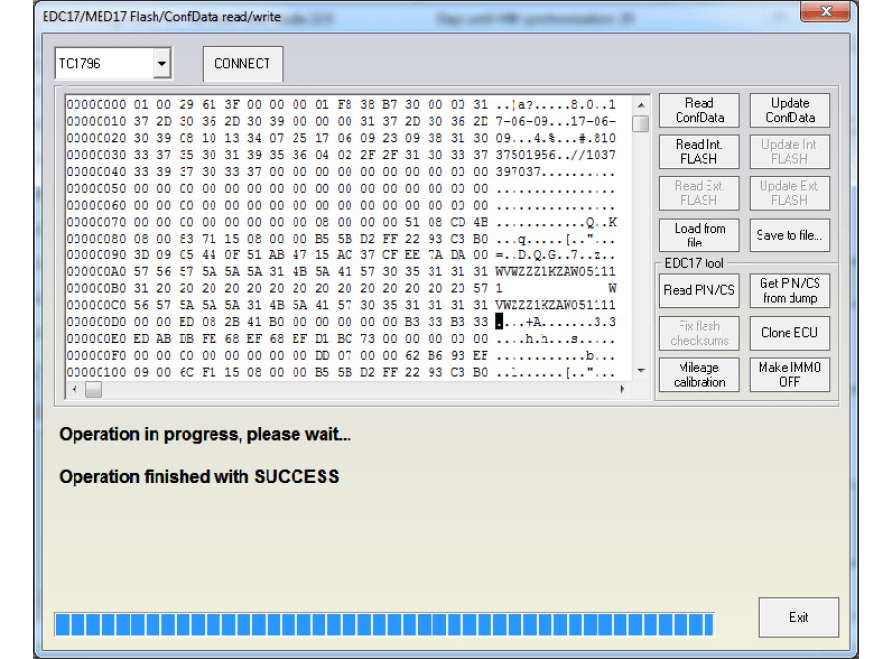
If the user presses “Read PIN/CS” the PIN, component security and MAC will be displayed:
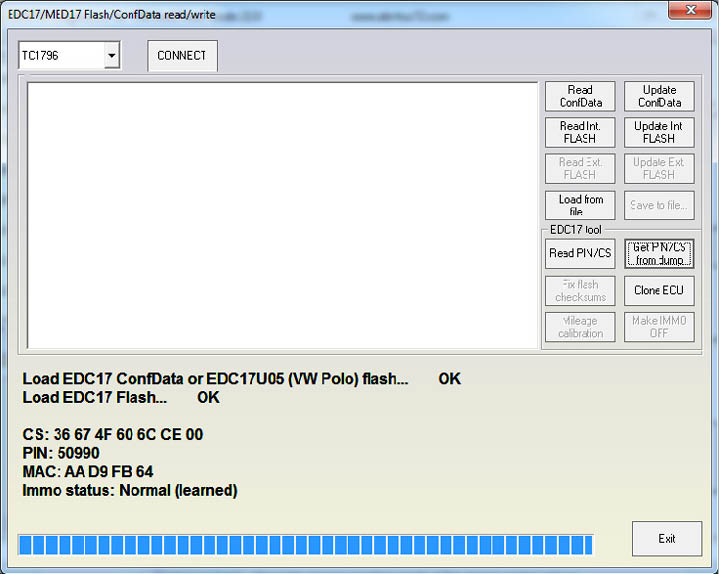
The Immo status can be:
-
Normal (learned) – this is the normal operation mode of the engine control unit (i.e. adapted to the vehicle)
-
Bypassed – This engine control unit has an “Immo bypass” and can start no matter whether the immobilizer recognizes the engine
-
Virgin – This is a brand new engine control unit which was not build into a vehicle
The information about the PIN/CS/MAC can also be obtained if you have the EEPROM and Flash dumps from the engine control unit.
NOTE: For engine control units with installet TProt8 and higher, the procedure of reading is a little bit different. When trying to connect to them, after the initial connection the user should restore the boot pin to its original state (message box will indicate when to do this), then after some time the user should restore the boot pin (another message box will indicate this too).