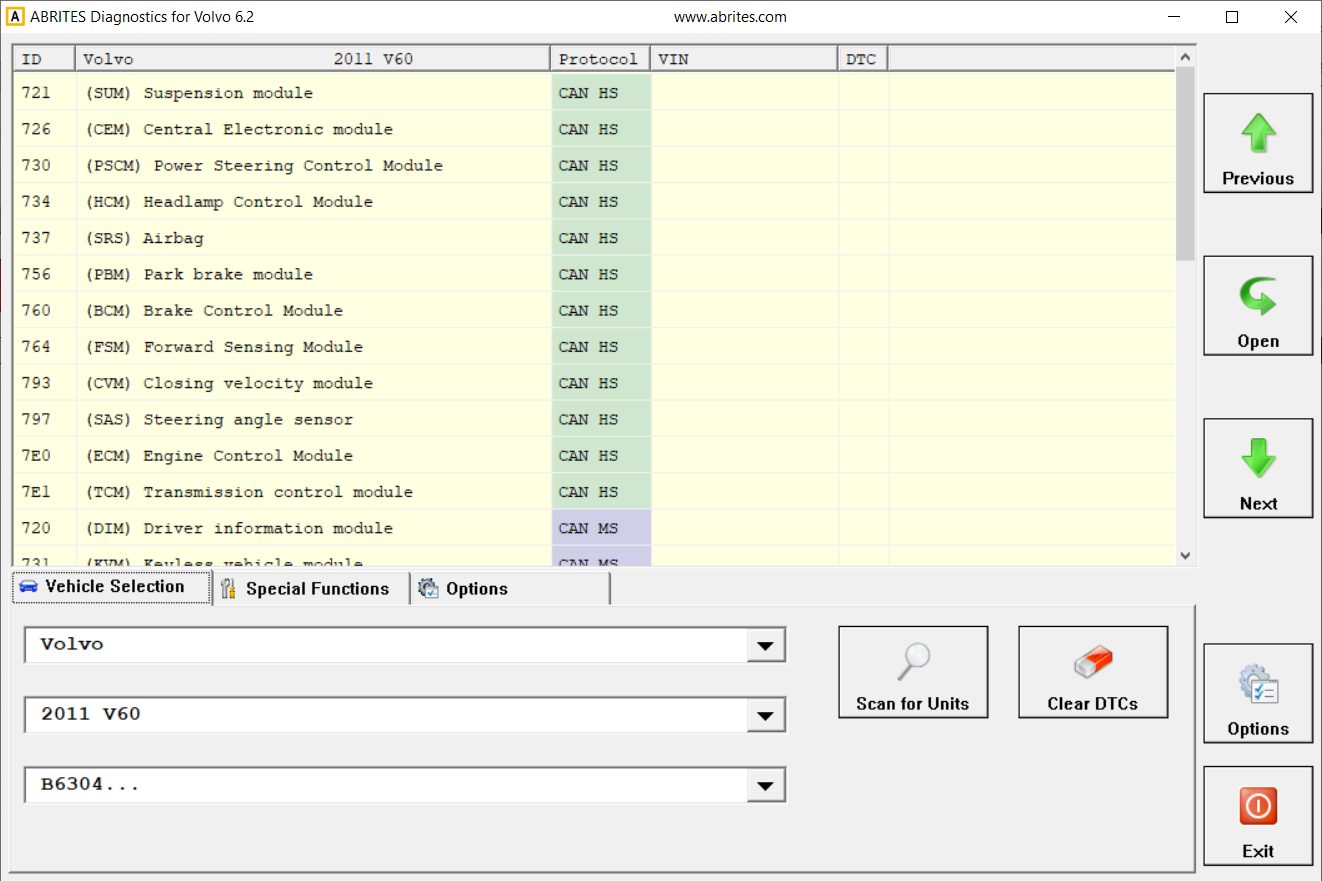
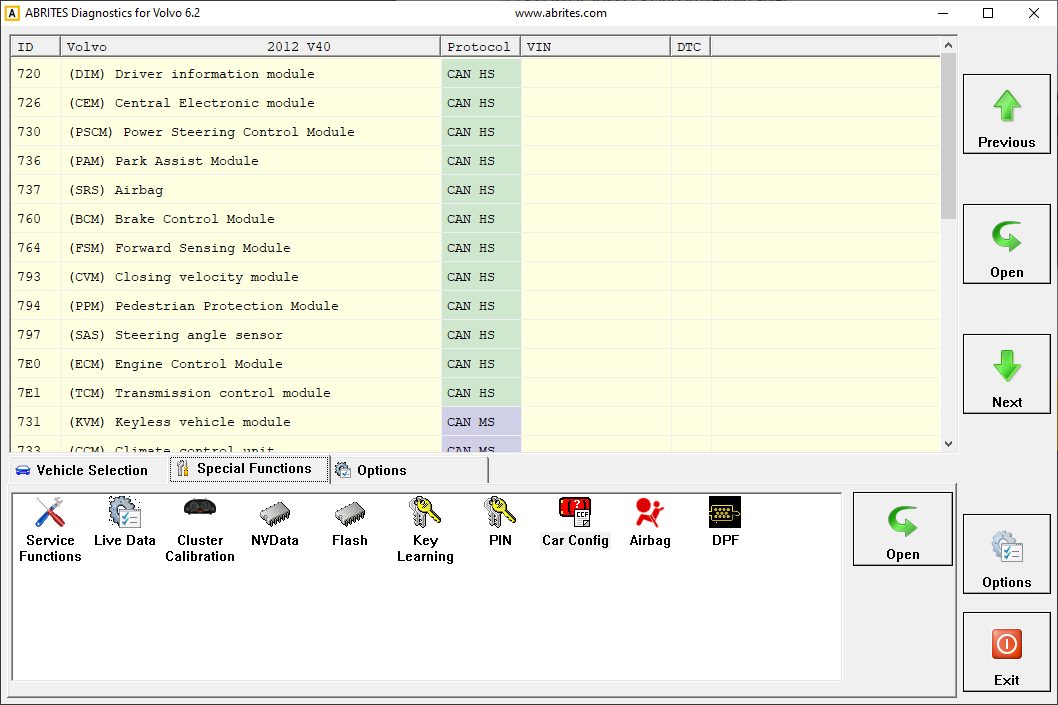
The ABRITES Diagnostics for Volvo consists of two parts:
-
Standard diagnostic functions like reading/clearing diagnostic trouble codes (DTC), scanning available devices in the vehicle, displaying actual values (measured parameters), performing actuator tests etc.
-
Special functions like Key Learning, Cluster Calibration, Service Functions, etc.
All devices, which are present in the car are listed in the main screen of the ABRITES Diagnostics for Volvo. If you want to connect to a specific device, please double click on it or select it ant press the “Open” button. The “ABRITES Diagnostics for Volvo will try to connect to the device. From this screen you have the option to selec the vehicle in order to complete full vehicle scan, select the special function menu, or set some options and language.
Once the Volvo icon is selected from the Abrites Quick start menu the software will start and you will see the following screen:
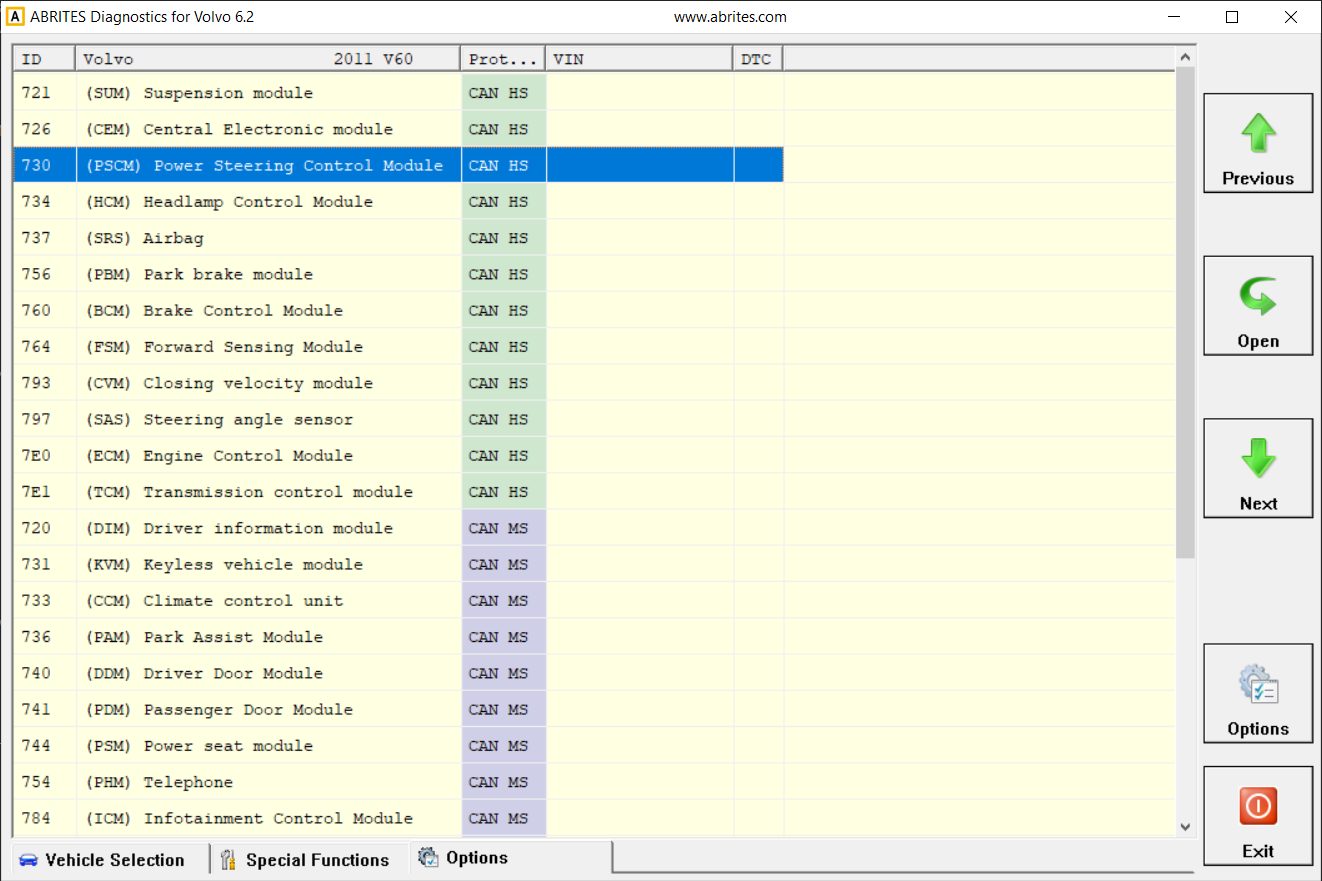
From the first screen you can select the vehicle you are working with, do a Scan for Units (and DTCs) and Clear DTCs. Also, a sub-menu with options is available from this screen.
(The modules may vary according to the vehicle specifications.)
The second screen shows the available special functions in the Abrites Volvo software