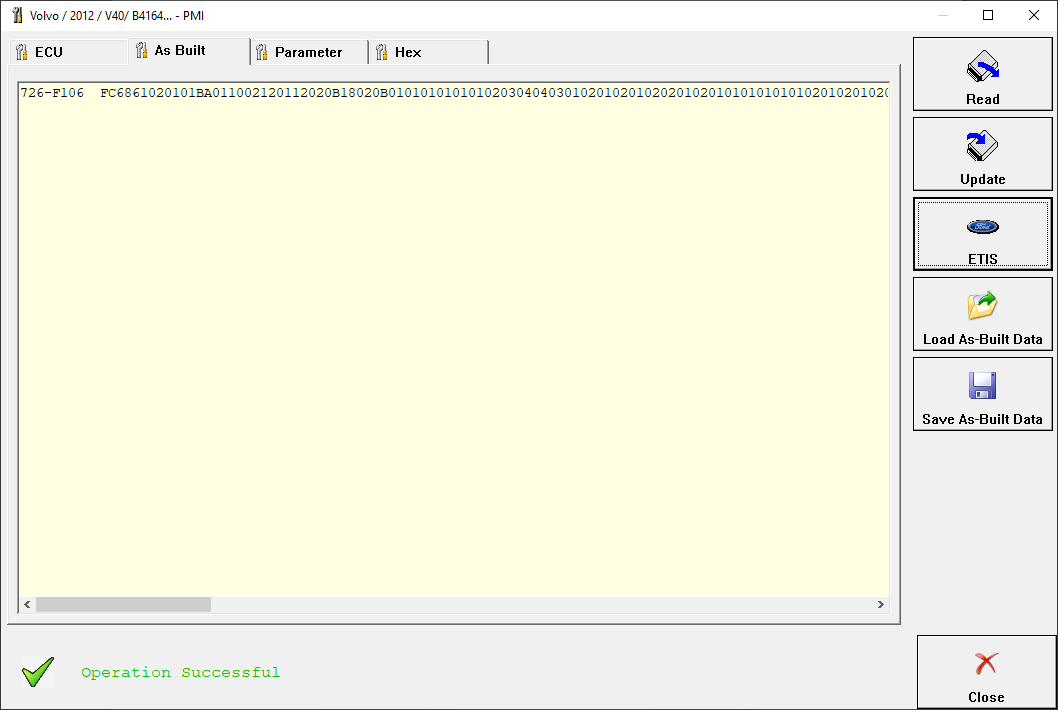
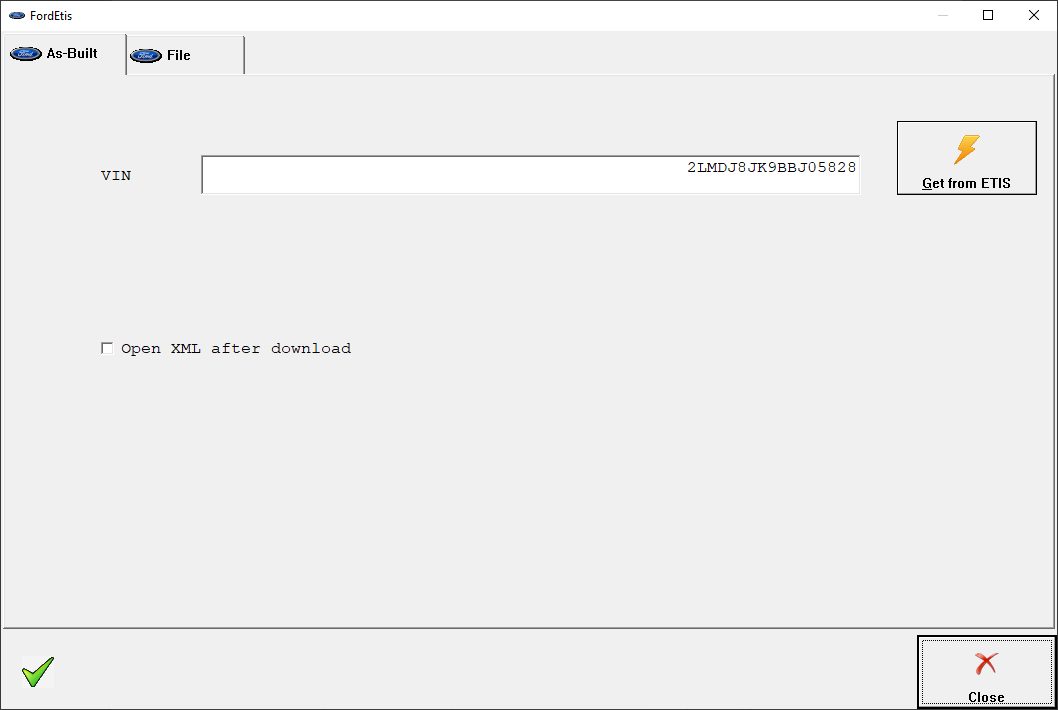
The Abrites diagnostics for Volvo provides the options for detailed module identification, reading and clearing of diagnostic trouble codes (DTC), monitor live data, save the scan report to a file, use PMI. From the screen below the user can see the diagnostic trouble codes in all the selected units:
There is an option to read and clear all DTCs or individually clearing them when entering the appropriate electronic module.
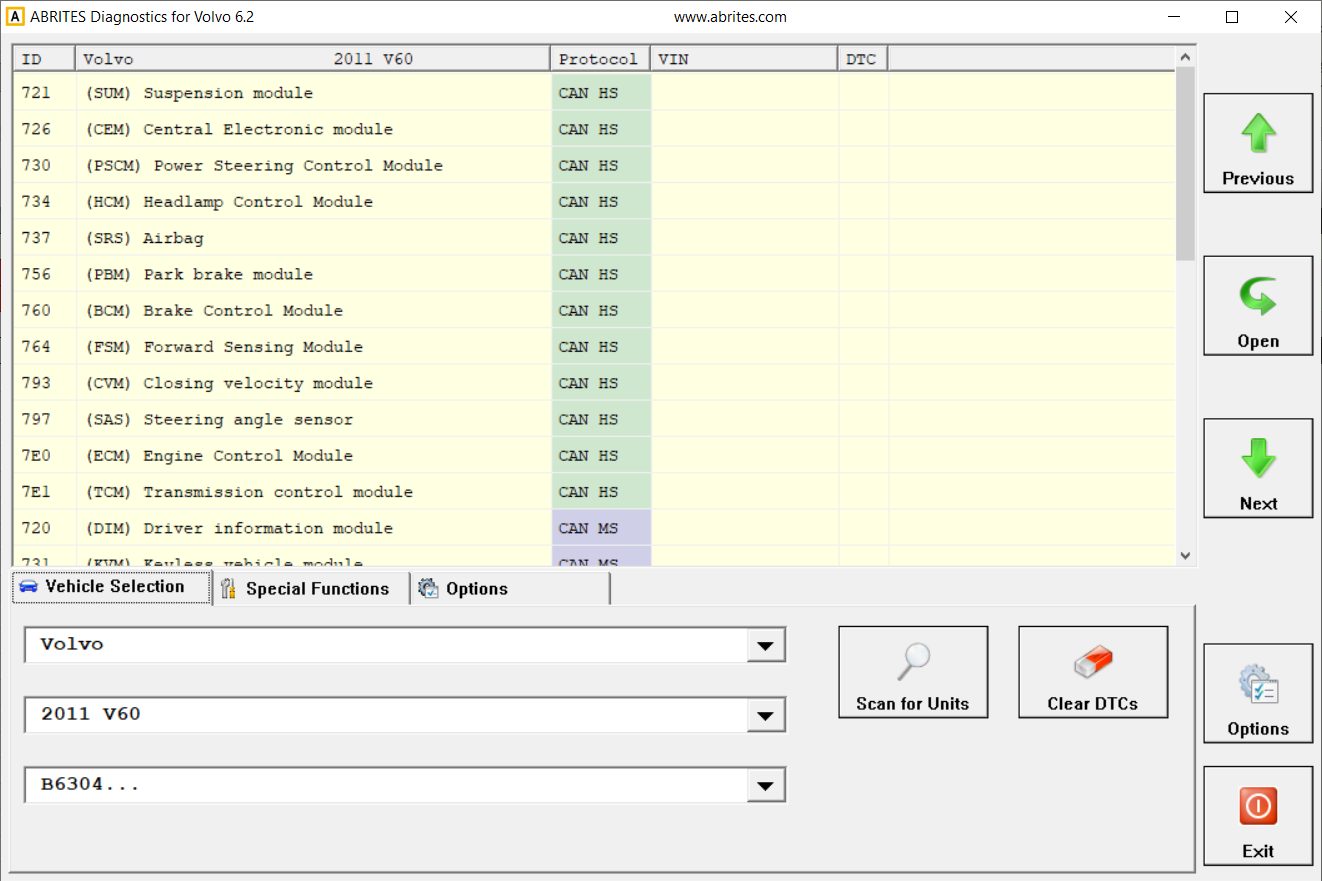
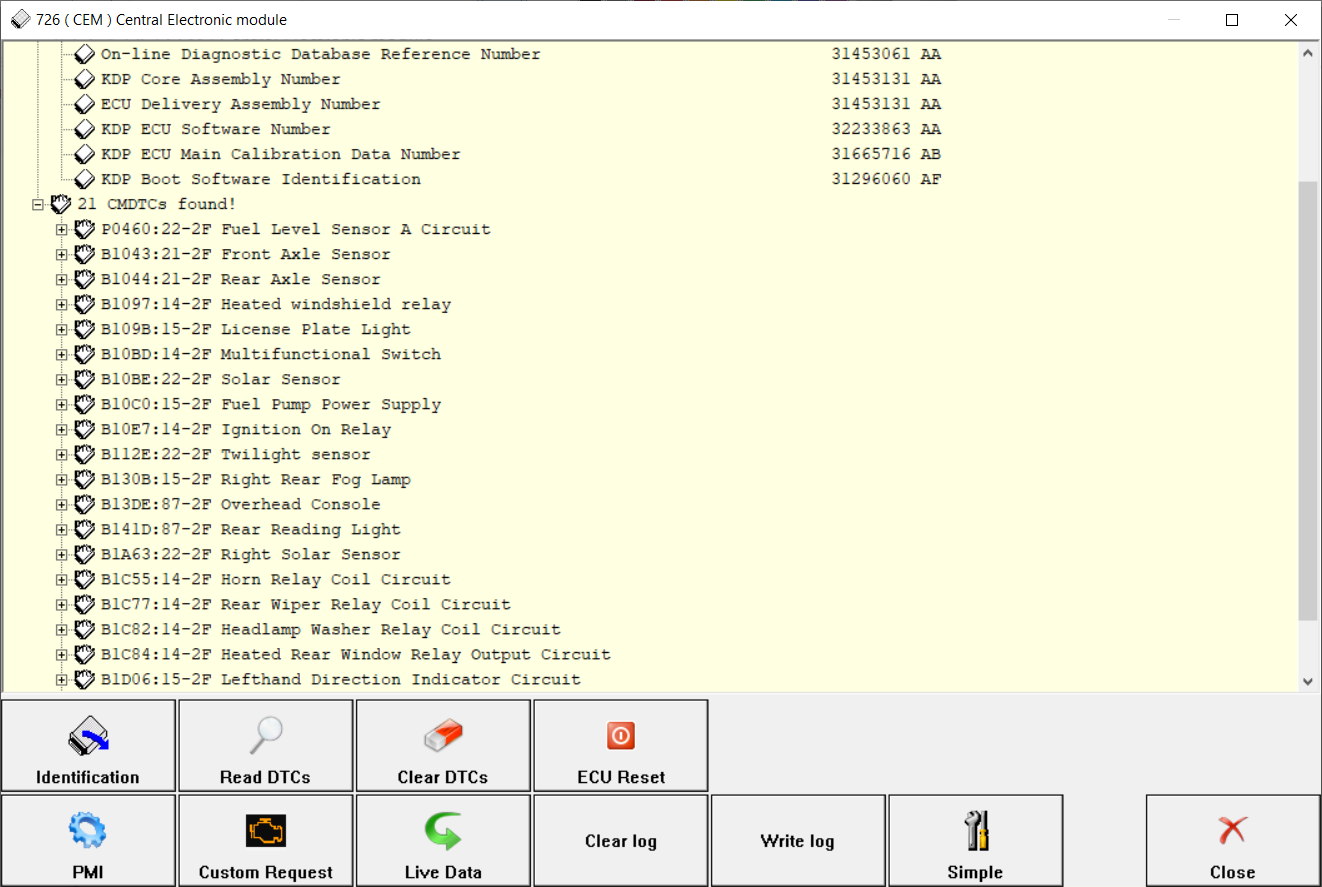
Before doing anything else, the user can select the model. If the model is not selected at the begining, many further actions would ask for the model. There are further options in the diagnostic menu of the Abrites Volvo software. You can monitor live data for the unit you have accessed, and also, you can use the Volvo PMI, and have access to ETIS files. From the menus seen in the screenshots below, you can read, save to a file, upload and update the As Build data, and use the ETIS services (if available for the particular vehicle)