Sometimes depending on the user rights in Windows you may see the following message
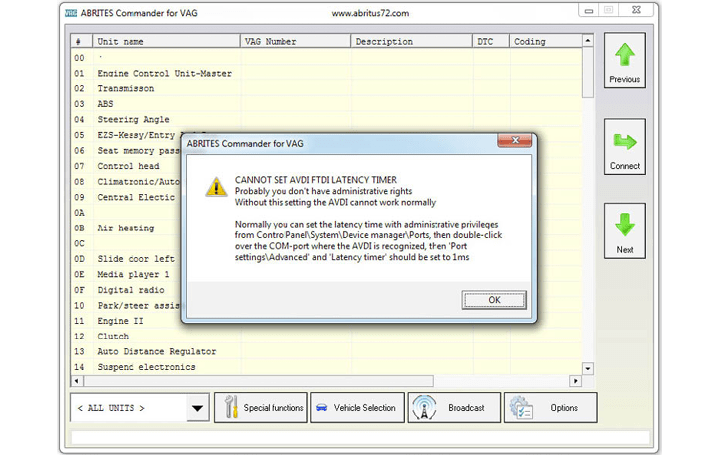
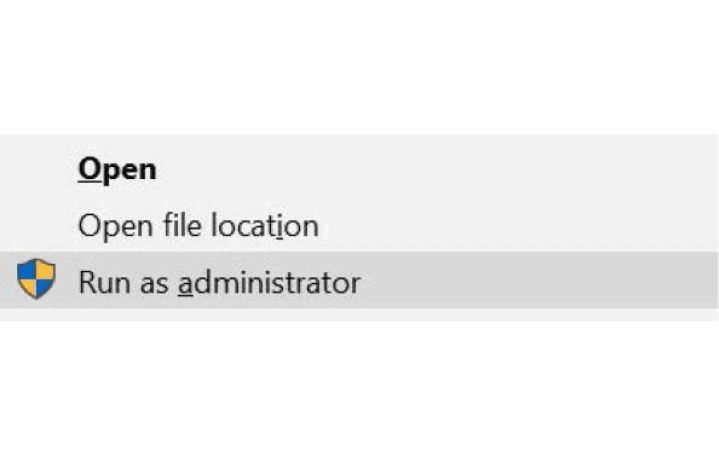
You have two options for this – first is to run the application as an administrator
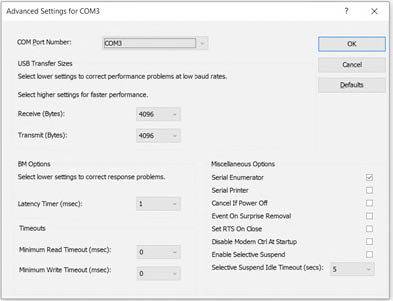
Or to change the port settings
Connect your AVDI to an USB port of your PC
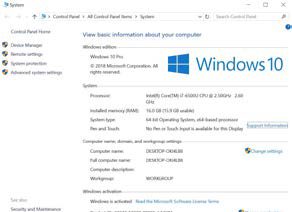
Open Windows Explorer then right click on “This PC” (“My computer”) and select “Properties”.
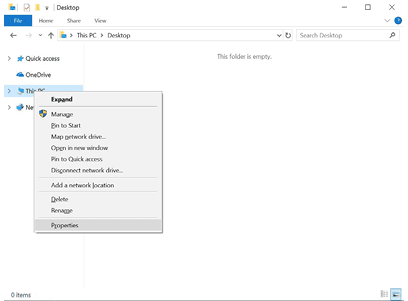
From the “System properties” window select “Device manager”.
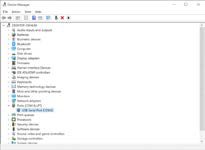
In the opened window select “Ports (COM & From the screen select “Port settings” and then
LPT)”. press “Advanced”.
Your AVDI will appear in the list as “USB Serial Port (COM xx)” where “xx” can be different number. Double click on it.
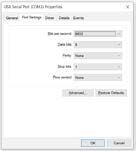
Make sure “Latency timer” is set to 1.
Please, note that if you connect your AVDI to a different USB port you should do these steps again.