In order to work with DAS/Xentry via AVDI you need to have your AVDI installed in the location of the DAS/ Xentry software (virtual machine or regular computer).
When the Passthru software is installed go to the passthru folder and select the passthru for DAS:
After that select your AVDI ID (normally it is automatically selected)
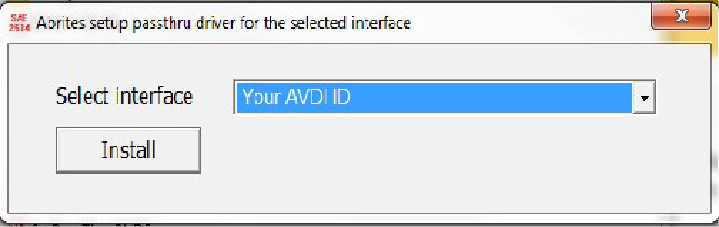
Then select and run the passthru icon which would appear on the desktop. You can then start the DAS/ Xentry application. When you start the application please go to the passthru folder and double – click on the “DASignition” icon:
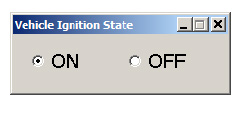
Then set the ignition status on the window to “ON”. This will allow the software to communicate with the vehicle:
Once this step is complete you can use the DAS/ Xentry system.
IMPORTANT: It is mandatory to run the third party applications as Administrator using the right click button on the .exe file and selecting “Run as administrator”.