Using the Abrites passthru driver you can use the Rheingold ISTA- D using a virtual machine. When starting work with the Virtual machine please install the Abrites passthru driver in the virtual machine and make sure the AVDI is connected to the VM via the shareable USB.
- Make sure to start the Passthru config icon:
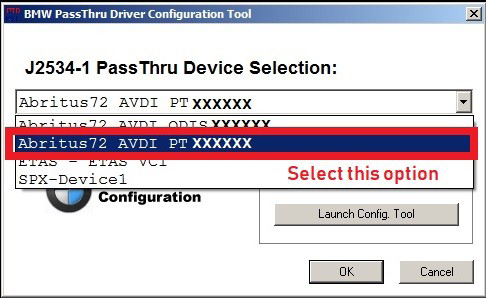
- Select the number of your AVDI and use the “PT” option where “XXXXXX” is your AVDI ID
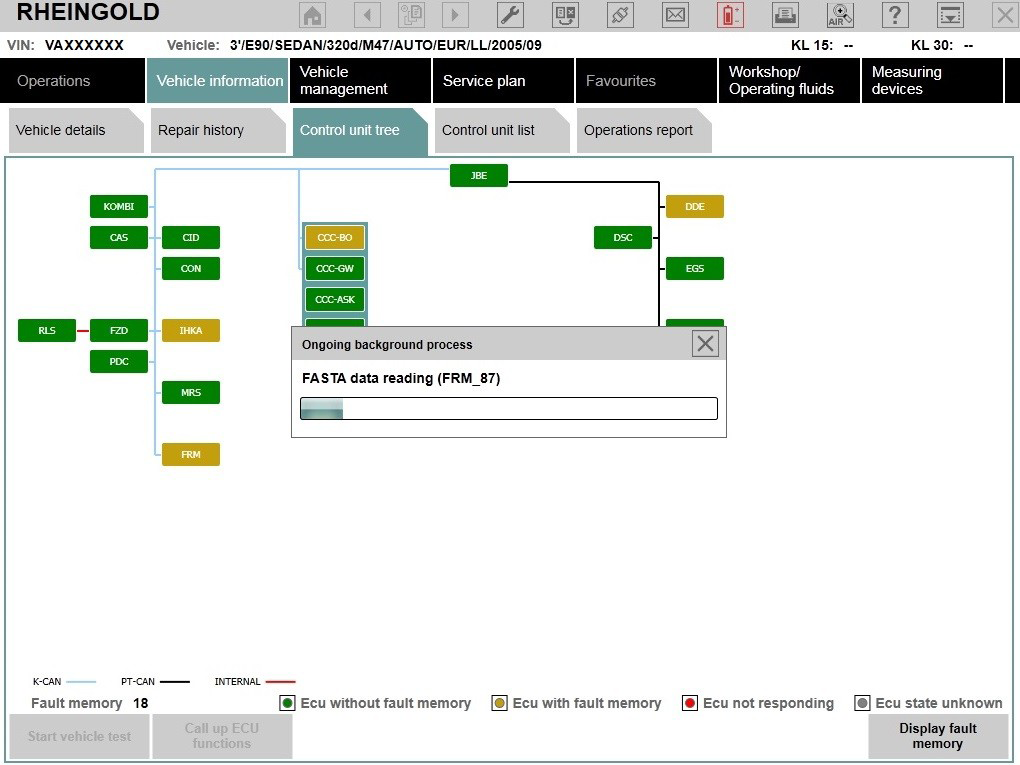
- Start ISTA-D and you are ready to use the software:
NB! The same applies for INPA