In order to use the JLR SDD system you need to make sure that the Abrites passthru driver is installed on the same computer as the SDD system. After that you need to make sure that the AVDI is connected to the same computer or virtual machine.
After you have installed the Abrites passthru software you need to restart the system.
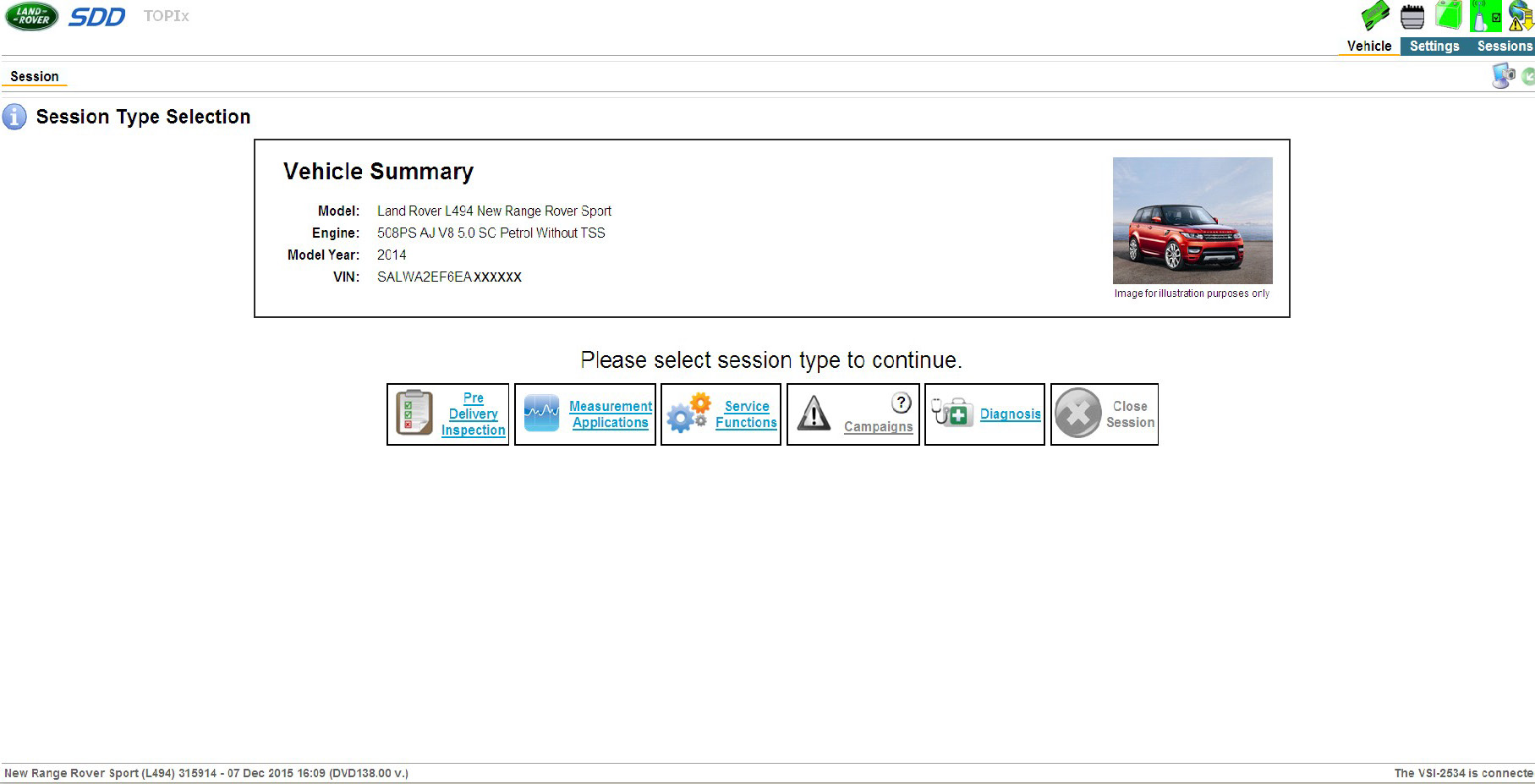
When you restart the system please start the SDD software. When you do that you will need to make sure that the “VCI- 2534” is connected in the bottom right side of the SDD application.
Then in the TOP right you will see the connection status of the AVDI to the SDD.
Now you can start working with the software

IMPORTANT: It is mandatory to run the third party applications as Administrator using the right click button on the .exe file and selecting “Run as administrator”.