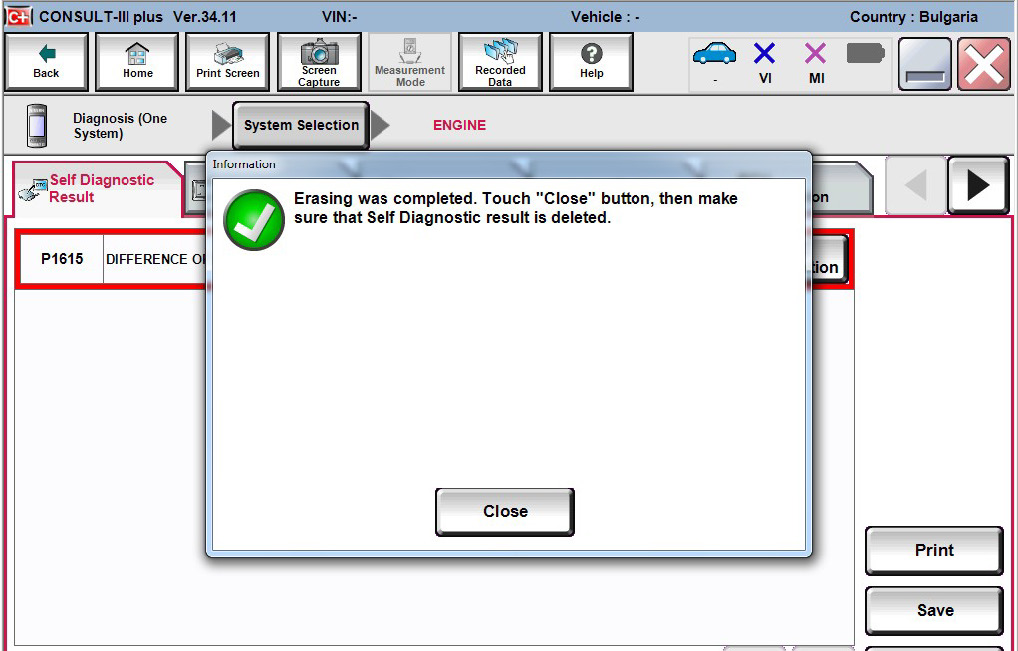
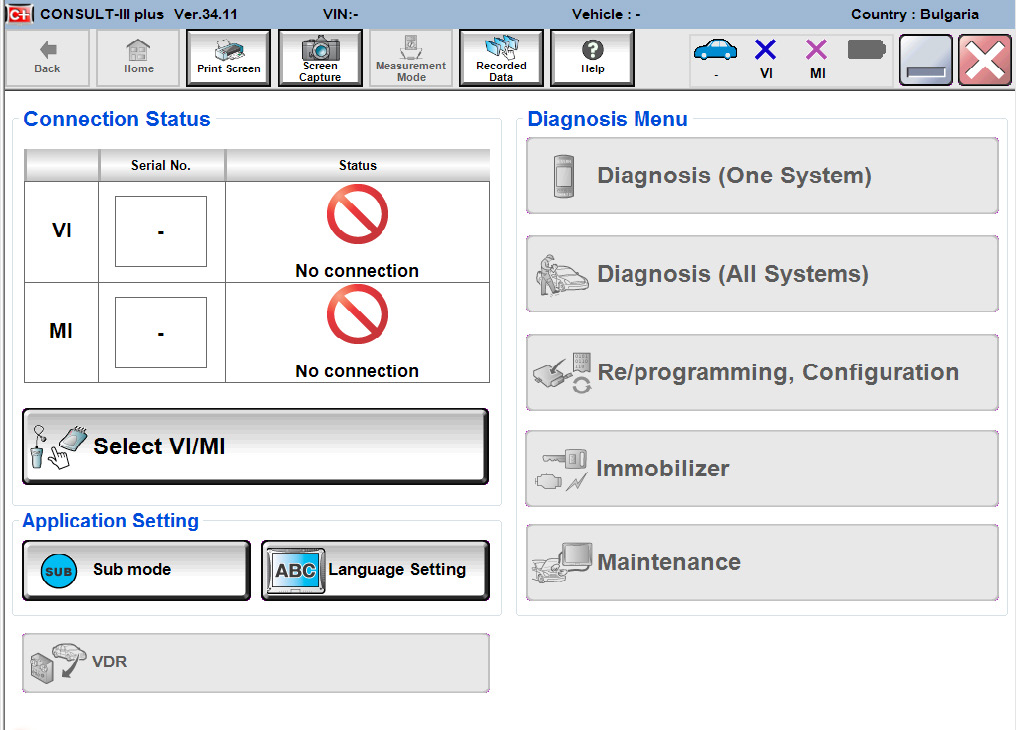
When using your AVDI with the Nissan Consult III+ the first step you need to take is to install the Abrites passthru software on the computer where the Consult III+ is installed, then you need to make sure that the AVDI is connected to the same computer and that it is recognized. After that you need to start the Consult III+ software and click the “Select VI/MI” button
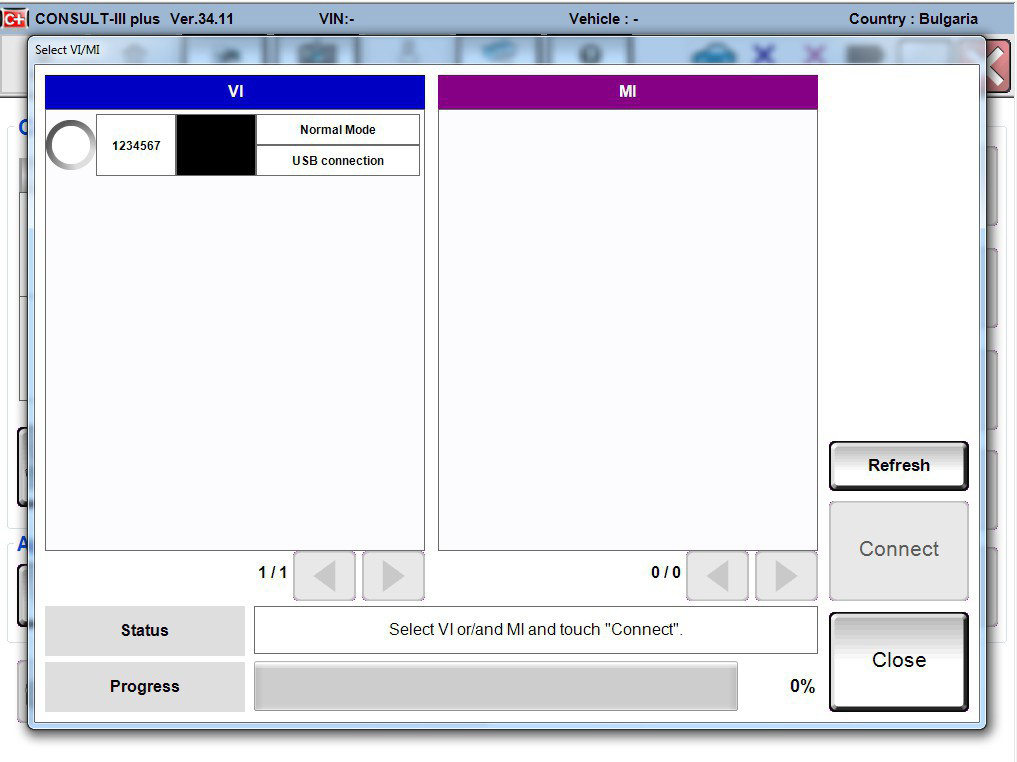
IMPORTANT: It is mandatory to run the third party applications as Administrator using the right click button on the .exe file and selecting “Run as administrator”. After that you you need to make sure that the 1234567 interface is selected. Do not select “Connect”, instead just close the window
Then you will be able to see the that the connection status light goes green and the “Normal Mode/USB connection” will be indicated under “Connection status”:
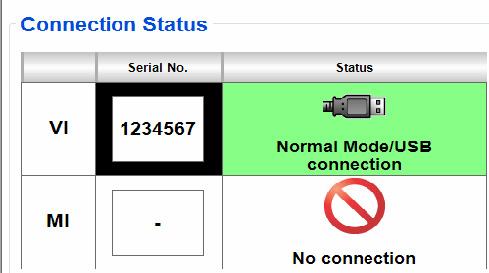
Nissan Consult III+ will be ready to use