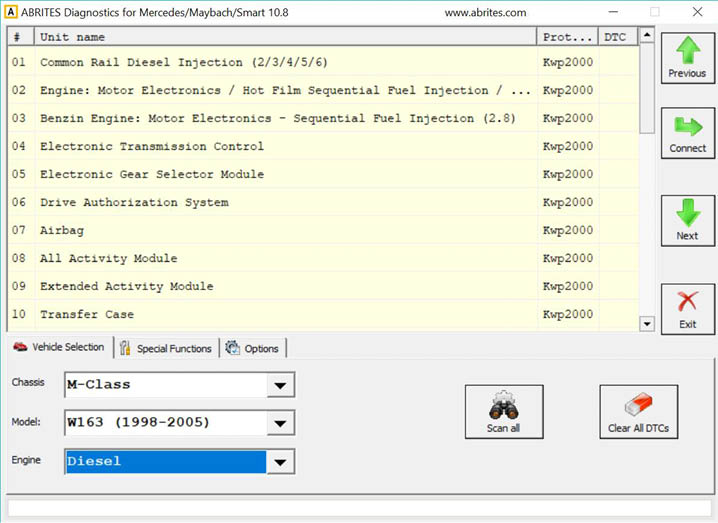
When you run ABRITES diagnostics for Mercedes/Maybach/Smart it will automatically try to detect the appropriate hardware interface and will connect to it. If the interface is recognized and the software is ready for normal operations, you will have to select the appropriate cable type. After startup on the main screen of the ABRITES diagnostics for Mercedes/Maybach/Smart a list of all possible units is displayed. The user is able to connect to the listed devices by double-clicking on the desired device. Pressing the “Scan all” button will attempt to connect to each device currently displayed in the list. Depending on the configuration options, only the selected protocols will be used when scanning for the device.
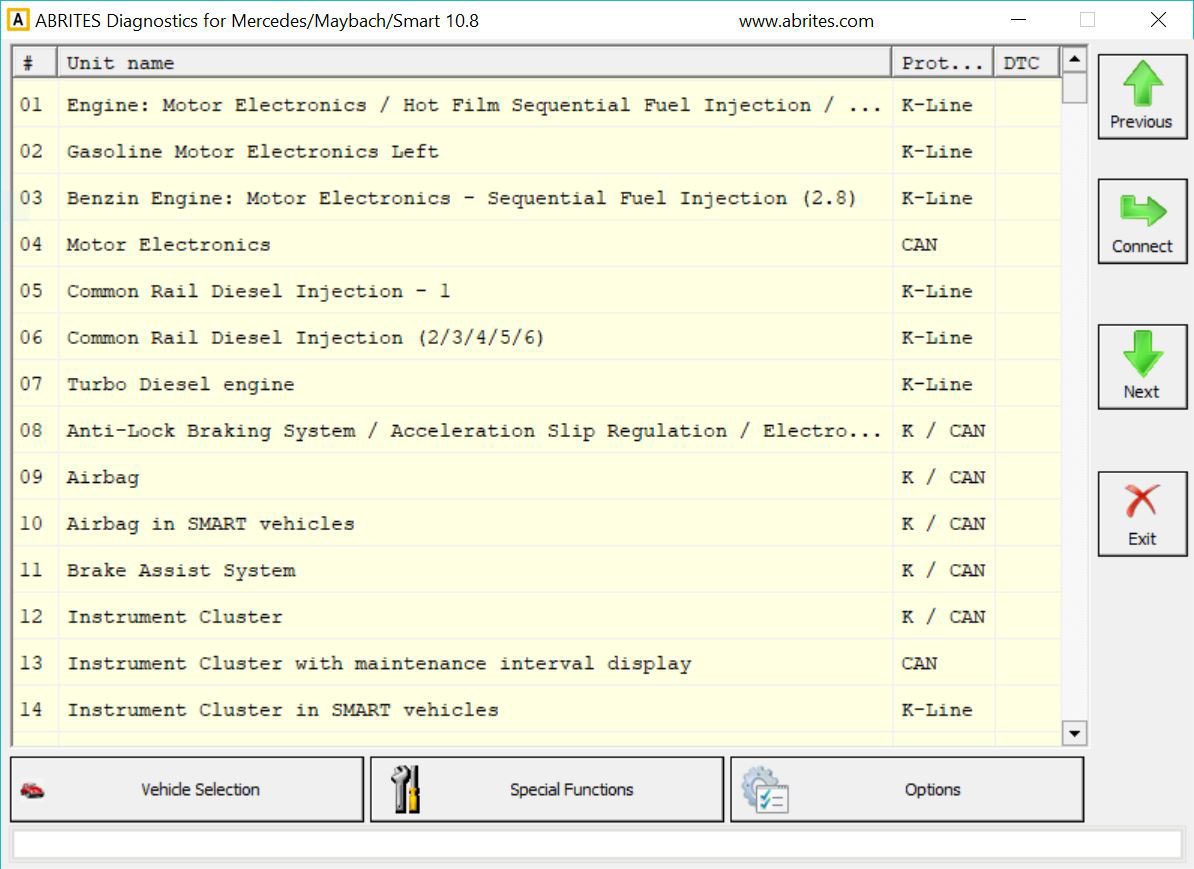
As soon as the software has detected the USB interface it will ask you to specify the type of the diagnostic connector. There are 3 options:
-
38-pin diagnostic link connector
-
OBDII plug with 16 pins
-
14-pin diagnostic link connector
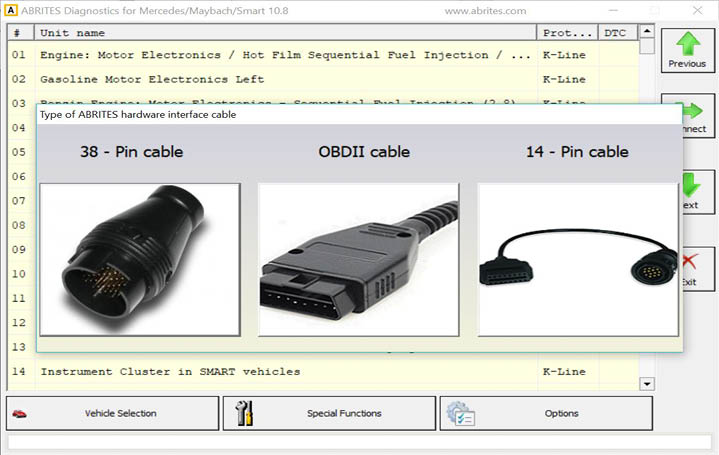
The following screen appears – this is the main screen of the Abrites Diagnostics for Mercedes application. You can open a standard diagnostic with any device that is listed in the main screen. The “Protocol” column contains the communication protocols that the specified device may use. For vehicles up to 2002 the communication is usually established via K-Line. After 2002 the control modules in the vehicles start using CAN. Vehicles produced after 2004 usually do not use K-Line for diagnostics any more.