Mileage calibration, dashboard replacement and ABS/ESC replacement
The Renault software is a very powerful tool for mileage calibration, dashboard replacement and ABS/ESC replacement. The software is guided and user-friendly.
The procedure is executed through the "Mileage" special function and requires an OBDII connection.
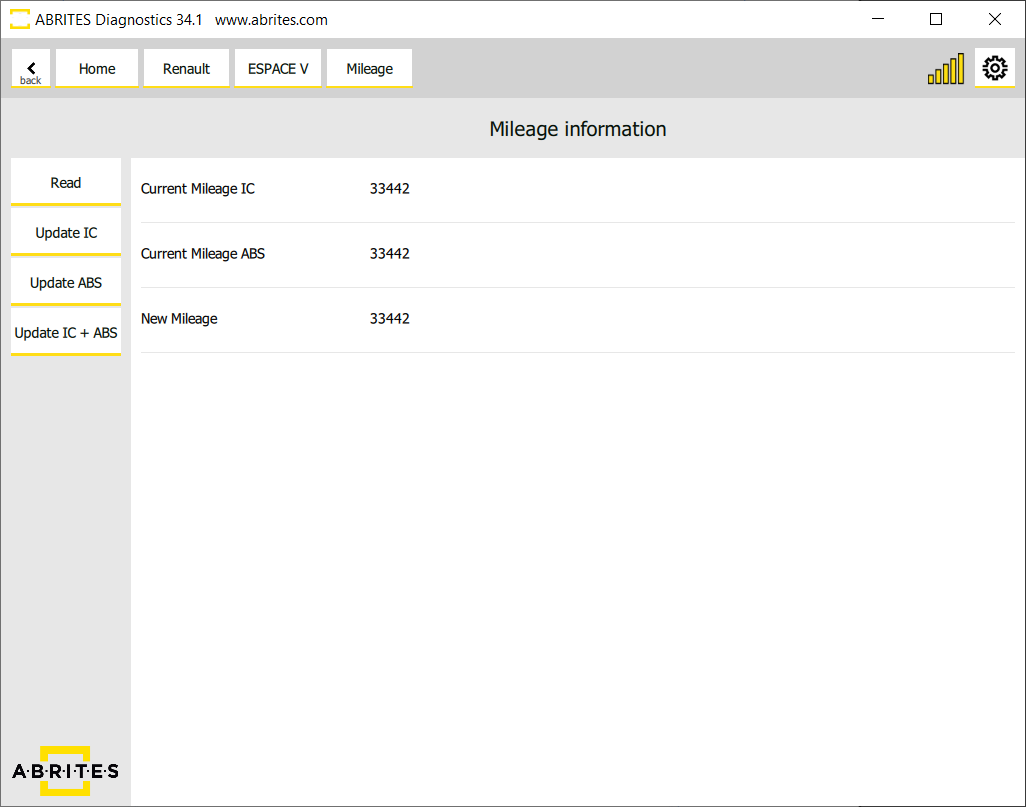
Once the special function is open, you can read the mileage in the Instrument Cluster and the ABS module, and update the values in one of the units, or - what is more useful - in both modules simultaneously.
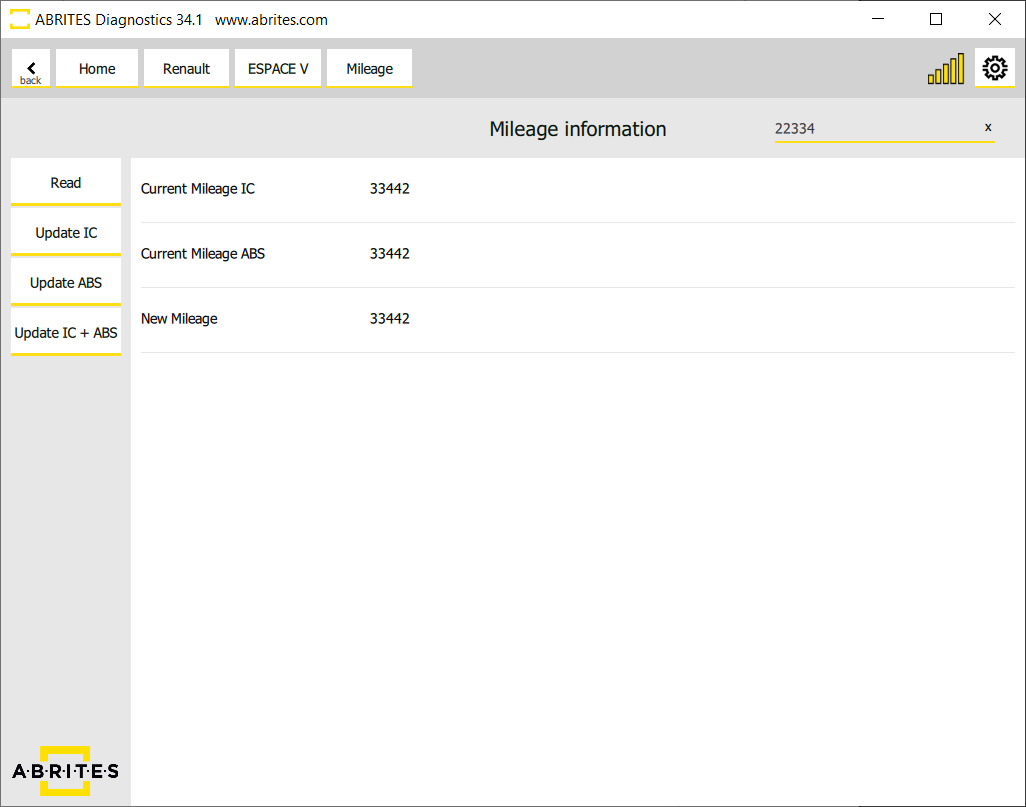
When you click on the "New Mileage" section, a window appears at the top right corner. Type the new value there, press Enter and then press "Update".
Clio V Mileage
The Abrites software for Renault supports mileage correction on Clio V and the other models based on the same platform - Captur II and New Zoe.
The procedure for these models requires OBDII connection and a direct connection to the BCM (UCH) unit using CB012 or CB021 (preferable) cable, and it is executed in the vehicle. The connection to the BCM is explained in 4.1.3 Connection to BCM (UCH).
This platform has 3 types of Instrument Clusters. The only exception when you need to work by dump is the Analogue Cluster with mechanical dials.
Calsonic Kansei or Marelli analog dashboard
The analog dashboard produced by Calsonic Kansei or Marelli is done by dump, or by OBDII for supported software versions.
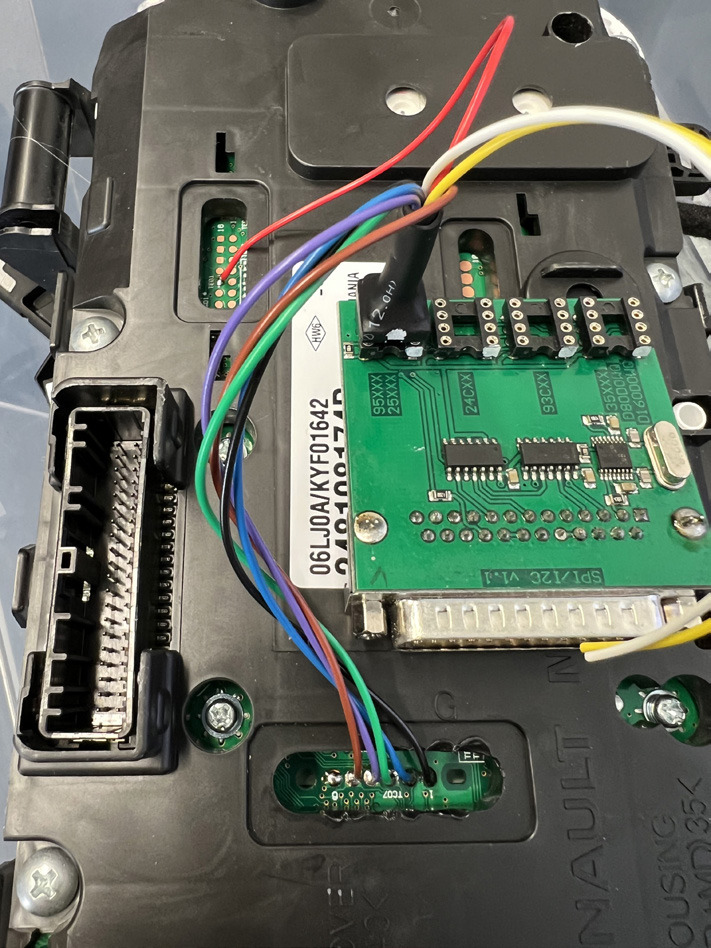
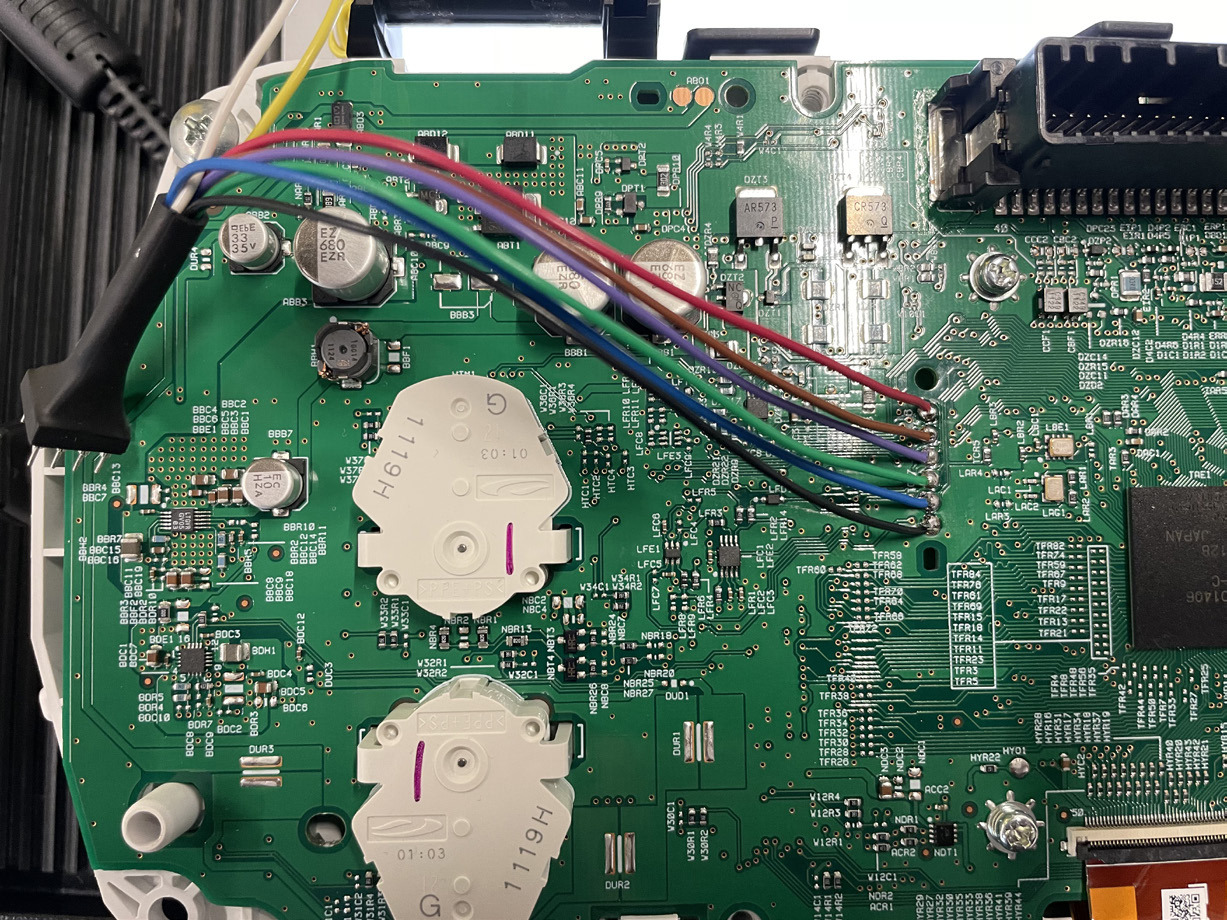
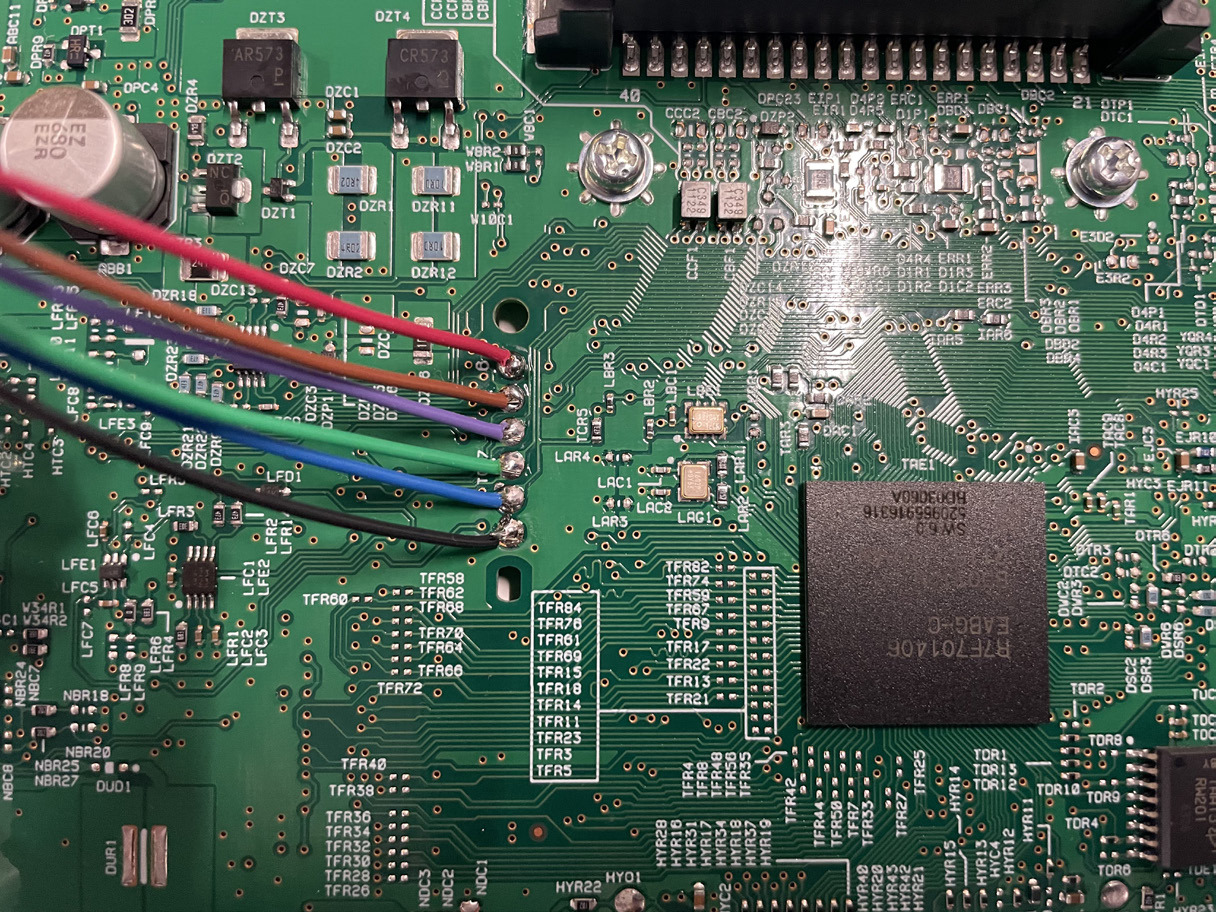
To work by dump, use the ZN057 and the ABProg programmer to read and write the 95640 EEPROM chip of the dashboard.
How the Calsonic Kansei dashboard should be connected:
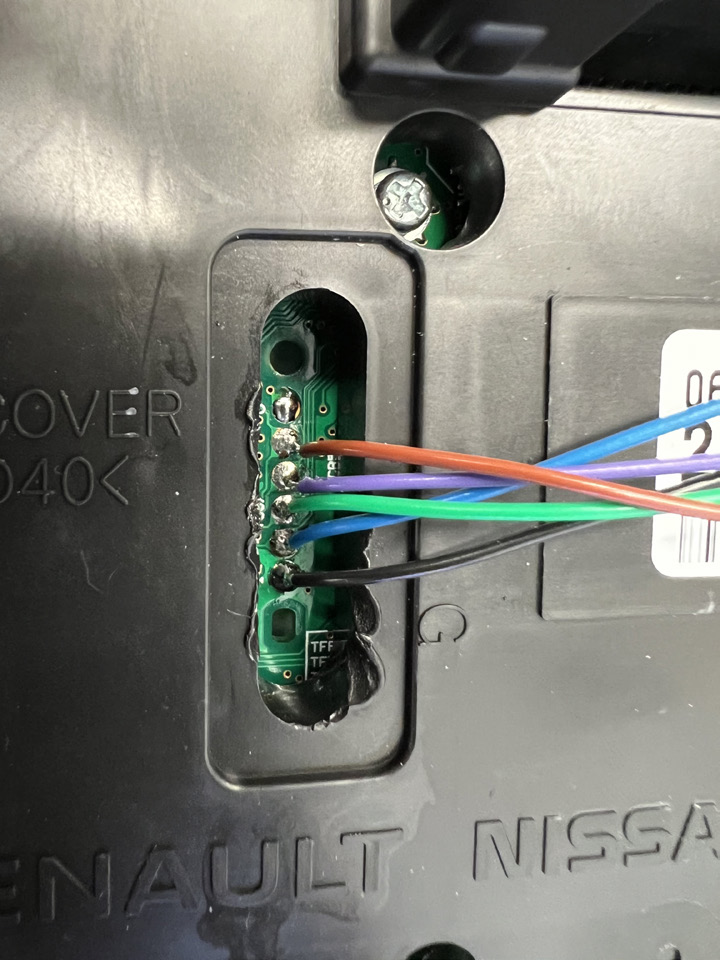
More pictures of the connections of the Calsonic Kansei:
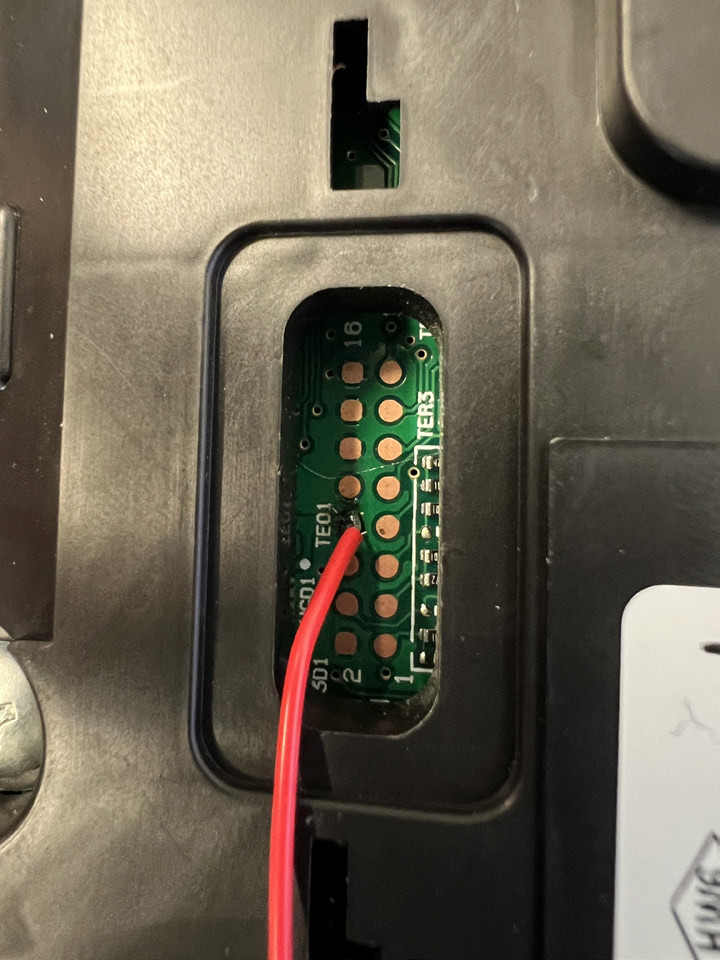
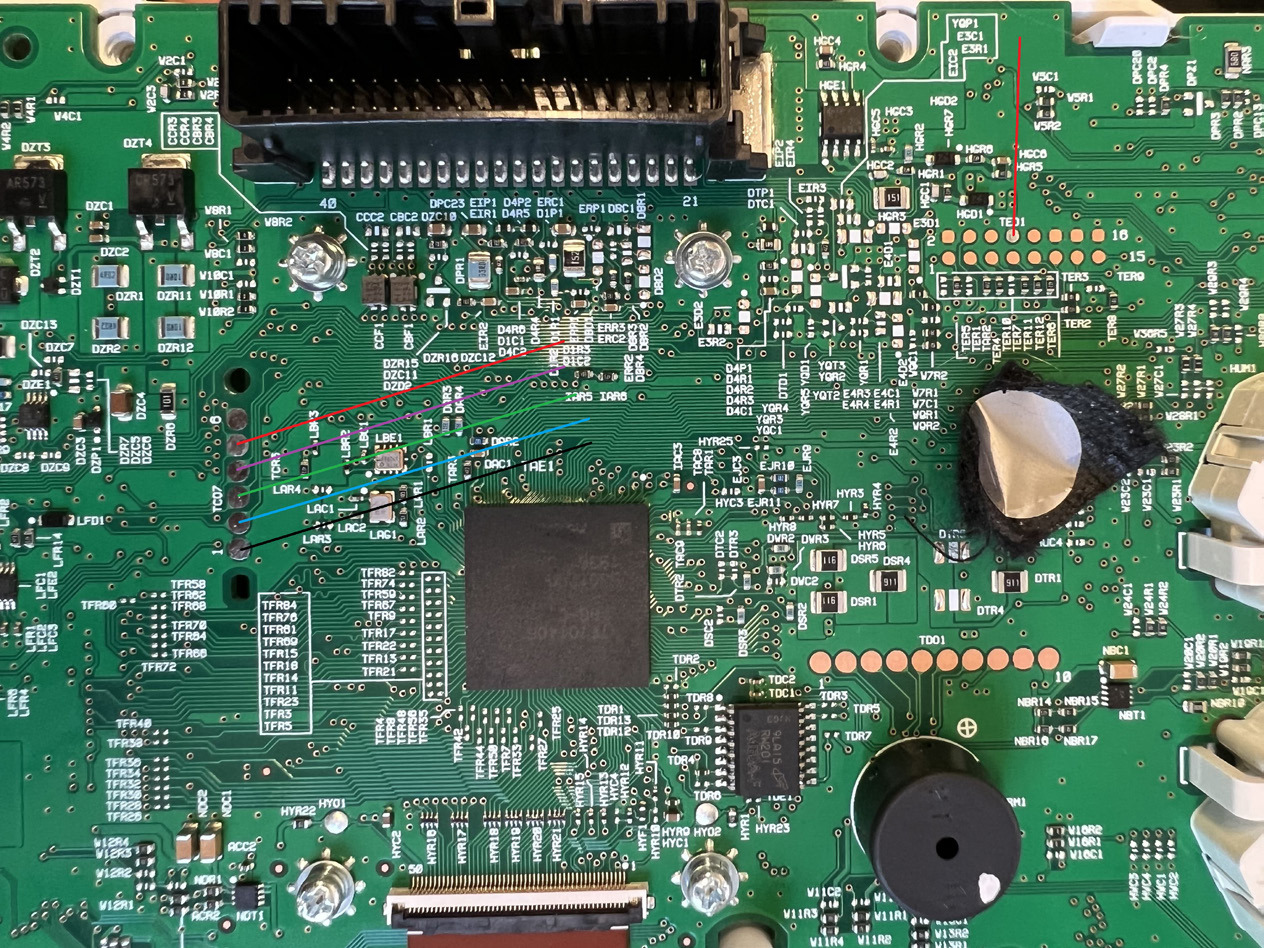
The connections to the Marelli dashboard:
Visteon Low Line
This type of dashboard is done via OBDII.
Visteon High Line HD
It is done via OBDII, but the procedure re-flashes the unit.
Provide a power supply to the vehicle. The procedure takes a few minutes longer than the others, but not more than 10.
The software will also suggest that you turn "permanent ignition on" - do that by switching the gears to N position and holding the start button for 5 seconds.
In this case the software saves a back-up file, which can later be used in case the unit needs to be restored (from the Programming menu).
Work on Bench
There are very rare cases when the mileage calibration by OBDII is interrupted and cannot be completed successfully. In this case you have the option to do the procedure for the dashboard on bench.
You will have to set the correct mileage in the ABS module separately.
To connect the dashboard on bench, make your own connection cable.
Dashboard pinout:
| Dashboard pin | |
|---|---|
| 5 | Power 12V |
| 7 | GND |
| 18 | CAN H |
| 19 | CAN L |
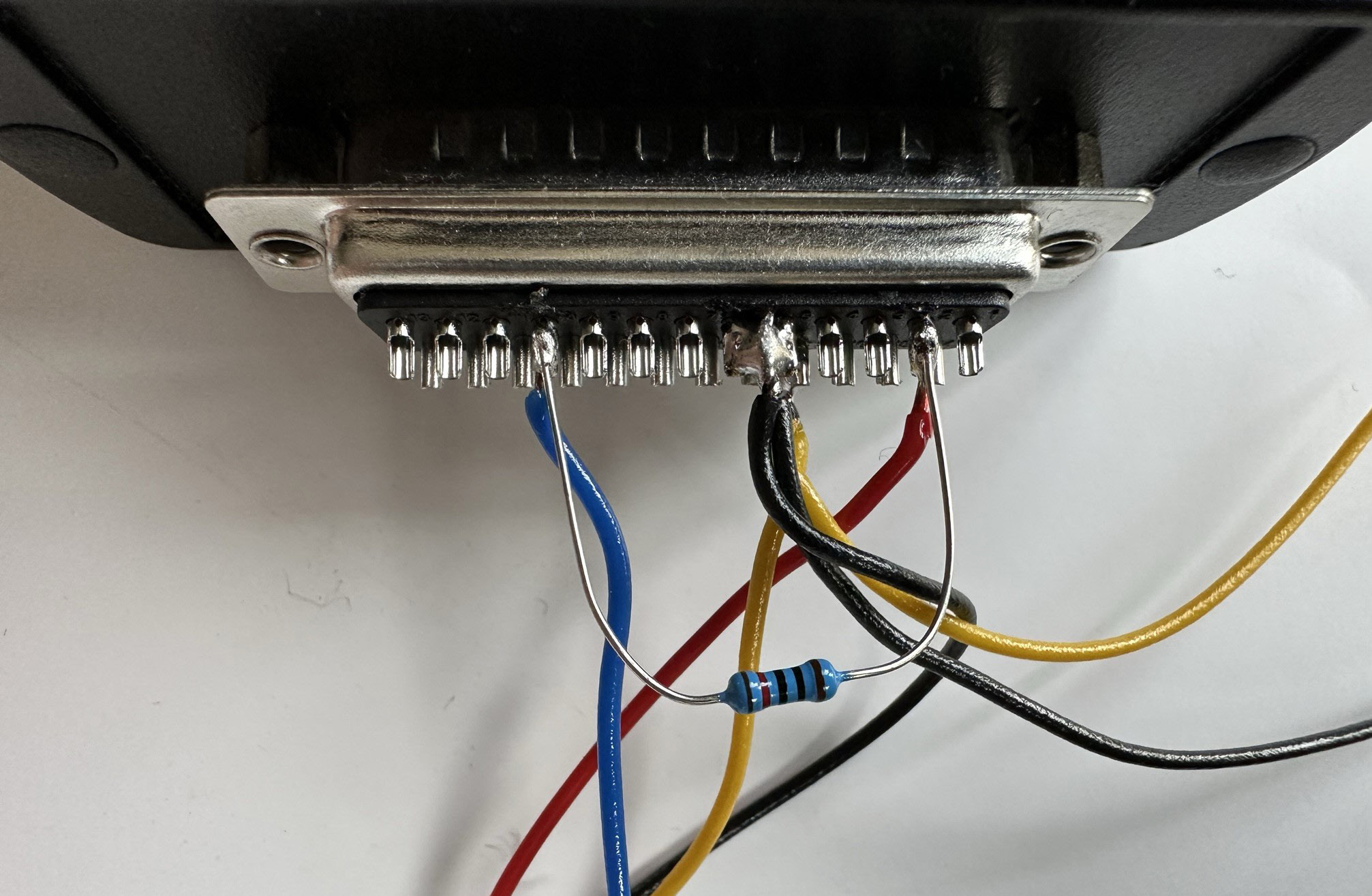
You will have to make your own connection cable. DB25 connector pinout:
| DB25 pin | |
|---|---|
| 2 | CAN H |
| 5 & 6 (bridge) | GND |
| 10 | CAN L |
| 17 | IGN (power 12V) |
A 120 Ohm resistor has to be installed between CAN H and CAN L - PIN 2 and PIN 10 of the DB25.
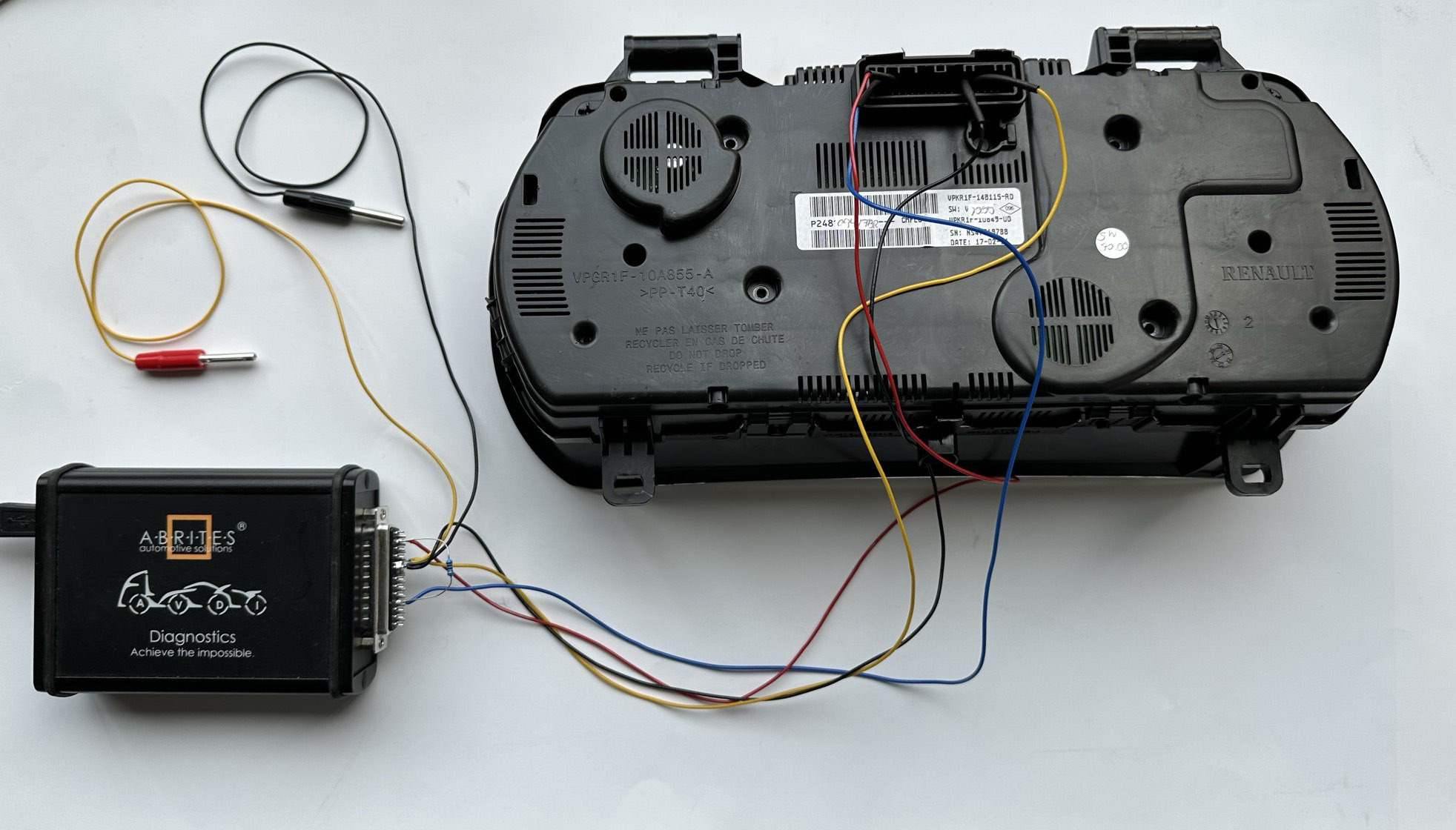
This is how the set-up for working with this type of dashboard on bench should look. The power cable 12V+ to pin 17 and the GND cable to pins 5 & 6 should also be used to provide power supply to the set-up: