In this case the TA41 option is selected and we use the TA41 to emulate a working key for the vehicle with the help of the PROTAG programmer and the Abrites diagnostics for Subaru.
Required equipment
| Licence | SB003 — Key programming by RH850 dump and ESL reset/synchronization |
- Abrites AVDI interface connected over OBDII
- Abrites Diagnostics for Subaru software
- A TA41 key emulator
- A ProTag programmer, connected to the PC
Step-by-step procedure
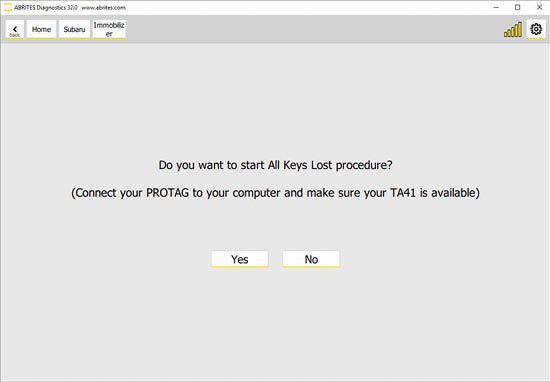
1. Start the procedure and select TA41
Once the All keys lost procedure is started and the option for TA41 is selected, connect your PROTAG to the PC and make sure your TA41 is nearby.
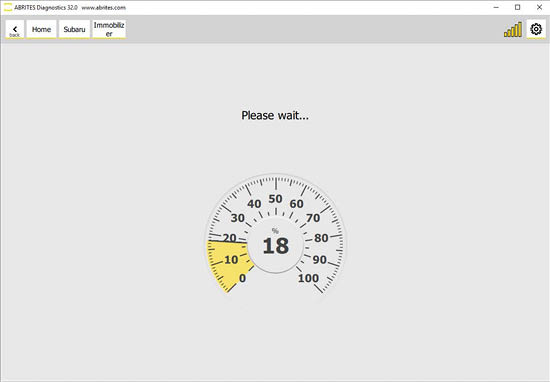
2. Let the software read the vehicle
The Software will start reading the information from the vehicle and then it will prepare it for key programming.
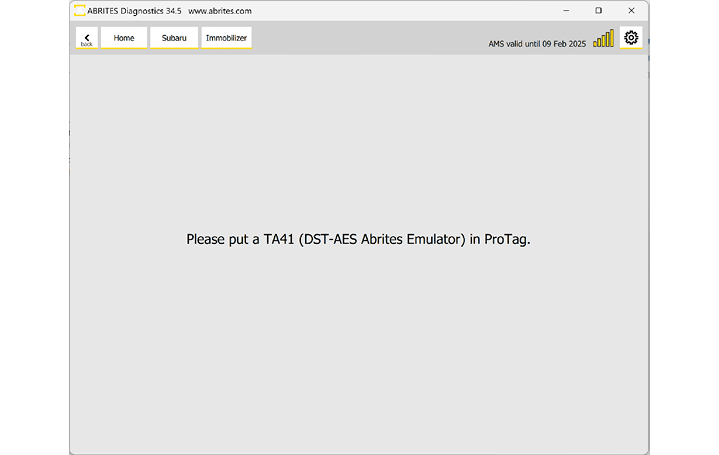
3. Prepare the TA41
At some point the software will ask you to put the TA41 in the Protag programmer and the software will prepare the key emulator.
4. Turn the ignition on with the prepared TA41
The software will prompt you to turn the ignition ON using the TA41 which has been prepared, and the car will be able to start.
5. Add further keys if needed
You can then go to the procedure for adding a key (Key Registration) if you would like to program more keys to this vehicle.
Important notes
- The TA41 remains locked to the vehicle. That makes it very convenient where access to blank Subaru keys is limited - the TA41 usually remains with the customer as a spare or emergency key.
- It has a key blade position: as a locksmith you can prepare a blade and install it conveniently in the TA41, giving the customer a usable key rather than just an emulator.
- Because the TA41 stays with the car, budget one per job - unlike the ZN066, which is reusable.