This procedure is dedicated to vehicles with a mechanical key and an immobilizer unit. This function is used when you have a working key and you would like to add another one to the existing key count.
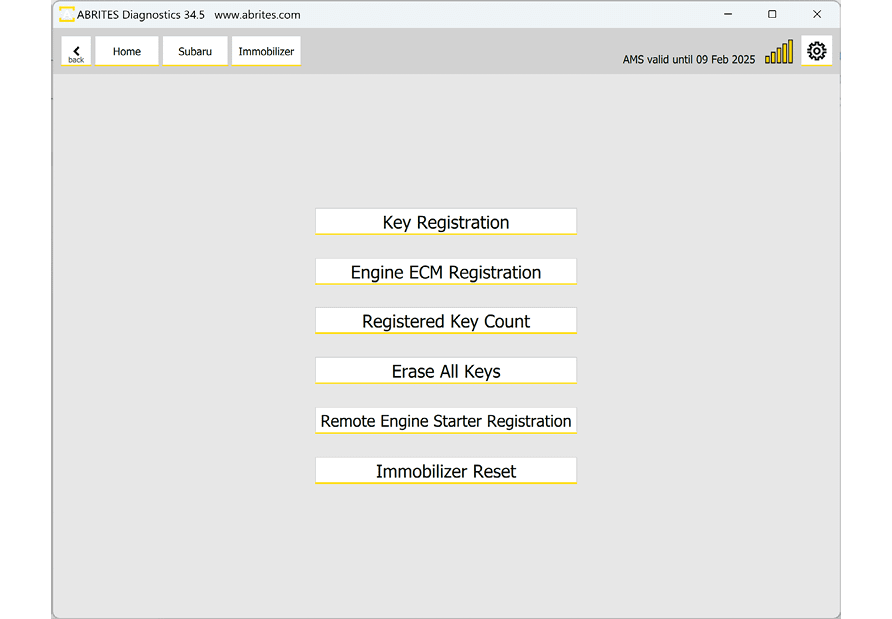
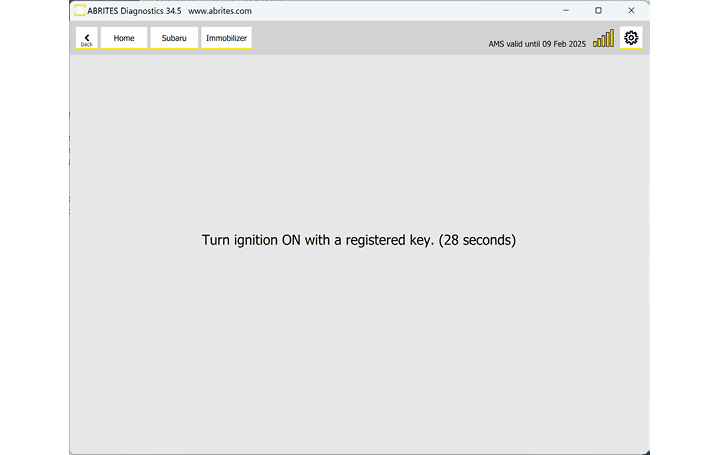
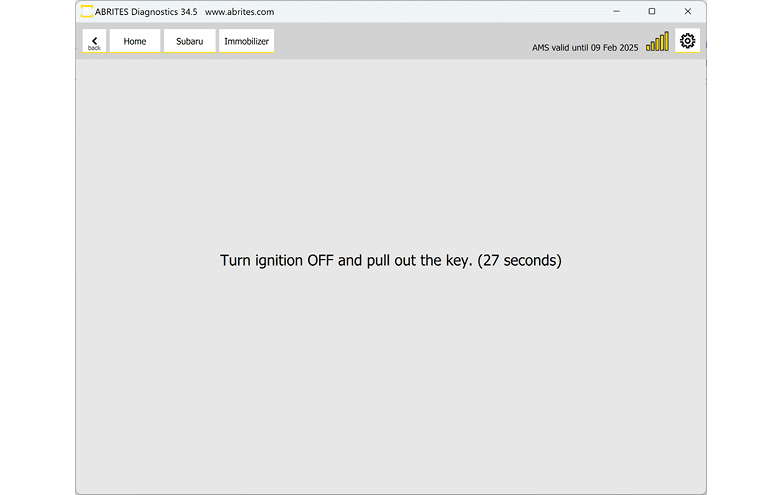
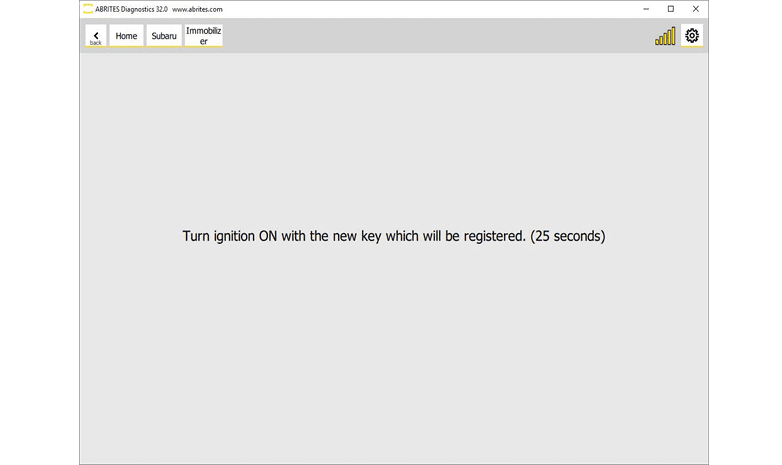
It is very important that you follow the on-screen messages, as there is a certain period of time (30 seconds) for executing actions like ignition ON and ignition OFF with the working key and with the new key that is being programmed.
Required equipment
| Licence | SB003 — Key programming by RH850 dump and ESL reset/synchronization |
- Abrites AVDI interface connected over OBDII
- Abrites Diagnostics for Subaru software
- A working key, plus the new key(s) to be programmed
Step-by-step procedure
1. Check the key count
Confirm the vehicle has not reached its 4-key limit - see Current key count.
2. Start the procedure
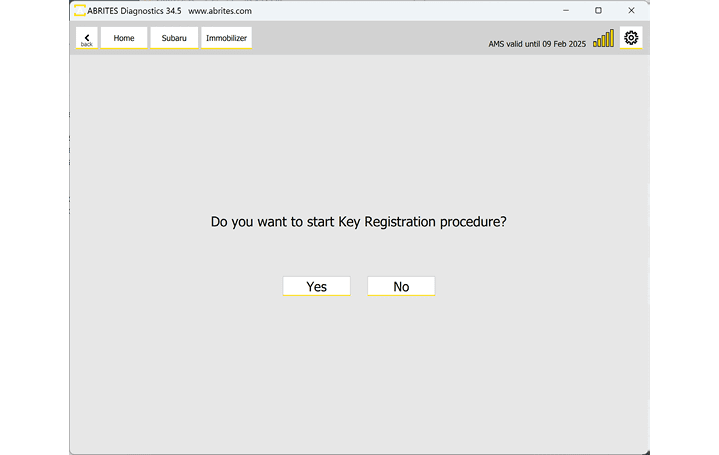
You can start this procedure from the "Immobilizer" button on the main screen and by selecting "Key Registration". The procedure is guided; instructions will guide you throughout the key programming process.
3. Follow the timed prompts
The time frame you have is 30 seconds and the count down timer will notify you as you program the keys. Carry out each ignition ON / ignition OFF action with the key the message names, within the window.
4. Register the ECM
Run Engine ECM registration if it does not start on its own.
Important notes
- 30 seconds is not much. Have the keys in hand and know which one the prompt is asking for before you start.
- The countdown timer on screen is the authority on how long you have left.
Troubleshooting
| Issue | Likely cause | Solution |
|---|---|---|
| The procedure fails partway | A timed step was missed | Restart and act within the 30-second window |
| Registration is refused | The vehicle is at its 4-key maximum | Erase keys first, then register |
| The new key does not start the car | ECM registration was not performed | Run Engine ECM registration |