Using the "Erase all keys" option is very helpful if the customer has lost one or more of their keys but still has one working key. This function will allow you to remove all registered keys apart from the one that is currently in the ignition. This means that the rest of the keys will not function with this vehicle, but you can program one or more additional keys.
If the vehicle has no working key, you will have to first program a key and then use the Erase function, as it requires a working key in order to be executed.
Required equipment
| Licence | SB003 — Key programming by RH850 dump and ESL reset/synchronization |
- Abrites AVDI interface connected over OBDII
- Abrites Diagnostics for Subaru software
- A working key, in the ignition
Step-by-step procedure
Here is how the procedure goes:
1. Insert the working key
Put the key that is to be kept in the ignition. Every other key will be removed.
2. Open the function
From the Immobilizer special function, select "Erase all keys".
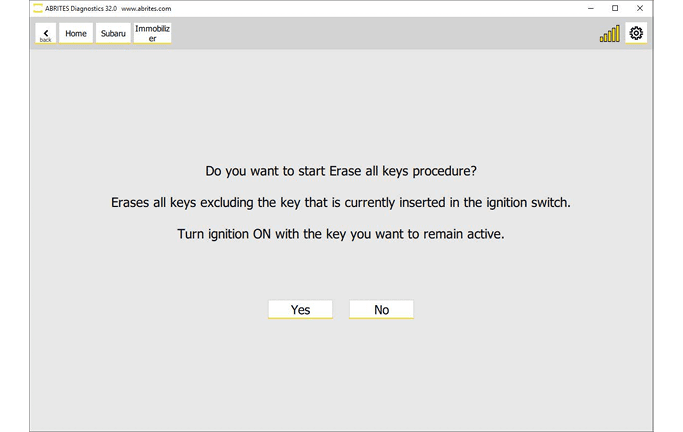
3. Confirm
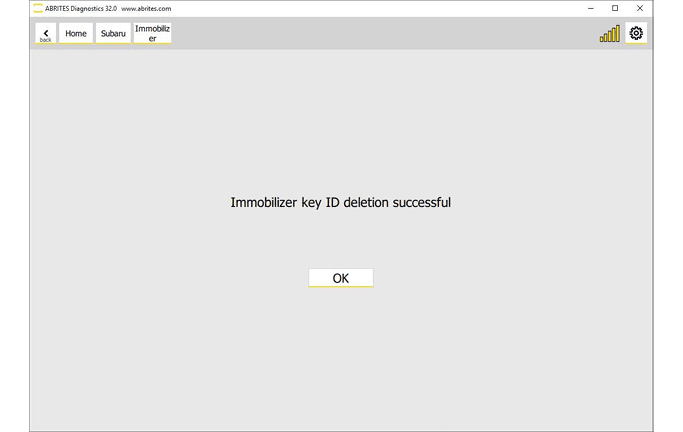
Confirm when prompted, and follow the on-screen messages.
Important notes
- This is the way to invalidate a lost key. A key that is merely missing still starts the car until it is erased.
- The key in the ignition survives the erase - make sure it is the right one before starting.
Troubleshooting
| Issue | Likely cause | Solution |
|---|---|---|
| The function refuses to run | No working key present | Program a key first, then erase |