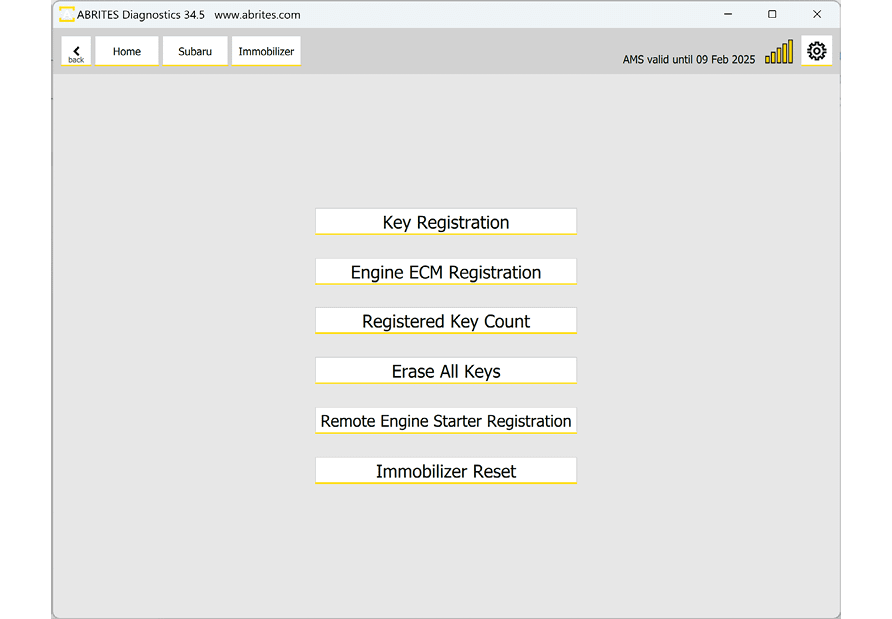
This procedure is dedicated to vehicles with a mechanical key and an immobilizer unit. When all keys are lost you will need to perform an Immobilizer reset first, before you can continue with the key programming. There is a dedicated button in the Immobilizer menu for that.
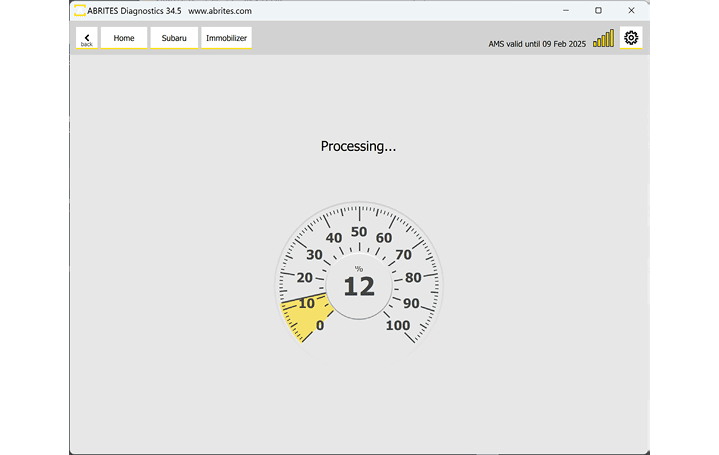
The reset takes about 15 minutes. You will see the progress, and once the unit is reset you can continue.
Required equipment
- Abrites AVDI interface connected over OBDII
- Abrites Diagnostics for Subaru software
- The key to be programmed
- A stable power supply is advisable for a procedure of this length
Step-by-step procedure
1. Start the reset
From the Immobilizer menu, press the dedicated Immobilizer Reset button.
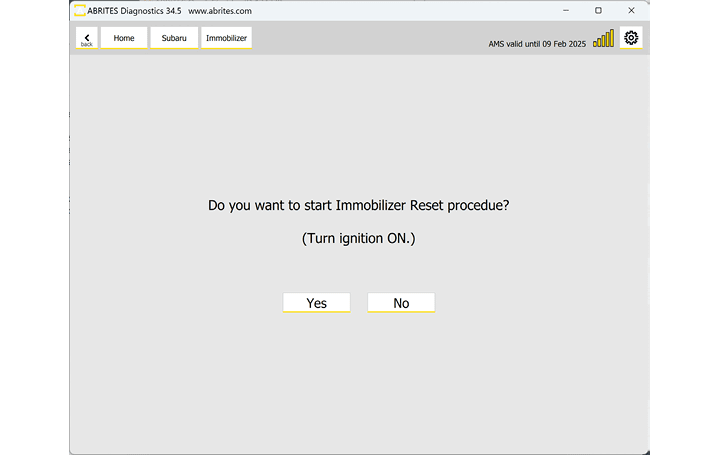
2. Wait about 15 minutes
It is again a guided procedure and all instructions are provided with on-screen messages, which you need to follow strictly. Progress is shown as it runs.
3. Register a key
Once the immobilizer reset procedure is complete you can proceed to the key learning. Select "Key Registration" and proceed with the key learning procedure described in the Key Registration section of this manual. The software is guided and you need to strictly follow the instructions. You will be asked to turn ignition ON with the key you wish to program.
Important notes
- This is the immobilizer-unit route only. A vehicle with a BCM unit uses the All Keys Lost function with a TA41 or ZN066 instead.
- Do not interrupt the 15-minute reset - keep the power and the connection stable throughout.
Troubleshooting
| Issue | Likely cause | Solution |
|---|---|---|
| The reset stalls or aborts | Power or connection lost during the 15 minutes | Connect a charger, re-check the OBDII connection, and run it again |
| Key Registration will not start after the reset | The reset did not complete | Confirm the software reported success before moving on |