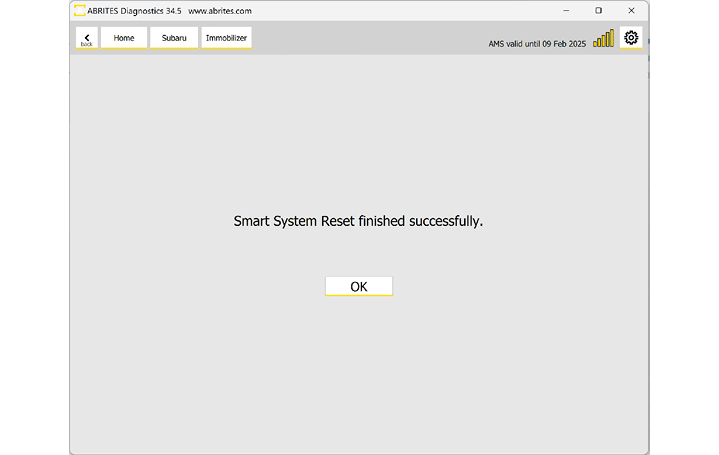
If you are in an All Keys Lost situation, you can perform the "Smart System Reset" special function under the Smart Access System menu. Resetting the Smart System will prepare the vehicle for key learning.
Required equipment
| Licence | SB004 — Alarm OFF and Key Learning for Subaru Vehicles (MY 2021-2026) |
- Abrites AVDI interface connected over OBDII
- Abrites Diagnostics for Subaru software
- The key(s) to be programmed
Step-by-step procedure
1. Reset the smart system
From the Smart Access System menu, run the "Smart System Reset" special function.
2. Register a key
After the procedure is complete you need to proceed to the "Key Registration" procedure, described in the dedicated section 6.3 of this manual.
3. Turn the ignition on with each key
After the key is programmed you will be asked to turn ignition ON with each key.
4. Let ECM registration run
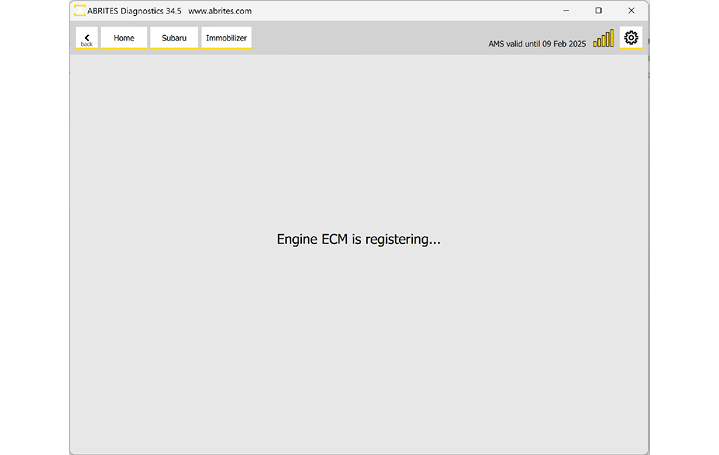
After that, an ECM registration procedure should start automatically. With this, the All keys lost situation should be solved and the car will have a working key.
Important notes
- The reset alone does not give you a key - it prepares the vehicle. Key Registration is the step that produces a working key.
- If the procedure stalls at around 90%, the steering lock is the likely cause - see 6.6 ESL Adaptation in All Keys Lost Situation.
Troubleshooting
| Issue | Likely cause | Solution |
|---|---|---|
| Key learning gets stuck around 90% | ESL not communicating, missing, or replaced but not adapted | Follow ESL Adaptation in All Keys Lost Situation |
| ECM registration does not start | It does not run automatically on this vehicle | Run Engine ECM registration manually |