Live data from all the available modules can be viewed and analyzed from all the sensors within the available modules for the vehicle.
Required equipment
- Abrites AVDI interface connected over OBDII
- Abrites Diagnostics for Subaru software
- Ignition ON, engine running where the values require it
Step-by-step procedure
1. Select the module
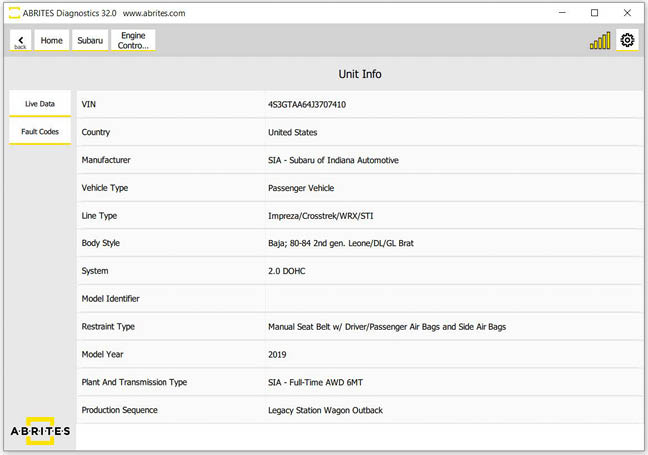
When you select the electronic unit you want to view the live data for you can select it and press the "Live data button".
2. Read the values
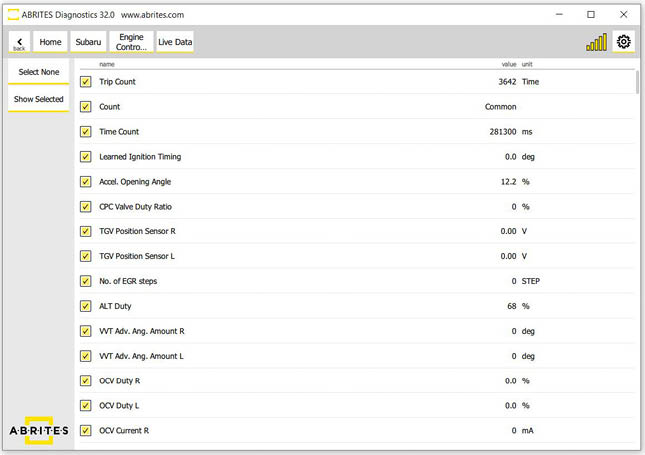
The live data values will be displayed.
Important notes
- Live data is available for every module the scan found, not only the engine - which is what makes it useful for tracing faults across systems.
- Values that look wrong at idle may be correct under load; check the conditions the sensor is specified for before condemning it.