The Abrites software for Toyota/Lexus/Scion allows you to replace the smart system/steering lock of the car, including the models produced after 2018 with Hitag AES keys) with both new and used smart systems.
In order to replace the smart system the ID-box must be reset (check chapter 9). Both IDboxes with an external eeprom and without an external eeprom are supported.
Once the ID-box is reset and a new/used smart system is installed you can start the synchronization procedure.
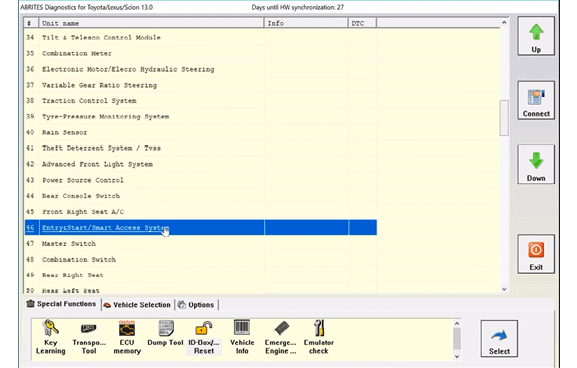
1.Start the Abrites Diagnostics for Toyota/Lexus/Scion and access the Smart System unit (module 46) through the diagnostics menu:
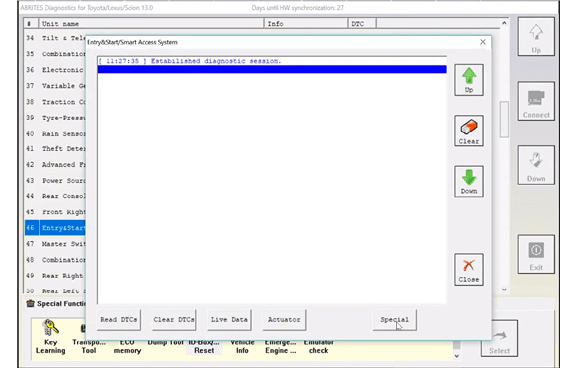
- Press the “Special” button
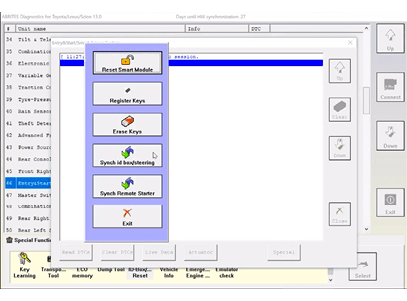
- Press the “id box/steering” button
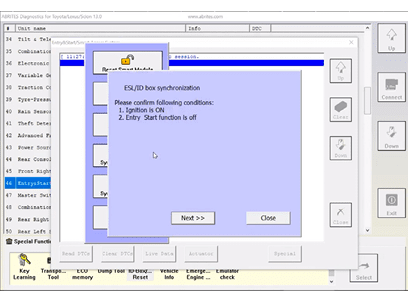
- Turn IGN ON and press “Next”
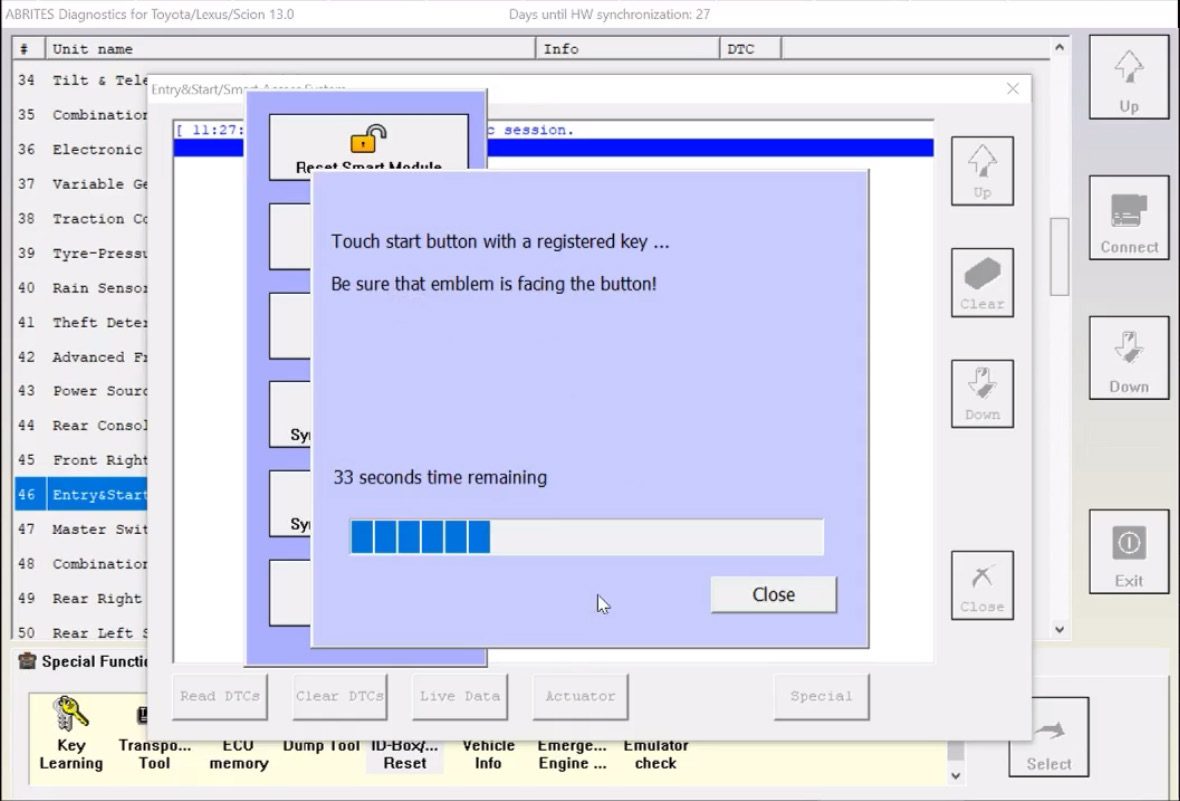
- Touch the start button with a registered working key with the logo of the key facing towards the start button
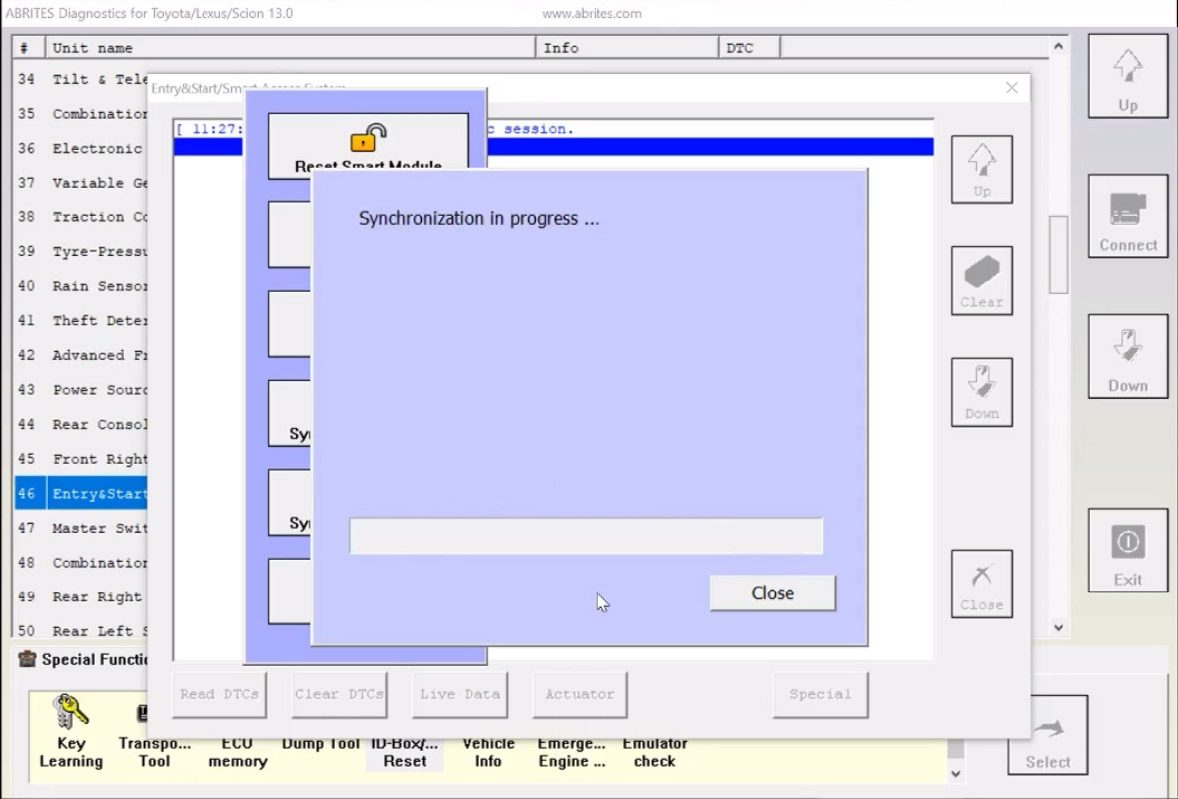
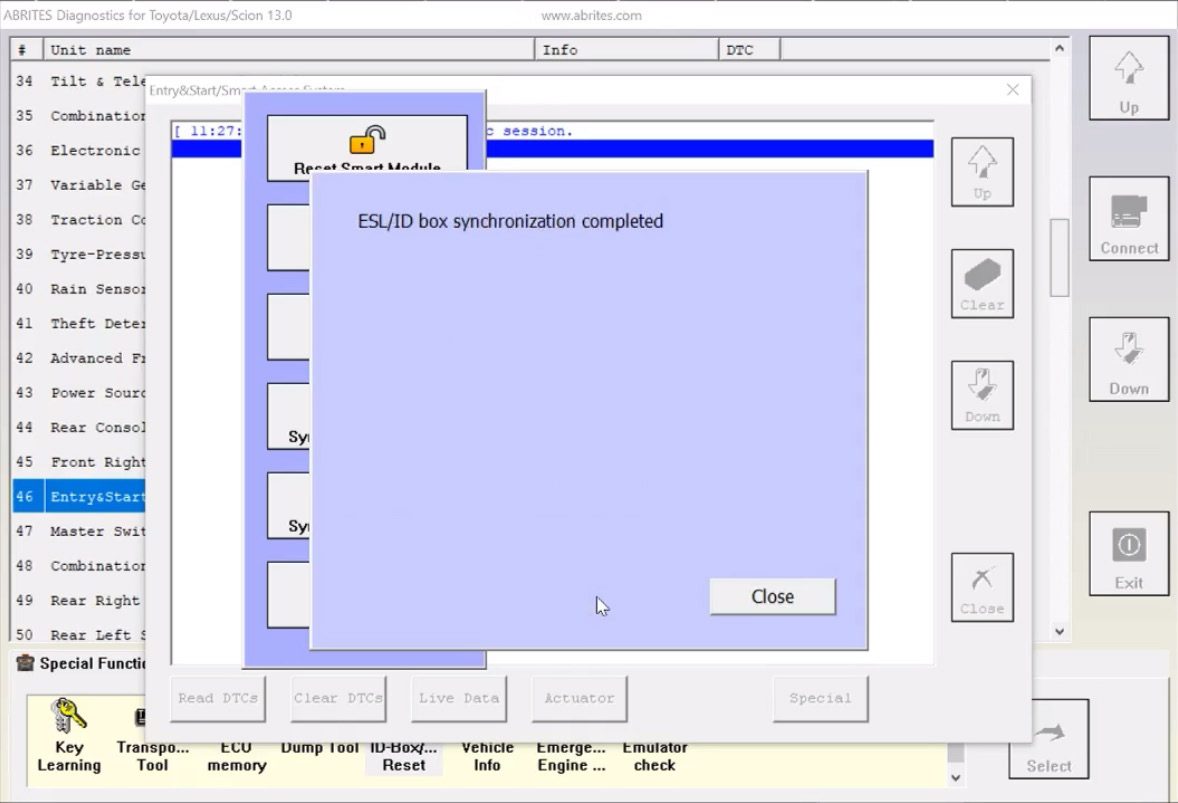
- The ID-box synchronization procedure is complete and the smart system is successfully replaced.