-
Open VAG->Special Functions and click on “Immo V adaptation
-
Select a module to adapt.
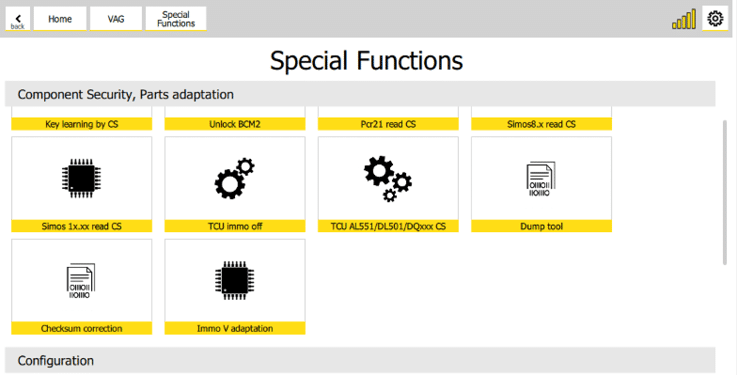
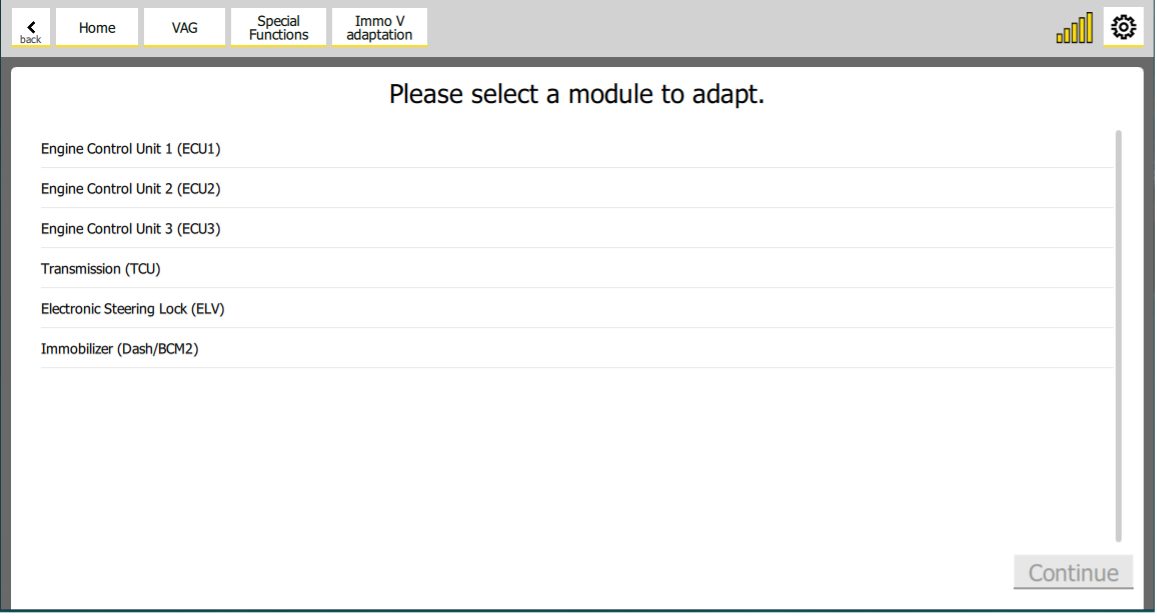
IMPORTANT: In case you are working on an ECU - Please make sure you save the coding before begining the procedure explained in this section. The coding could be lost during the procedure, and you need to have a back-up in order to avoid risks.
- Set the following data:
-
CS (Component Security) of the replacement module
-
CS (Component Security) of the original module
-
Power class of the original module
-
CS (Component Security) of the immobilizer
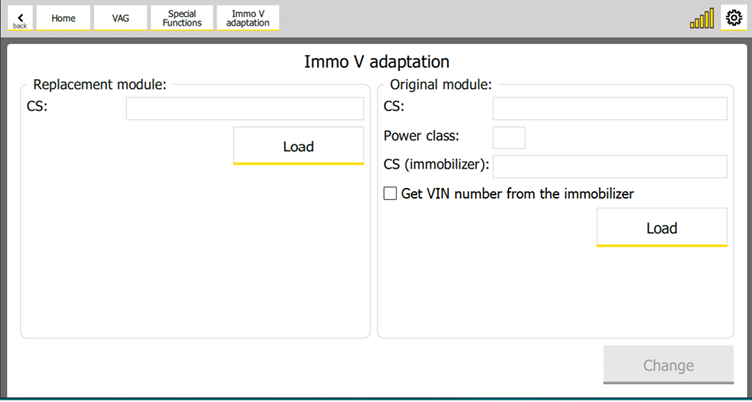
If you want to get the VIN (Vehicle Identification Number) from immobilizer, then check “Get VIN number from the immobilizer”. If not checked, the module will remain with its original VIN.
You can load replacement and original modules data (json file format generated by RH850 programmer) with the “Load” buttons.
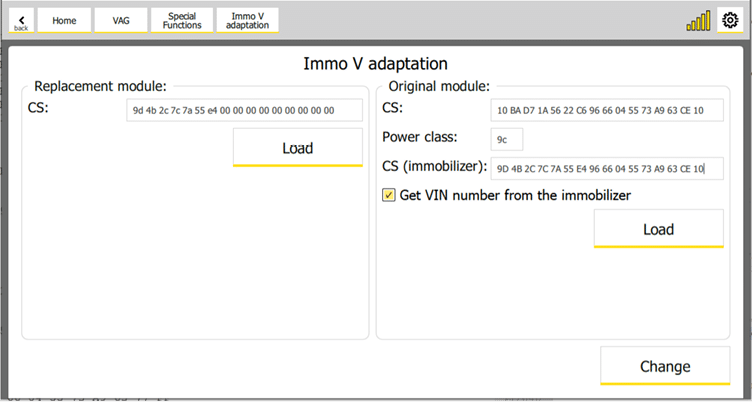
- Click on “Change” button to adapt the module.
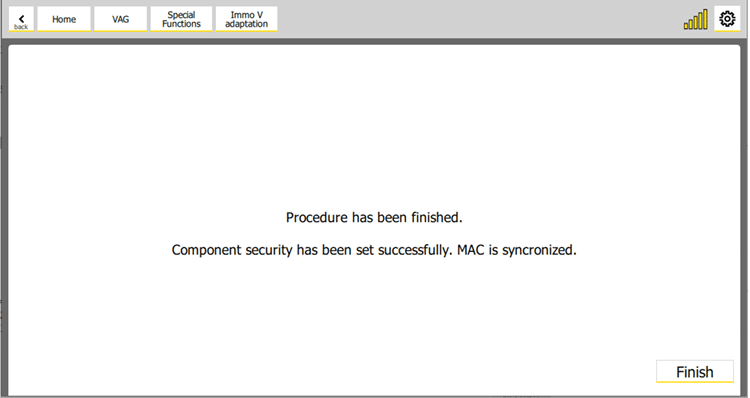
If procedure finished successfully, then the following screen will appear:
7.2.1 Troubleshooting
- “Can’t connect to the module.”
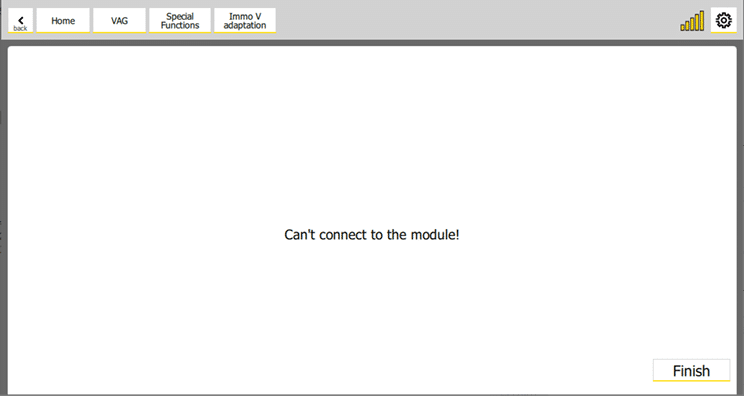
Make sure you have a connection to the module that you want to adapt. It should appear as a result of “Scan all” function.
- “Failed to set the component security!”
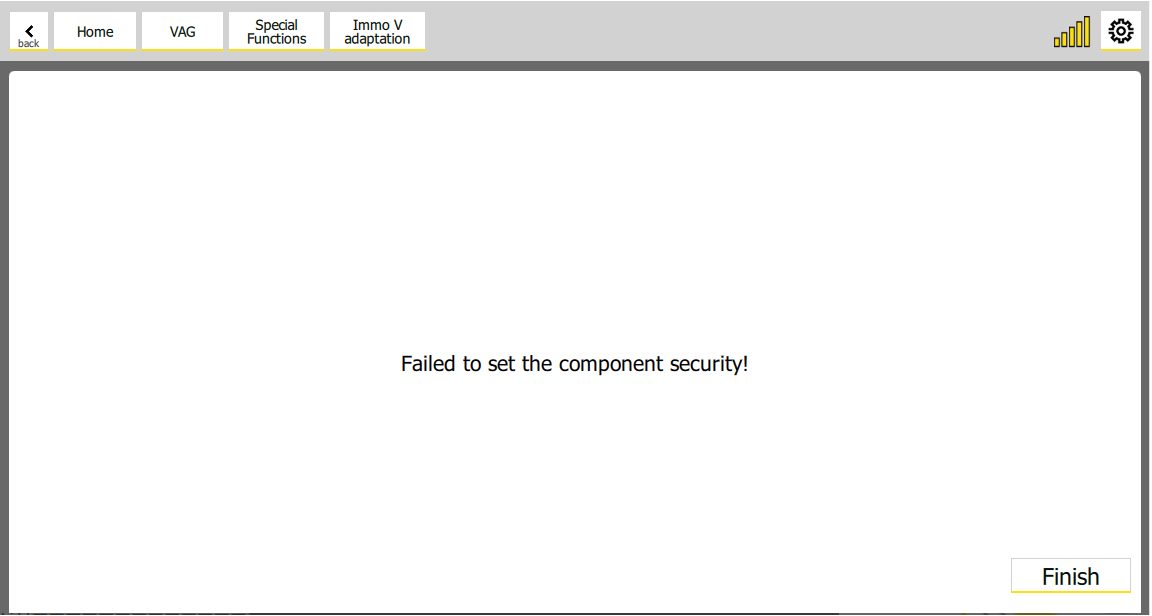
Double check the CS (Component Security) of the replacement module. It usually happens when the CS of the replacement module is not correct.