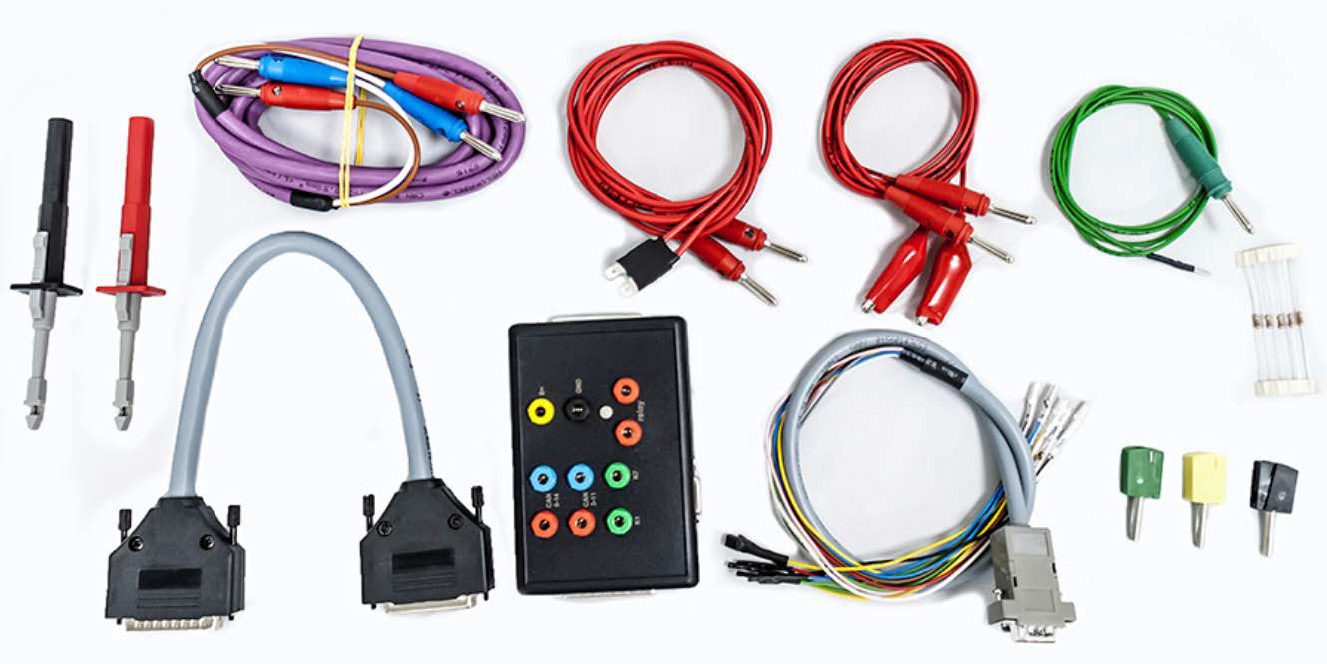
The ZN151 Distribution Box is used mainly with the Abrites Diagnostics software for Mercedes. However, one of it’s features is the capability to connect your AVDI through BOOT MODE in EDC17 ECUs found in VAG vehicles.
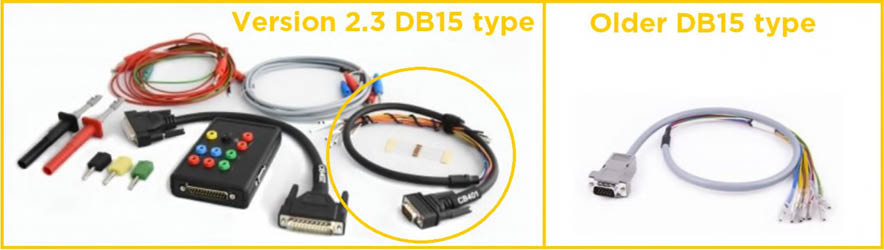
Using the following DB-15 cable and connection, you will be able to read/write the EEPROM and flash memories of the EDC17/MED17 engine control units.
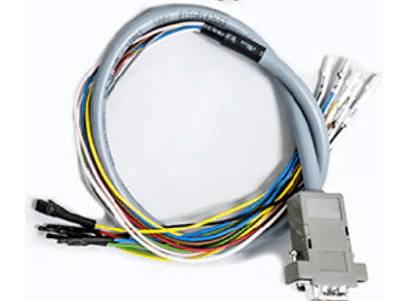
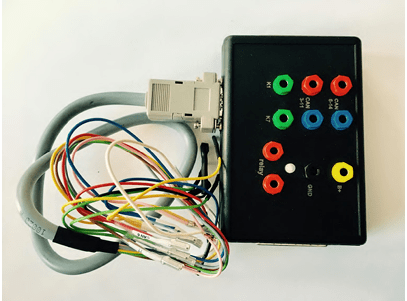
N.B! Please be informed the DB15 cable that is part of the Distribution Box set needs to be disconnected from the power supply during the wiring process of the unit if ZN151 is used.
Legend
-
Power - Yellow (B+)
-
IGN - Orange (IGN)
-
GND - Black (GND)
-
CAN HI - Red (CAN6)
-
CAN LOW - Blue (CAN14)
-
T1 - Brown (T1)
-
T2 - Green (T2)
-
Boot - White
N.B! ZN151 Distribution Box with version 2.2 or lower has a DB15 cable that uses different colors from ZN151 v2.3 or higher. The legend for ZN151 v2.2 or lower uses the following colors found in the legend below:
Legend
-
Power - Yellow (B+)
-
IGN - Yellow/PINK (IGN)
-
GND - Black (GND)
-
CAN HI - Red (CAN6)
-
CAN LOW - Blue (CAN14)
-
T1 - Green/Brown (T1)
-
T2 - Green (T2)
-
Boot - White
Disable/enable the ELV of the BCM2 cars (A4/A5/Q5 2008+, A6/A7/A8/Touareg 2010+
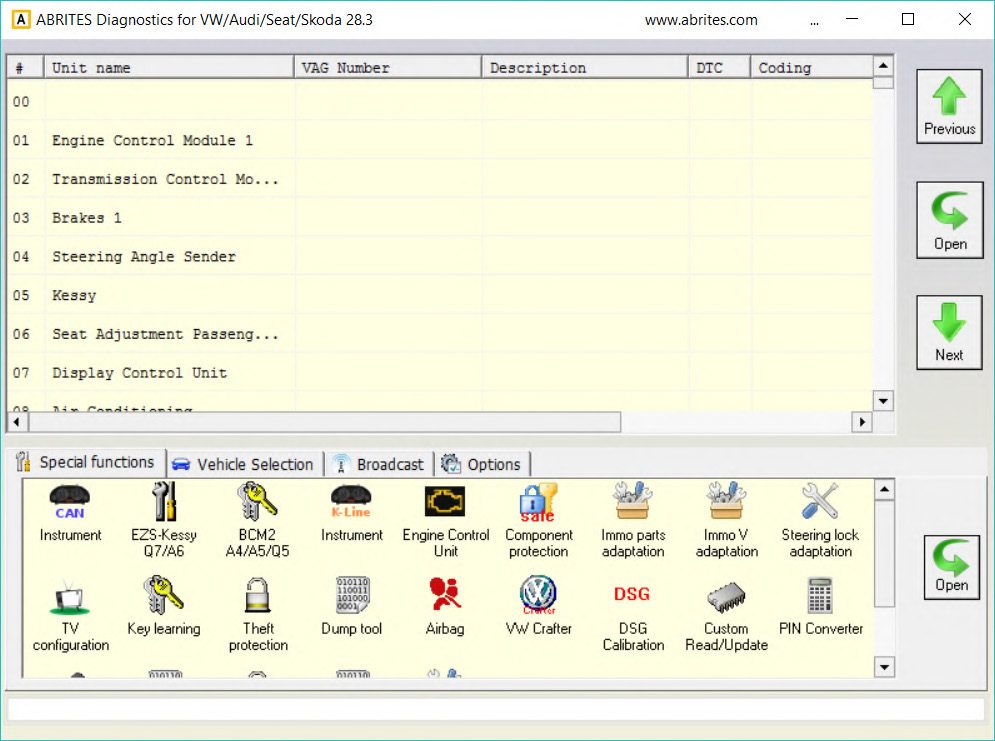
The Abrites Diagnostics for VAG software version 28.3 adds an explicit functionality to disable/enable ELV on BCM2- based vehicles (A4/A5/Q5 2008+, A6/A7/A8/Touareg 2010+).
The Special Function can be accessed after opening the Abrites Quick Start Menu and opening the BCM2 Menu
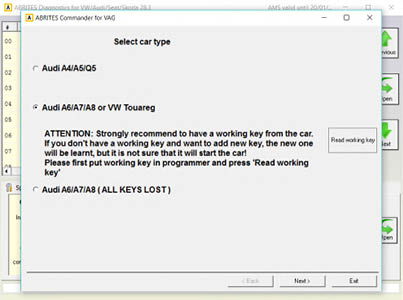
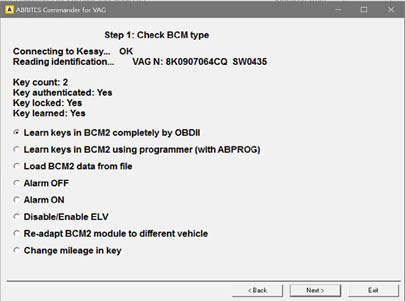
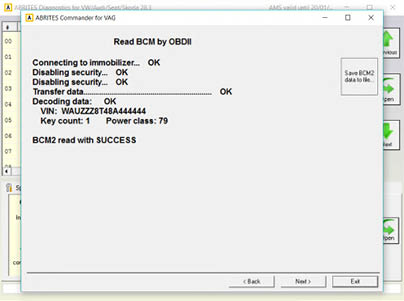
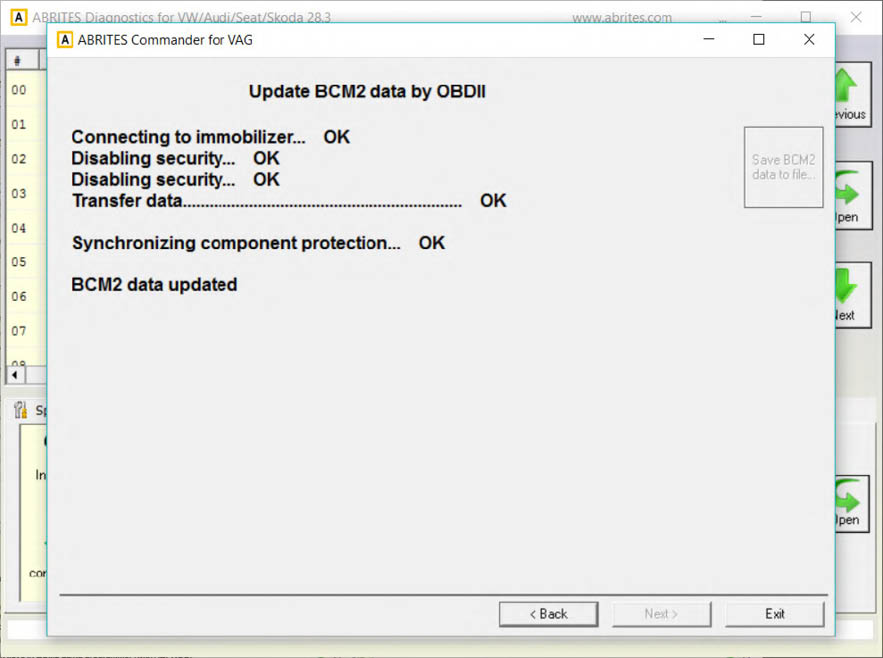
After you click on the next button, you will be prompted to either disable or enable the ELV. After the confirmation, the following window will appear, saying the BCM2 data is updated. The functionality will disable/enable the ELV, based on it's current state.