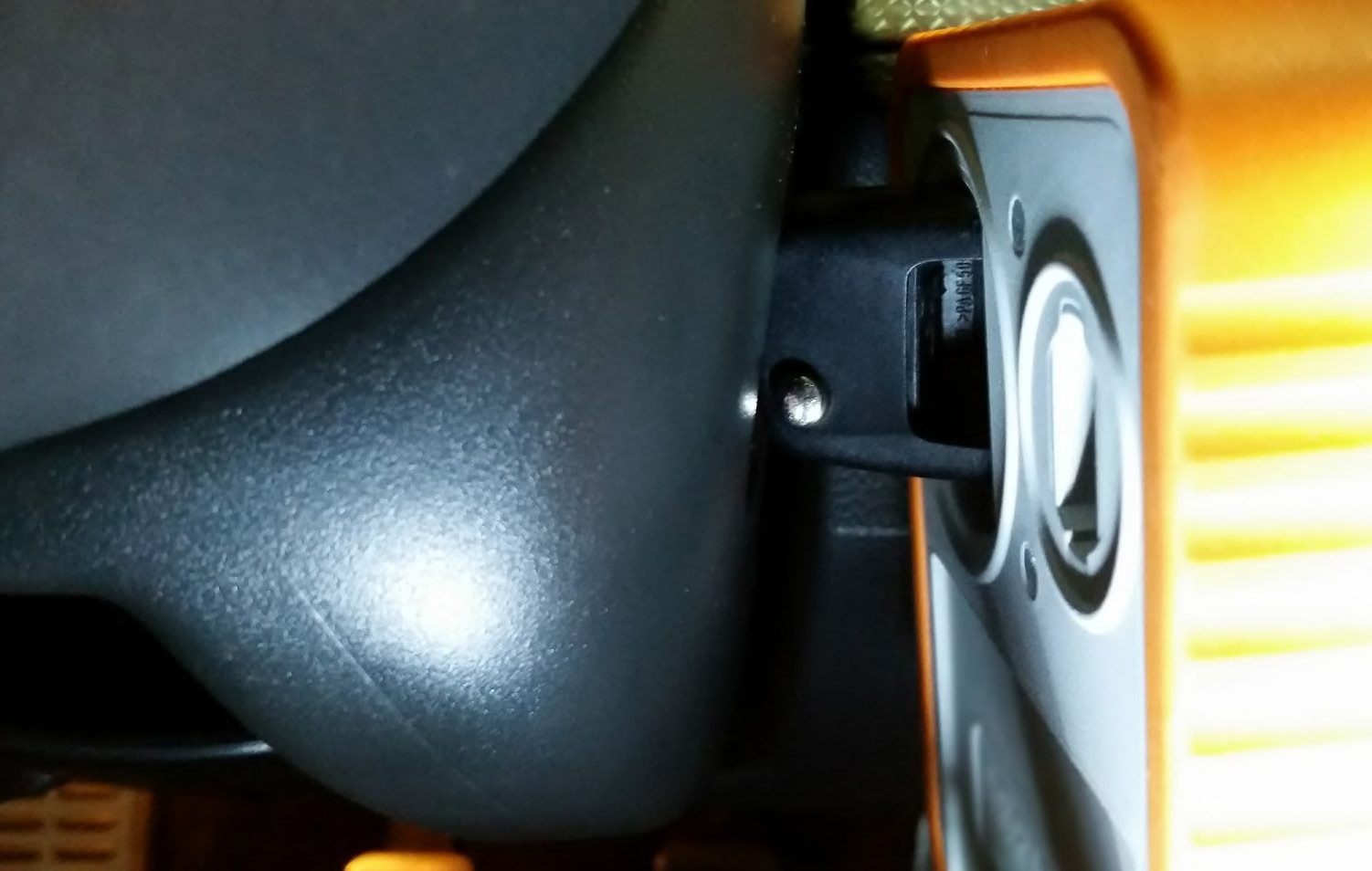
When using the PROTAG programmer with the Abrites diagnostics for VAG you need to make sure that the programmer is connected via a usb to your computer, you need to ensure that the PROTAG programmer is always updated to the last firmware update. For details on how to automatically update to the latest version please read the Abrites PROTAG manual.
When you are certain that you have the latest possible firmware update - you can start working with the PROTAG programmer. For programming dealer keys and others we can use the PROTAG in a horizontal orientation. For the Abrites PCBs (e.g. BCM 2) you can place the PCB in the PROTAG’s coil. In the cases when you have to use the PROTAG with the car and the key in the ignition such as the cases where the 7th byte is to be found you need to use it in the following way. When you are programming a key:
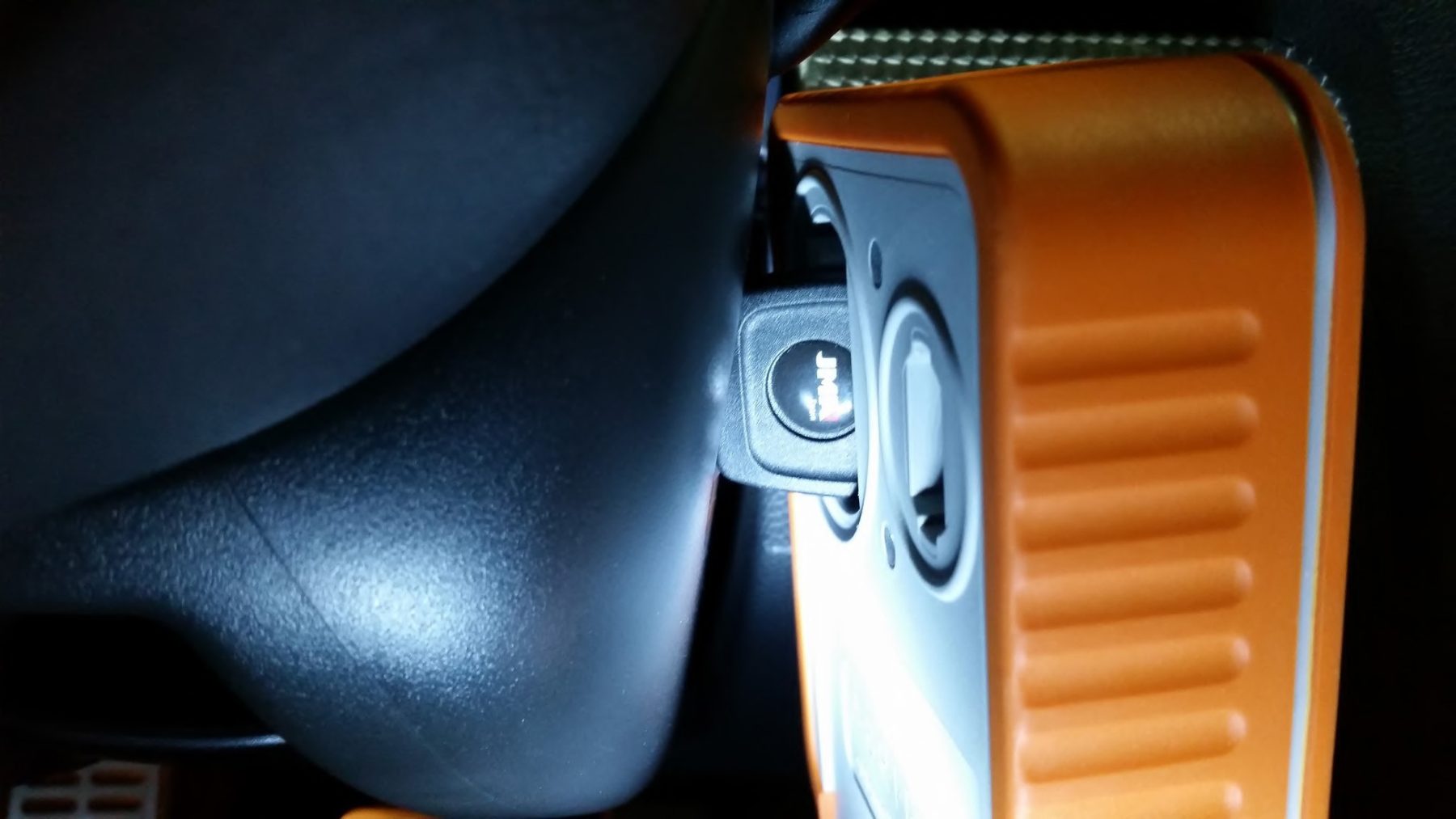
In this case this is just a regular key.
When you are using the original key you need to disassemble the remote part of the key like in the case of this Golf:
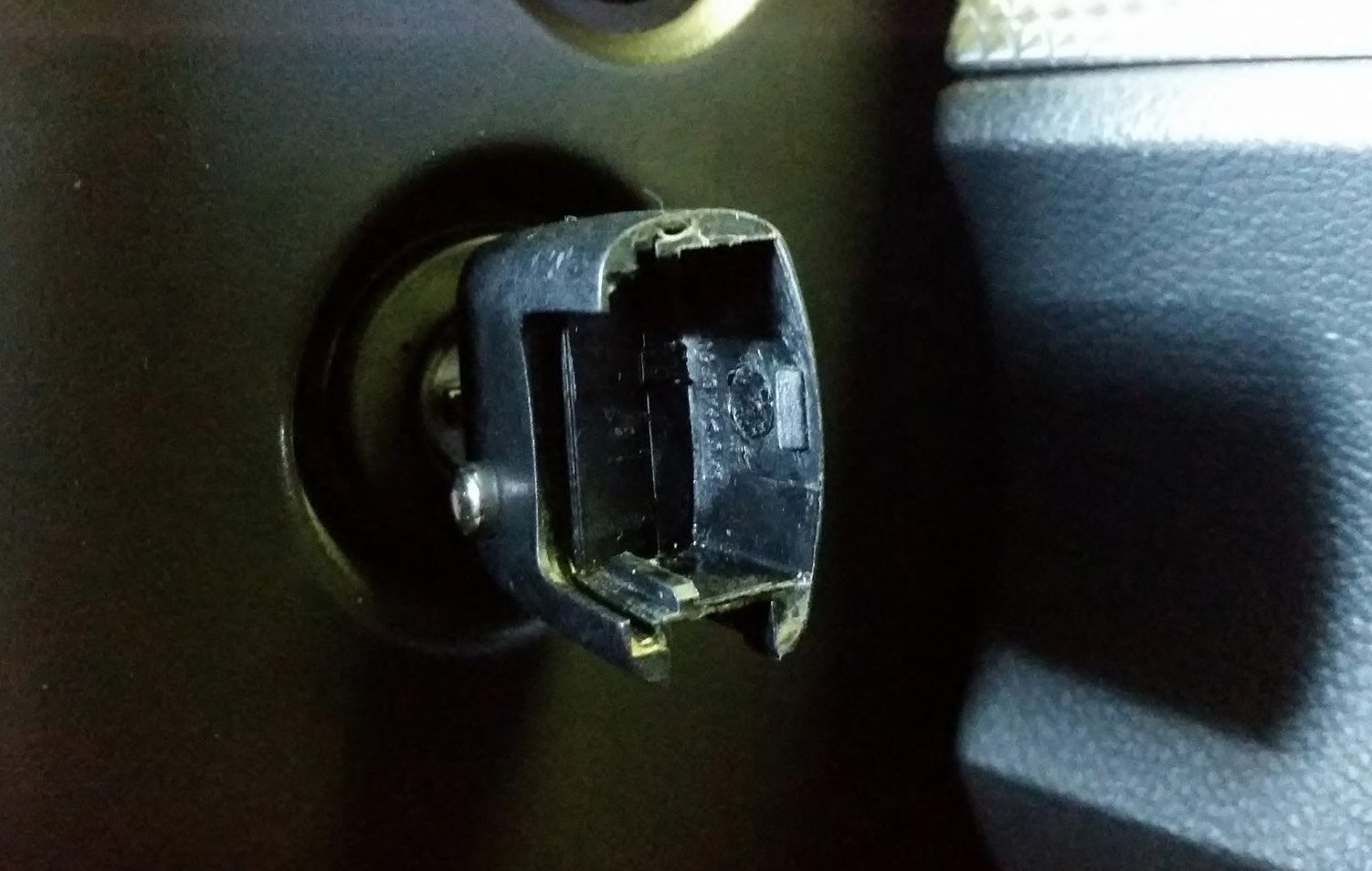
In this case you put the PROTAG over the key in order to be able to use the PROTAG correctly: