Using this function you can calculate long code coding value of different modules.
When you open the special function the following window appears:
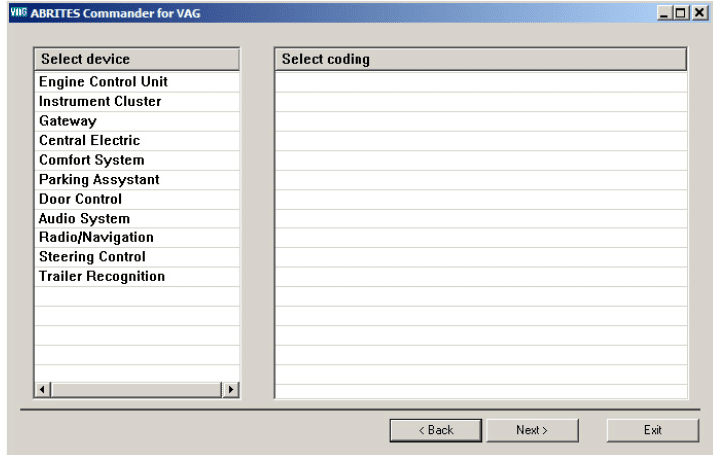
By selecting a device you’ll be shown a list of possible long code coding to choose
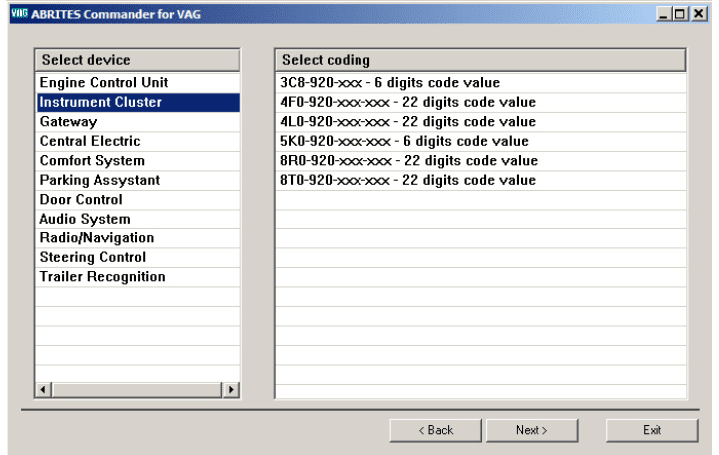
Select the appropriate coding and press “Next”.
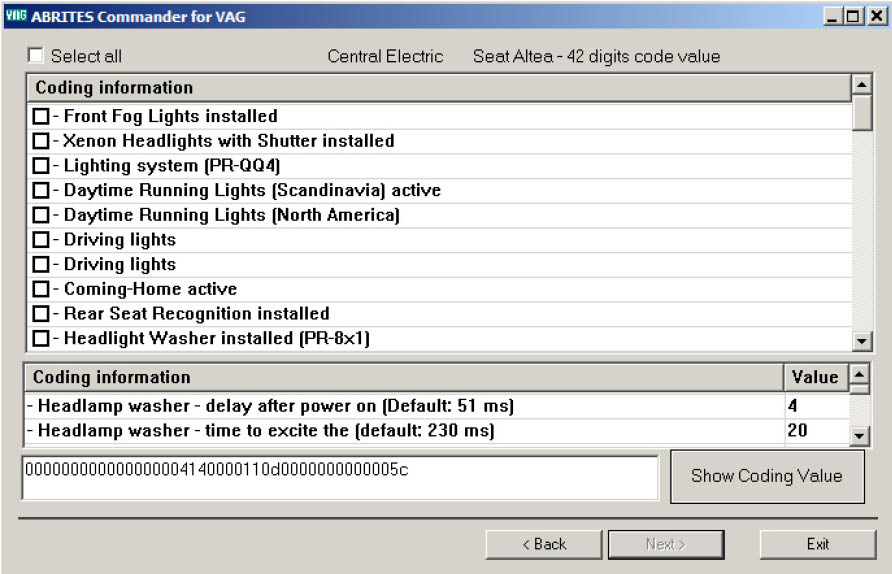
In the opened window you can check/un-check the desired features (see list with check-boxes in the above picture, modify certain value (see the list with the two columns (text and value) in the above picture) or select certain value by combo-box selection.
Check “Select all” check-box to mark as checked all the check-boxes from the check-boxes list.
The coding value is represented into the edit field at the bottom of the window (next to button “Show Coding Value”).
When a certain item is changed this is automatically reflected into the coding value.
If you would like to see certain coding value “meaning”, you should write down the value into the edit field and press button “Show Coding Value”.