With 4 motors, speker right
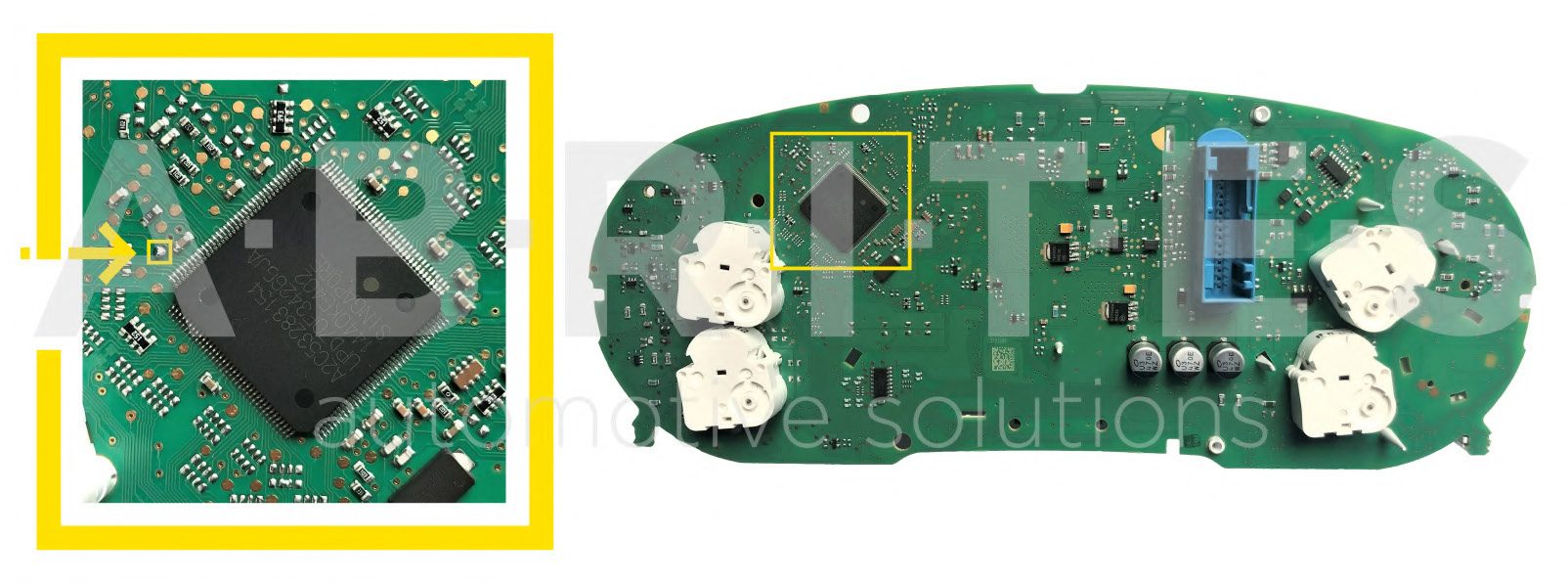
With 4 motors, speker right
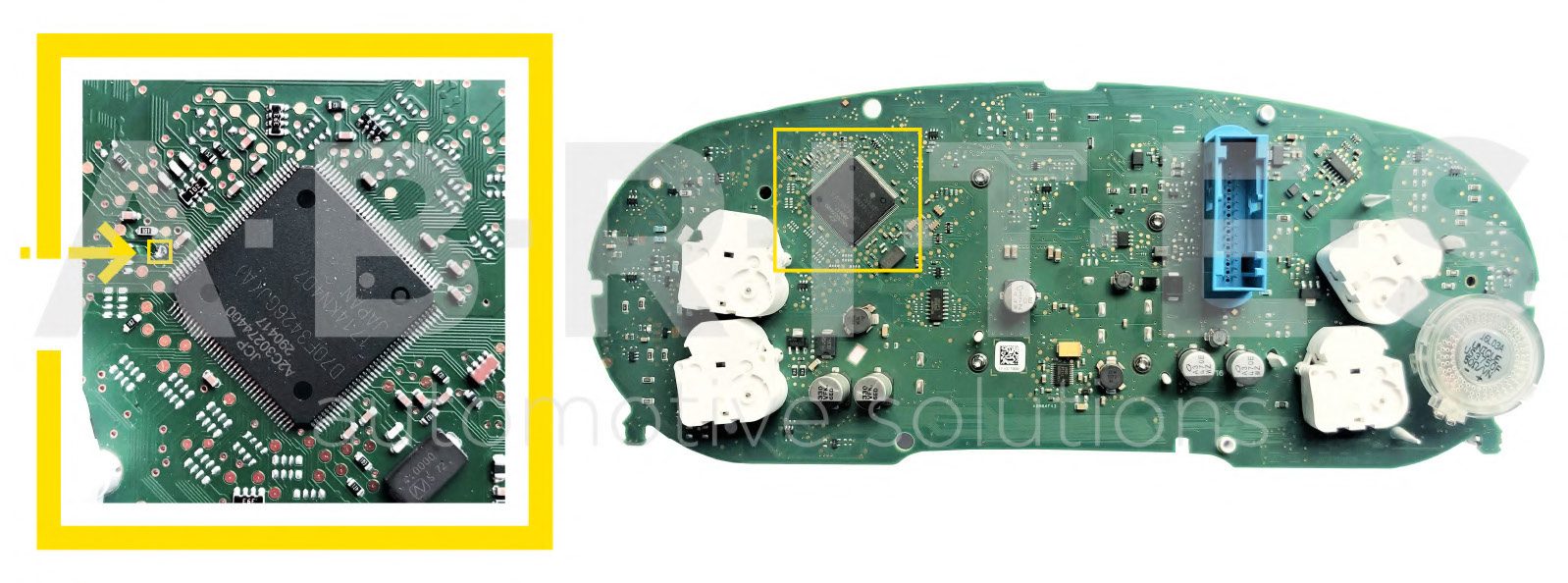
With 4 motors, speaker right
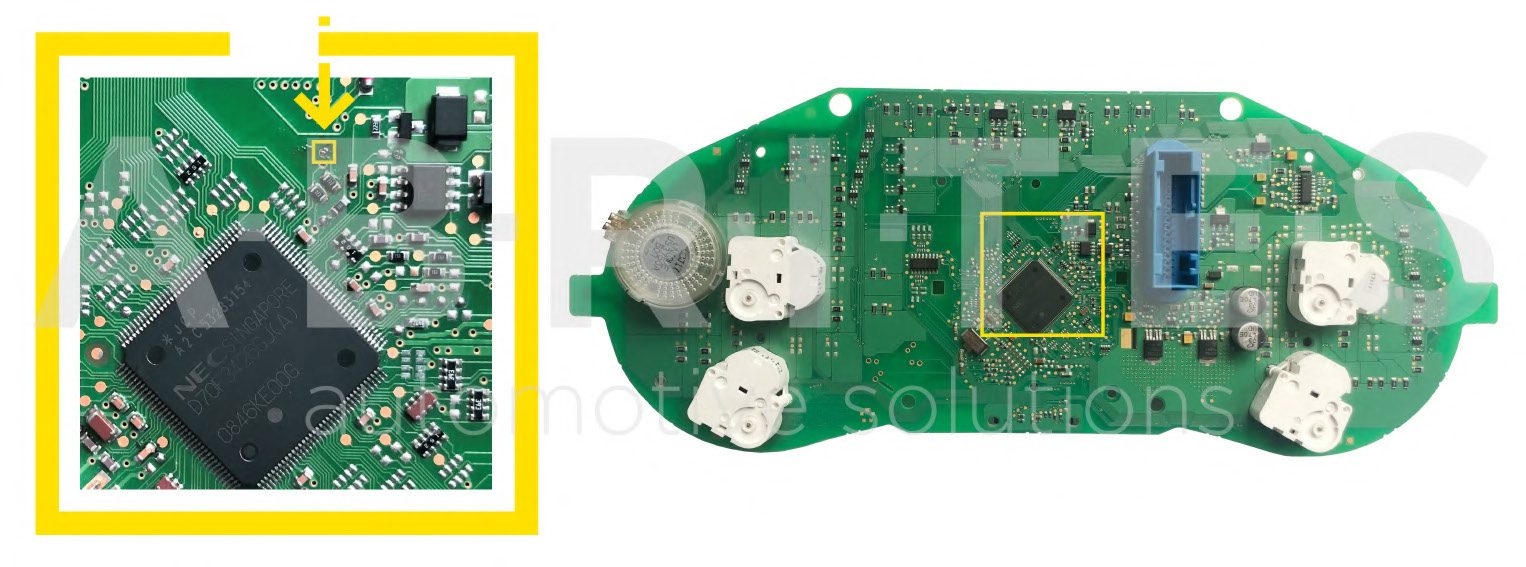
With 4 motors, speaker left
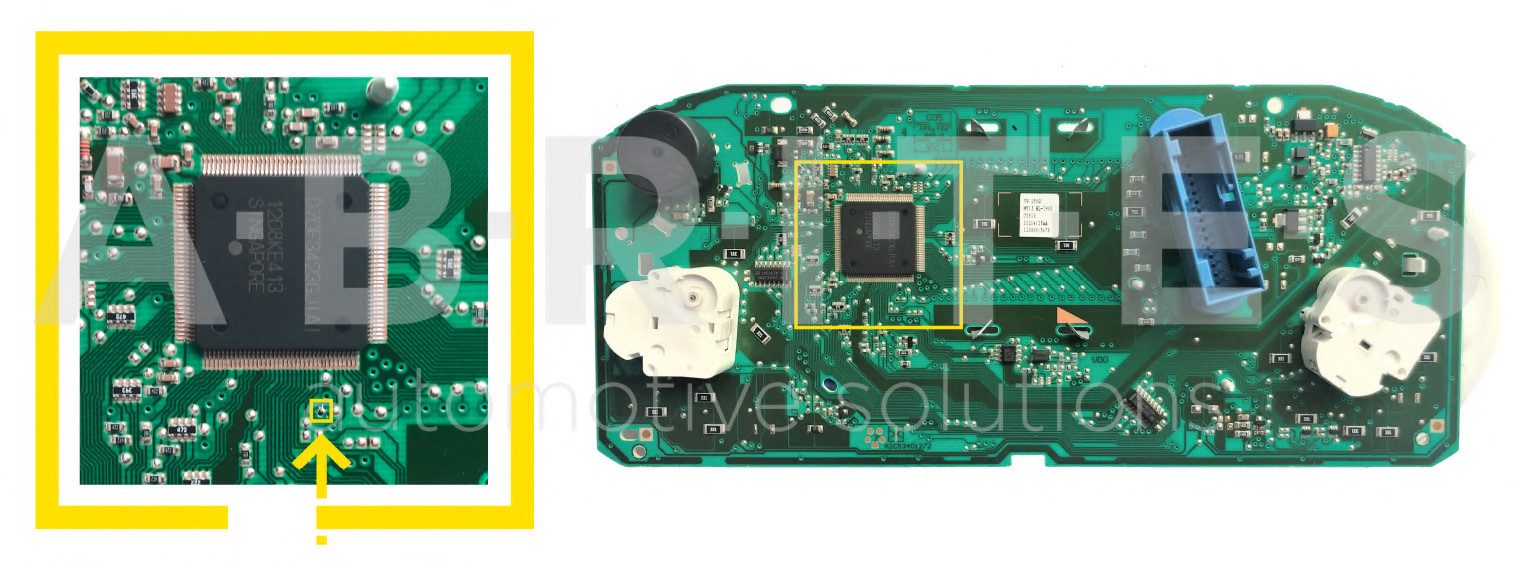
With 2 motors, small speaker
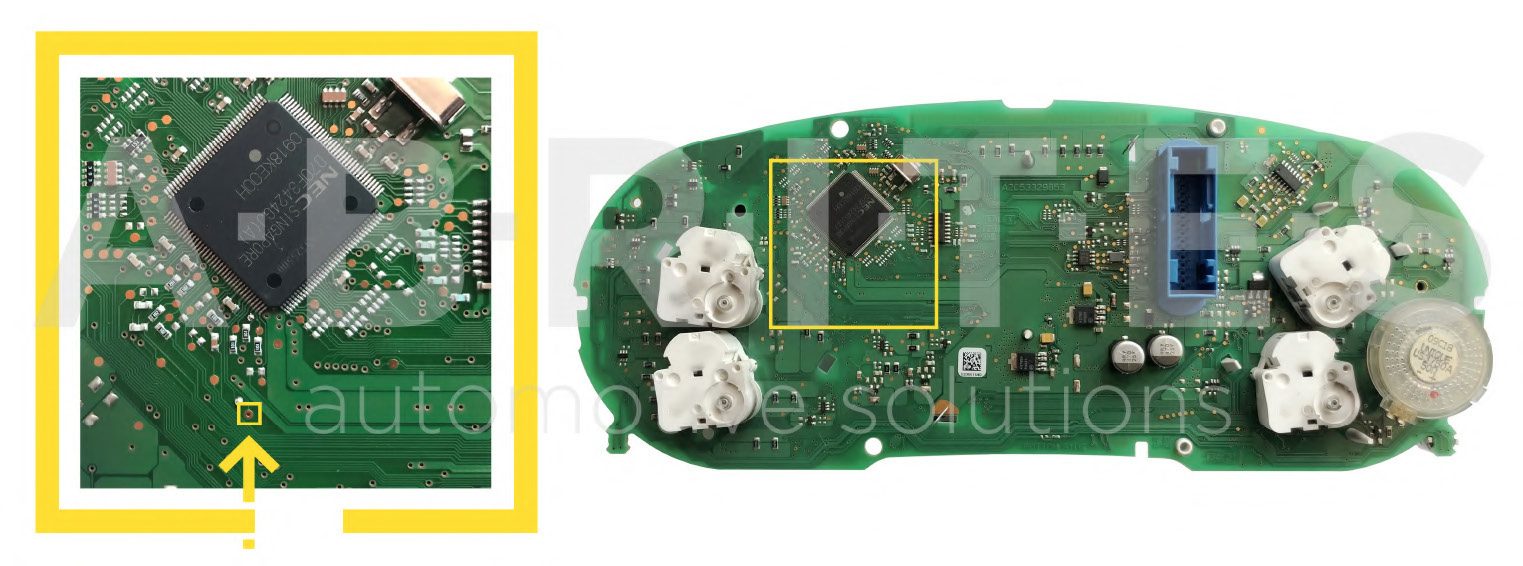
With 2 motors, big speaker
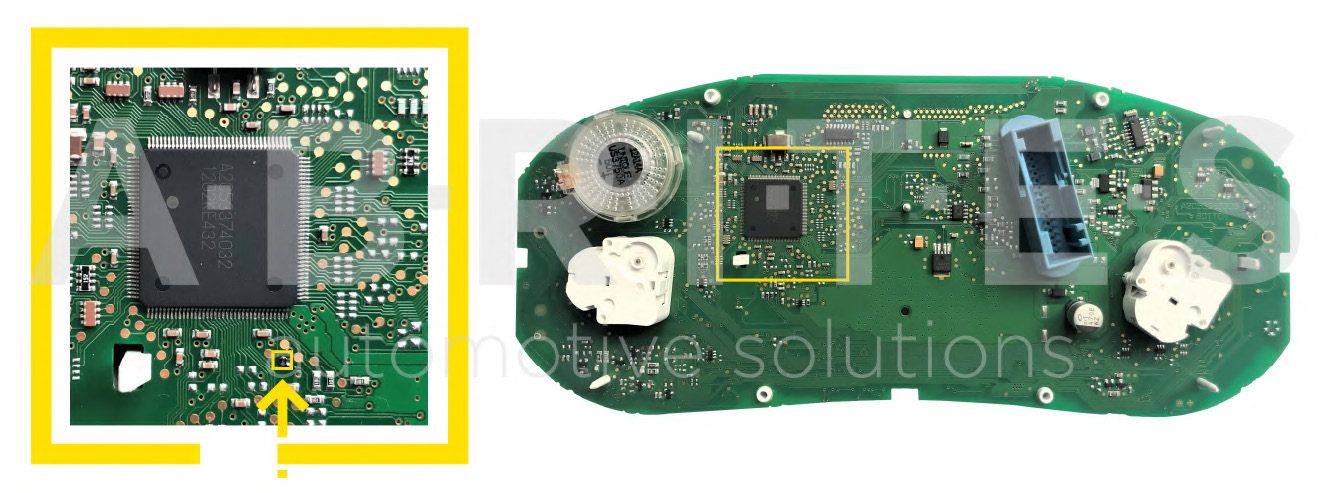
With 2 motors, big speaker_version 2
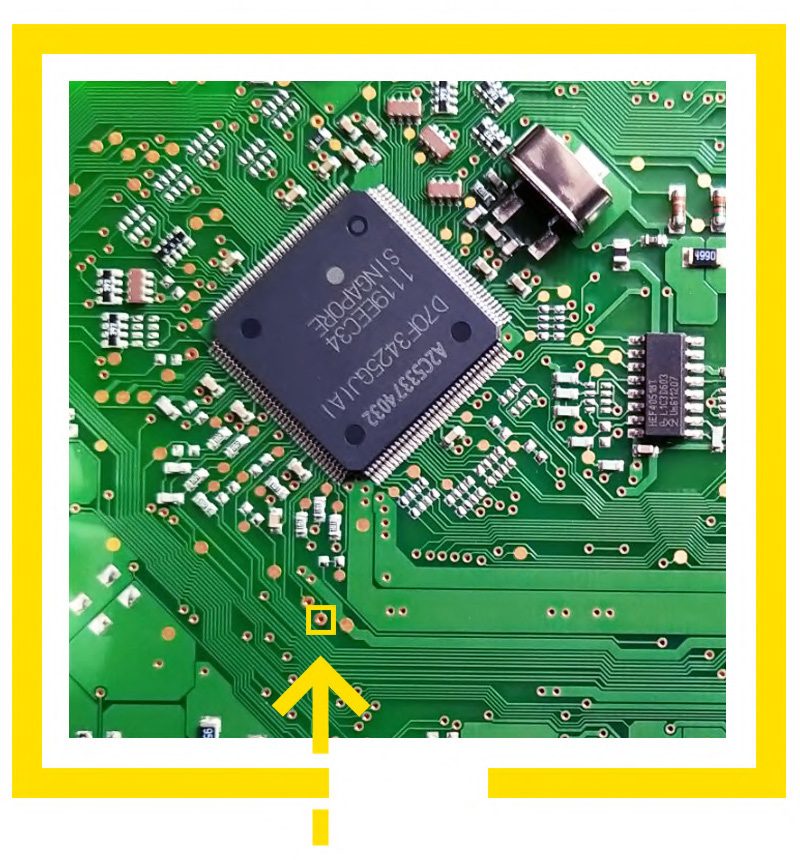
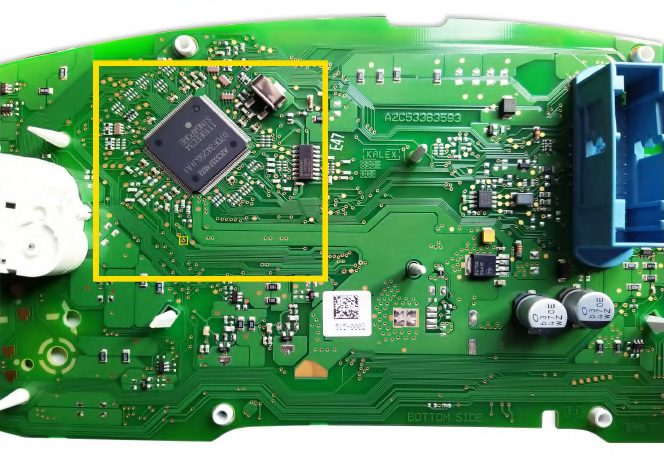
With 2 motors, big speaker_version 3
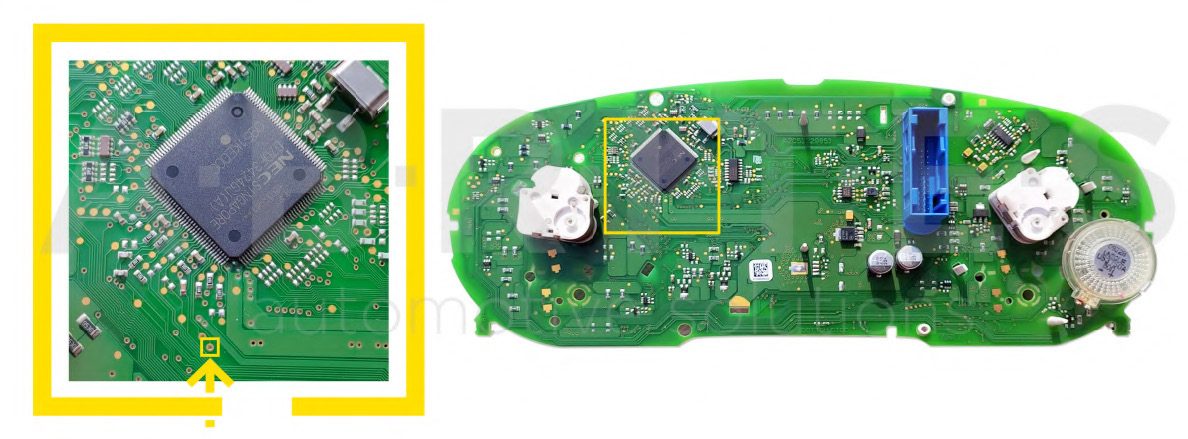
Note: To start working with the adapter, the following connection sequence must be applied:
-
Connect the ZN059/60/61 to the cluster and make sure the cable you have is for the exact cluster.
-
Connect the cable to the AVDI
-
Connect the AVDI to the computer.
-
Power the whole system up using the external power supply and try to read the cluster, then enter service mode.
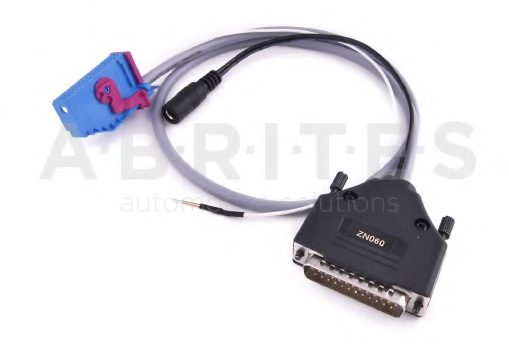
ZN060 - VAG Micronas (new style connector) Cluster Adapter
The ZN060 adapter is used to enter service mode for VAG Micronass dashboards with the new swith the new style connector. ZN063-Power adapter 12V/1A DC IS REQUIRED.
The ZN060 adapter is directly connected to the AVDI.
WIRING DIAGRAMS
Audi A3 with blue connector
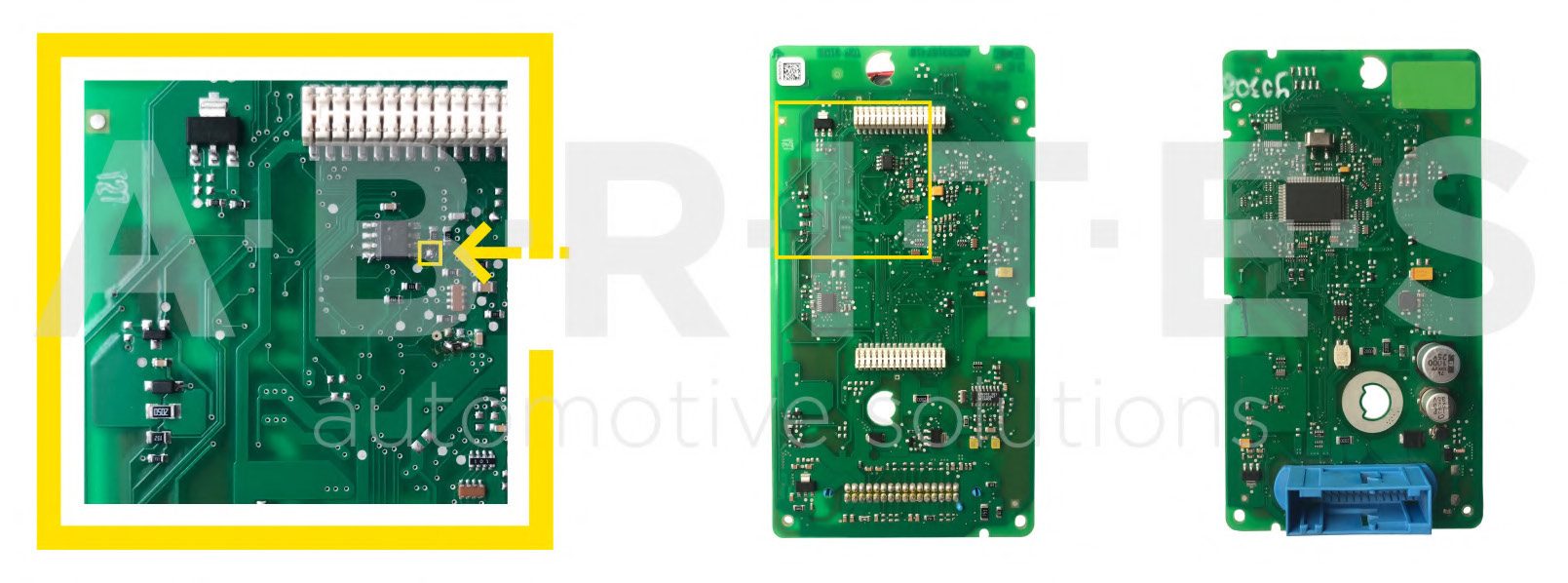
VW/Seat/Skoda with black connector(ZN061 Old-style Micronas cluster adapter required)
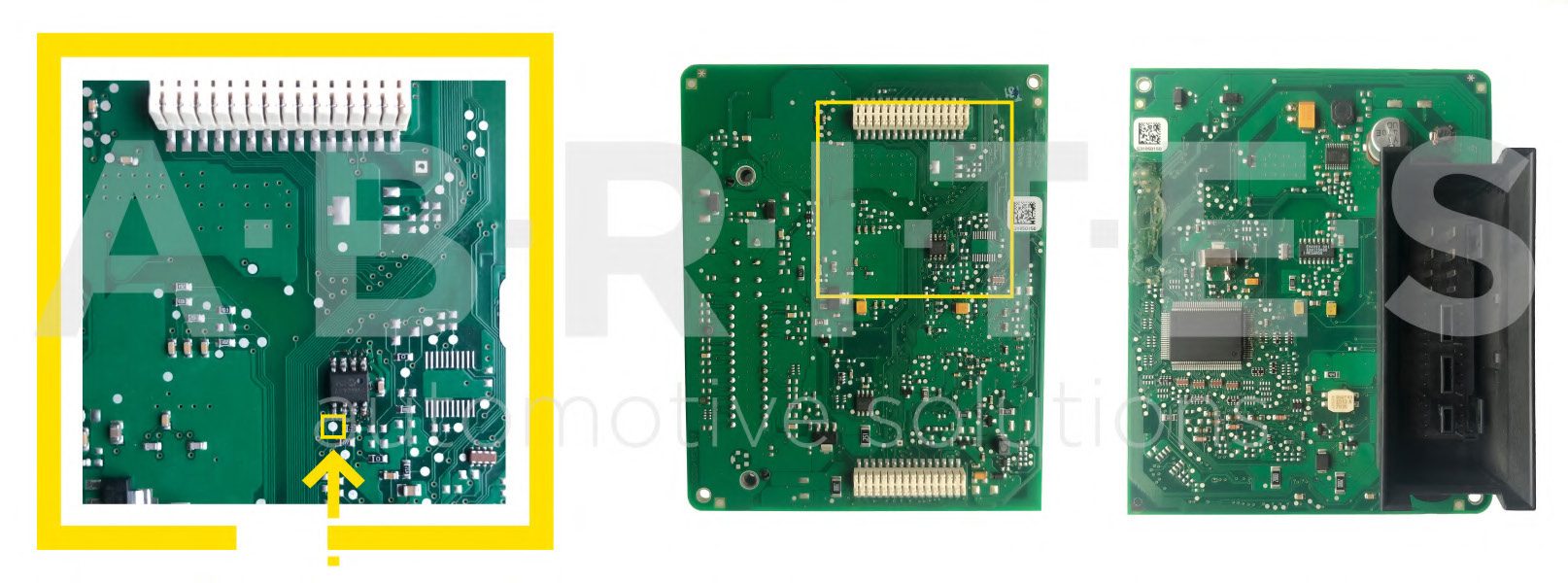
BCM2 internal CAN and LIN bus connection
It is possible to connect on the internal CAN bus on the CAN terminator. Here is description how to locate it and to use it on the A6/A7/A8 vehicles.