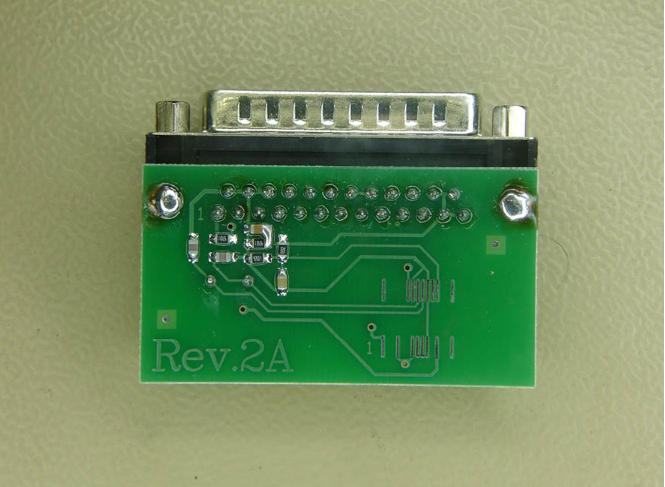
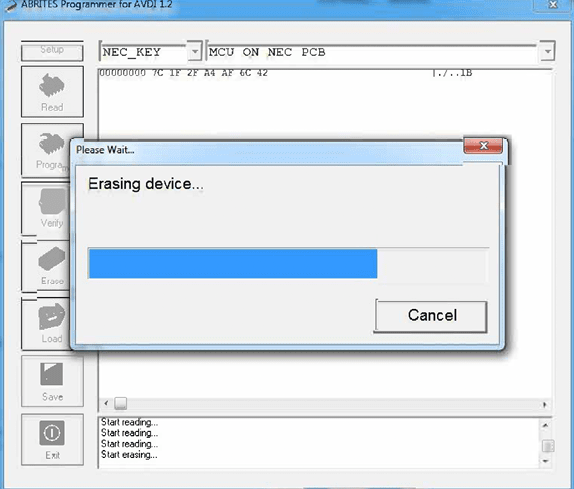
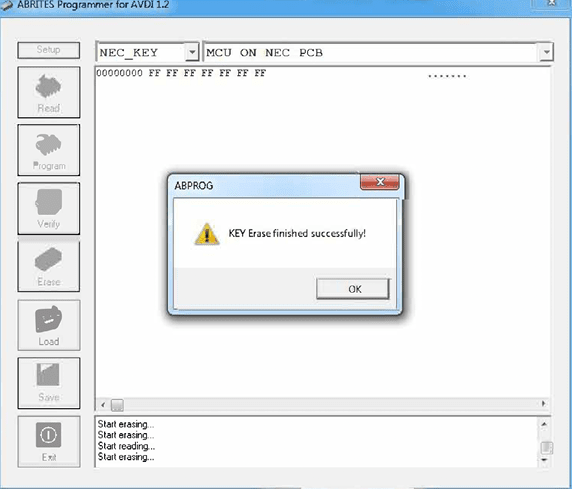
The NEC chip should be soldered on the NEC PCB, which is provided by Abrites. Here is how the erasing procedure looks like:
Required equipment
- Abrites AVDI interface
- ZN130 ABPROG programmer
- The NEC PCB provided by Abrites, or the ZN032 socket adapter
- Soldering equipment
Step-by-step procedure
1. Solder the NEC chip
Solder the NEC chip onto the NEC PCB provided by Abrites.
2. Connect
Connect the board to the ZN130, and the ZN130 to the AVDI.
3. Select MB NEC KEY
In the software choose “MB NEC KEY” and the revision of the ABPROG's PCB.
4. Erase
Run the erase, then verify that the information is no longer present.
Important notes
- Verify after the erase. The software can check whether the information is still present - do that before assuming the chip is virgin.
- Next steps: Reading SSID and Programming NEC chip.